All Audio Converter - MP3,MP4 PC
Highdea Apps Studio
Download All Audio Converter - MP3,MP4 on PC With GameLoop Emulator
All Audio Converter - MP3,MP4 on PC
All Audio Converter - MP3,MP4, coming from the developer Highdea Apps Studio, is running on Android systerm in the past.
Now, You can play All Audio Converter - MP3,MP4 on PC with GameLoop smoothly.
Download it in the GameLoop library or search results. No more eyeing the battery or frustrating calls at the wrong time any more.
Just enjoy All Audio Converter - MP3,MP4 PC on the large screen for free!
All Audio Converter - MP3,MP4 Introduction
Audio Converter & Editor is the all-in-one audio toolkit for Android — convert, compress, cut, merge, enhance, analyze, and play almost any audio format. Extract audio from video, split songs into separate stems, fix problem files with an AI audio doctor, generate tones, and set custom ringtones — all in one fast, free, and easy-to-use app.
Need to turn a song into a ringtone, change M4A to MP3, shrink a large file, or pull the audio out of a video? Do it all in one app, with a clean interface anyone can use.
★ SUPPORTED FORMATS ★
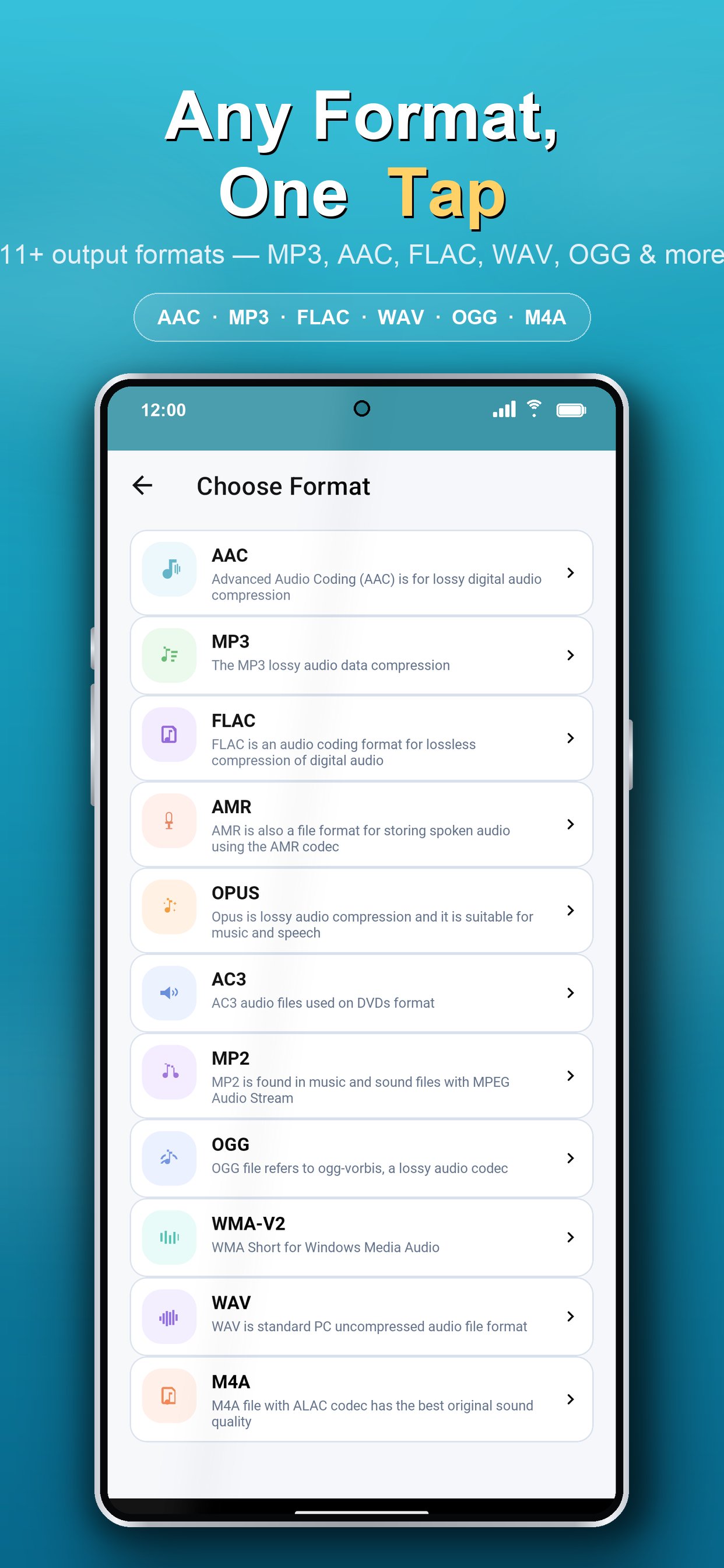
MP3, AAC, M4A, OGG, WAV, WMA, AC3, FLAC, OPUS, AMR, MP2 and many more — convert between virtually any audio format with high quality and minimal loss.
★ KEY FEATURES ★
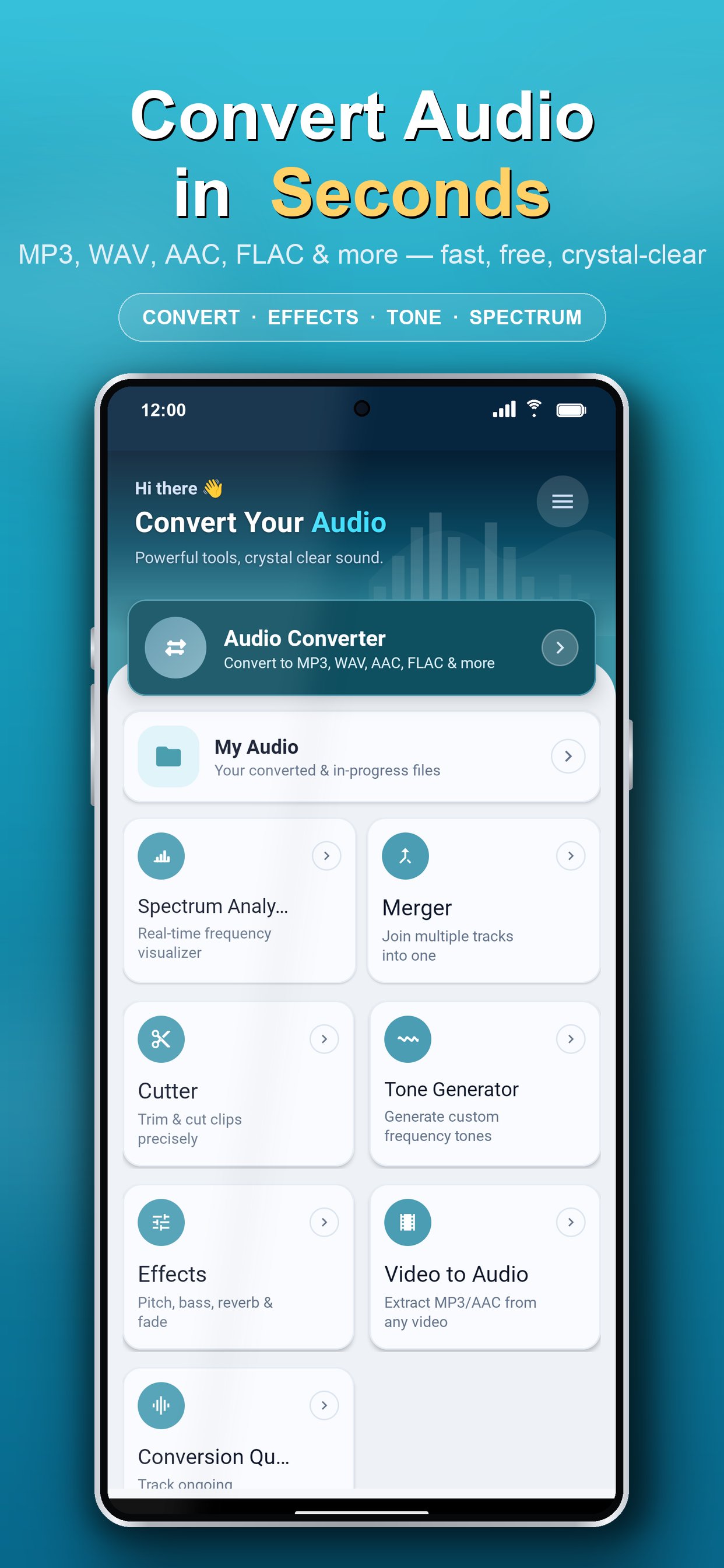
▸ Audio Converter
Convert audio to MP3, AAC, M4A, WAV, FLAC, OGG and other formats in seconds. Perfect for making files compatible with any device or player.
▸ Audio Compressor
Reduce file size to save storage and share faster — control bitrate to balance quality and size exactly how you want.
▸ Audio Cutter & Trimmer
Cut, trim, and crop audio with precision. Keep only the part you need and create the perfect ringtone or clip.
▸ Audio Merger / Joiner
Combine multiple songs or clips into one seamless file. Merge unlimited tracks in any format.
▸ Video to Audio (Video to MP3)
Extract audio from video and save it as MP3 or any format — ideal for music, podcasts, lectures, and voice notes.
▸ Audio Effects
Enhance your sound with real-time audio effects and preview changes before you save.
▸ AI Stem Splitter
Separate any song into individual stems — vocals, drums, bass, and other instruments — using on-device AI. Runs fully offline, no upload required. Great for remixes, karaoke tracks, practice, and sampling.
▸ AI Audio Doctor
Automatically diagnose audio problems — corrupted files, wrong sample rates, playback errors — and fix them in one tap. Recover, remux, resample, or re-encode damaged audio with no technical know-how.
▸ Tone & Frequency Generator
Generate pure tones, test frequencies, sweeps, sirens, and waveforms (sine, square, triangle, sawtooth) — great for sound tests, tuning, and experiments.
▸ Audio Spectrum Analyzer
Visualize the frequency spectrum of your audio in real time for accurate editing and analysis.
▸ Built-in Audio Player
Play almost any audio file directly in the app, with wide codec and format support.
▸ Ringtone, Alarm & Notification Maker
Set any converted or trimmed file as your ringtone, alarm, or notification tone in one tap.
▸ Advanced Customization
Fine-tune bitrate, sample rate (frequency), channels, volume, speed, and metadata tags while converting for the best possible result.
▸ Batch Processing & Conversion Queue
Convert, cut, and merge multiple files at once and track everything in a simple queue — saving you time and effort.
▸ Detailed Audio Info
View full file details including format, bitrate, sample rate, channels, and duration.
★ WHY CHOOSE AUDIO CONVERTER & EDITOR? ★
• AI-powered audio tools: stem splitter, audio doctor & smart optimizer
• Clean, modern, beginner-friendly interface
• High-speed conversion with quality preservation
• No complicated settings — yet powerful when you need control
• Light & dark theme support
★ PERFECT FOR ★
• Making custom ringtones from your favorite songs
• Converting M4A, WAV, or FLAC to MP3 (and back)
• Extracting MP3 audio from videos
• Compressing audio to share on WhatsApp, email, or social apps
• Trimming podcasts, lectures, voice recordings, and music
• Merging tracks into mixes, mashups, or audiobooks
Whether you're a music lover, content creator, podcaster, student, or just want to manage audio on your phone, Audio Converter & Editor gives you everything in one lightweight app.
Download Audio Converter & Editor now and take full control of your audio — convert, edit, and personalize your sound the easy way!
We'd love your feedback. If you enjoy the app, please rate us ⭐⭐⭐⭐⭐ and share your suggestions to help us improve.
Preview
Tags
Music-&Information
Developer
Highdea Apps Studio
Latest Version
2.0.4
Last Updated
2026-07-21
Category
Music-audio
Available on
Google Play
Show More
How to play All Audio Converter - MP3,MP4 with GameLoop on PC
1. Download GameLoop from the official website, then run the exe file to install GameLoop
2. Open GameLoop and search for “All Audio Converter - MP3,MP4” , find All Audio Converter - MP3,MP4 in the search results and click “Install”
3. Enjoy playing All Audio Converter - MP3,MP4 on GameLoop
Minimum requirements
OS
Windows 8.1 64-bit or Windows 10 64-bit
GPU
GTX 1050
CPU
i3-8300
Memory
8GB RAM
Storage
1GB available space
Recommended requirements
OS
Windows 8.1 64-bit or Windows 10 64-bit
GPU
GTX 1050
CPU
i3-9320
Memory
16GB RAM
Storage
1GB available space