Chordbot Lite PC
Contrasonic AB
Download Chordbot Lite on PC With GameLoop Emulator
Chordbot Lite on PC
Chordbot Lite, coming from the developer Contrasonic AB, is running on Android systerm in the past.
Now, You can play Chordbot Lite on PC with GameLoop smoothly.
Download it in the GameLoop library or search results. No more eyeing the battery or frustrating calls at the wrong time any more.
Just enjoy Chordbot Lite PC on the large screen for free!
Chordbot Lite Introduction
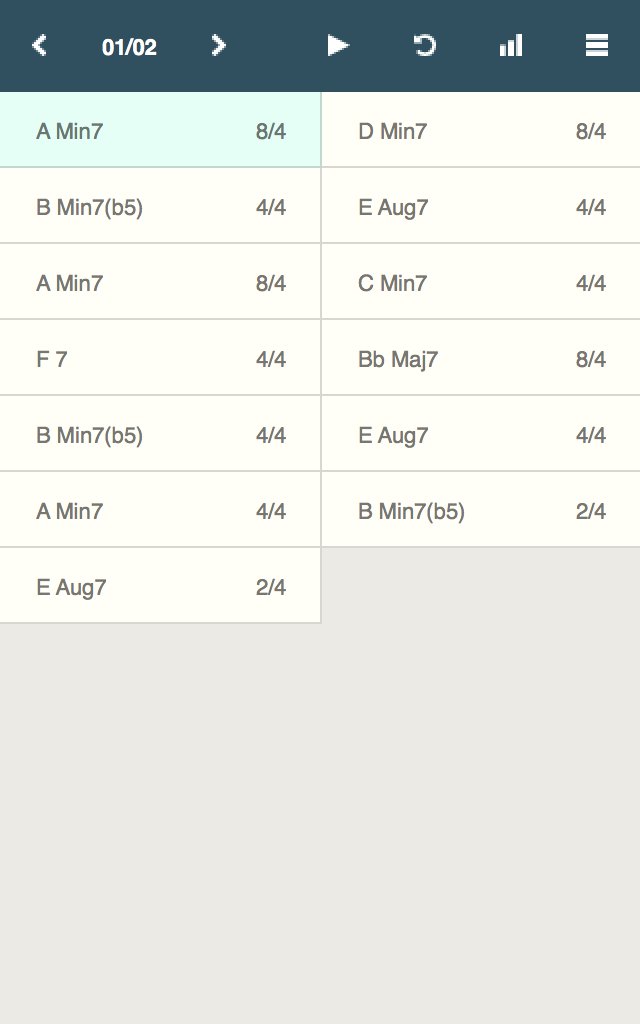
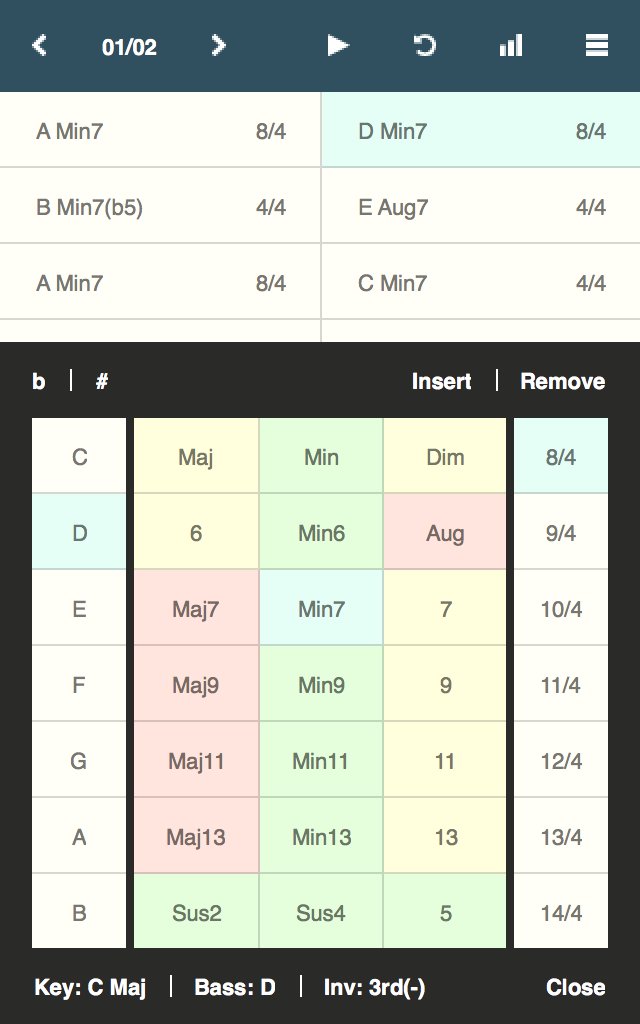
Chordbot is a music app that lets you create and play complex chord progressions quickly and easily.
Use it to:
* Experiment with advanced chord progressions without instruments or fingering charts.
* Create customisable backing tracks for instrument practice sessions.
* Rearrange new or existing songs with different instruments and comping patterns.
* Experiment with music theory without having to master an instrument first.
How:
* Add some interesting chords
* Select a few instruments patterns
* Hit play. Fiddle around with chords and arrangements in real-time until you find something you like
* Export as MIDI, refine in DAW, release song, profit (optional)
Key features:
* 60+ chord types in all keys and inversions
* 400+ dynamically mixable instrument tracks
* Key/inversion/root note control
* Support for song sections with separate arrangements/mixer settings
* Song-O-Matic - Automatic song generator with pop, jazz and experimental profiles
* MIDI/WAV export (only in Chordbot Pro)
This is a free evaluation version of the full version of Chordbot. It has all the features of the paid version but saving/exporting is disabled. Try this version first and upgrade to the full version if you like what you see/hear.
See chordbot.com for more information and audio demos.
Please report all bugs to:
support@chordbot.com
Preview
Tags
Music-&Information
Developer
Contrasonic AB
Latest Version
3.1.11
Last Updated
2022-11-10
Category
Music-audio
Available on
Google Play
Show More
How to play Chordbot Lite with GameLoop on PC
1. Download GameLoop from the official website, then run the exe file to install GameLoop
2. Open GameLoop and search for “Chordbot Lite” , find Chordbot Lite in the search results and click “Install”
3. Enjoy playing Chordbot Lite on GameLoop
Minimum requirements
OS
Windows 8.1 64-bit or Windows 10 64-bit
GPU
GTX 1050
CPU
i3-8300
Memory
8GB RAM
Storage
1GB available space
Recommended requirements
OS
Windows 8.1 64-bit or Windows 10 64-bit
GPU
GTX 1050
CPU
i3-9320
Memory
16GB RAM
Storage
1GB available space