
Bolt Music – Stream & Play PC
Devplus+
Download Bolt Music – Stream & Play on PC With GameLoop Emulator
Bolt Music – Stream & Play on PC
Bolt Music – Stream & Play, coming from the developer Devplus+, is running on Android systerm in the past.
Now, You can play Bolt Music – Stream & Play on PC with GameLoop smoothly.
Download it in the GameLoop library or search results. No more eyeing the battery or frustrating calls at the wrong time any more.
Just enjoy Bolt Music – Stream & Play PC on the large screen for free!
Bolt Music – Stream & Play Introduction
🎶 Bolt Music — Your Ultimate All-in-One Music Player
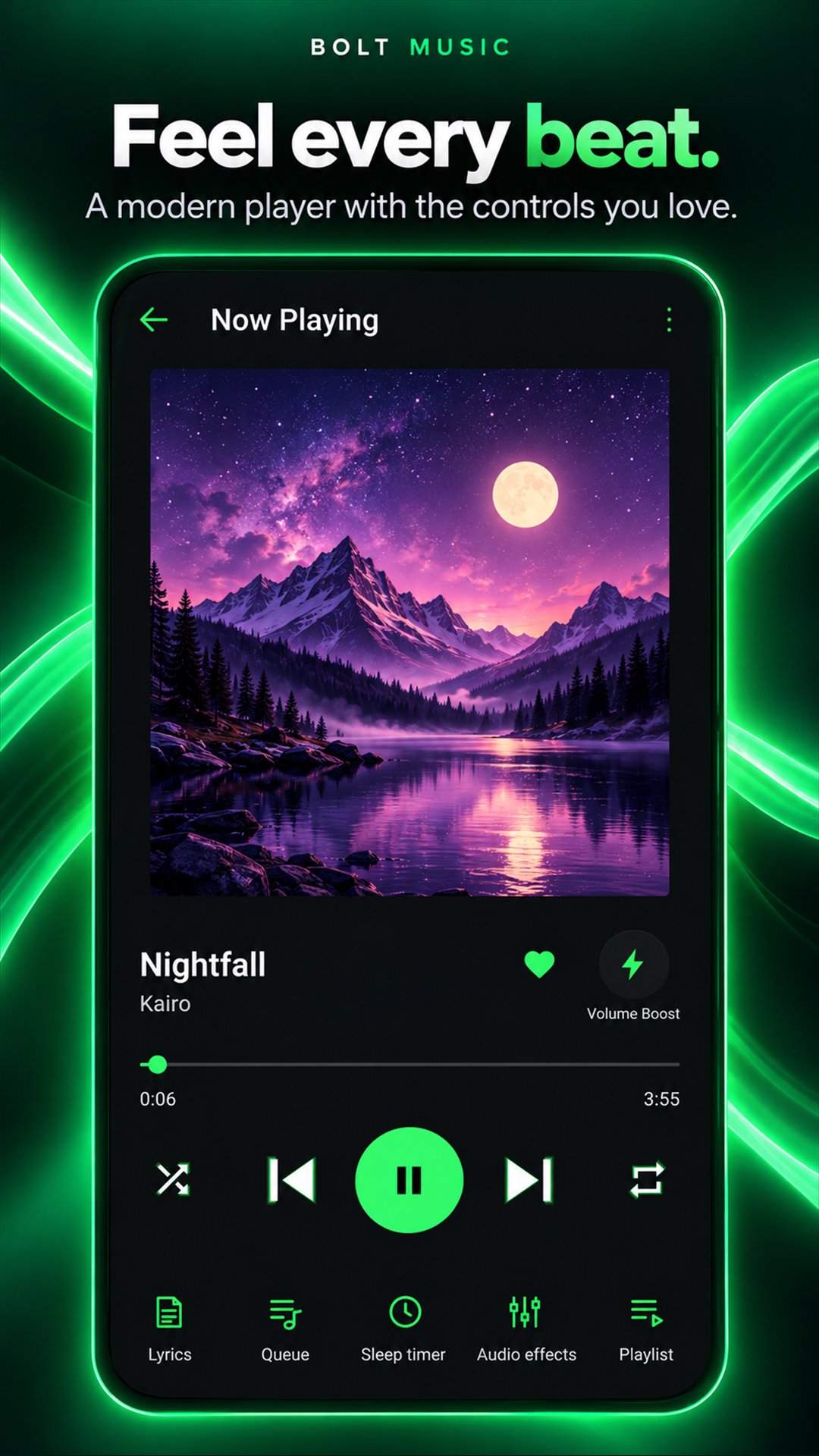
Bolt Music is a powerful and lightweight music player designed to deliver a seamless listening experience. Enjoy offline playback, streaming, FM radio, and access to the Jamendo music library — all in one smooth and fast app.
Built for music lovers, Bolt Music combines performance, simplicity, and advanced features to give you complete control over your audio experience.
✨ Key Features
🎵 Music Player & Offline Playback
Play MP3 and multiple audio formats with crystal-clear sound
Offline playback anytime, anywhere
Create and manage custom playlists easily
🌐 Jamendo Music Streaming Library (NEW)
Discover thousands of free tracks from independent artists
Stream and explore new genres and global music
Perfect for discovering fresh, royalty-free music
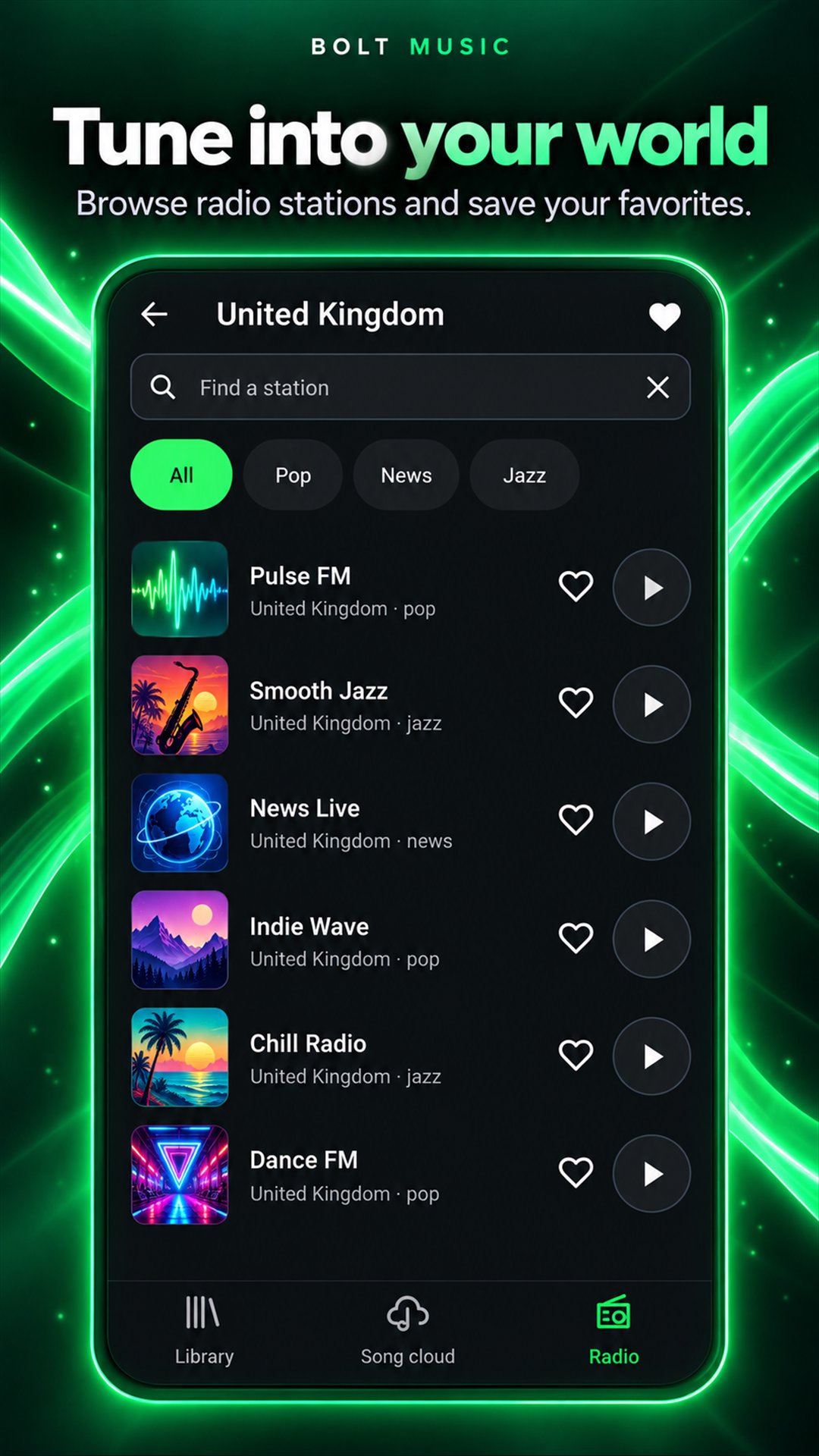
📻 FM Radio (NEW)
Listen to live FM radio stations worldwide
Stay updated with music, news, and talk shows
No extra apps needed — everything in one place
🔊 Volume Booster (NEW)
Increase audio volume beyond default system limits
Enjoy louder sound for music, headphones, and speakers
Smart amplification with minimal distortion
🌈 Music Visualizers (NEW)
Stunning real-time visual effects that react to the beat
Multiple visualizer styles for an immersive experience
Enhances playback with dynamic animations
⚡ Ultra-Smooth Player Experience
Lightning-fast performance with lag-free playback
Optimized for low-end devices for smooth usage
Minimal battery consumption
🎧 Advanced Audio Controls
Built-in equalizer for personalized sound
3D audio & immersive listening experience
Background playback support
Preview
Tags
Music-&Information
Developer
Devplus+
Latest Version
2.0
Last Updated
2026-10-11
Category
Music-audio
Available on
Google Play
Show More
How to play Bolt Music – Stream & Play with GameLoop on PC
1. Download GameLoop from the official website, then run the exe file to install GameLoop
2. Open GameLoop and search for “Bolt Music – Stream & Play” , find Bolt Music – Stream & Play in the search results and click “Install”
3. Enjoy playing Bolt Music – Stream & Play on GameLoop
Minimum requirements
OS
Windows 8.1 64-bit or Windows 10 64-bit
GPU
GTX 1050
CPU
i3-8300
Memory
8GB RAM
Storage
1GB available space
Recommended requirements
OS
Windows 8.1 64-bit or Windows 10 64-bit
GPU
GTX 1050
CPU
i3-9320
Memory
16GB RAM
Storage
1GB available space