Music Player For Bluetooth PC
Code creatives
Download Music Player For Bluetooth on PC With GameLoop Emulator
Music Player For Bluetooth on PC
Music Player For Bluetooth, coming from the developer Code creatives, is running on Android systerm in the past.
Now, You can play Music Player For Bluetooth on PC with GameLoop smoothly.
Download it in the GameLoop library or search results. No more eyeing the battery or frustrating calls at the wrong time any more.
Just enjoy Music Player For Bluetooth PC on the large screen for free!
Music Player For Bluetooth Introduction
Music Player For Bluetooth is a lightweight and easy-to-use music player designed to work seamlessly with Bluetooth devices, delivering a rich audio experience. Whether you're using Bluetooth speakers, headphones, or car audio systems, this app ensures smooth and reliable playback with your favorite tracks.
Key Features:
🎵 Seamless Bluetooth Connectivity
Enjoy uninterrupted music streaming with a flawless Bluetooth connection. No more worries about compatibility issues — Music Player For Bluetooth is designed to easily pair with all Bluetooth devices.
🎶 High-Quality Audio Playback
Experience crisp, clear sound with our advanced audio settings that enhance the listening experience. Whether you prefer bass-heavy beats or crystal-clear vocals, this player provides an optimal sound profile.
📱 User-Friendly Interface
Navigate effortlessly through your music library with a clean, simple interface. From easy track selection to intuitive volume control, every function is right at your fingertips.
🎧 Supports All Popular Audio Formats
Music Player For Bluetooth supports a variety of audio formats including MP3, WAV, FLAC, and more, ensuring you can play all your music without restrictions.
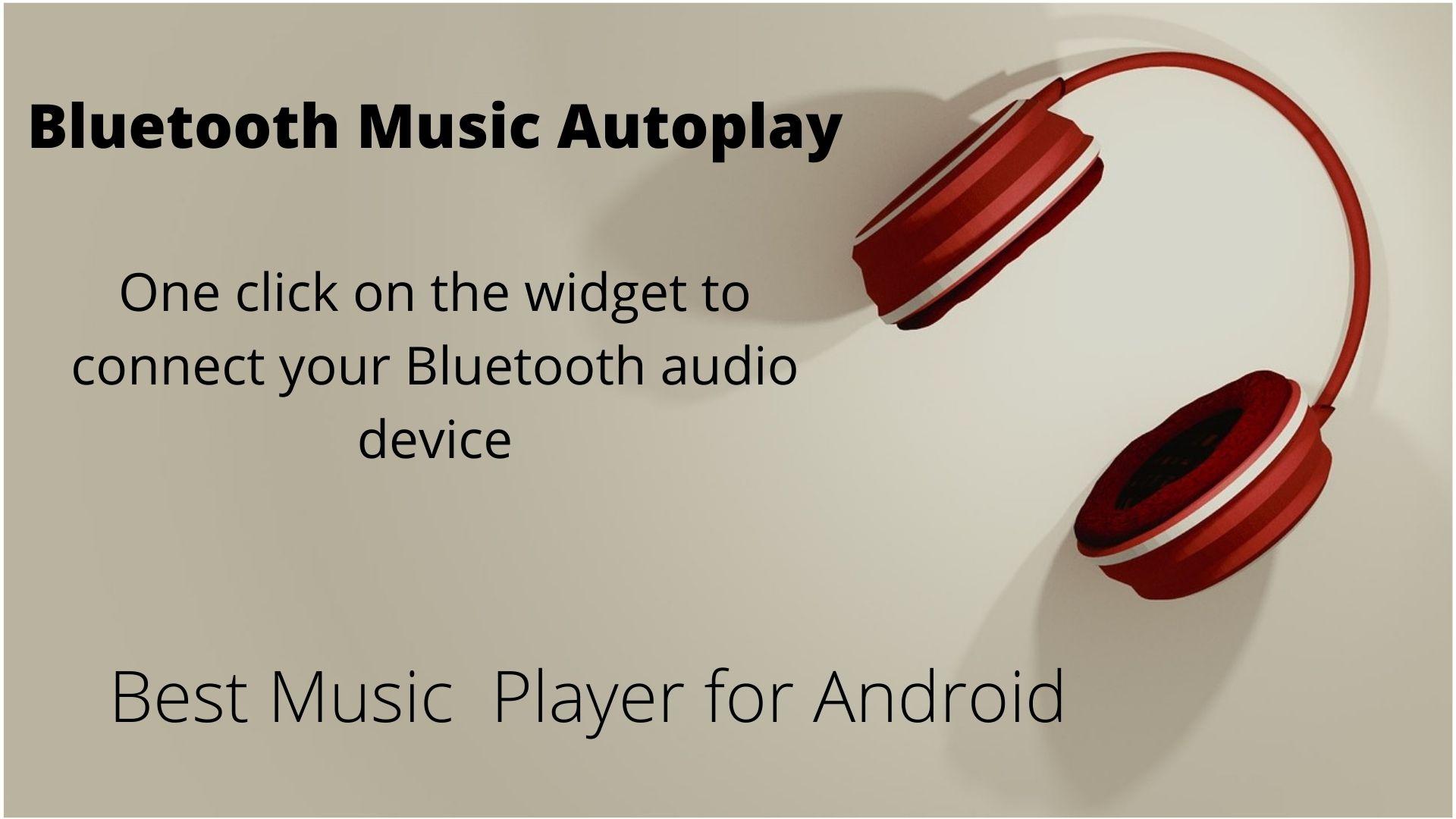
🔄 Automatic Playback
Automatically resume your music where you left off, even after reconnecting to your Bluetooth device. No need to search for the last song played – it's all set up for you!
💾 Custom Playlists
Create and organize your playlists for every mood, occasion, or genre. Stay organized and enjoy listening to your music your way.
Why Choose Music Player For Bluetooth?
Effortless Bluetooth Connection: Instant pairing with any Bluetooth-enabled device.
Lightweight & Fast: Minimal battery usage and memory consumption.
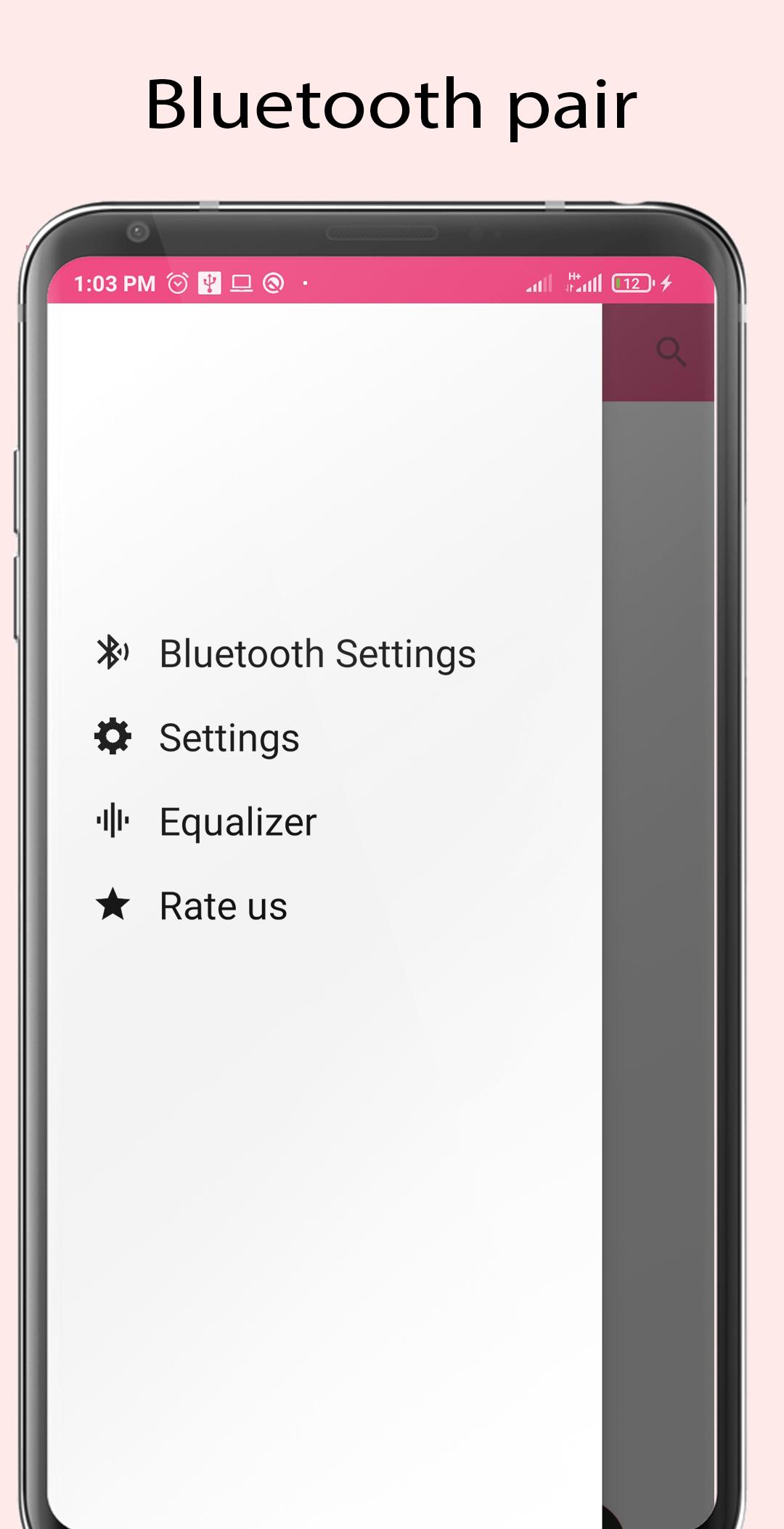
bluetooth booster Equalizer Fx app has a powerful bass booster and sound enhancer feature that will blow you away. Its 7-Band equalizer settings with DJ transitions make this app the favorite for parties. You can boost the Bass or sound of your music with little to no effort. Additionally, the simple user interface of the Equalizer Fx app helps you to navigate the app easily
Key Features:
15+ EQ presets such as Acoustic, Rock, Country, etc.
Custom EQ presets generation.
Multiple DJ music transitions.
Access to cloud storage music & offline mode.
Play songs in the backgroun
Multiple music files are supported.
Boost volume without any distortion.
Music equalizer with 10-Band EQ settings.
Preview
Tags
Music-&Information
Developer
Code creatives
Latest Version
1.0.0
Last Updated
2025-03-23
Category
Music-audio
Available on
Google Play
Show More
How to play Music Player For Bluetooth with GameLoop on PC
1. Download GameLoop from the official website, then run the exe file to install GameLoop
2. Open GameLoop and search for “Music Player For Bluetooth” , find Music Player For Bluetooth in the search results and click “Install”
3. Enjoy playing Music Player For Bluetooth on GameLoop
Minimum requirements
OS
Windows 8.1 64-bit or Windows 10 64-bit
GPU
GTX 1050
CPU
i3-8300
Memory
8GB RAM
Storage
1GB available space
Recommended requirements
OS
Windows 8.1 64-bit or Windows 10 64-bit
GPU
GTX 1050
CPU
i3-9320
Memory
16GB RAM
Storage
1GB available space