Bat Sounds PC
eBook Apps
Download Bat Sounds on PC With GameLoop Emulator
Bat Sounds on PC
Bat Sounds, coming from the developer eBook Apps, is running on Android systerm in the past.
Now, You can play Bat Sounds on PC with GameLoop smoothly.
Download it in the GameLoop library or search results. No more eyeing the battery or frustrating calls at the wrong time any more.
Just enjoy Bat Sounds PC on the large screen for free!
Bat Sounds Introduction
Bats are nocturnal flying mammals that sound as unique as they look and behave! Find out for yourself with this cool bat sounds app!
Many of the sounds that bats make (for example, those used for echo location - allowing the bat to "see" in the dark using sound and echoes) are ultrasonic, or above the pitch that human hearing can detect. However, bats also make many sounds that we CAN hear! During daylight hours, bats typically sleep in caves or other dark areas; but as nighttime descends, bats leave their homes to spend the cool, dark hours of night hunting for fruit, insects or other sources of food. When bats are flying nearby you can often hear them whooshing through the air, fluttering their wings, or making squeaks, chirps or clicks to communicate. With this app you can hear these unique and interesting bat sounds without even going outside!
Use this app as an educational tool to learn various bat sounds and better understand bat communication! These eerie nighttime sounds can also be a great addition to spooky haunted houses or Halloween themed parties! You can even use these sounds as ringtones or share them with friends!
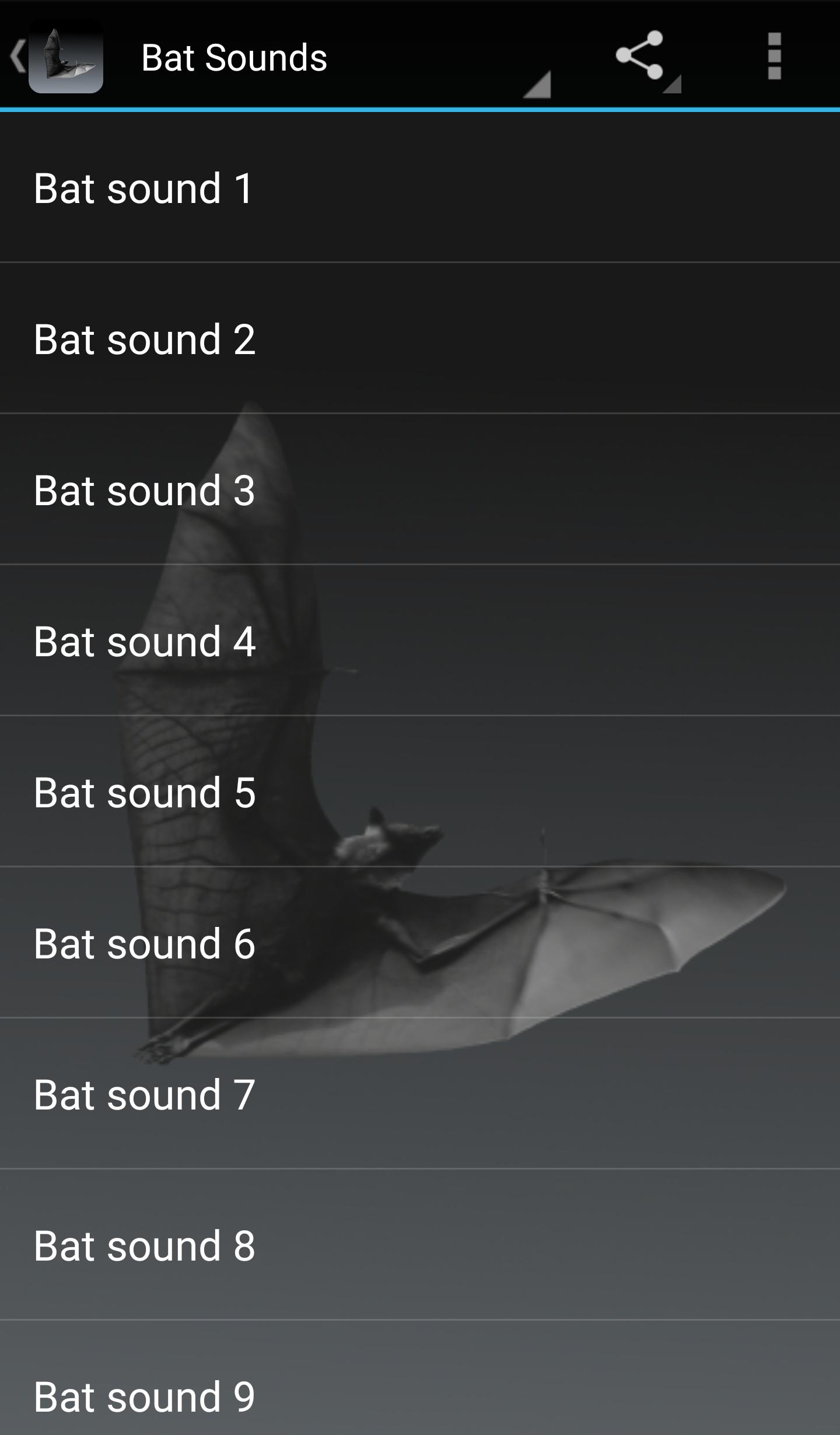
Preview
Tags
Music-&Information
Developer
eBook Apps
Latest Version
3.0.1
Last Updated
2023-12-13
Category
Music-audio
Available on
Google Play
Show More
How to play Bat Sounds with GameLoop on PC
1. Download GameLoop from the official website, then run the exe file to install GameLoop
2. Open GameLoop and search for “Bat Sounds” , find Bat Sounds in the search results and click “Install”
3. Enjoy playing Bat Sounds on GameLoop
Minimum requirements
OS
Windows 8.1 64-bit or Windows 10 64-bit
GPU
GTX 1050
CPU
i3-8300
Memory
8GB RAM
Storage
1GB available space
Recommended requirements
OS
Windows 8.1 64-bit or Windows 10 64-bit
GPU
GTX 1050
CPU
i3-9320
Memory
16GB RAM
Storage
1GB available space