Band Live Rock: Music Studio PC
Batalsoft Music Apps
Download Band Live Rock: Music Studio on PC With GameLoop Emulator
Band Live Rock: Music Studio on PC
Band Live Rock: Music Studio, coming from the developer Batalsoft Music Apps, is running on Android systerm in the past.
Now, You can play Band Live Rock: Music Studio on PC with GameLoop smoothly.
Download it in the GameLoop library or search results. No more eyeing the battery or frustrating calls at the wrong time any more.
Just enjoy Band Live Rock: Music Studio PC on the large screen for free!
Band Live Rock: Music Studio Introduction
Looking for a real music production studio in your pocket?
Welcome to Band Live Rock, the complete Multitrack Recording Studio (DAW) and Instrument Simulator. Optimized for ultra-low latency, giving you a real-time playing experience without the lag. Whether you are a songwriter, a band member, or a beginner musician, turn your device into a portable professional studio. Record, Edit, Mix, and Master your full songs with our high-performance audio engine.
WHY BAND LIVE ROCK?
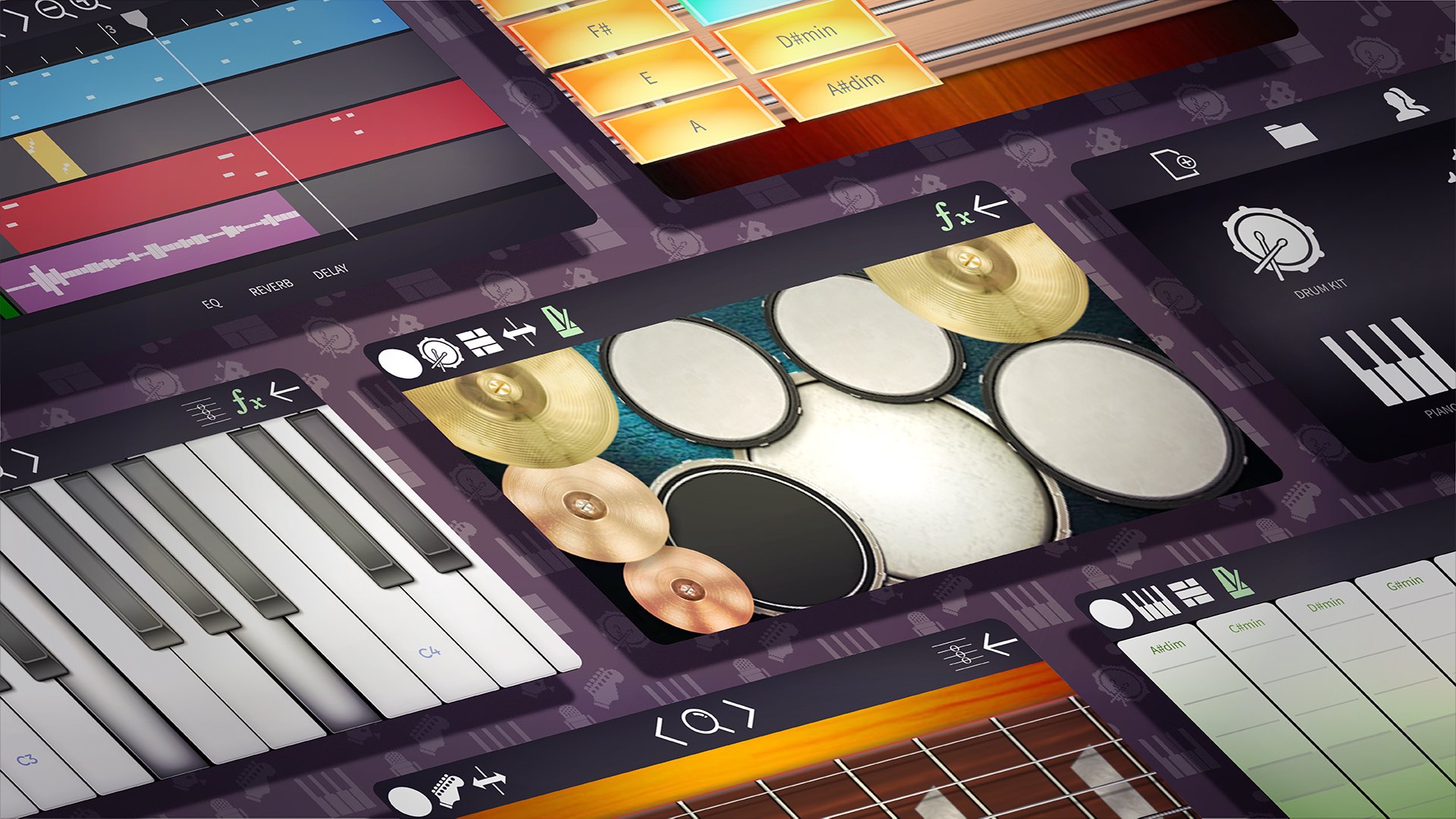
• Professional Multitrack Studio (DAW): Compose full songs layer by layer.
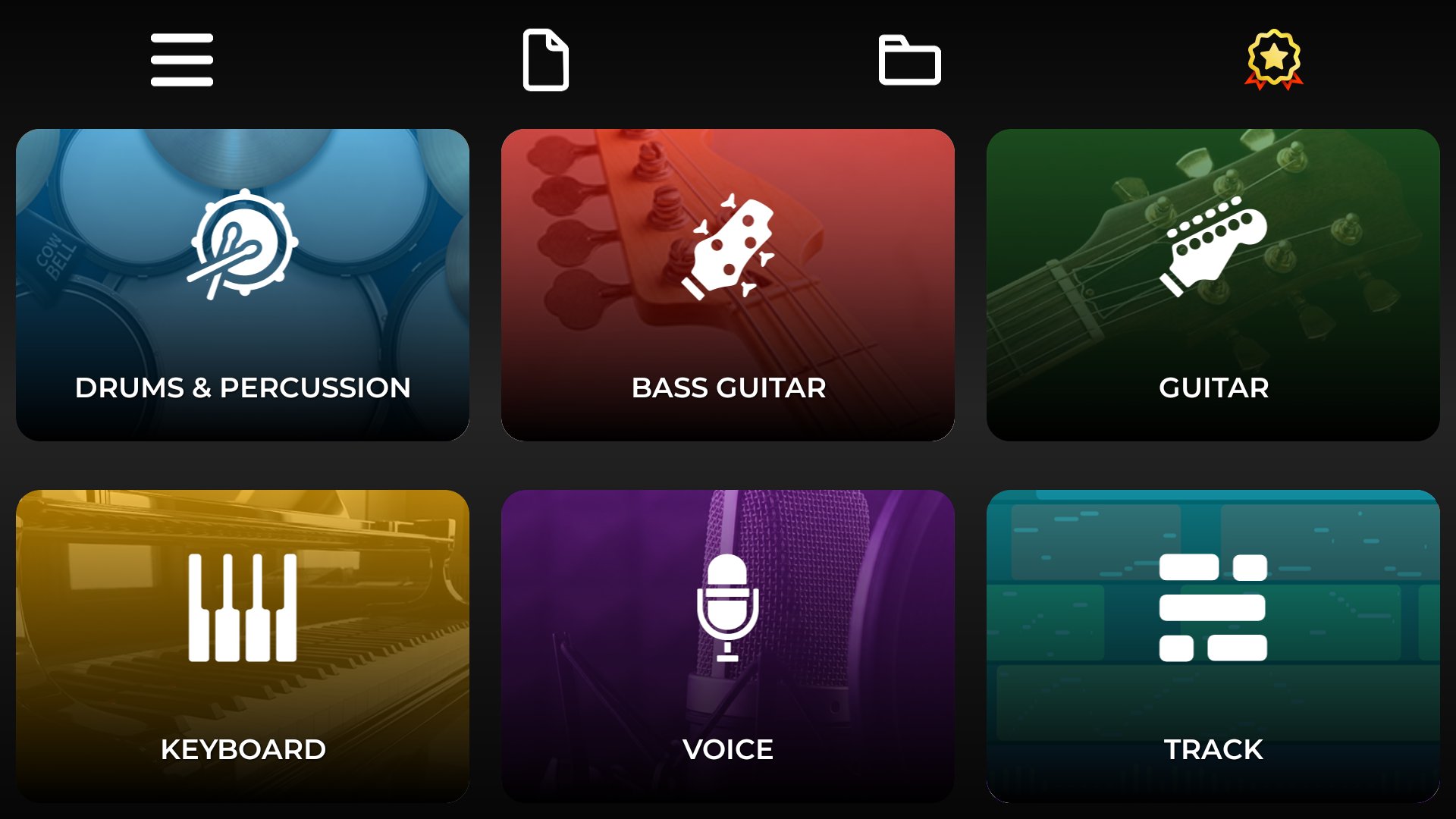
• Record Guitar, Drums, Piano, Bass, and Vocals on separate tracks.
• Project Management: Create, Save, Load and Backup full projects.
• Autosave included so you never lose your work.
• Audio Import: Import your own MP3, WAV, or OGG files to use as backing tracks or samples.
• Share your music: Export projects and share them with friends or bandmates.
ADVANCED MIDI CONNECTIVITY
• Unmatched in Mobile: Connect your physical instruments and turn your phone/tablet into a powerful sound module.
• USB OTG Support: Connect MIDI Keyboards, Controllers, or E-Drums via USB.
• Bluetooth MIDI: Wireless low-latency connection.
• Custom Mapping: Map your E-Drum notes to fit our kit perfectly.
• MIDI Output: Use the app as a controller for your PC DAW (Ableton, Cubase, Logic).
REAL-TIME EFFECTS & MIXER
• Compressor: Control dynamics for a punchy, studio sound.
• Equalizer (EQ): Fine-tune frequencies on every track.
• Effects: Add Chorus, Delay, and Reverb for depth.
• Mixer: Adjust Volume, Mute, and Solo for the perfect mix.
MASSIVE COLLECTION OF VIRTUAL INSTRUMENTS
• VST Style: SoundFont support to expand your instrument library.
• Continuous Updates: We add new instruments and sounds in every update.
• Guitars: Acoustic, Classical, Electric (Distorted & Clean), Jazz, 12-String, and Banjo. Featuring 24 frets.
• Drums & Percussion: Rock, Jazz, Classical Kit, Modern, Drum Machine, Bongos, Congas. Includes Double Bass.
• Keyboards: Grand Piano (81 keys), Organ, Synthesizers, Harpsichord, Accordion.
• Orchestral & Wind: Violin, Cello, Trumpet, Saxophone, Flute, Clarinet, Tuba.
• Basses: Real Bass, Slap Bass, Synth Bass. Featuring 24 frets.
• Vocals: High-quality Microphone recording.
ADDITIONAL FEATURES
• Left-Hand mode.
• Precise Timeline Editing: Zoom, Cut, Copy, Paste, Duplicate.
• Advanced Editing: Velocity, Transpose, and BPM Control.
• Piano Roll: edit every note of a track. Move, stretch, add or delete notes.
• Quantize: snap a section to the grid, from quarter notes to sixteenths and triplets, with adjustable strength.
• Record straight from the track view: arm a track with R and record from the cursor, wherever you are in the song.
• Export your song as MP3, OGG, WAV, FLAC or MIDI, or each track separately as stems.
• Compatible with external audio interfaces.
Join the revolution of mobile music creation. Download Band Live Rock and start producing your hit song today!
Preview
Tags
Music-&Information
Developer
Batalsoft Music Apps
Latest Version
7.2.0
Last Updated
2026-09-14
Category
Music-audio
Available on
Google Play
Show More
How to play Band Live Rock: Music Studio with GameLoop on PC
1. Download GameLoop from the official website, then run the exe file to install GameLoop
2. Open GameLoop and search for “Band Live Rock: Music Studio” , find Band Live Rock: Music Studio in the search results and click “Install”
3. Enjoy playing Band Live Rock: Music Studio on GameLoop
Minimum requirements
OS
Windows 8.1 64-bit or Windows 10 64-bit
GPU
GTX 1050
CPU
i3-8300
Memory
8GB RAM
Storage
1GB available space
Recommended requirements
OS
Windows 8.1 64-bit or Windows 10 64-bit
GPU
GTX 1050
CPU
i3-9320
Memory
16GB RAM
Storage
1GB available space