AudioLab Audio Cutter & Editor PC
HitroLab - Mp3 Audio Editor & Audio Recorder Dev
Download AudioLab Audio Cutter & Editor on PC With GameLoop Emulator
AudioLab Audio Cutter & Editor on PC
AudioLab Audio Cutter & Editor, coming from the developer HitroLab - Mp3 Audio Editor & Audio Recorder Dev, is running on Android systerm in the past.
Now, You can play AudioLab Audio Cutter & Editor on PC with GameLoop smoothly.
Download it in the GameLoop library or search results. No more eyeing the battery or frustrating calls at the wrong time any more.
Just enjoy AudioLab Audio Cutter & Editor PC on the large screen for free!
AudioLab Audio Cutter & Editor Introduction
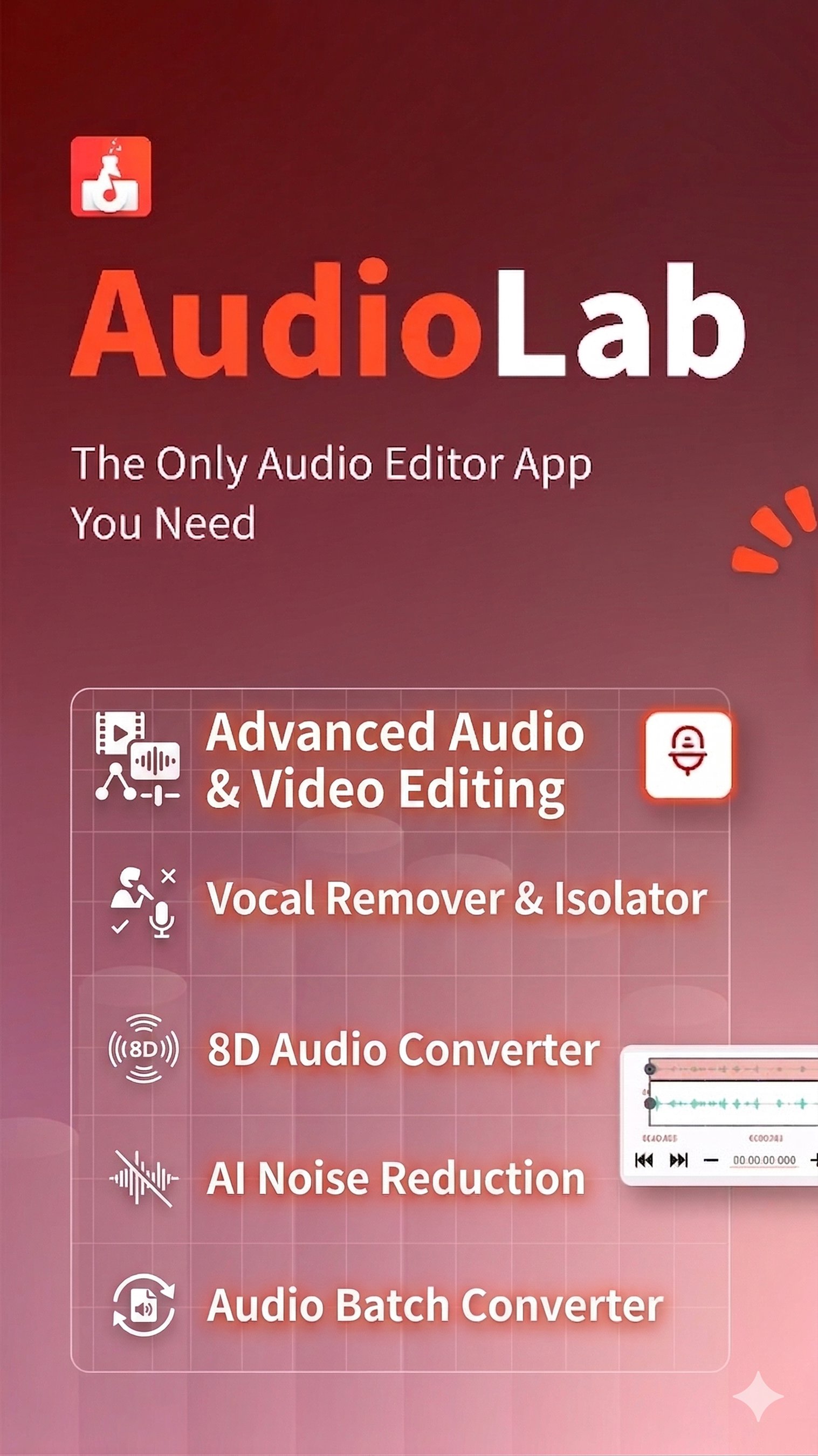
AudioLab - The Only Audio Editor App You Will Ever Need
Edit, Record, and Create Audio - All in One App
AudioLab is a powerful audio editor and voice recorder designed for anyone who wants to edit audio, record voice, cut MP3s, or create custom ringtones on Android. Whether you’re editing music, recording voice notes, making podcasts, or creating ringtones, AudioLab provides professional audio tools in a simple, easy-to-use app.
From quick trimming to advanced editing and conversion, AudioLab helps you turn raw sound into polished audio in just a few taps.
🎧 Audio Editor & MP3 Cutter
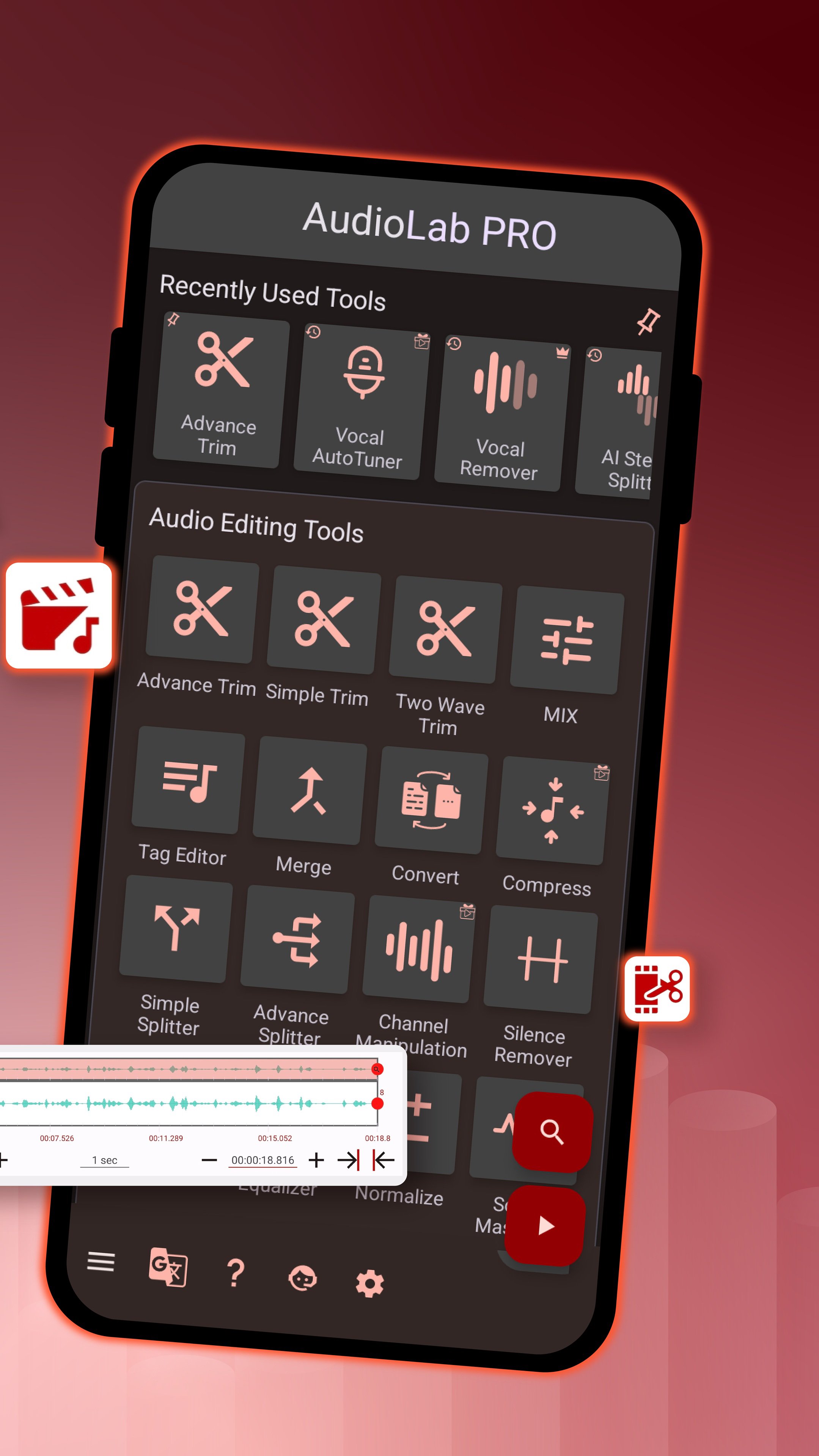
Edit audio files precisely using a clean and intuitive audio editor.
● Cut, trim, split, and merge audio tracks
● MP3 cutter for songs, voice clips, and music files
● Trim audio accurately and save the best parts
● Merge multiple audio files into one
● Edit music tracks without losing quality
Try AudioLab now and create your perfect sound!
🎙️ Voice Recorder & Audio Recorder
Capture clear, high-quality sound with the built-in voice recorder and audio recorder.
● Record voice, music, podcasts, and meetings
● Adjust volume and improve clarity
● Save recordings instantly and edit them later
Ideal for students, content creators, and everyday voice recording needs.
🔄 Audio Converter & MP3 Converter
Convert audio files quickly and easily with AudioLab’s audio converter.
● Convert between MP3, WAV, AAC, FLAC, M4A, and more
● Compress audio files for easier sharing
● Convert video to audio and extract sound from videos
A simple solution for managing multiple audio formats on your phone.
🎶 Music Maker, Song Maker & Beat Tools
Create and experiment with sound using AudioLab’s creative tools.
● Mix multiple audio tracks
● Adjust speed, pitch, and tempo
● Create songs, remixes, and basic beats
● Enhance audio with an equalizer and sound effects
AudioLab works as a lightweight music maker and song maker for quick ideas and edits.
🔔 Ringtone Maker & Audio Customization
Turn any audio file into a custom ringtone or notification sound.
● Create ringtones from songs or recordings
● Set audio as a ringtone, alarm, or notification
● Edit the ringtone length and volume easily
Personalize your phone with sounds that match your style.
Why Choose AudioLab?
● All-in-one audio editor, recorder, and converter
● Clean interface and easy to use
● Powerful tools for advanced users
● Free to use with no complex setup
AudioLab combines all essential audio tools into one app, saving you time, storage, and effort.
Download AudioLab today and master your sound!
AudioLab - Audio Editor Recorder & Ringtone Maker uses FFmpeg under LGPL
Download AudioLab - Audio Editor Recorder & Ringtone Maker today & transform the way you edit music, record & create ringtones
Preview
Tags
Music-&Information
Developer
HitroLab - Mp3 Audio Editor & Audio Recorder Dev
Latest Version
1.3.33
Last Updated
2026-10-03
Category
Music-audio
Show More
How to play AudioLab Audio Cutter & Editor with GameLoop on PC
1. Download GameLoop from the official website, then run the exe file to install GameLoop
2. Open GameLoop and search for “AudioLab Audio Cutter & Editor” , find AudioLab Audio Cutter & Editor in the search results and click “Install”
3. Enjoy playing AudioLab Audio Cutter & Editor on GameLoop
Minimum requirements
OS
Windows 8.1 64-bit or Windows 10 64-bit
GPU
GTX 1050
CPU
i3-8300
Memory
8GB RAM
Storage
1GB available space
Recommended requirements
OS
Windows 8.1 64-bit or Windows 10 64-bit
GPU
GTX 1050
CPU
i3-9320
Memory
16GB RAM
Storage
1GB available space