
Applause Sounds PC
eBook Apps
Download Applause Sounds on PC With GameLoop Emulator
Applause Sounds on PC
Applause Sounds, coming from the developer eBook Apps, is running on Android systerm in the past.
Now, You can play Applause Sounds on PC with GameLoop smoothly.
Download it in the GameLoop library or search results. No more eyeing the battery or frustrating calls at the wrong time any more.
Just enjoy Applause Sounds PC on the large screen for free!
Applause Sounds Introduction
Applause Sounds is the ultimate app for adding excitement and energy to your events and performances! With a wide selection of applause sounds to choose from, you can create the perfect atmosphere for any occasion. Whether you're hosting a party, giving a speech, or performing on stage, Applause Sounds has got you covered.
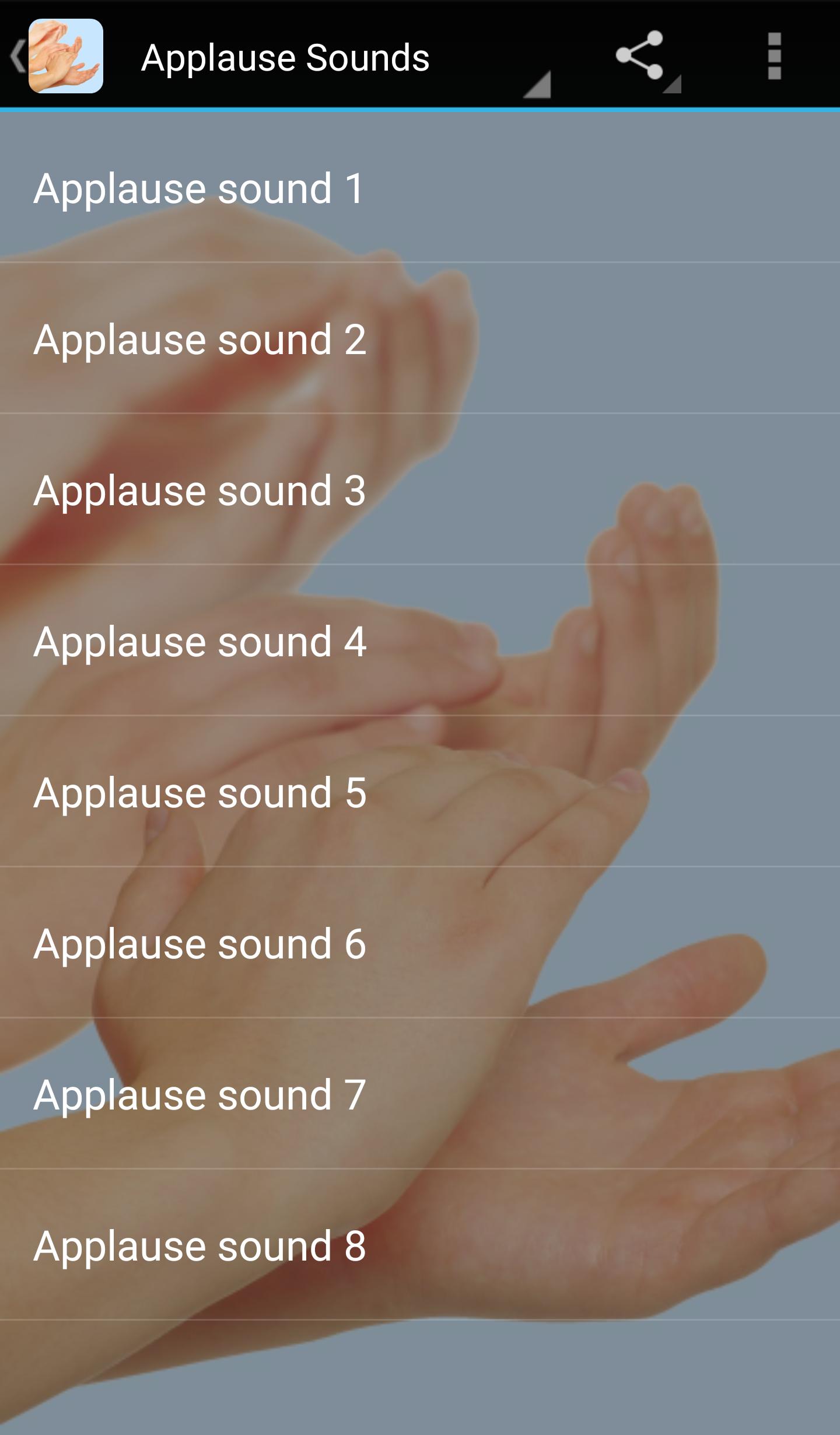
With this app, you can choose from a variety of different applause sounds, including long and short claps, standing ovations, cheers, and more. You can even customize the volume and duration of each sound to match your specific needs. And with a simple, user-friendly interface, it's easy to find the perfect sound and start playing it in seconds.
Applause Sounds is perfect for event planners, musicians, actors, public speakers, and anyone who wants to add some extra excitement and enthusiasm to their performances. It's also great for parents who want to encourage their kids or for teachers who want to reward their students.
One of the best things about Applause Sounds is that it's completely free to download and use. There are no hidden fees or in-app purchases to worry about, so you can enjoy all the benefits of the app without any extra costs.
So if you're looking for a fun and easy way to enhance your events and performances, download Applause Sounds today! With its extensive selection of high-quality applause sounds and intuitive interface, it's the perfect app for anyone who wants to create an unforgettable experience for their audience.
Preview
Tags
Music-&Information
Developer
eBook Apps
Latest Version
3.0.0
Last Updated
2023-02-16
Category
Music-audio
Available on
Google Play
Show More
How to play Applause Sounds with GameLoop on PC
1. Download GameLoop from the official website, then run the exe file to install GameLoop
2. Open GameLoop and search for “Applause Sounds” , find Applause Sounds in the search results and click “Install”
3. Enjoy playing Applause Sounds on GameLoop
Minimum requirements
OS
Windows 8.1 64-bit or Windows 10 64-bit
GPU
GTX 1050
CPU
i3-8300
Memory
8GB RAM
Storage
1GB available space
Recommended requirements
OS
Windows 8.1 64-bit or Windows 10 64-bit
GPU
GTX 1050
CPU
i3-9320
Memory
16GB RAM
Storage
1GB available space