Noise Remover - Audio & Video PC
Hexel LLC
Download Noise Remover - Audio & Video on PC With GameLoop Emulator
Noise Remover - Audio & Video on PC
Noise Remover - Audio & Video, coming from the developer Hexel LLC, is running on Android systerm in the past.
Now, You can play Noise Remover - Audio & Video on PC with GameLoop smoothly.
Download it in the GameLoop library or search results. No more eyeing the battery or frustrating calls at the wrong time any more.
Just enjoy Noise Remover - Audio & Video PC on the large screen for free!
Noise Remover - Audio & Video Introduction
Eliminate Distracting Background Noise!
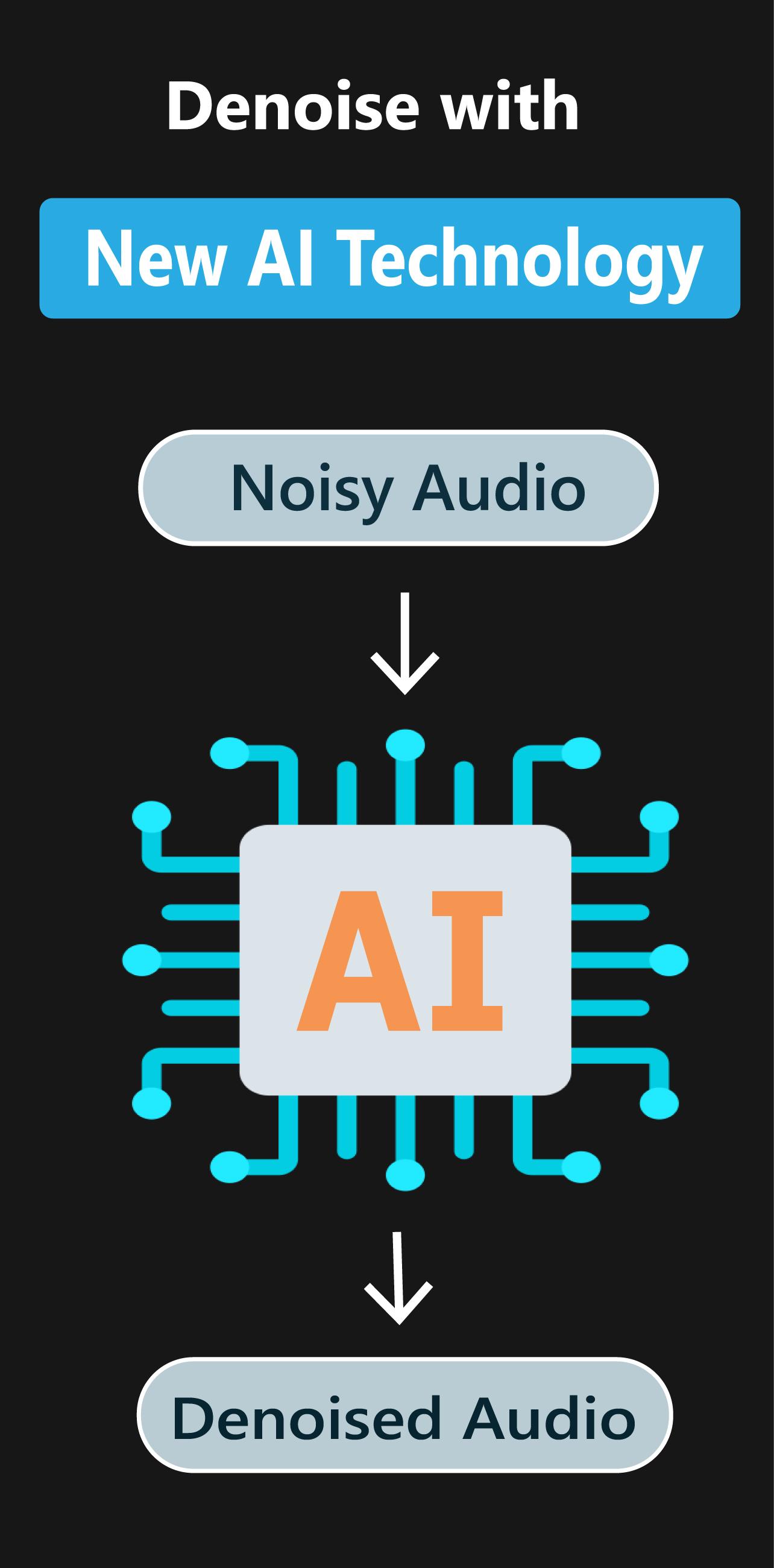
Noise Remover - Audio & Video is an intuitive and powerful app designed to quickly remove unwanted sounds from your audio or video files. Whether dealing with hums, hisses, buzzes, or fan noise, our AI-driven noise cancellation provides you with crystal-clear audio effortlessly. As an AI voice cleaner and background sound remover, it makes your recordings sound clean and professional.
Clear Audio, No Fuss – Try Noise Remover!
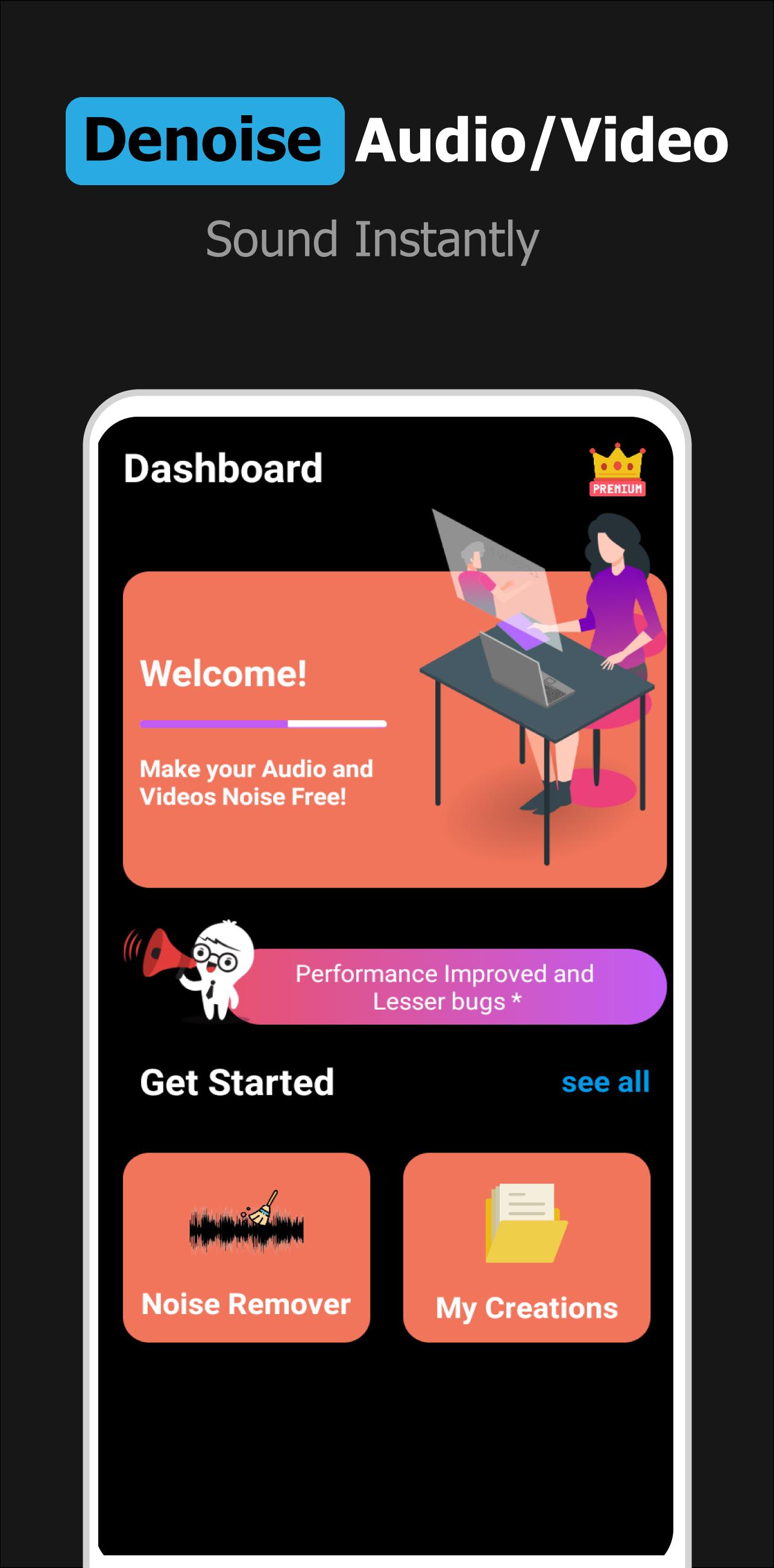
Background noise can ruin your recordings and affect the quality of your audio or video file. Noise Remover eliminates these distractions, allowing your voice or music to stand out. Whether you’re an editor working on a podcast, vlog, or voice note, or a student struggling with a noisy lecture recording, this app offers background noise removal and delivers professional-quality results in seconds!
🌟 Selling Features:
🎧 Powerful Noise Reduction & Denoising:
Instantly remove background noise such as traffic, hums, hisses, fan noise, or buzzing. With AI noise cancellation, your recordings will sound clear and professional in seconds. It functions as a noise eraser for any recording, ensuring high-quality sound.
📹 Video Noise Reducer:
Your videos deserve the best sound quality too. This noise reducer for audio and video isn't just for sound – it's your companion for video noise reduction, guaranteeing cleaner audio FREE.
📂 Multiple File Formats:
Save your cleaned-up audio in popular formats such as WAV, MP3, AAC, or export your denoised videos in formats like MP4, MKV, AVI, and more. We support all major audio and video formats!
📱 Seamless Sharing:
Share your noise-reduced files instantly on social media or messaging platforms like WhatsApp, Instagram, Messenger, and more.
🎯 Target users:
- Podcasters looking to improve audio clarity.
- Vloggers needing crisp audio for videos.
- Voiceover artists in search of an audio cleaner.
- Students recording lectures with background noise.
- Anyone who wants to make their audio or video sound professional!
🔥 How it works:
1. Import any audio or video file from your Gallery.
2. Our advanced AI noise removal technology will start to clean up your file instantly.
3. Save the cleaned-up audio or video in any of the supported formats.
4. That's it – Enjoy!
🚀 Unlock Pro Features:
Want even more control? Upgrade to Noise Remover Pro for enhanced features, giving you full control over your noise reduction settings for the best possible audio quality.
⚡ Supported Formats:
Audio Formats: WAV, AAC, MP3, M4A, FLAC, WMA, AMR
Video Formats: MP4, MKV, AVI, 3GP, FLV, MPEG, MOV, MPG
✨ Don’t Settle for Noisy Recordings—Download Noise Remover - Audio & Video Today!
With Love,
Developer 💖
Preview
Tags
Music-&Information
Developer
Hexel LLC
Latest Version
2.0.89
Last Updated
2025-08-13
Category
Music-audio
Available on
Google Play
Show More
How to play Noise Remover - Audio & Video with GameLoop on PC
1. Download GameLoop from the official website, then run the exe file to install GameLoop
2. Open GameLoop and search for “Noise Remover - Audio & Video” , find Noise Remover - Audio & Video in the search results and click “Install”
3. Enjoy playing Noise Remover - Audio & Video on GameLoop
Minimum requirements
OS
Windows 8.1 64-bit or Windows 10 64-bit
GPU
GTX 1050
CPU
i3-8300
Memory
8GB RAM
Storage
1GB available space
Recommended requirements
OS
Windows 8.1 64-bit or Windows 10 64-bit
GPU
GTX 1050
CPU
i3-9320
Memory
16GB RAM
Storage
1GB available space