ACDC Music Hits PC
Worldlist
Download ACDC Music Hits on PC With GameLoop Emulator
ACDC Music Hits on PC
ACDC Music Hits, coming from the developer Worldlist, is running on Android systerm in the past.
Now, You can play ACDC Music Hits on PC with GameLoop smoothly.
Download it in the GameLoop library or search results. No more eyeing the battery or frustrating calls at the wrong time any more.
Just enjoy ACDC Music Hits PC on the large screen for free!
ACDC Music Hits Introduction
AC/DC's mammoth power chord roar became one of the most influential hard rock sounds of the '70s, and is now one of the defining sounds of rock and metal. In its own way, it was a reaction against the pompous art rock and lumbering arena rock of the early '70s. AC/DC's rock was minimalist -- no matter how huge and bludgeoning their guitar chords were, there was a clear sense of space and restraint. Combined with Bon Scott's larynx-shredding vocals, the band spawned countless imitators over the next two decades and enjoyed commercial success well into the 2000s, scoring their biggest hits after Brian Johnson replaced the departed Scott.
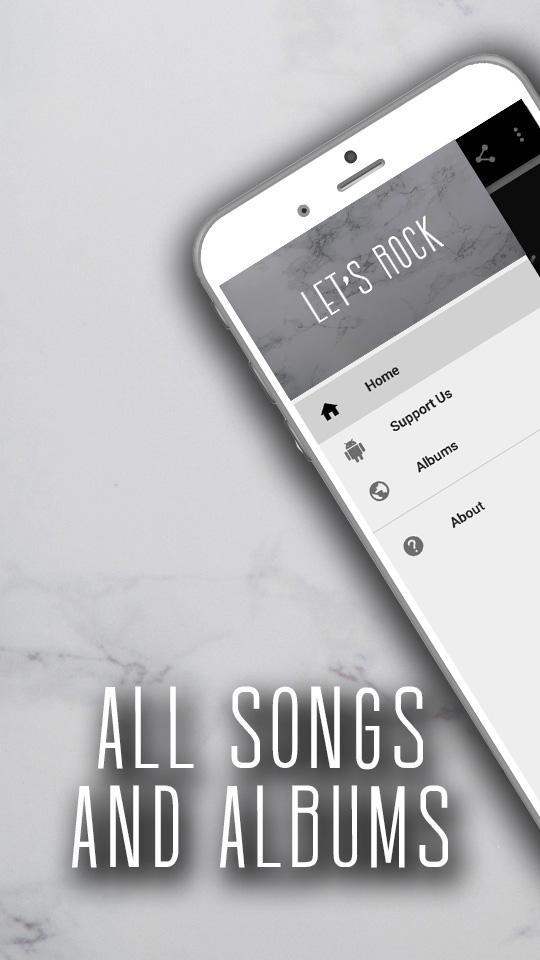
Preview
Tags
Music-&Information
Developer
Worldlist
Latest Version
2.1
Last Updated
2020-06-19
Category
Music-audio
Available on
Google Play
Show More
How to play ACDC Music Hits with GameLoop on PC
1. Download GameLoop from the official website, then run the exe file to install GameLoop
2. Open GameLoop and search for “ACDC Music Hits” , find ACDC Music Hits in the search results and click “Install”
3. Enjoy playing ACDC Music Hits on GameLoop
Minimum requirements
OS
Windows 8.1 64-bit or Windows 10 64-bit
GPU
GTX 1050
CPU
i3-8300
Memory
8GB RAM
Storage
1GB available space
Recommended requirements
OS
Windows 8.1 64-bit or Windows 10 64-bit
GPU
GTX 1050
CPU
i3-9320
Memory
16GB RAM
Storage
1GB available space