3D DJ Mixer & Music Player PC
Sambo Apps
Download 3D DJ Mixer & Music Player on PC With GameLoop Emulator
3D DJ Mixer & Music Player on PC
3D DJ Mixer & Music Player, coming from the developer Sambo Apps, is running on Android systerm in the past.
Now, You can play 3D DJ Mixer & Music Player on PC with GameLoop smoothly.
Download it in the GameLoop library or search results. No more eyeing the battery or frustrating calls at the wrong time any more.
Just enjoy 3D DJ Mixer & Music Player PC on the large screen for free!
3D DJ Mixer & Music Player Introduction
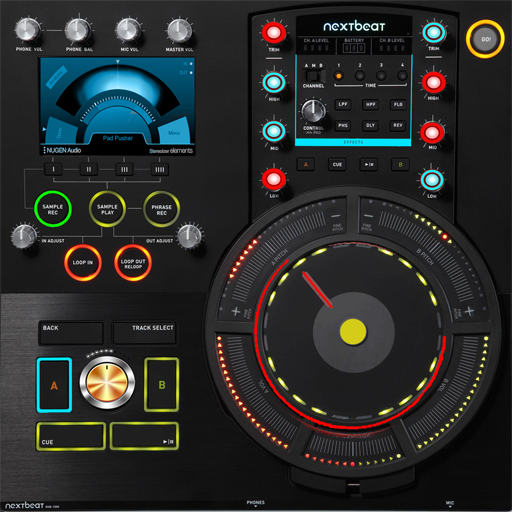
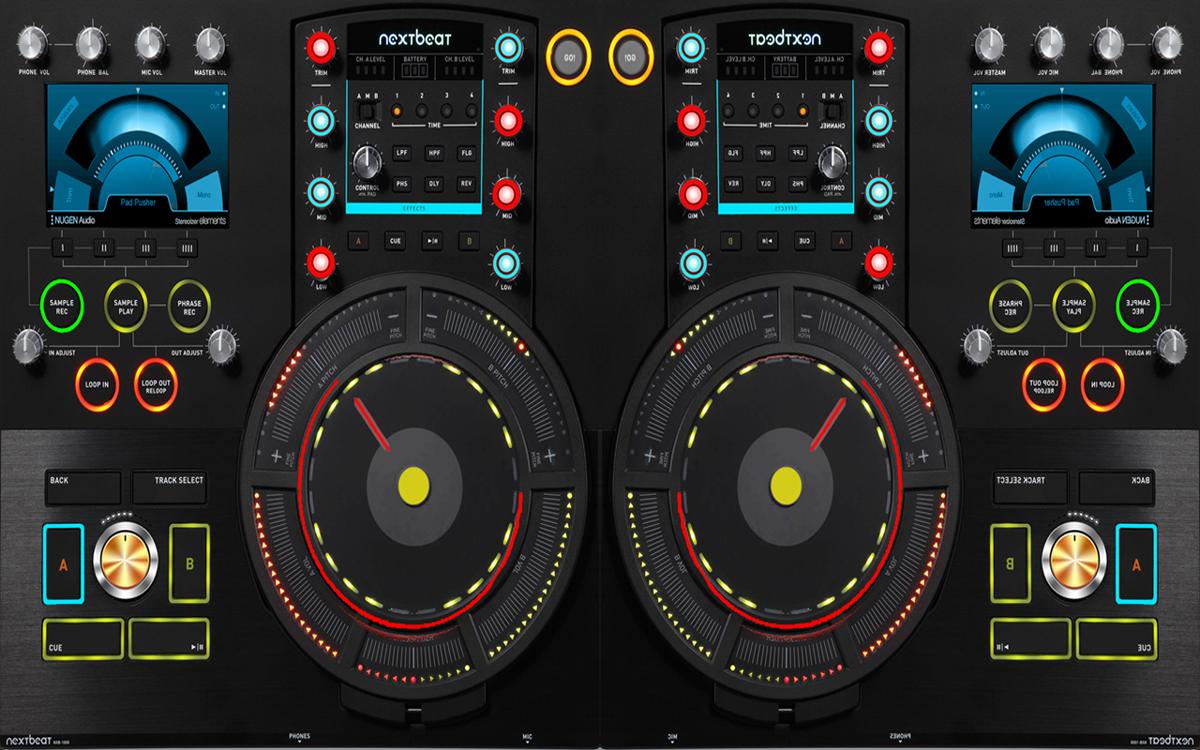
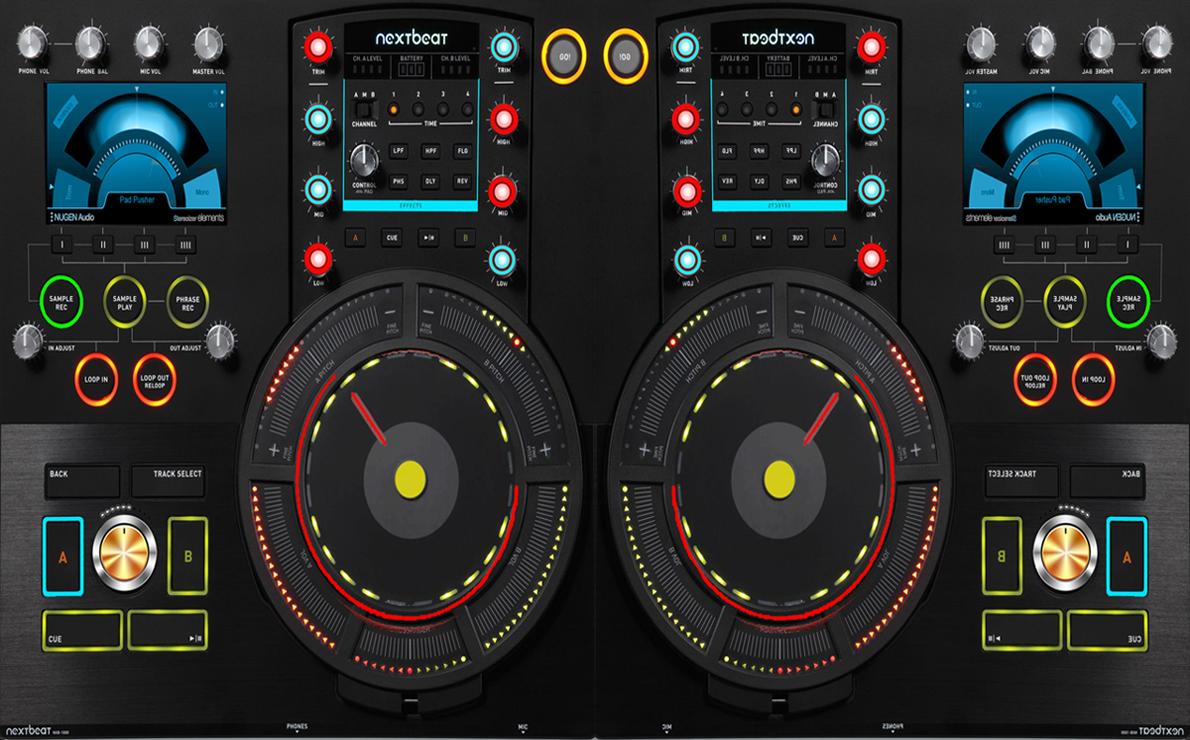
Virtual dj mixer is the world’s first professional DJ software for android. Use this home dj to produce music mixes hand gestures to perform powerful dj software mixer, truly hands-on sets on your Phone & tablet.
Browse tracks, nudge, seek, or control loops and effects, Mix and listen to your tracks with for live mixing. Dedicated controls for two channels give you intuitive virtual songs mixer, tactile control over volume, EQ, filters, and effects. And the mp3 audio interface, club-ready sound.
Fetaures:
- creative music track ready to mix
- advanced virtual music mixer effects & settings
- dragn drop music into dj player easy
- supporting audio formats mp3, wav ogg..etc
- easy to mix songs for pro's n amateurs
Mix effortlessly with pro-grade faders. The easy-to-read level meters provide instant visual feedback. Pre-listen to each channel. The Cue Mix knob adjusts the cue/master balance. DJ software makes it easy to create your own unique style and sound. The Cue Volume regulates headphone volume. pioneerTweak your sound with robust 3-band EQ remixer, gain, and filter knobs.
Traktor dj rig. Cue-up the next track in your headphones while the current track still plays for the crowd. Mix, adjust EQ, and apply filters or dj effects. Mix tracks, loops deejay, Remix Sets, Stems, and live input to layer serato n denon or pioneer sounds and create unique virtual DJ sets on up to four decks.
Automatic beat matching keeps all 3d dj decks in perfect sync, giving you more time to get creative with your mix. Jump to key points in a turntable dj, like builds and 3d songs dj, to create unique edits, or simply start it from a favorite point. four musical elements: bass, drums dj, vocals, and melody, for cross fader dj. This makes it easy to mix in innovative ways or create spontaneous edits, acapellas, instrumentals, and more, with each virtual dj track available.
Preview
Information
Developer
Sambo Apps
Latest Version
1.0
Last Updated
2018-02-20
Category
Music-audio
Available on
Google Play
Show More
How to play 3D DJ Mixer & Music Player with GameLoop on PC
1. Download GameLoop from the official website, then run the exe file to install GameLoop
2. Open GameLoop and search for “3D DJ Mixer & Music Player” , find 3D DJ Mixer & Music Player in the search results and click “Install”
3. Enjoy playing 3D DJ Mixer & Music Player on GameLoop
Minimum requirements
OS
Windows 8.1 64-bit or Windows 10 64-bit
GPU
GTX 1050
CPU
i3-8300
Memory
8GB RAM
Storage
1GB available space
Recommended requirements
OS
Windows 8.1 64-bit or Windows 10 64-bit
GPU
GTX 1050
CPU
i3-9320
Memory
16GB RAM
Storage
1GB available space