
Classic Jazz Radio PC
wsmrApps
Download Classic Jazz Radio on PC With GameLoop Emulator
Classic Jazz Radio on PC
Classic Jazz Radio, coming from the developer wsmrApps, is running on Android systerm in the past.
Now, You can play Classic Jazz Radio on PC with GameLoop smoothly.
Download it in the GameLoop library or search results. No more eyeing the battery or frustrating calls at the wrong time any more.
Just enjoy Classic Jazz Radio PC on the large screen for free!
Classic Jazz Radio Introduction
This most complete Classic Jazz Music Radio App includes Radio Stations with Classic Jazz Music from around the world. All available live streams with Classic Jazz Music in one single app!
📻 Classic Jazz Music Radio:
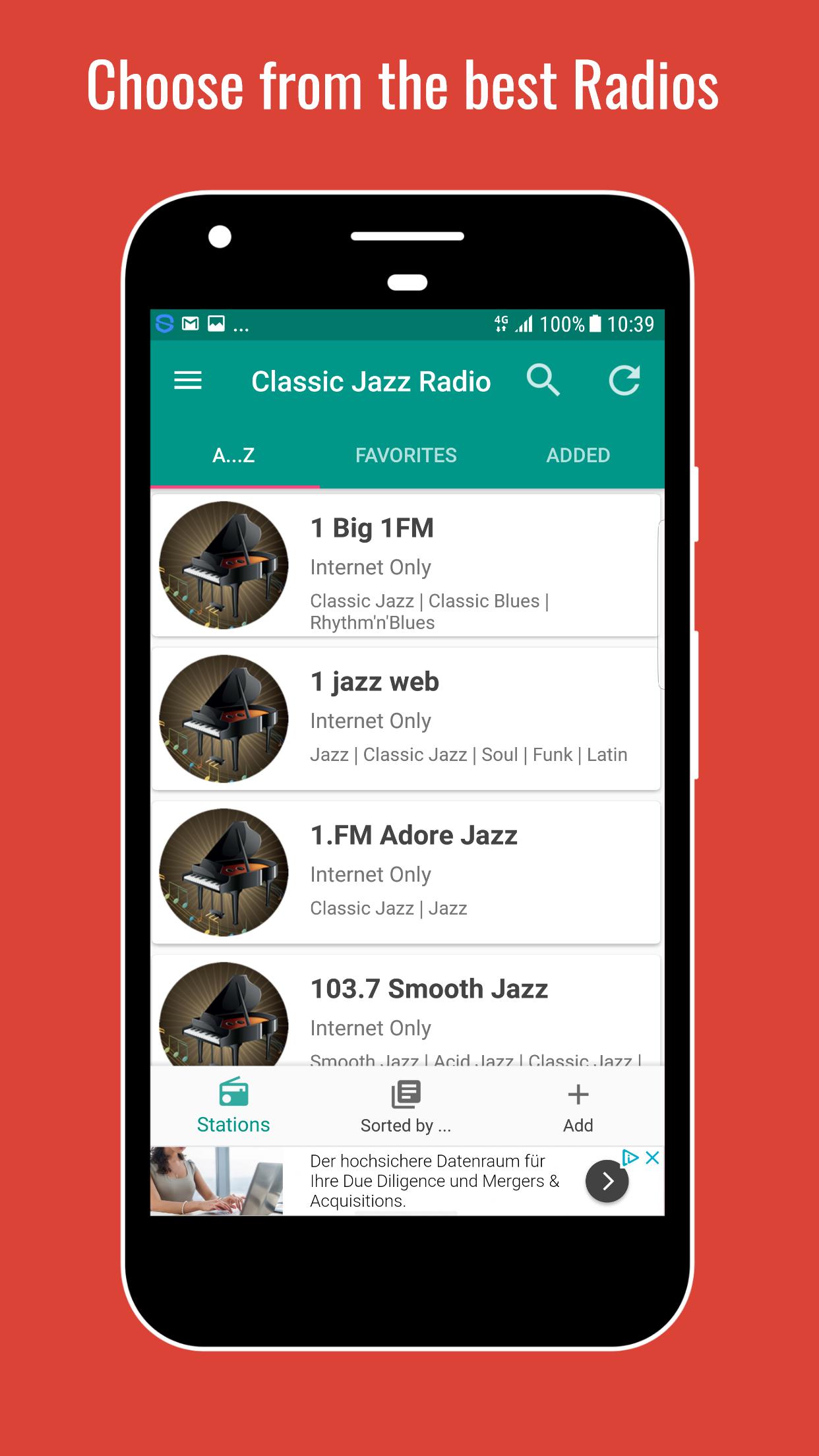
choose from the top live streams with Classic Jazz Music from around the world
♬ Song and Artist information
💨 Fast access
♥ Set favorites
🔍 Search for a station
◉ Radios are sorted by genres
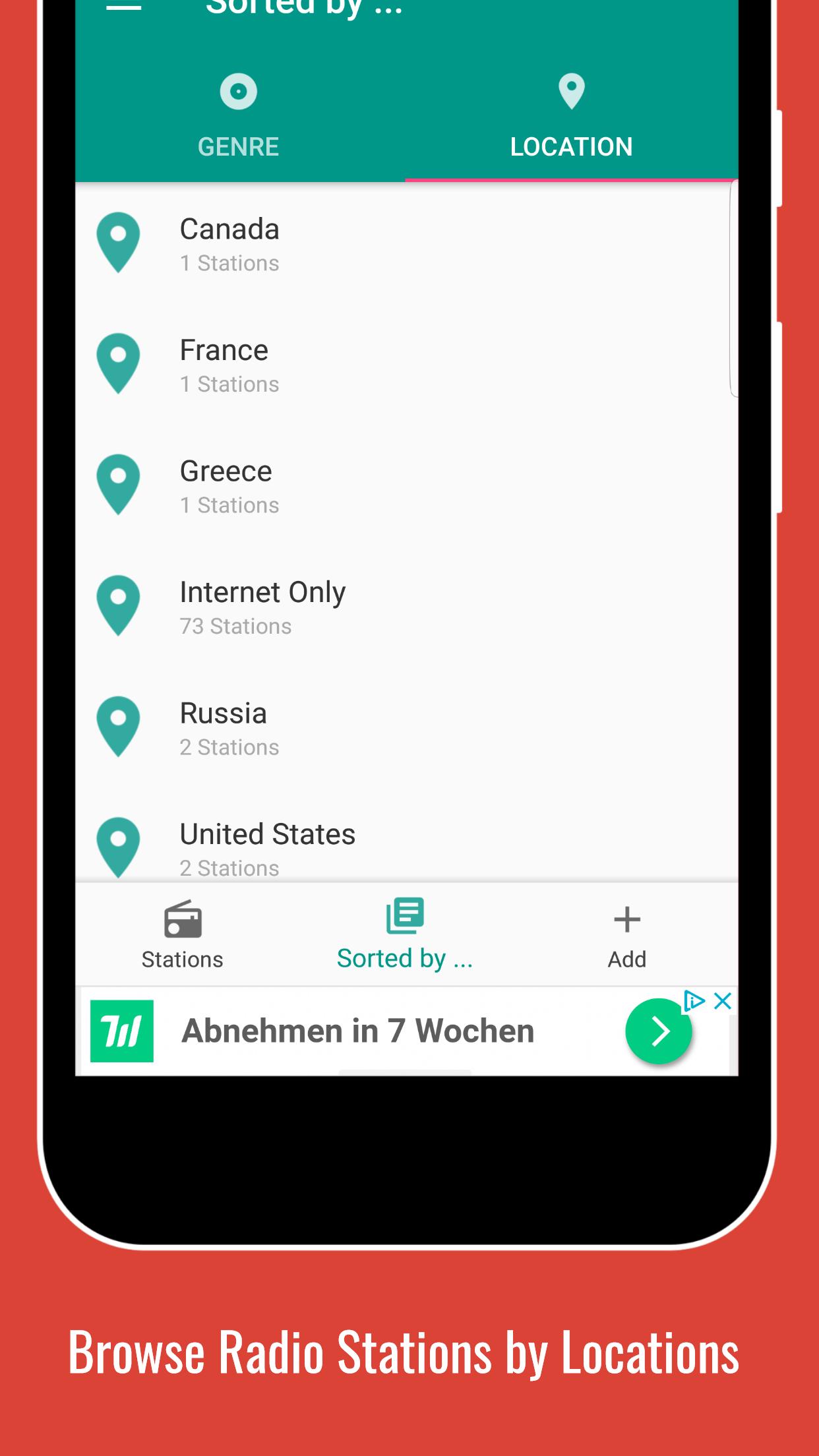
📌 Radios are sorted by location
🕐 Set a sleep timer
⏰ Set a alarm
✚ Add a live stream
↺ Refresh Playlist to always see the latest updates
$ Remove Ads with low priced paid subscription
❗ Please note that not all stations are available 24/7! Some stations also do have a max. number of listeners and/or are located in regions that do not have a 100% reliable internet connection. If you see the error message "Connection could not be established" and this problem persists, please contact us.
� For further information please use the FAQ Section inside the app (under Settings) or visit our homepage at http://swsisgmbh.com
Preview
Tags
Music-&Information
Developer
wsmrApps
Latest Version
1.0
Last Updated
2023-03-05
Category
Music-audio
Available on
Google Play
Show More
How to play Classic Jazz Radio with GameLoop on PC
1. Download GameLoop from the official website, then run the exe file to install GameLoop
2. Open GameLoop and search for “Classic Jazz Radio” , find Classic Jazz Radio in the search results and click “Install”
3. Enjoy playing Classic Jazz Radio on GameLoop
Minimum requirements
OS
Windows 8.1 64-bit or Windows 10 64-bit
GPU
GTX 1050
CPU
i3-8300
Memory
8GB RAM
Storage
1GB available space
Recommended requirements
OS
Windows 8.1 64-bit or Windows 10 64-bit
GPU
GTX 1050
CPU
i3-9320
Memory
16GB RAM
Storage
1GB available space