Radiology CT Viewer PC
MD Toolkit
Download Radiology CT Viewer on PC With GameLoop Emulator
Radiology CT Viewer on PC
Radiology CT Viewer, coming from the developer MD Toolkit, is running on Android systerm in the past.
Now, You can play Radiology CT Viewer on PC with GameLoop smoothly.
Download it in the GameLoop library or search results. No more eyeing the battery or frustrating calls at the wrong time any more.
Just enjoy Radiology CT Viewer PC on the large screen for free!
Radiology CT Viewer Introduction
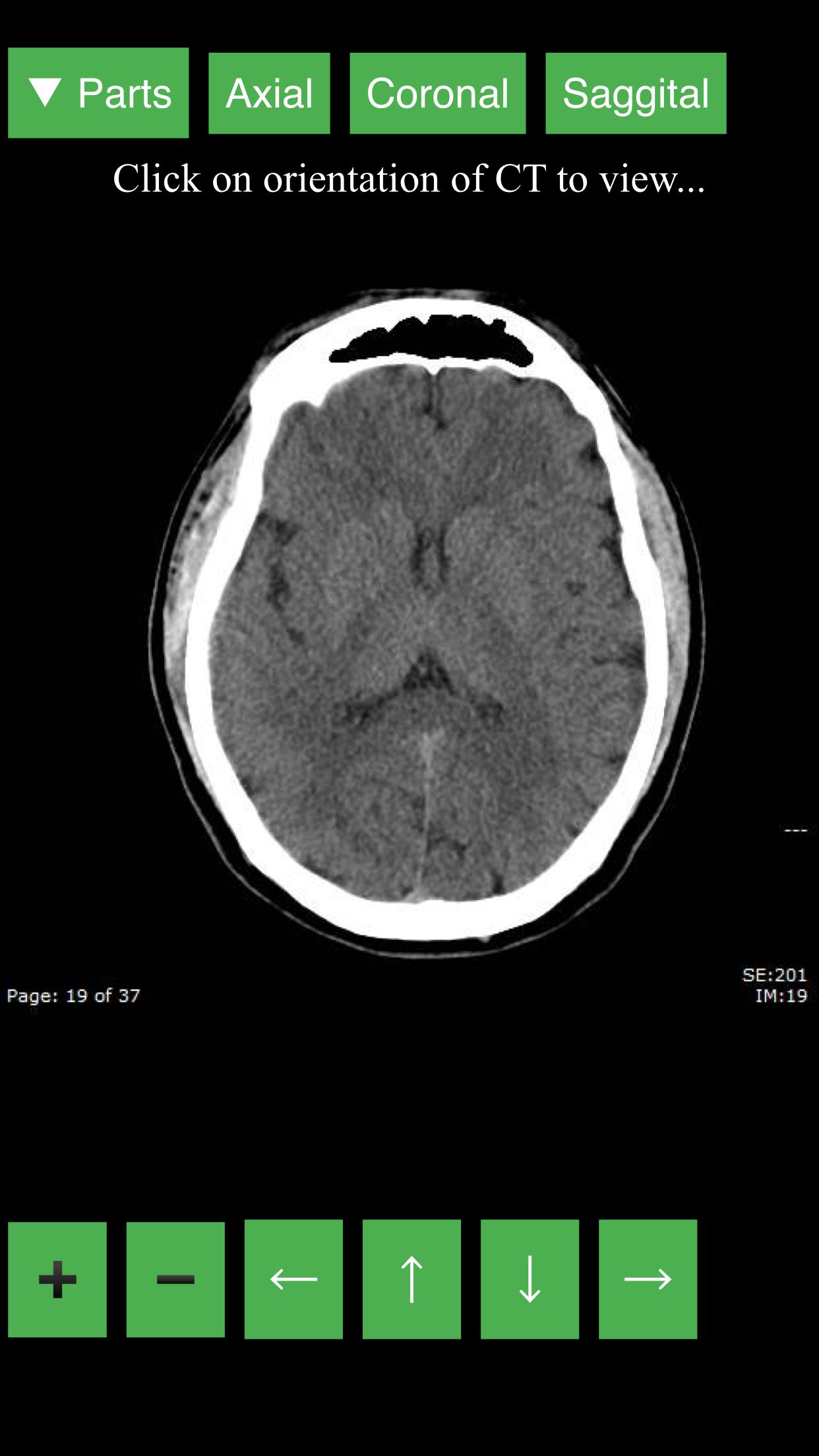
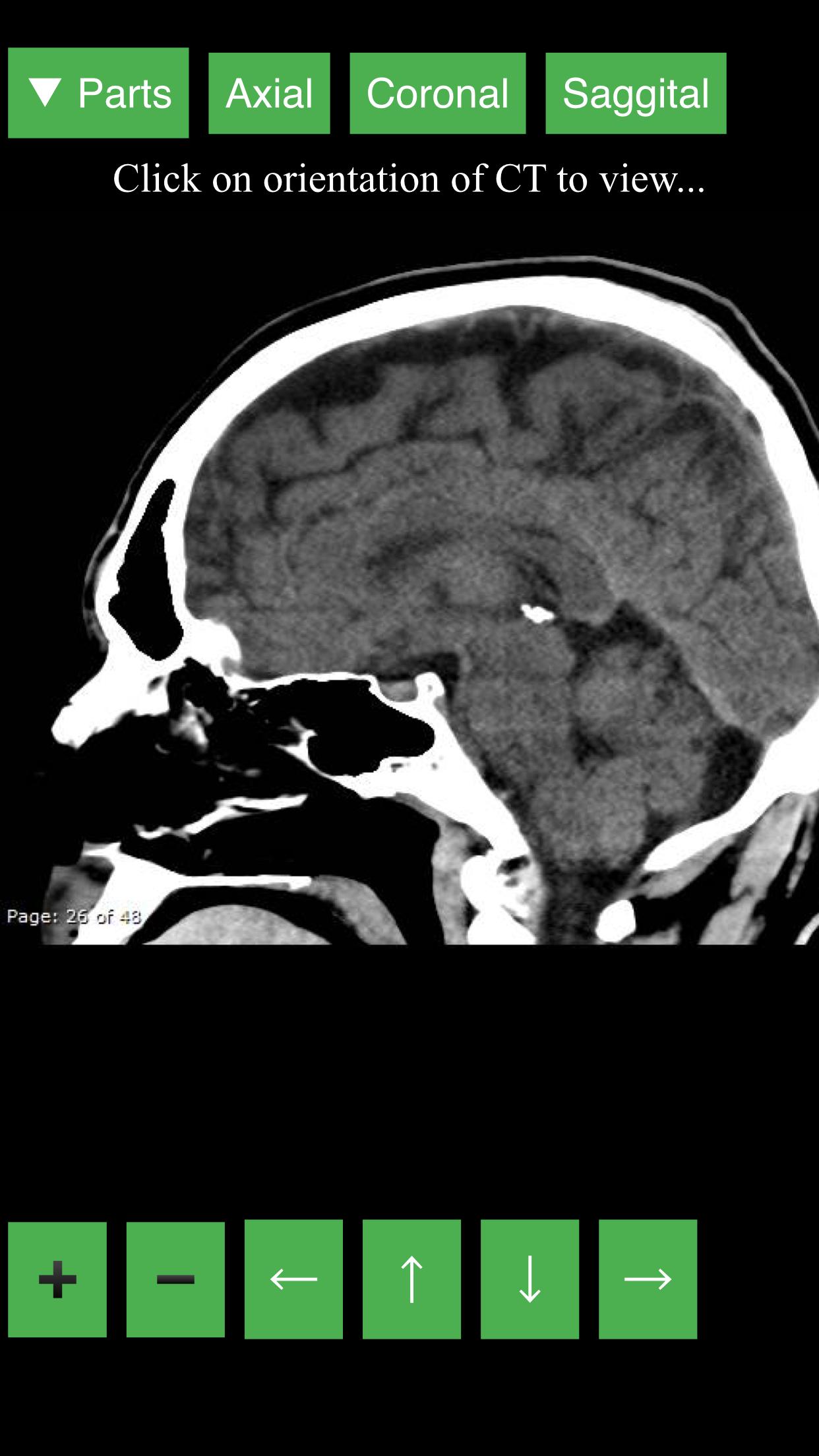
CT Viewer provides a dynamic and interactive method of viewing cross-sectional human anatomy on computed tomography (CT). The information contained in this app cannot be guaranteed for completeness and accuracy.
- CT Head
- CT Neck
- CT Chest
- CT Abdomen & Pelvis
If errors are encountered, please contact me through my e-mail. Contact CTViewerApp@mdtoolkit.net with any questions, comments, or advice to improve app.
Future developments:
- Other modalities and anatomical parts
- Anatomic localization
Disclaimer: The information in this app is provided as an educational resource only, and is not to be used or relied on for any diagnostic or treatment purposes. This information is not intended to be patient education and should not be used as a substitute for professional diagnosis and treatment. MDToolkit expressly disclaims responsibility, and shall have no liability, for any damages, loss, injury, or liability whatsoever suffered as a result of your reliance on the information contained in this app. By using this app, you agree to the foregoing terms and conditions, which may from time to time be changed or supplemented.
Preview
Tags
MedicalInformation
Developer
MD Toolkit
Latest Version
2
Last Updated
2018-01-19
Category
Medical
Available on
Google Play
Show More
How to play Radiology CT Viewer with GameLoop on PC
1. Download GameLoop from the official website, then run the exe file to install GameLoop
2. Open GameLoop and search for “Radiology CT Viewer” , find Radiology CT Viewer in the search results and click “Install”
3. Enjoy playing Radiology CT Viewer on GameLoop
Minimum requirements
OS
Windows 8.1 64-bit or Windows 10 64-bit
GPU
GTX 1050
CPU
i3-8300
Memory
8GB RAM
Storage
1GB available space
Recommended requirements
OS
Windows 8.1 64-bit or Windows 10 64-bit
GPU
GTX 1050
CPU
i3-9320
Memory
16GB RAM
Storage
1GB available space