
My AAPC PC
AAPC Applications
Download My AAPC on PC With GameLoop Emulator
My AAPC on PC
My AAPC, coming from the developer AAPC Applications, is running on Android systerm in the past.
Now, You can play My AAPC on PC with GameLoop smoothly.
Download it in the GameLoop library or search results. No more eyeing the battery or frustrating calls at the wrong time any more.
Just enjoy My AAPC PC on the large screen for free!
My AAPC Introduction
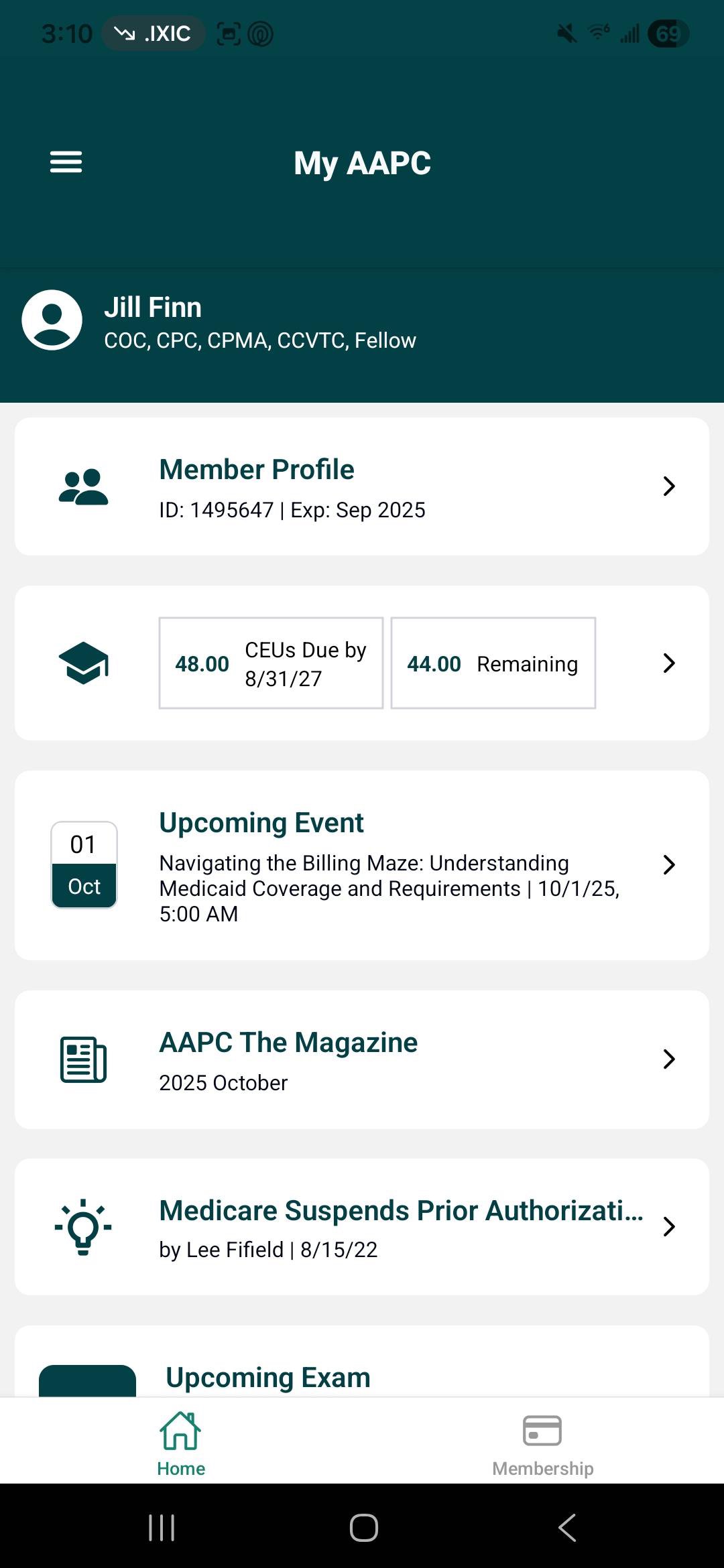
My AAPC allows you to access important membership features and tools in an easy-to-use mobile app.
With My AAPC you can:
• Log in securely using your AAPC account
• Review and update your AAPC profile
• Access membership information and renew through the app
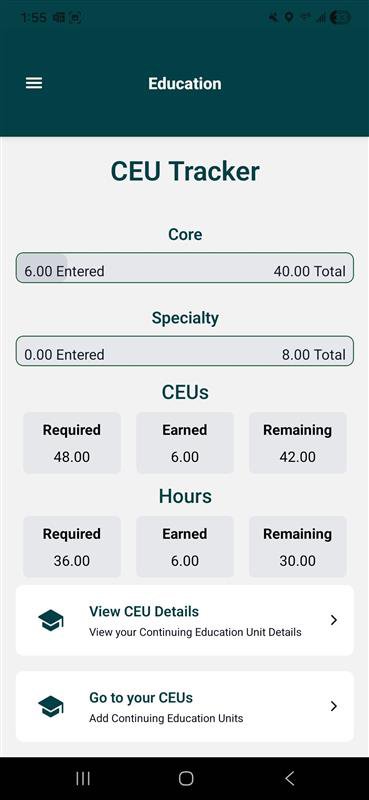
• Manage your CEUs through the CEU Tracker
• Scan QR Codes on Certificates to earn CEUs
• Utilize Free Tools for coding and billing
• Track your exam status and get real-time updates for in-person and online exams
• Administer exams easily with new Exam Proctor tools and instructions
• Select and view your sessions at regional and national conferences
• Browse AAPC certifications
• View registered events and upcoming events
• Watch webinars/workshops in the on-demand library and earn CEUs
• Take HBM Quizzes to earn CEUs
• Get reminders and notifications for exams, events, renewals and more…
Preview
Tags
MedicalInformation
Developer
AAPC Applications
Latest Version
2.0.3
Last Updated
2025-12-15
Category
Medical
Available on
Google Play
Show More
How to play My AAPC with GameLoop on PC
1. Download GameLoop from the official website, then run the exe file to install GameLoop
2. Open GameLoop and search for “My AAPC” , find My AAPC in the search results and click “Install”
3. Enjoy playing My AAPC on GameLoop
Minimum requirements
OS
Windows 8.1 64-bit or Windows 10 64-bit
GPU
GTX 1050
CPU
i3-8300
Memory
8GB RAM
Storage
1GB available space
Recommended requirements
OS
Windows 8.1 64-bit or Windows 10 64-bit
GPU
GTX 1050
CPU
i3-9320
Memory
16GB RAM
Storage
1GB available space