Color Blindness Test: Ishihara PC
King Brain Inc.
Download Color Blindness Test: Ishihara on PC With GameLoop Emulator
Color Blindness Test: Ishihara on PC
Color Blindness Test: Ishihara, coming from the developer King Brain Inc., is running on Android systerm in the past.
Now, You can play Color Blindness Test: Ishihara on PC with GameLoop smoothly.
Download it in the GameLoop library or search results. No more eyeing the battery or frustrating calls at the wrong time any more.
Just enjoy Color Blindness Test: Ishihara PC on the large screen for free!
Color Blindness Test: Ishihara Introduction
Experience Accurate Color Blindness Testing with our Free Color Blindness Test App. Quickly and easily determine if you are color-blind with just a few seconds of your time. Trust our app's 100% success rate and eliminate any doubts.
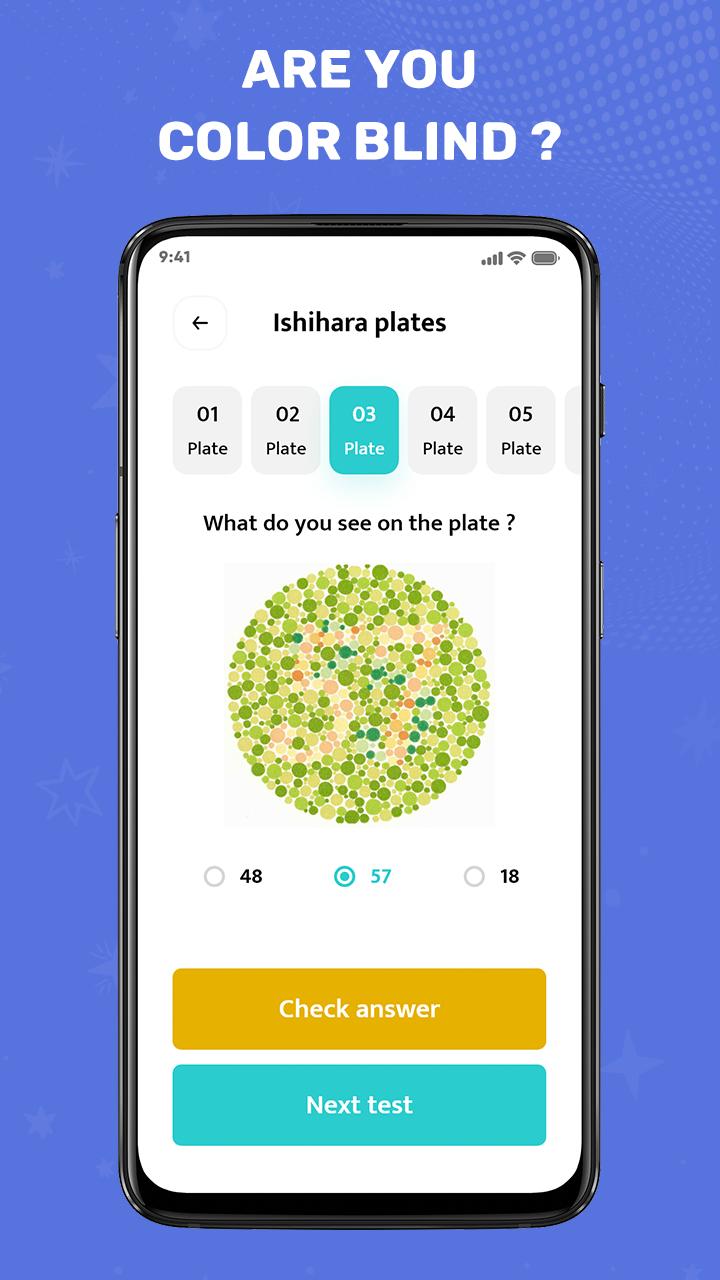
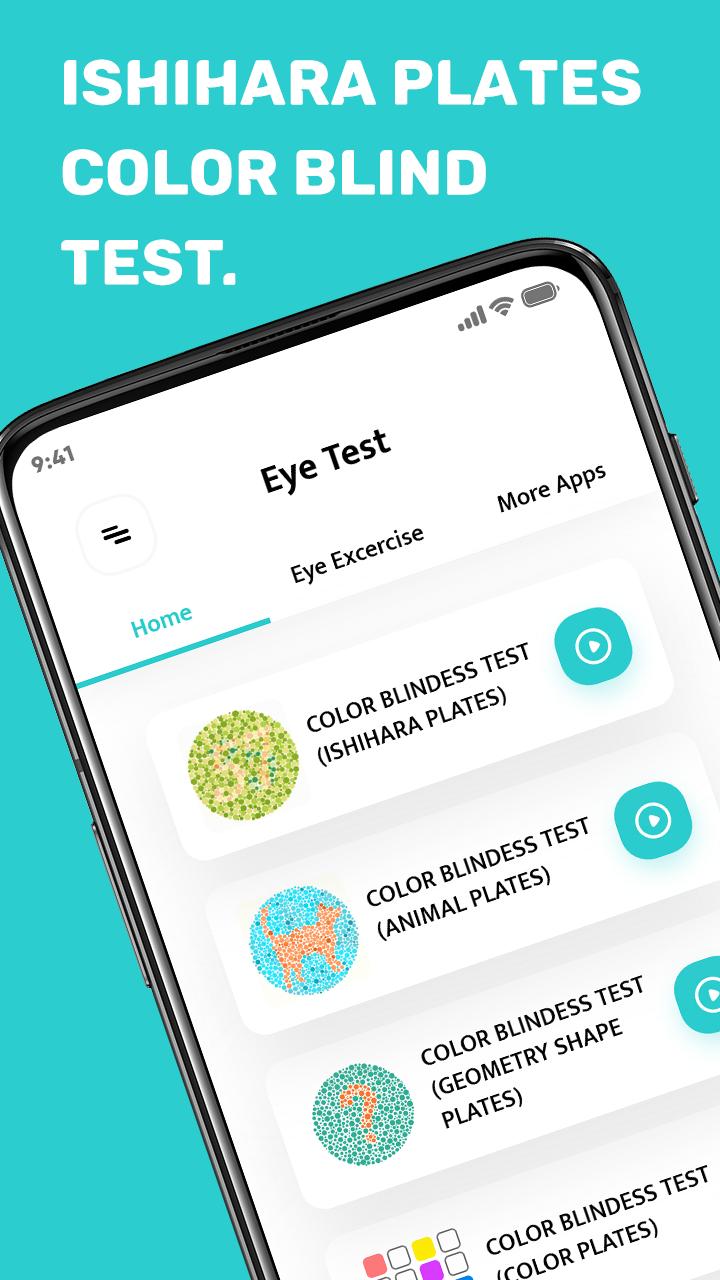
Discover the Widely Recognized Ishihara Test, the gold standard in color blindness testing. Featuring 38 pseudoisochromatic plates, each displaying numbers or lines, this test accurately evaluates red-green colorblindness. Our app faithfully replicates the simulation methodology used by optometrists during eye exams.
Engage Kids in Color Blindness Testing with Fun Animal Plates. Make the testing process enjoyable for children while assessing their color vision.
Expand the Color Vision Assessment with Tests Involving Various Shapes and Colors. Uncover the full extent of your color vision capabilities through a comprehensive range of testing methods.
Ensure Optimal Eye Cornea Health with the Eye Astigmatism Test. Evaluate and monitor the health of your cornea, promoting overall eye well-being.
Boost Your Eye Health and Improve Visual Acuity with Included Eye Exercises. Strengthen your eye muscles and enhance your eyesight through specially designed exercises. Take proactive steps towards maintaining healthy vision.
Download our app today to access a complete suite of color blindness tests, eye astigmatism assessment, and eye exercises. Prioritize your eye health and enjoy better vision with our comprehensive solution.
Preview
Tags
MedicalInformation
Developer
King Brain Inc.
Latest Version
2.51
Last Updated
2025-08-19
Category
Medical
Available on
Google Play
Show More
How to play Color Blindness Test: Ishihara with GameLoop on PC
1. Download GameLoop from the official website, then run the exe file to install GameLoop
2. Open GameLoop and search for “Color Blindness Test: Ishihara” , find Color Blindness Test: Ishihara in the search results and click “Install”
3. Enjoy playing Color Blindness Test: Ishihara on GameLoop
Minimum requirements
OS
Windows 8.1 64-bit or Windows 10 64-bit
GPU
GTX 1050
CPU
i3-8300
Memory
8GB RAM
Storage
1GB available space
Recommended requirements
OS
Windows 8.1 64-bit or Windows 10 64-bit
GPU
GTX 1050
CPU
i3-9320
Memory
16GB RAM
Storage
1GB available space