
IHSS EVV Mobile App PC
OSI CMIPS
Download IHSS EVV Mobile App on PC With GameLoop Emulator
IHSS EVV Mobile App on PC
IHSS EVV Mobile App, coming from the developer OSI CMIPS, is running on Android systerm in the past.
Now, You can play IHSS EVV Mobile App on PC with GameLoop smoothly.
Download it in the GameLoop library or search results. No more eyeing the battery or frustrating calls at the wrong time any more.
Just enjoy IHSS EVV Mobile App PC on the large screen for free!
IHSS EVV Mobile App Introduction
California’s In-Home Supportive Services (IHSS) Program, Electronic Visit Verification (EVV) Solution for IHSS & WPCS Providers.
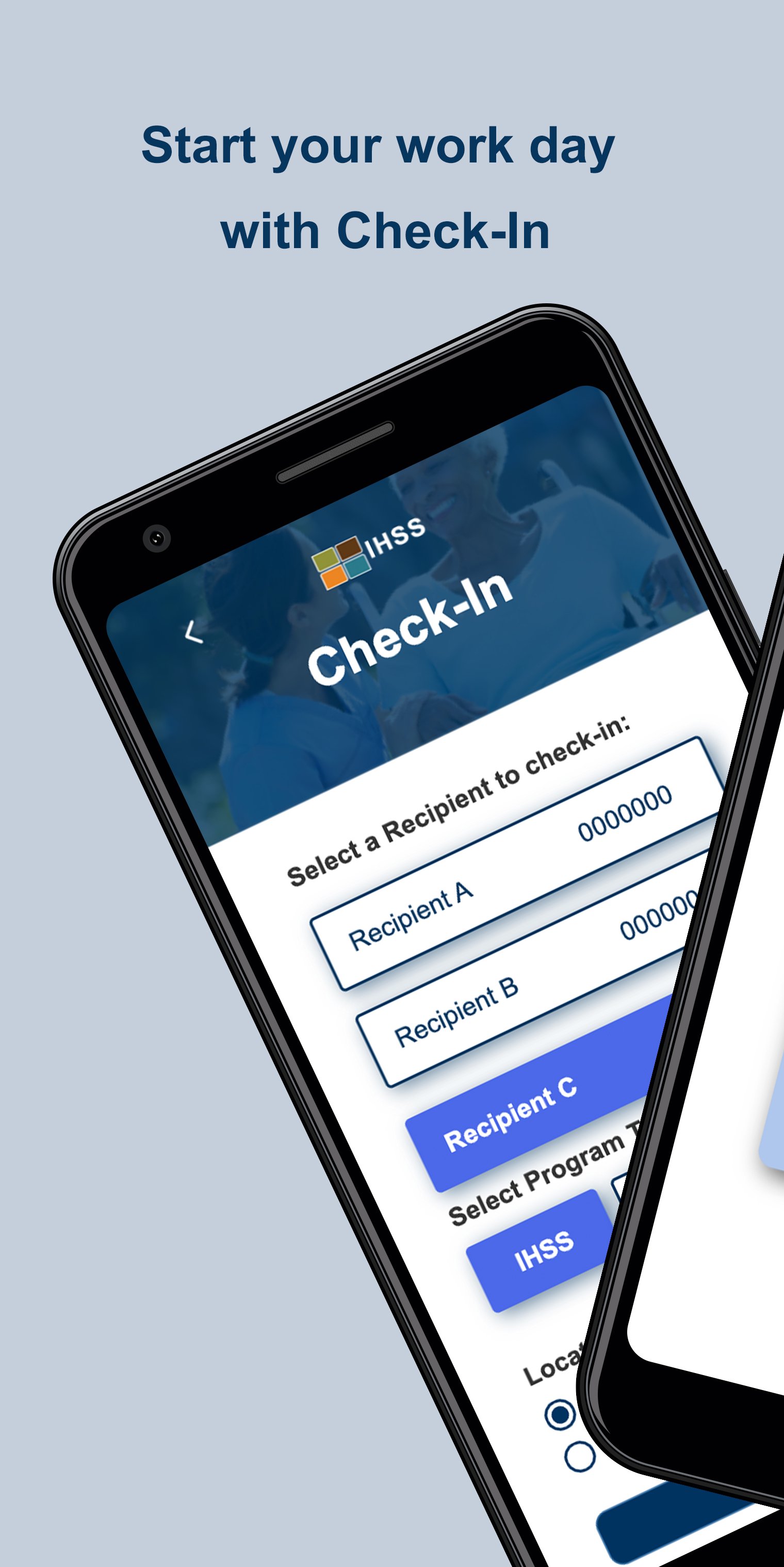
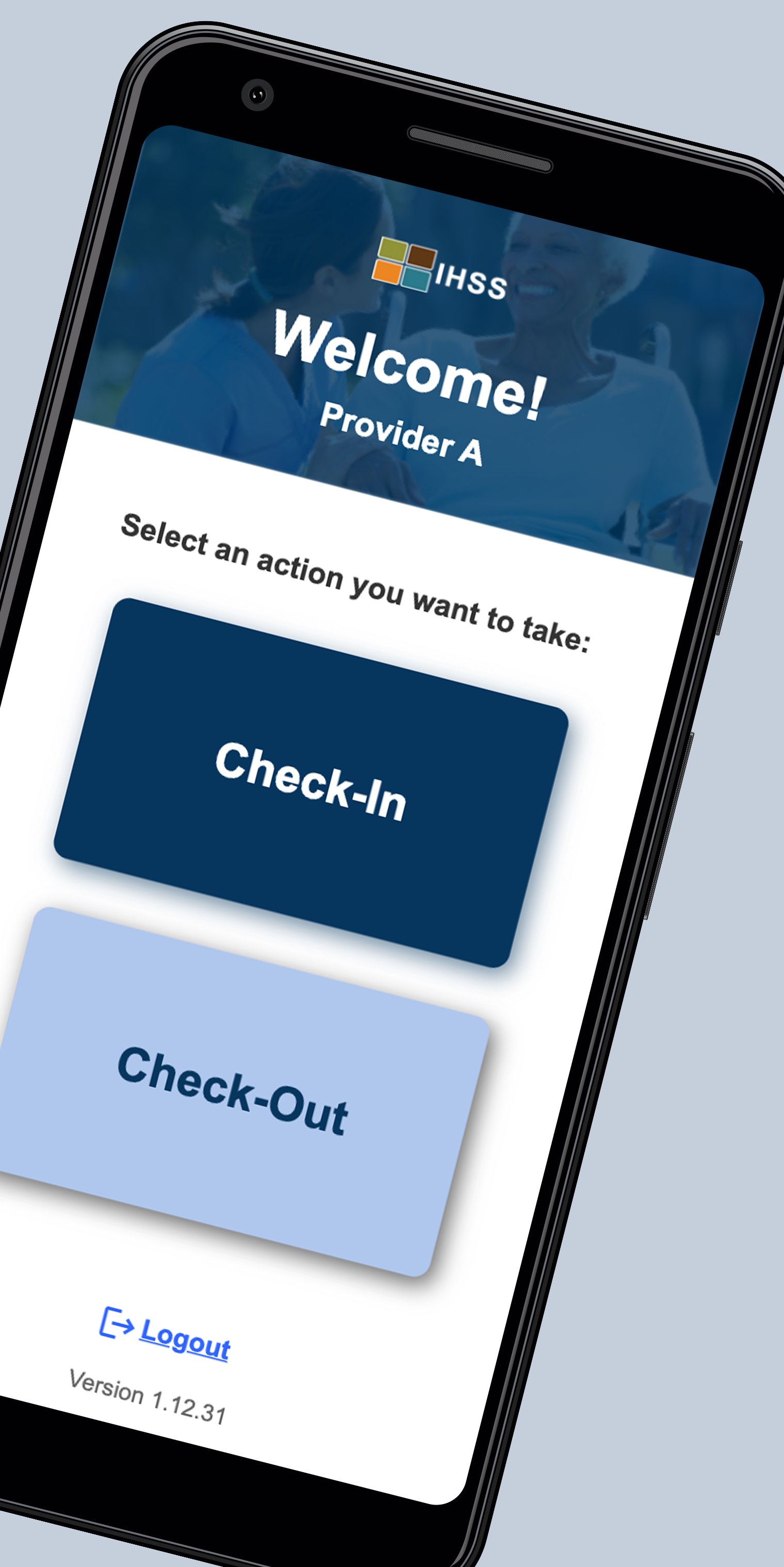
IHSS & WPCS providers will check-in at the beginning and check-out at the end of each work day for each IHSS/WPCS recipient they provide services for with simple easy to use screens. Providers are guided step-by-step to choose the recipient they are working for, if they would like to check-in or check-out, and select if they are in the home or in the community. Additionally, the app will conveniently add the provider’s hours to their IHSS Timesheet at the end of their workday. While the IHSS EVV app captures the start time, end time, and location of the visit using Location Services, it does not track the provider during the visit or at any other time. It simply takes a snapshot of the location when they check-in at the beginning and check-out at the end of each work day.
California’s IHSS EVV Solution is in full compliance with the 21st Century Cures Act Federal EVV requirements by capturing:
- The date, time, and location where the IHSS/WPCS services start,
- The name of the recipient,
- The date, time, and location where the IHSS/WPCS services end, and
- The location the visit ends.
California’s IHSS EVV Solution also allows for complete capturing of data when the user does not have internet connectivity. The IHSS EVV app will store the encrypted visit information and will transmit the data once the user has internet connectivity.
Preview
Tags
MedicalInformation
Developer
OSI CMIPS
Latest Version
1.6.0
Last Updated
2026-01-21
Category
Medical
Available on
Google Play
Show More
How to play IHSS EVV Mobile App with GameLoop on PC
1. Download GameLoop from the official website, then run the exe file to install GameLoop
2. Open GameLoop and search for “IHSS EVV Mobile App” , find IHSS EVV Mobile App in the search results and click “Install”
3. Enjoy playing IHSS EVV Mobile App on GameLoop
Minimum requirements
OS
Windows 8.1 64-bit or Windows 10 64-bit
GPU
GTX 1050
CPU
i3-8300
Memory
8GB RAM
Storage
1GB available space
Recommended requirements
OS
Windows 8.1 64-bit or Windows 10 64-bit
GPU
GTX 1050
CPU
i3-9320
Memory
16GB RAM
Storage
1GB available space