
Network Portal PC
TopLogic Consulting Corporation
Download Network Portal on PC With GameLoop Emulator
Network Portal on PC
Network Portal, coming from the developer TopLogic Consulting Corporation, is running on Android systerm in the past.
Now, You can play Network Portal on PC with GameLoop smoothly.
Download it in the GameLoop library or search results. No more eyeing the battery or frustrating calls at the wrong time any more.
Just enjoy Network Portal PC on the large screen for free!
Network Portal Introduction
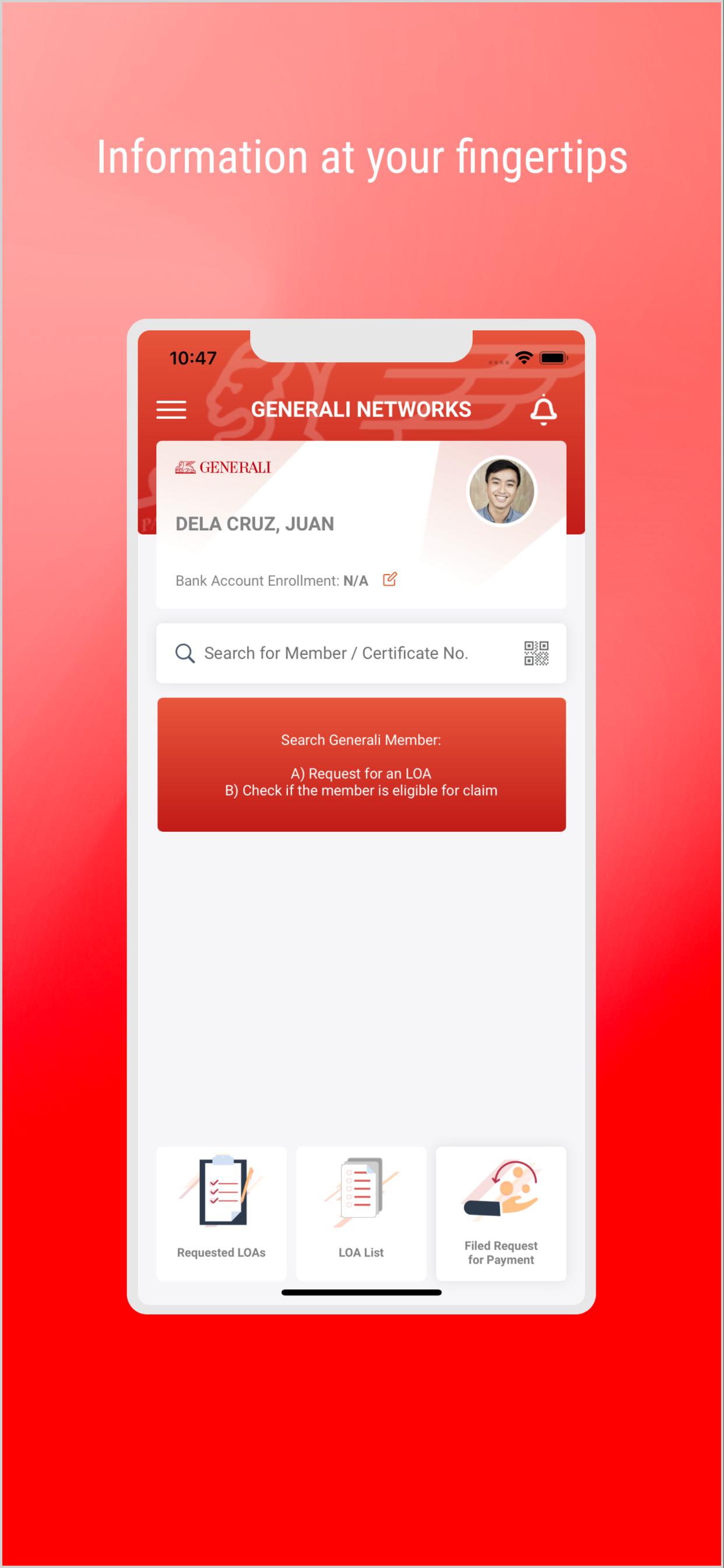
A faster, easier way to manage your patients’ LOAs — anytime, anywhere.
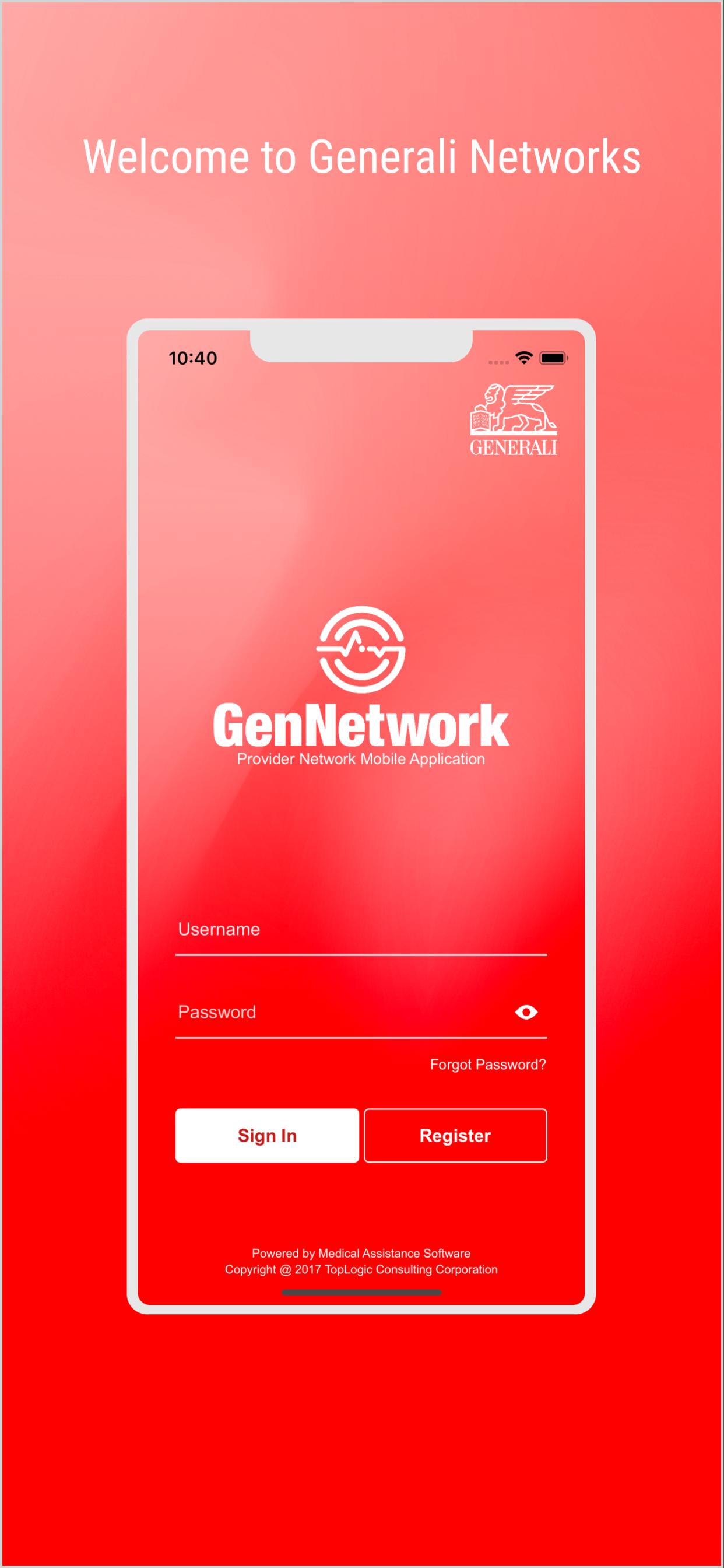
Welcome to Network Portal (formerly called GenNetwork), your 24/7 digital partner for seamless healthcare service management.
With Network Portal, you can:
• Request a patient’s Letter of Authority (LOA) anytime
• Instantly verify if an LOA is valid
• Manage requests more efficiently — without the need to call hotlines
Everything you need, right at your fingertips. So you can focus more on delivering quality care, while we make the process simpler for you.
Connected. Convenient. For You. By InLife Benefits.
Preview
Tags
MedicalInformation
Developer
TopLogic Consulting Corporation
Latest Version
2.7
Last Updated
2026-04-16
Category
Medical
Available on
Google Play
Show More
How to play Network Portal with GameLoop on PC
1. Download GameLoop from the official website, then run the exe file to install GameLoop
2. Open GameLoop and search for “Network Portal” , find Network Portal in the search results and click “Install”
3. Enjoy playing Network Portal on GameLoop
Minimum requirements
OS
Windows 8.1 64-bit or Windows 10 64-bit
GPU
GTX 1050
CPU
i3-8300
Memory
8GB RAM
Storage
1GB available space
Recommended requirements
OS
Windows 8.1 64-bit or Windows 10 64-bit
GPU
GTX 1050
CPU
i3-9320
Memory
16GB RAM
Storage
1GB available space