
RealStaff PC
Schedule App LLC
Download RealStaff on PC With GameLoop Emulator
RealStaff on PC
RealStaff, coming from the developer Schedule App LLC, is running on Android systerm in the past.
Now, You can play RealStaff on PC with GameLoop smoothly.
Download it in the GameLoop library or search results. No more eyeing the battery or frustrating calls at the wrong time any more.
Just enjoy RealStaff PC on the large screen for free!
RealStaff Introduction
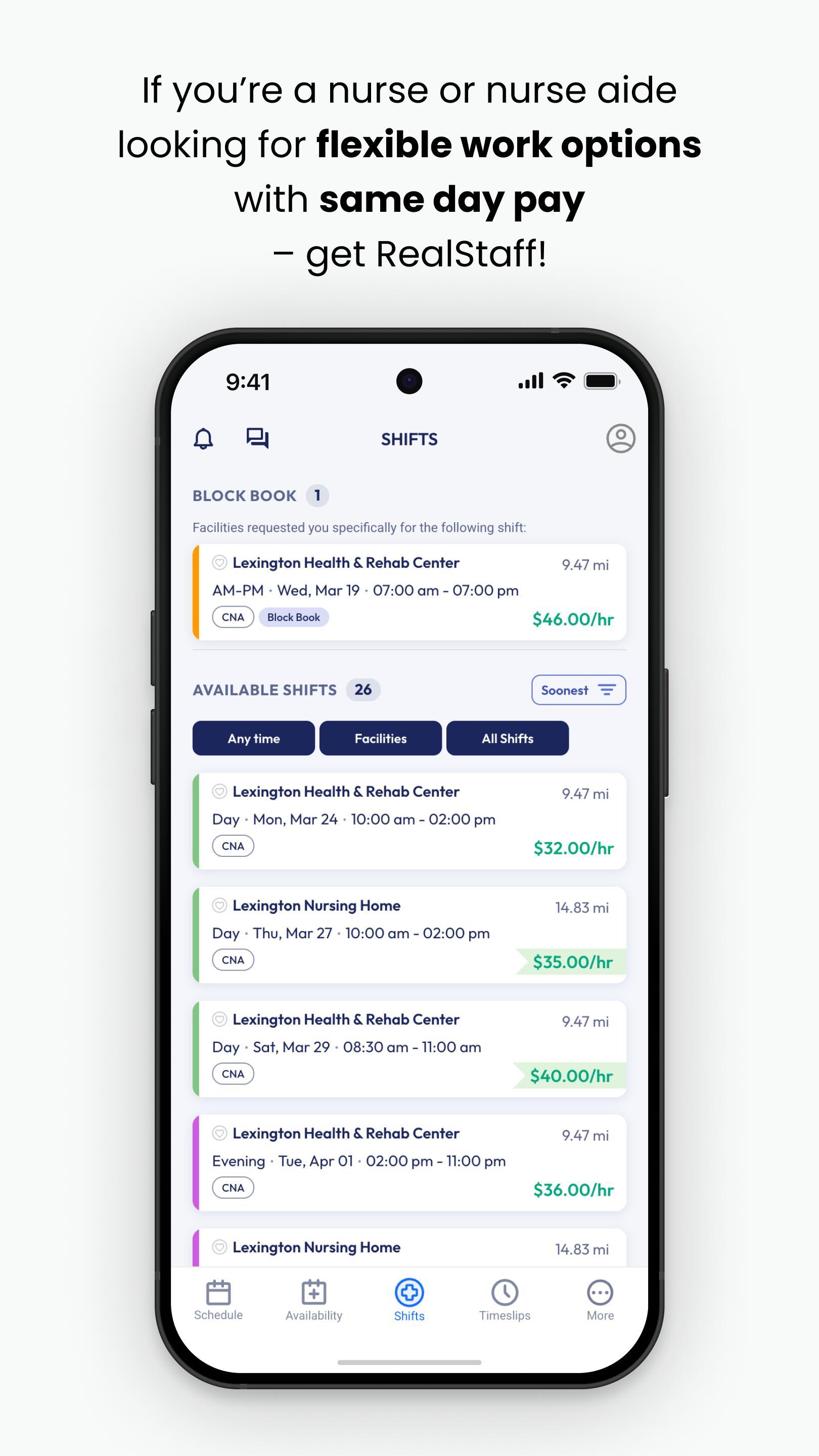
RealStaff Mobile was designed to connect people to care… and pay them the same-day!
Why RealStaff?
Because nurses are working short-staffed and people are going without care.
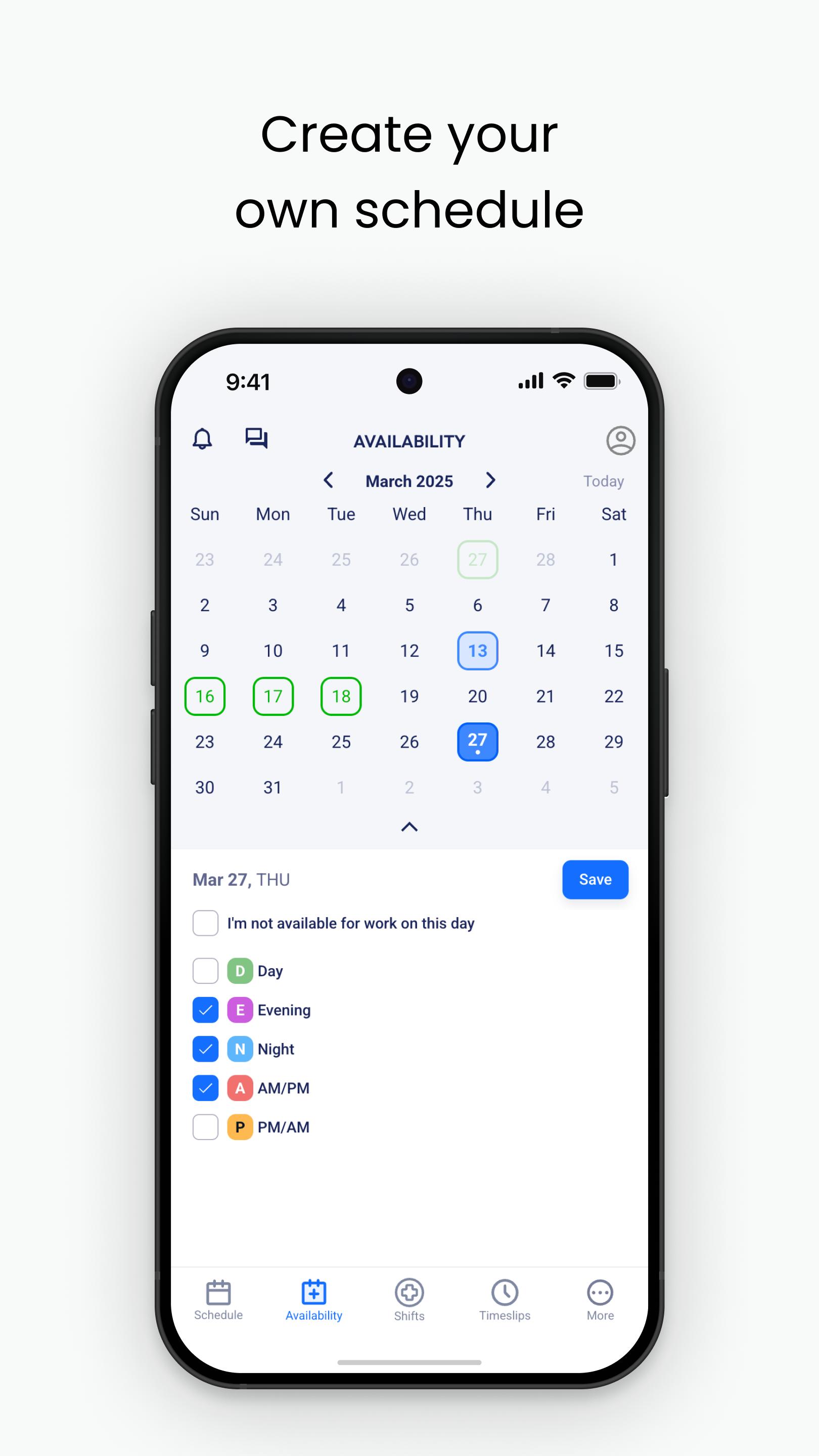
RealStaff Mobile empowers clinicians by putting the agency in your hand. Choose when and where you want to work. Get paid within hours after your shift… after every shift, 365 days a year.
Connect to thousands of open shifts in over 35 states.
Choose the shifts that fit your personal schedule.
Upload your timeslip after the shift to get paid the same day!
Store all your credentials in one secure place.
Easy access to help whenever you need with 24/7 customer service.
RealStaff Mobile sends you notifications for available shifts, uses your camera to upload time slips for pay purposes, and background location services to verify and promote faster pay.
Are you ready to join the 20,000+ healthcare professionals who choose to #UseRealStaff?
If you have not already applied with us, please visit “https://realstaff.com/apply” to start your application today!
Preview
Tags
MedicalBusinessInformation
Developer
Schedule App LLC
Latest Version
6.124.3322
Last Updated
2025-09-30
Category
Medical
Available on
Google Play
Show More
How to play RealStaff with GameLoop on PC
1. Download GameLoop from the official website, then run the exe file to install GameLoop
2. Open GameLoop and search for “RealStaff” , find RealStaff in the search results and click “Install”
3. Enjoy playing RealStaff on GameLoop
Minimum requirements
OS
Windows 8.1 64-bit or Windows 10 64-bit
GPU
GTX 1050
CPU
i3-8300
Memory
8GB RAM
Storage
1GB available space
Recommended requirements
OS
Windows 8.1 64-bit or Windows 10 64-bit
GPU
GTX 1050
CPU
i3-9320
Memory
16GB RAM
Storage
1GB available space