
EPIC HS Quick Launch PC
EPIC PC
Download EPIC HS Quick Launch on PC With GameLoop Emulator
EPIC HS Quick Launch on PC
EPIC HS Quick Launch, coming from the developer EPIC PC, is running on Android systerm in the past.
Now, You can play EPIC HS Quick Launch on PC with GameLoop smoothly.
Download it in the GameLoop library or search results. No more eyeing the battery or frustrating calls at the wrong time any more.
Just enjoy EPIC HS Quick Launch PC on the large screen for free!
EPIC HS Quick Launch Introduction
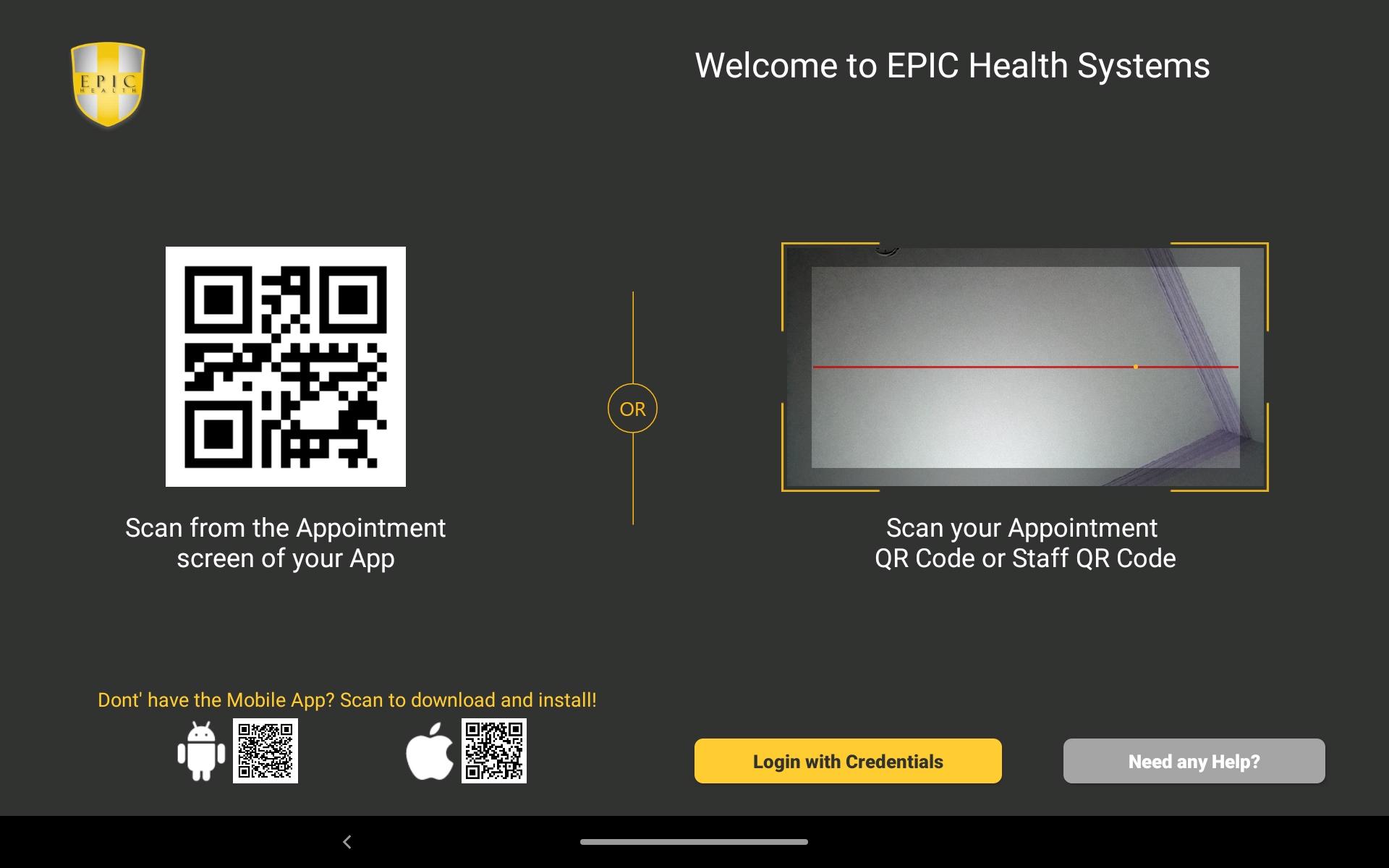
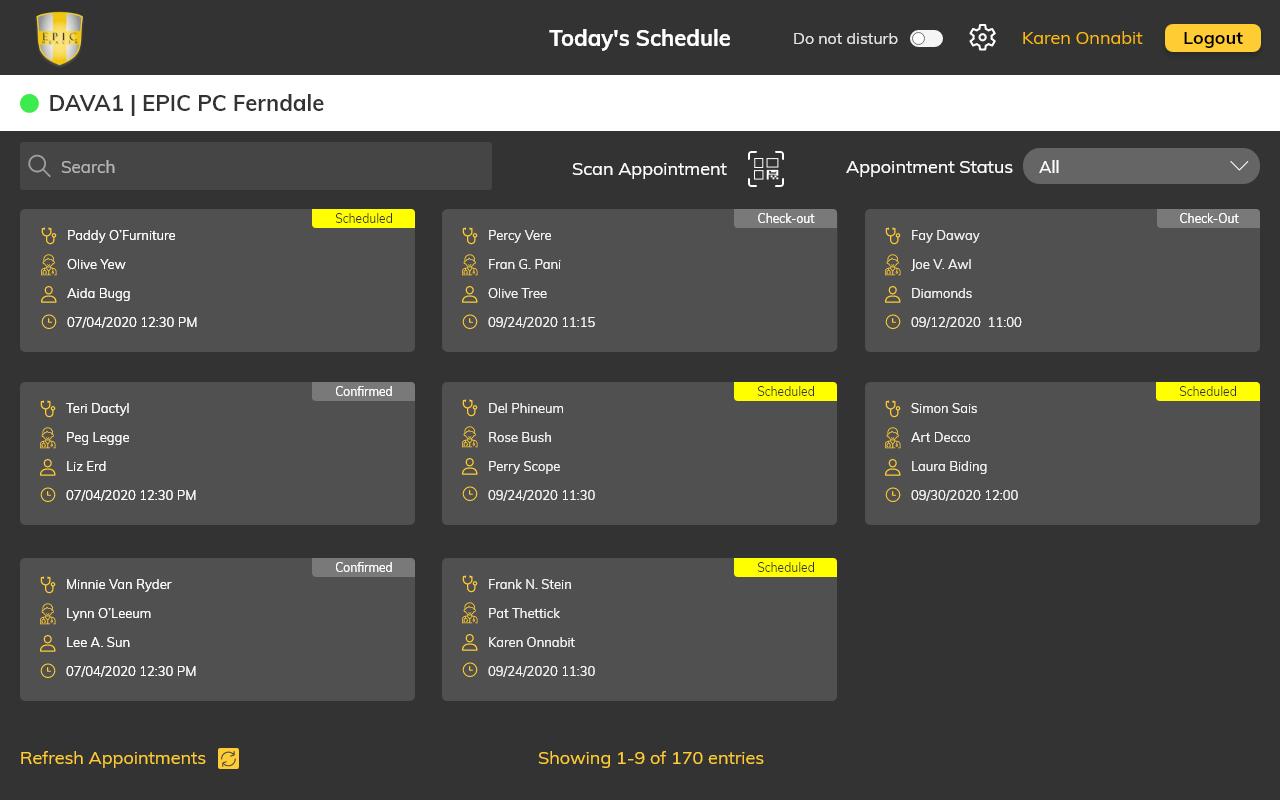
EPIC PC is dedicated to giving the best patient care and experience in the country. We are committed to assisting patients to be “Happier, Healthier and Better”. We have worked hard to create an app that will allow for Team members and Patients to easily work together towards the common goal of maintaining a “Center of Excellence” towards patient care. On the patient side, the app will allow for ease of access to their personal records, easily communicate with providers, easily schedule appointments or request other information such as referral requests, medication requests etc. On the EPIC PC Team members side, they can easily check patients in the office, add in components of their charts and update other parts of their records. They will, also, be able to communicate securely via the apps with patients pertaining to their health and allow easier connection with clerical personnel.
Preview
Tags
MedicalInformation
Developer
EPIC PC
Latest Version
3.0
Last Updated
2022-03-17
Category
Medical
Available on
Google Play
Show More
How to play EPIC HS Quick Launch with GameLoop on PC
1. Download GameLoop from the official website, then run the exe file to install GameLoop
2. Open GameLoop and search for “EPIC HS Quick Launch” , find EPIC HS Quick Launch in the search results and click “Install”
3. Enjoy playing EPIC HS Quick Launch on GameLoop
Minimum requirements
OS
Windows 8.1 64-bit or Windows 10 64-bit
GPU
GTX 1050
CPU
i3-8300
Memory
8GB RAM
Storage
1GB available space
Recommended requirements
OS
Windows 8.1 64-bit or Windows 10 64-bit
GPU
GTX 1050
CPU
i3-9320
Memory
16GB RAM
Storage
1GB available space