
Diabetes — Blood Sugar Tracker PC
Klimaszewski Szymon
Download Diabetes — Blood Sugar Tracker on PC With GameLoop Emulator
Diabetes — Blood Sugar Tracker on PC
Diabetes — Blood Sugar Tracker, coming from the developer Klimaszewski Szymon, is running on Android systerm in the past.
Now, You can play Diabetes — Blood Sugar Tracker on PC with GameLoop smoothly.
Download it in the GameLoop library or search results. No more eyeing the battery or frustrating calls at the wrong time any more.
Just enjoy Diabetes — Blood Sugar Tracker PC on the large screen for free!
Diabetes — Blood Sugar Tracker Introduction
Track your blood sugar with the simplest diabetes logbook for Android. Log glucose readings in seconds, tag every entry with context, and view your trends on clear, interactive charts. Export data as PDF, CSV, or XML — your diabetes diary, fully under your control.
No external device or hardware is required. All features work with manual data entry.
This app is not a medical device. It does not diagnose, treat, cure, or prevent any disease or medical condition. It does not provide medical advice or clinical recommendations. Always consult a qualified healthcare professional for medical guidance.
BLOOD SUGAR LOGGING
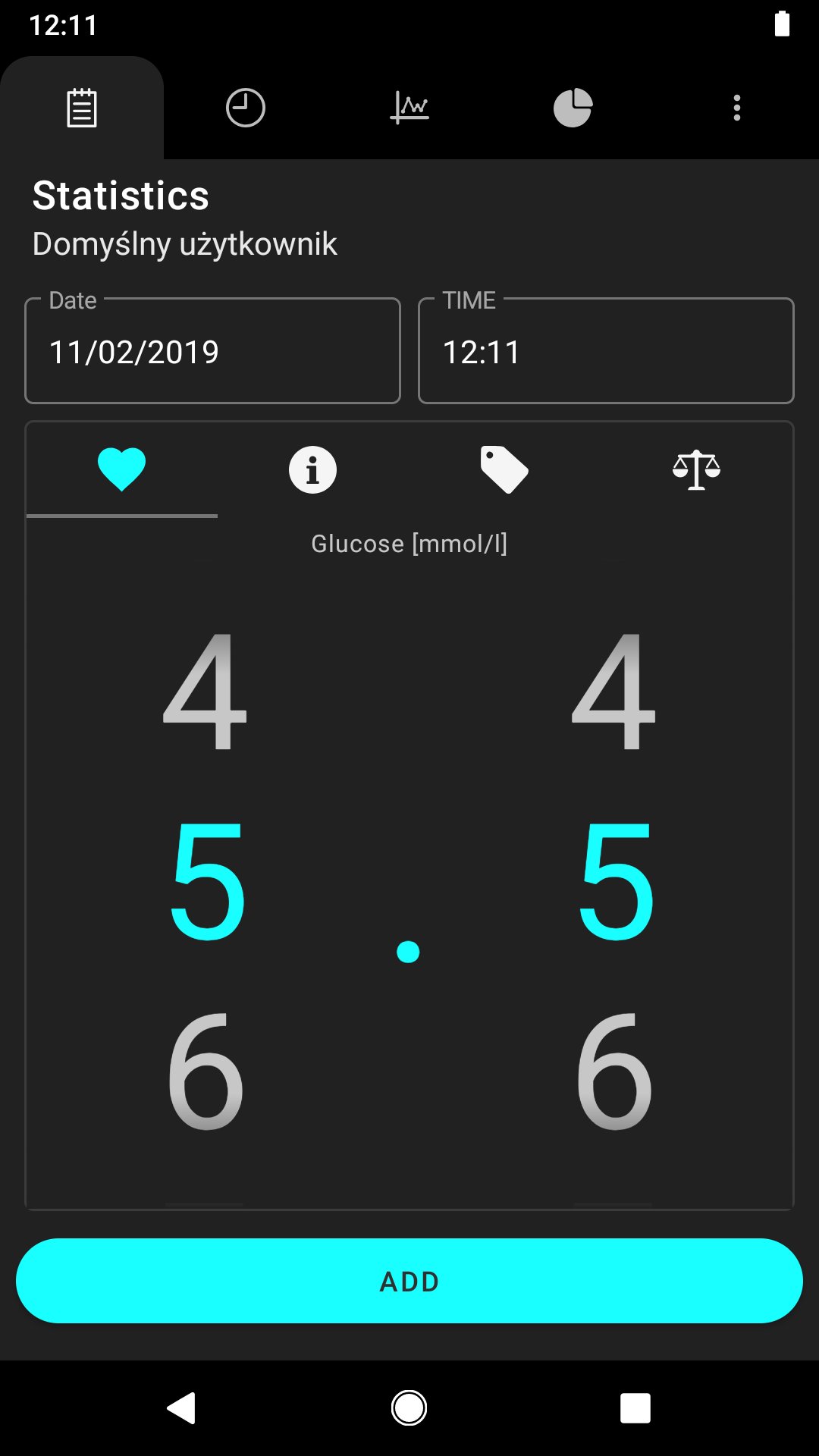
Log your blood glucose level quickly — date, time, value, and a personal note for each reading. Supports both mg/dL and mmol/L units so your diabetes tracker works wherever you are.
WEIGHT TRACKING
Optionally log your weight alongside glucose readings. Supports kg and lbs. View weight data on charts and in your statistics.
CUSTOM TAGS
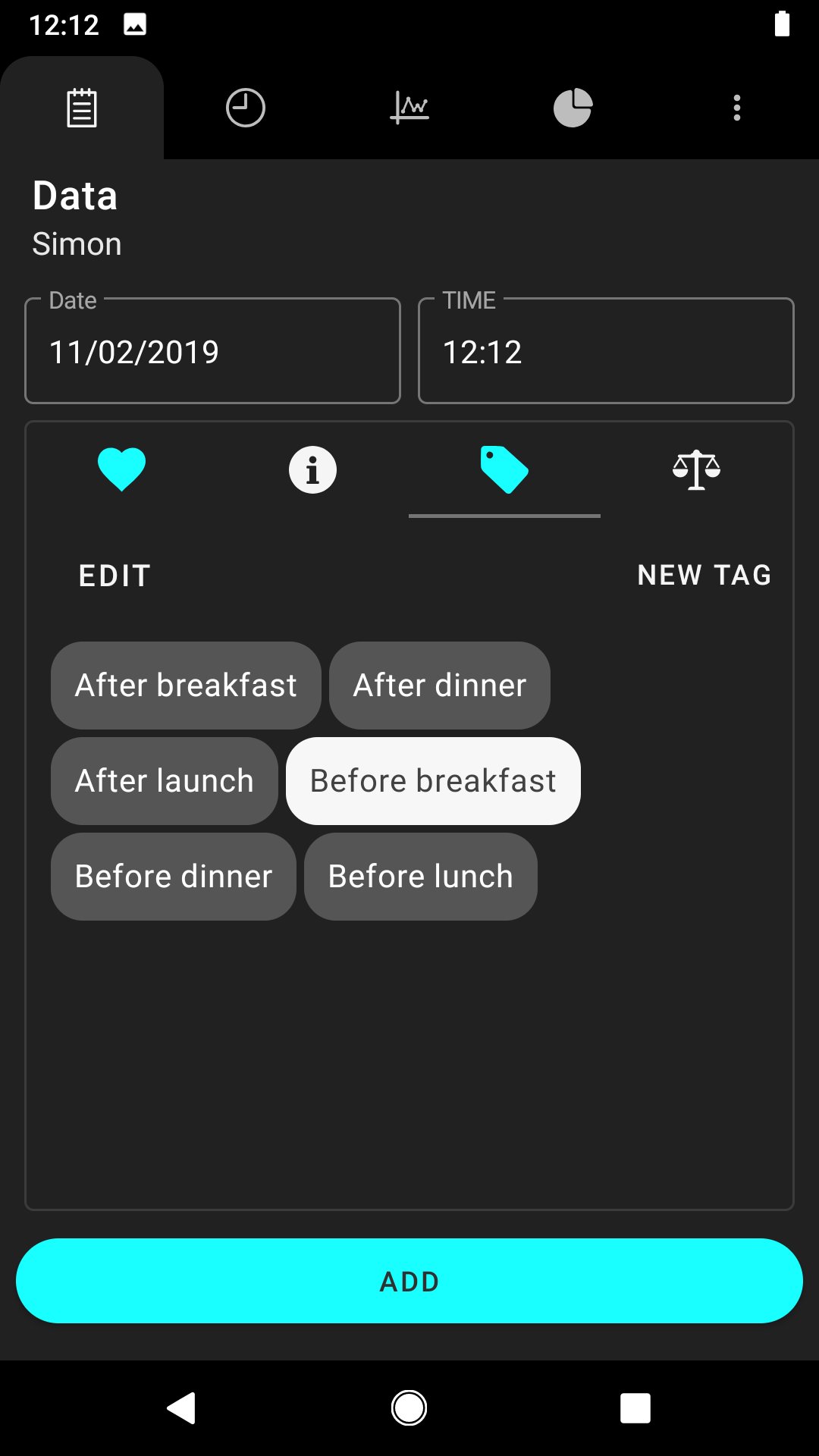
Create your own tags to add context to every reading: before breakfast, after lunch, evening, exercise, or anything else. Tags are fully customizable text labels — endless possibilities to describe your day.
INTERACTIVE CHARTS & STATISTICS
View your glucose and weight history on interactive, zoomable charts. Daily, weekly, and monthly views. Averages, min, max, and time-of-day breakdowns — all your logged data, clearly visualized.
PDF, CSV & XML EXPORT
Export your complete glucose and weight history as a PDF document, CSV file, or XML file. Share records with your healthcare provider, family, or keep them for your own reference — ready in seconds.
MULTIPLE USER PROFILES
One app, multiple users. Each person gets their own glucose history, charts, and statistics — ideal for families.
REMINDERS
Set reminders throughout the day for blood sugar checks. Build consistent logging habits with customizable alerts.
OPTIONAL BLUETOOTH SYNC (PREMIUM)
Premium users can optionally sync readings from BLE-compatible (Bluetooth Low Energy) glucose meters. This is entirely optional — the app is fully functional without any external device. Manual entry is always available for all users.
FREE CORE FEATURES
Blood sugar logging, weight tracking, charts, tags, statistics, PDF/CSV/XML export, reminders, and multiple profiles — all free. Upgrade to Premium for optional Bluetooth meter sync and an ad-free experience.
Built for daily use by people logging blood sugar for Type 1 diabetes, Type 2 diabetes, gestational diabetes, or prediabetes. Clean interface with dark and light themes, data filters, and simple navigation designed for all ages.
DISCLAIMER: This app is not a medical device. It does not diagnose, treat, cure, or prevent any disease. It is not a substitute for professional medical advice, diagnosis, or treatment. Always seek the advice of your physician or other qualified health provider. Blood sugar and weight data logged in this app is for personal record-keeping and informational purposes only. This app does not analyze, interpret, or make recommendations based on your data.
Privacy Policy: [URL]
Terms of Service: [URL]
Support: [EMAIL]
Preview
Tags
MedicalInformation
Developer
Klimaszewski Szymon
Latest Version
5.1.5
Last Updated
2026-03-23
Category
Medical
Available on
Google Play
Show More
How to play Diabetes — Blood Sugar Tracker with GameLoop on PC
1. Download GameLoop from the official website, then run the exe file to install GameLoop
2. Open GameLoop and search for “Diabetes — Blood Sugar Tracker” , find Diabetes — Blood Sugar Tracker in the search results and click “Install”
3. Enjoy playing Diabetes — Blood Sugar Tracker on GameLoop
Minimum requirements
OS
Windows 8.1 64-bit or Windows 10 64-bit
GPU
GTX 1050
CPU
i3-8300
Memory
8GB RAM
Storage
1GB available space
Recommended requirements
OS
Windows 8.1 64-bit or Windows 10 64-bit
GPU
GTX 1050
CPU
i3-9320
Memory
16GB RAM
Storage
1GB available space