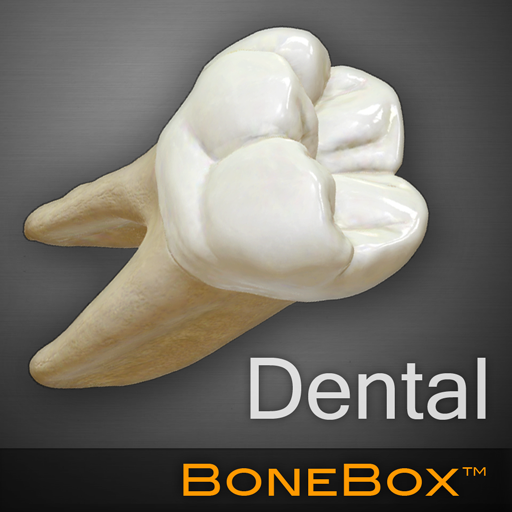
BoneBox™ - Dental Lite PC
iSO-FORM, LLC
Download BoneBox™ - Dental Lite on PC With GameLoop Emulator
BoneBox™ - Dental Lite on PC
BoneBox™ - Dental Lite, coming from the developer iSO-FORM, LLC, is running on Android systerm in the past.
Now, You can play BoneBox™ - Dental Lite on PC with GameLoop smoothly.
Download it in the GameLoop library or search results. No more eyeing the battery or frustrating calls at the wrong time any more.
Just enjoy BoneBox™ - Dental Lite PC on the large screen for free!
BoneBox™ - Dental Lite Introduction
BoneBox™ - Dental Lite is the pocket-sized version of our BoneBox ™ - Dental app. This real-time 3D medical education and patient communication tool, featuring incredibly detailed anatomical models of the human dental anatomy. It is a member of a series of apps developed by a team of anatomists, certified medical illustrators, animators, and programmers using actual human CT imaging data, and the most accurate 3D modeling technology available.
The BoneBox™- Dental Lite is appropriate for use by secondary students, undergraduate and graduate students, and medical professionals.
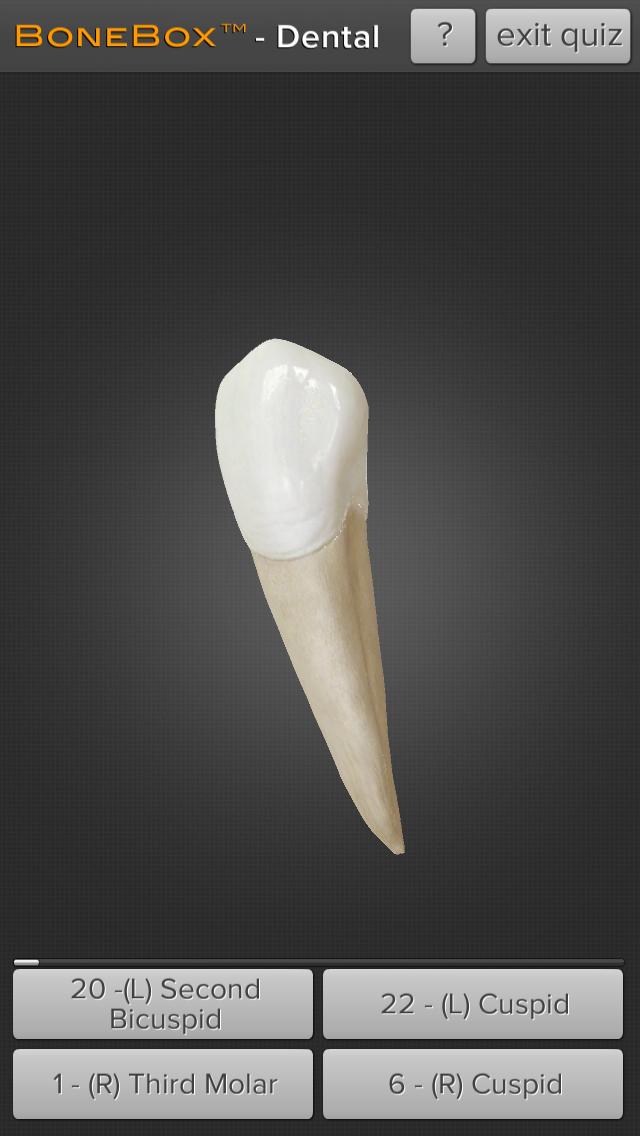
Interaction with BoneBox™ - Dental Lite utilizes true real-time 3D so the user can place the highly realistic detailed dental anatomy in any position and zoom in to explore all of the anatomical structures. By using the interactive quizzing feature the user will be tested on their knowledge of the human dental anatomy. The user is presented with a random tooth and given 4 multiple choice answers to pick from.
Preview

Tags
MedicalInformation
Developer
iSO-FORM, LLC
Latest Version
1.1
Last Updated
2020-07-07
Category
Medical
Available on
Google Play
Show More
How to play BoneBox™ - Dental Lite with GameLoop on PC
1. Download GameLoop from the official website, then run the exe file to install GameLoop
2. Open GameLoop and search for “BoneBox™ - Dental Lite” , find BoneBox™ - Dental Lite in the search results and click “Install”
3. Enjoy playing BoneBox™ - Dental Lite on GameLoop
Minimum requirements
OS
Windows 8.1 64-bit or Windows 10 64-bit
GPU
GTX 1050
CPU
i3-8300
Memory
8GB RAM
Storage
1GB available space
Recommended requirements
OS
Windows 8.1 64-bit or Windows 10 64-bit
GPU
GTX 1050
CPU
i3-9320
Memory
16GB RAM
Storage
1GB available space