
AntibioticApp 3.0 PC
Limon Solutions
Download AntibioticApp 3.0 on PC With GameLoop Emulator
AntibioticApp 3.0 on PC
AntibioticApp 3.0, coming from the developer Limon Solutions, is running on Android systerm in the past.
Now, You can play AntibioticApp 3.0 on PC with GameLoop smoothly.
Download it in the GameLoop library or search results. No more eyeing the battery or frustrating calls at the wrong time any more.
Just enjoy AntibioticApp 3.0 PC on the large screen for free!
AntibioticApp 3.0 Introduction
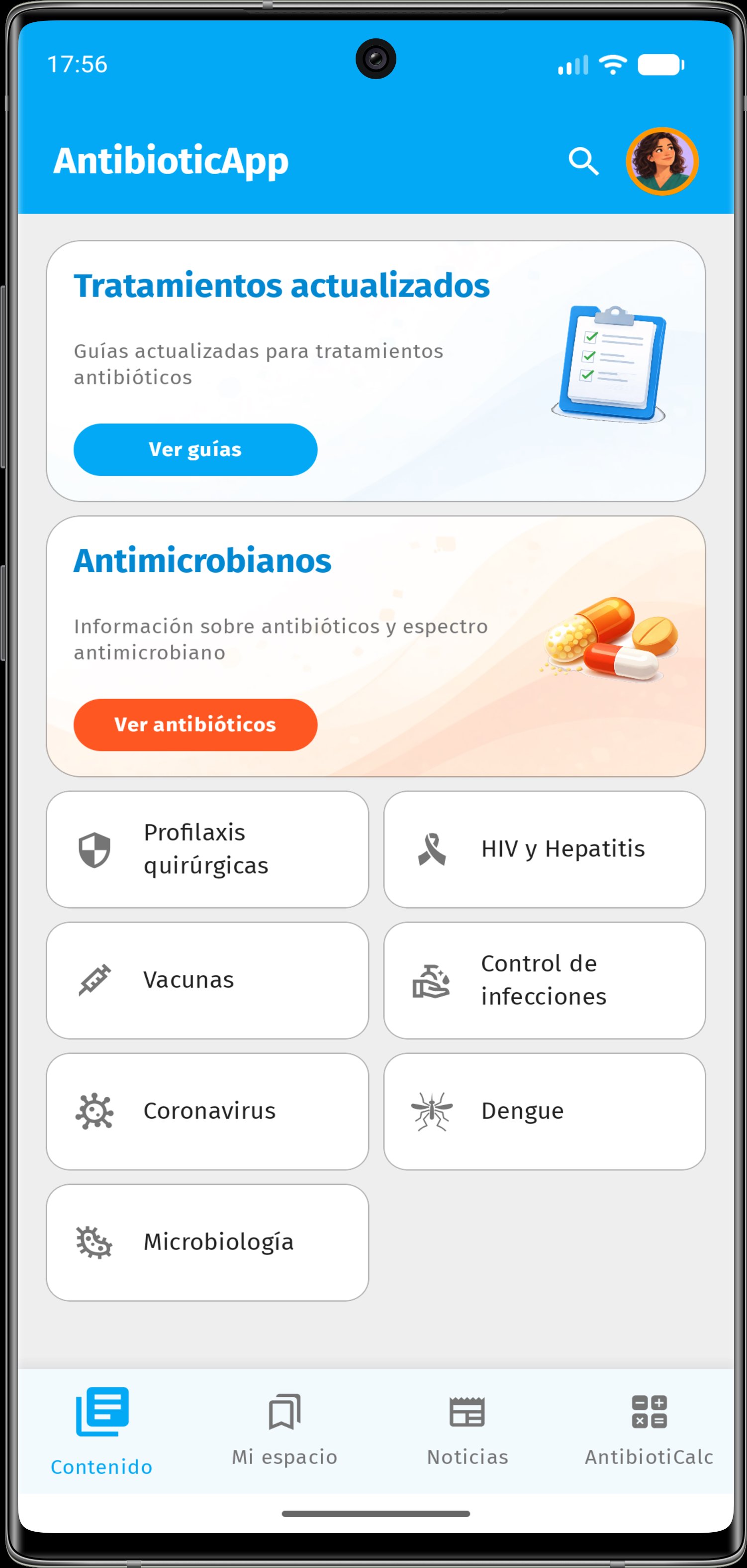
AntibioticApp is a clinical reference tool for healthcare professionals. It brings together practical, concise, and reliable information to support the appropriate use of antimicrobials in the context of antimicrobial resistance.
More than 700 clinical reference articles on infectious diseases, treatments and prophylaxis, antimicrobials, vaccines, infection control, microbiology, parasitology, and pharmacology. Explore more than 200 treatments and prophylaxis methods organized by system, organ, and type of infection.
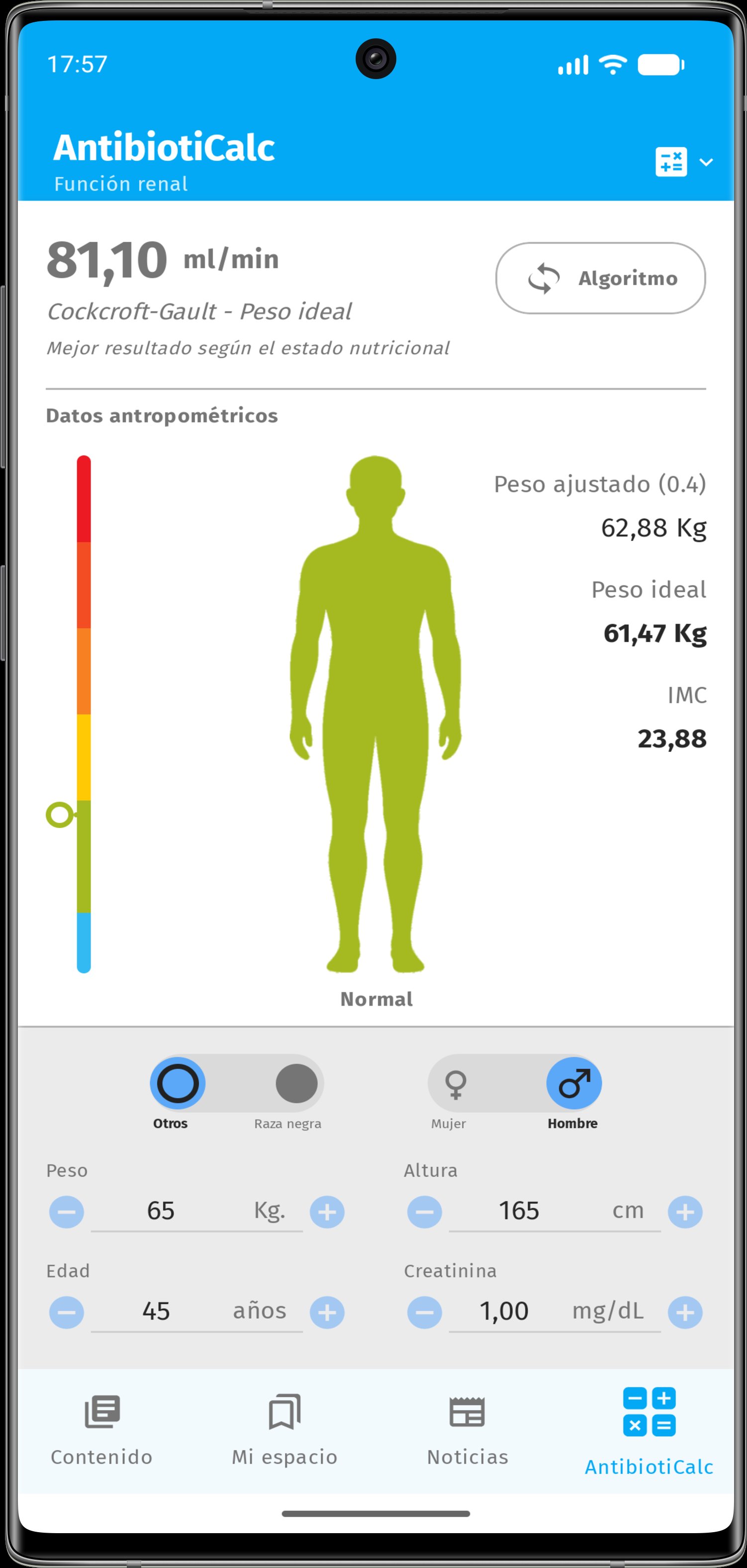
Consult antimicrobial fact sheets with dosages, routes of administration, and recommendations for specific clinical situations. Use the search engine to quickly access information and the clinical calculators to support appropriate prescribing.
Personalize AntibioticApp: save content to your favorites and add notes, reminders, or clinical pearls linked to the information you consult. These tools allow you to incorporate your own professional context into the application.
The content is updated regularly and reviewed by the Argentine Society of Infectious Diseases (SADI), the Argentine Association of Hospital Pharmacists (AAFH), the University Center for Research in Microbiology and Parasitology (CUDEMyP), and the Argentine Society of Intensive Care (SATI).
AntibioticApp is intended for healthcare professionals.
Preview
Tags
MedicalInformation
Developer
Limon Solutions
Latest Version
3.0.4
Last Updated
2026-10-29
Category
Medical
Available on
Google Play
Show More
How to play AntibioticApp 3.0 with GameLoop on PC
1. Download GameLoop from the official website, then run the exe file to install GameLoop
2. Open GameLoop and search for “AntibioticApp 3.0” , find AntibioticApp 3.0 in the search results and click “Install”
3. Enjoy playing AntibioticApp 3.0 on GameLoop
Minimum requirements
OS
Windows 8.1 64-bit or Windows 10 64-bit
GPU
GTX 1050
CPU
i3-8300
Memory
8GB RAM
Storage
1GB available space
Recommended requirements
OS
Windows 8.1 64-bit or Windows 10 64-bit
GPU
GTX 1050
CPU
i3-9320
Memory
16GB RAM
Storage
1GB available space