
Albus PC
SNAL Albus
Download Albus on PC With GameLoop Emulator
Albus on PC
Albus, coming from the developer SNAL Albus, is running on Android systerm in the past.
Now, You can play Albus on PC with GameLoop smoothly.
Download it in the GameLoop library or search results. No more eyeing the battery or frustrating calls at the wrong time any more.
Just enjoy Albus PC on the large screen for free!
Albus Introduction
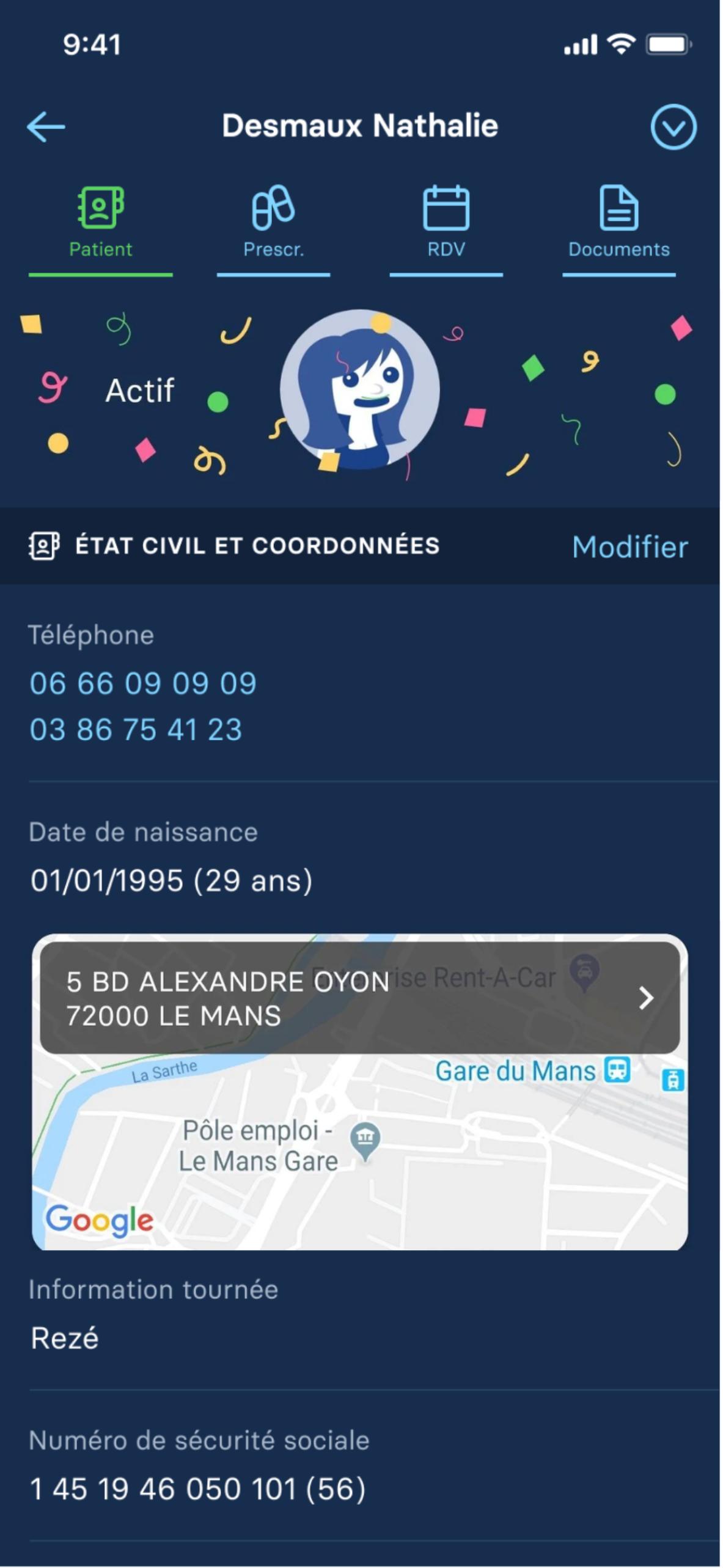
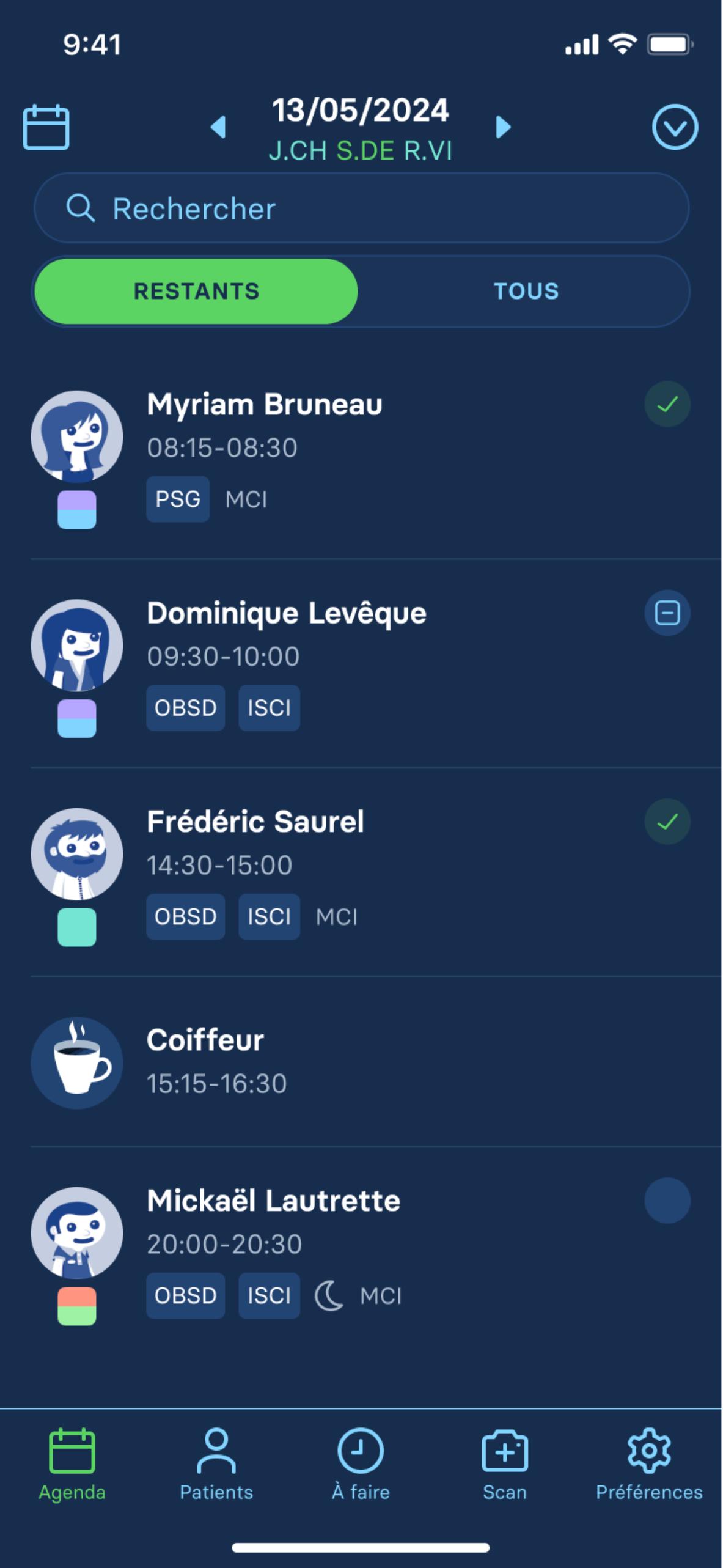
Discover the Albus app: managing your practice from your phone for your professional nursing activity.
Finally mobile billing during your tour. Bill when you want, where you want, with or without network from your smartphone!
THANKS TO THE ALBUS APP:
OPTIMIZATION OF YOUR ROUTE - all your daily tasks are carried out from your smartphone: reading Vitale cards, scanning mutual funds, SCOR scanning of prescriptions, entering prescriptions, etc.
SIMPLICITY, SPEED, EFFICIENCY - the patient file is created automatically by inserting the Vitale card into the Latitude reader. You only need a few clicks to complete your file and record the care carried out. Everything is automatically synchronized on all your equipment and accessible by all nurses in the office. The prescription date and prescriber name are also detected and created without manual entry!
AUTOMATIC SYNCHRONIZATION - we say goodbye to loading and unloading: patient data and invoices are directly synchronized by your mobile app on all your equipment.
OFFLINE BILLING - wherever you want, whenever you want, bill during your tour from your smartphone, with or without network.
AND A TEAM ALWAYS AT YOUR SERVICE - Albus also offers attentive customer service, which puts the responsiveness and support of the nurse at the heart of its priorities, thanks to personalized and unlimited technical assistance.
Join the 26,000 customers who already trust us!
(Certain features are only accessible via the Latitude offer)
Preview
Tags
MedicalInformation
Developer
SNAL Albus
Latest Version
7.2.1
Last Updated
2025-09-30
Category
Medical
Available on
Google Play
Show More
How to play Albus with GameLoop on PC
1. Download GameLoop from the official website, then run the exe file to install GameLoop
2. Open GameLoop and search for “Albus” , find Albus in the search results and click “Install”
3. Enjoy playing Albus on GameLoop
Minimum requirements
OS
Windows 8.1 64-bit or Windows 10 64-bit
GPU
GTX 1050
CPU
i3-8300
Memory
8GB RAM
Storage
1GB available space
Recommended requirements
OS
Windows 8.1 64-bit or Windows 10 64-bit
GPU
GTX 1050
CPU
i3-9320
Memory
16GB RAM
Storage
1GB available space