ACR Guidance PC
American College of Radiology
Download ACR Guidance on PC With GameLoop Emulator
ACR Guidance on PC
ACR Guidance, coming from the developer American College of Radiology, is running on Android systerm in the past.
Now, You can play ACR Guidance on PC with GameLoop smoothly.
Download it in the GameLoop library or search results. No more eyeing the battery or frustrating calls at the wrong time any more.
Just enjoy ACR Guidance PC on the large screen for free!
ACR Guidance Introduction
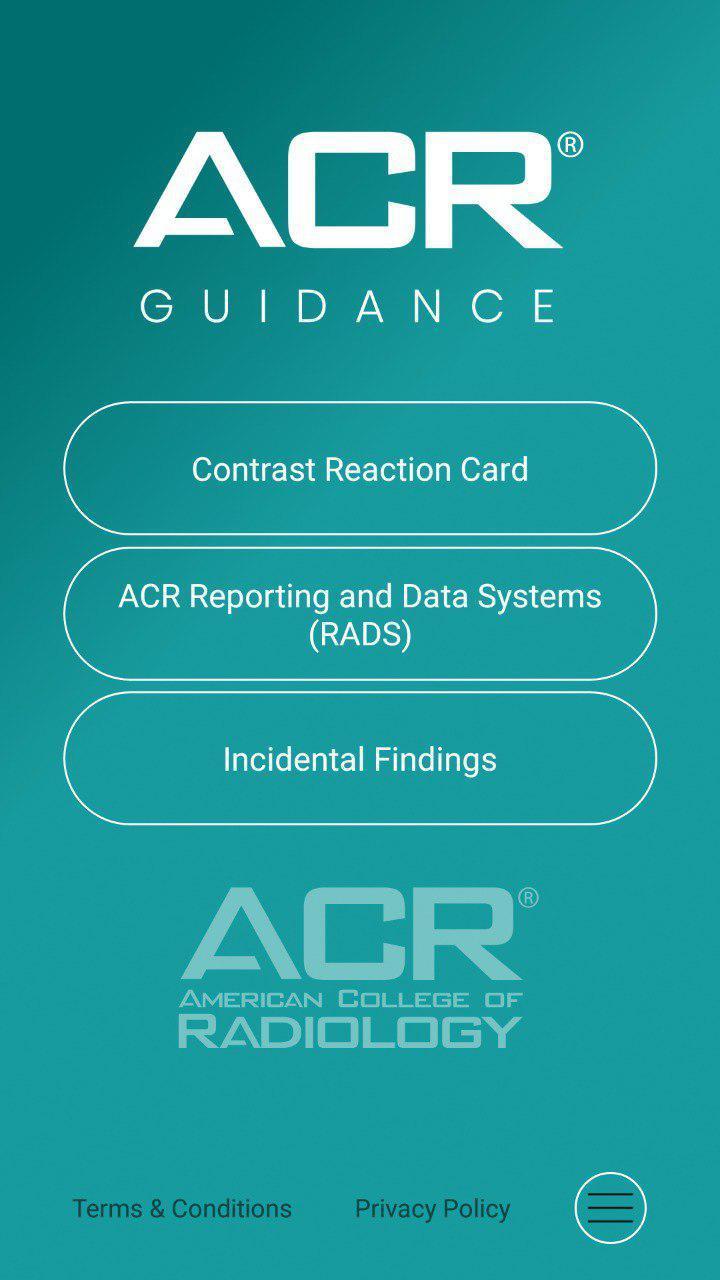
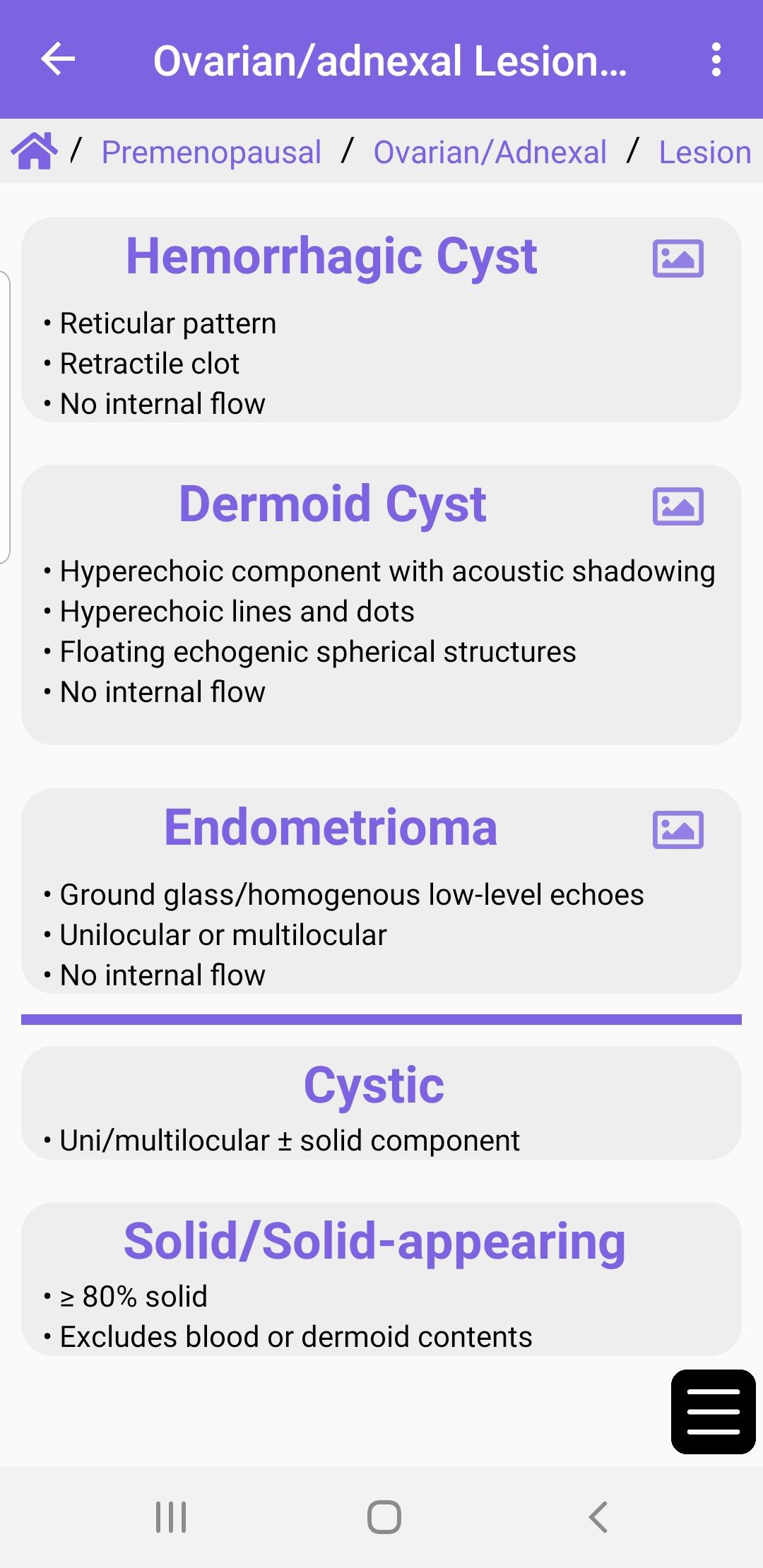
The ACR® Guidance App provides interactive mobile access to select clinical guidance content from the ACR website. Download to access the ACR Contrast Reaction Cards, Reporting and Data Systems (RADS), and Incidental Findings (IF) content.
This app is intended for healthcare professionals such as radiologists, oncologists, referring physicians, and medical students who desire on the go reference materials from ACR. This app is not a medical device and should not be considered as one.
ACR provides this mobile app for reference purposes only. It is not intended to substitute for the independent clinical judgment of a physician or other health care professional user. A physician or other user is solely responsible for verifying the currency and applicability of app content to a particular clinical situation and thus assumes all risk of use. As allowable under applicable law, ACR and ACR’s employees, officers, directors, agents, contractors and volunteers will not be liable for any damages arising out of the use or misuse of the app, its content, or calculations. This includes but is not limited to a user’s inability to access the app or any loss or corruption of a user’s data.
Preview
Tags
MedicalInformation
Developer
American College of Radiology
Latest Version
1.4.2
Last Updated
2024-09-19
Category
Medical
Available on
Google Play
Show More
How to play ACR Guidance with GameLoop on PC
1. Download GameLoop from the official website, then run the exe file to install GameLoop
2. Open GameLoop and search for “ACR Guidance” , find ACR Guidance in the search results and click “Install”
3. Enjoy playing ACR Guidance on GameLoop
Minimum requirements
OS
Windows 8.1 64-bit or Windows 10 64-bit
GPU
GTX 1050
CPU
i3-8300
Memory
8GB RAM
Storage
1GB available space
Recommended requirements
OS
Windows 8.1 64-bit or Windows 10 64-bit
GPU
GTX 1050
CPU
i3-9320
Memory
16GB RAM
Storage
1GB available space