
Tele Táxi Cidade TaxiDigital PC
Táxi Digital
Download Tele Táxi Cidade TaxiDigital on PC With GameLoop Emulator
Tele Táxi Cidade TaxiDigital on PC
Tele Táxi Cidade TaxiDigital, coming from the developer Táxi Digital, is running on Android systerm in the past.
Now, You can play Tele Táxi Cidade TaxiDigital on PC with GameLoop smoothly.
Download it in the GameLoop library or search results. No more eyeing the battery or frustrating calls at the wrong time any more.
Just enjoy Tele Táxi Cidade TaxiDigital PC on the large screen for free!
Tele Táxi Cidade TaxiDigital Introduction
The tradition and competence of those who have worked with taxi for more than 35 years now in the palm of your hand. Meet the App Tele City Taxi, the first application of a radio taxi in Porto Alegre. Easy, practical and safe:
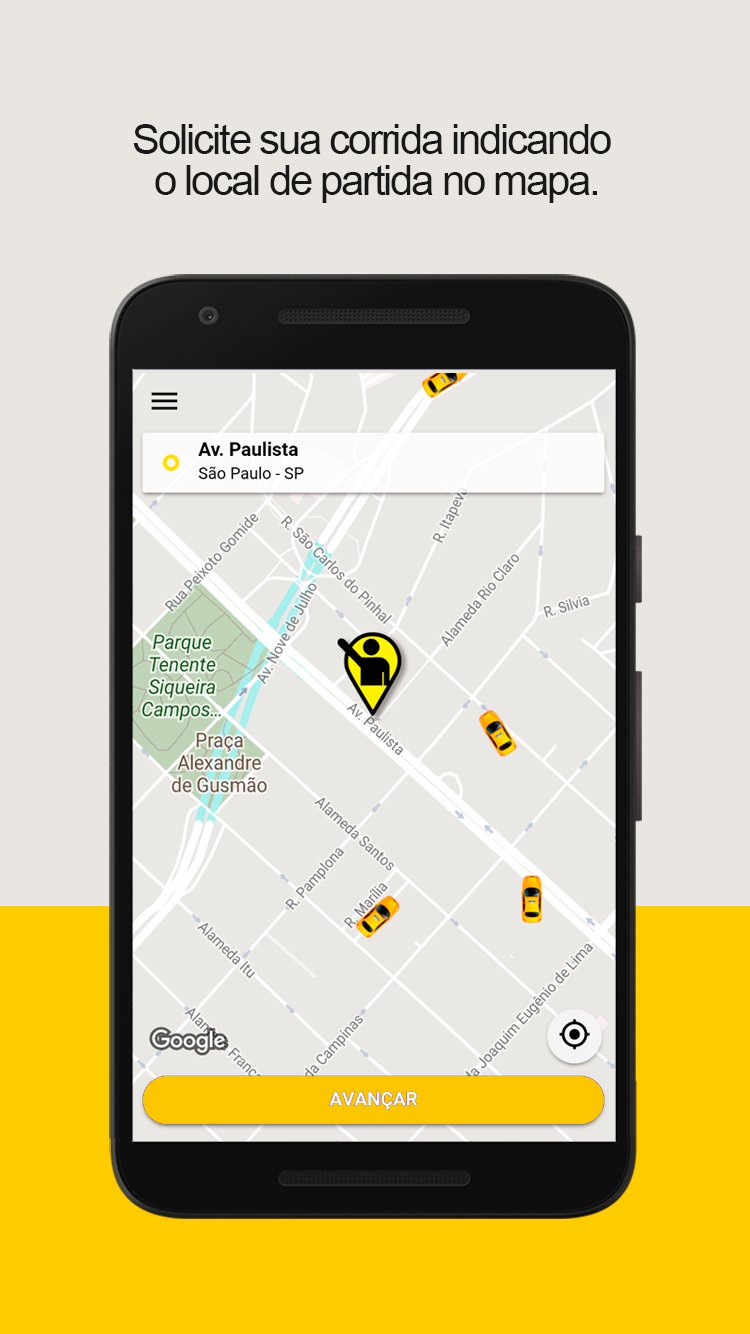
1) Request your race indicating the place of departure;
2) Fill in your data and form of payment;
3) The system sends the taxi faster for you;
4) Identify the taxi before it even arrives;
5) See the arrival of your taxi driver in real time;
6) Pay through the application.
Amenities & Benefits:
• Security - Taxi drivers approved by Tele Táxi Cidade;
• Pay in cash or card through the application;
• Manage favorite addresses and race history;
• Taxi fleet with accessibility.
• More than 550 taxis in Porto Alegre, there is always a car near you.
Still have questions? Contact us:
(51) 3223 1122 • 3223 3030
Preview

Tags
Maps-&Information
Developer
Táxi Digital
Latest Version
8.4.7
Last Updated
2026-02-26
Category
Maps-navigation
Available on
Google Play
Show More
How to play Tele Táxi Cidade TaxiDigital with GameLoop on PC
1. Download GameLoop from the official website, then run the exe file to install GameLoop
2. Open GameLoop and search for “Tele Táxi Cidade TaxiDigital” , find Tele Táxi Cidade TaxiDigital in the search results and click “Install”
3. Enjoy playing Tele Táxi Cidade TaxiDigital on GameLoop
Minimum requirements
OS
Windows 8.1 64-bit or Windows 10 64-bit
GPU
GTX 1050
CPU
i3-8300
Memory
8GB RAM
Storage
1GB available space
Recommended requirements
OS
Windows 8.1 64-bit or Windows 10 64-bit
GPU
GTX 1050
CPU
i3-9320
Memory
16GB RAM
Storage
1GB available space