RMVgo PC
Rhein-Main-Verkehrsverbund GmbH
Download RMVgo on PC With GameLoop Emulator
RMVgo on PC
RMVgo, coming from the developer Rhein-Main-Verkehrsverbund GmbH, is running on Android systerm in the past.
Now, You can play RMVgo on PC with GameLoop smoothly.
Download it in the GameLoop library or search results. No more eyeing the battery or frustrating calls at the wrong time any more.
Just enjoy RMVgo PC on the large screen for free!
RMVgo Introduction
READY, SET, GO!
With RMVgo you can use buses and trains in the Rhine-Main area. Fast, easy and cashless. Plan your route in real time and buy your ticket directly in the app.
MOBILITY MADE EASY
• Current connection information for buses and trains in the entire RMV area
• Real-time data with current traffic reports and utilization forecasts
• Show map view & footpaths at a glance
• Combine sharing offers flexibly
TICKETS DIRECTLY IN THE APP
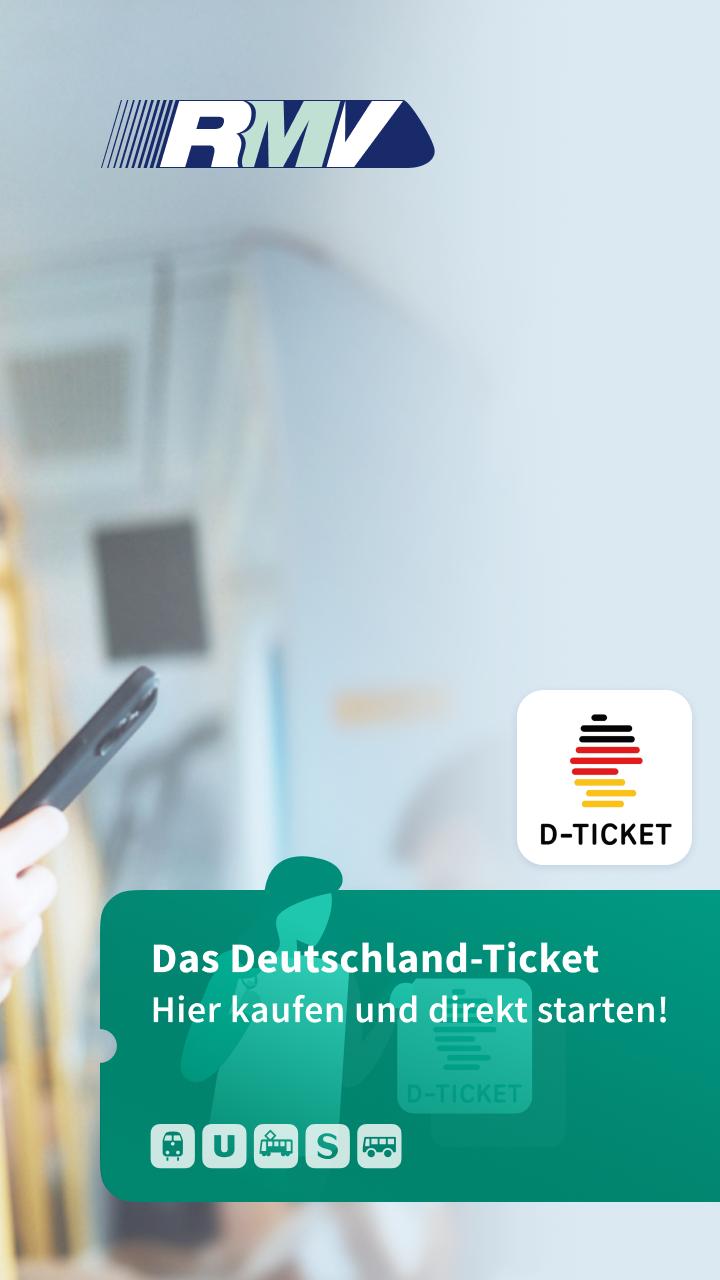
• The Germany ticket for immediate travel
• Single tickets, day & season tickets for adults and children
• Save on every journey with the RMV Savings Pass
• Registration possible with the meinRMV user account
• Pay quickly and cashlessly – sometimes with PayPal without registering
STAY INFORMED
• Receive push notifications about delays & changes
• Display trips in the calendar
• Save favorites for frequently used connections
• View and download route network plans
Download RMVgo now and travel flexibly with public transport.
We wish you a safe journey!
Further information at: www.rmv.de/app
Do you like the app? Then we look forward to your review. Feel free to send us your opinion and suggestions via https://www.rmv.de/c/de/service/kontakt/service-fuer-anfragen-und-kritik
Preview

Tags
Maps-&Information
Developer
Rhein-Main-Verkehrsverbund GmbH
Latest Version
1.15.5
Last Updated
2025-08-19
Category
Maps-navigation
Available on
Google Play
Show More
How to play RMVgo with GameLoop on PC
1. Download GameLoop from the official website, then run the exe file to install GameLoop
2. Open GameLoop and search for “RMVgo” , find RMVgo in the search results and click “Install”
3. Enjoy playing RMVgo on GameLoop
Minimum requirements
OS
Windows 8.1 64-bit or Windows 10 64-bit
GPU
GTX 1050
CPU
i3-8300
Memory
8GB RAM
Storage
1GB available space
Recommended requirements
OS
Windows 8.1 64-bit or Windows 10 64-bit
GPU
GTX 1050
CPU
i3-9320
Memory
16GB RAM
Storage
1GB available space