
Return - Find My Car PC
Markus Exler
Download Return - Find My Car on PC With GameLoop Emulator
Return - Find My Car on PC
Return - Find My Car, coming from the developer Markus Exler, is running on Android systerm in the past.
Now, You can play Return - Find My Car on PC with GameLoop smoothly.
Download it in the GameLoop library or search results. No more eyeing the battery or frustrating calls at the wrong time any more.
Just enjoy Return - Find My Car PC on the large screen for free!
Return - Find My Car Introduction
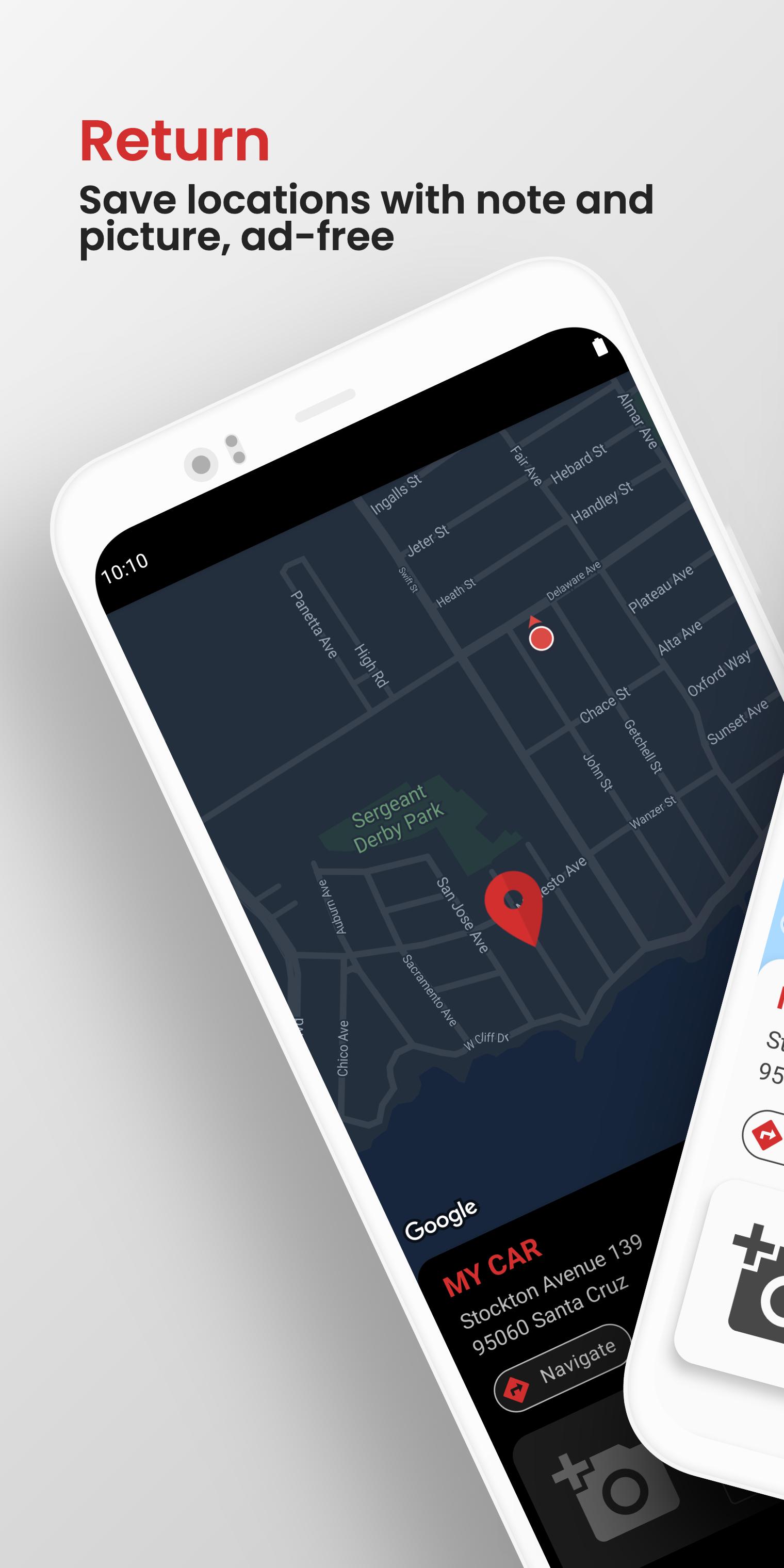
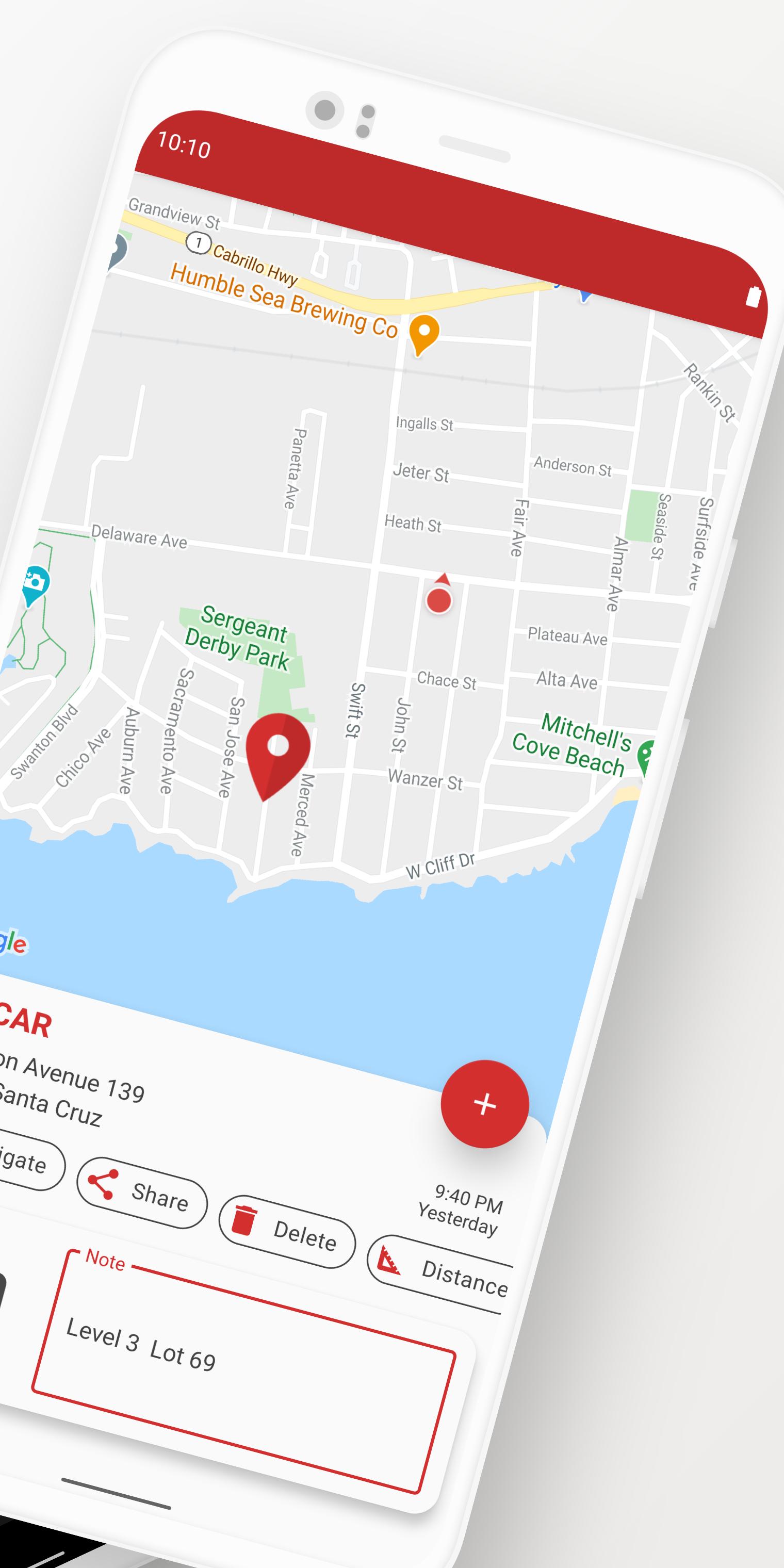
The app Return helps you to find your way back to your saved location. Maybe the position of your car in a big city or just a place for meeting friends later, which also could be shared. Because of the clean and intuitive user interface the app is very simple to use. Just press the marker at the bottom to save your current location and give it a name. You can add notes and a picture to each saved location.
Features:
• Save current location easily
• Save car park automatically when leaving your car
• Save multiple locations
• No ads
• Add a photo and note to each location
• Edit location via drag drop
• Navigate linear distance
• Navigation to your saved location via any Navigation-App
• Add a location by long clicking the position on the map
• Swipe to delete locations from the list
• Center the saved location on the map by clicking the location name
• Center the saved and your location on the map by long clicking the location name
• Displays the address or coordinates automatically
• Share saved locations
Please use the Support-Function of the app, if you have any problems or improvements.
Help translating the app: http://goo.gl/kOnFlB
Preview
Tags
Maps-&Information
Developer
Markus Exler
Latest Version
3.1.1
Last Updated
2021-03-14
Category
Maps-navigation
Available on
Google Play
Show More
How to play Return - Find My Car with GameLoop on PC
1. Download GameLoop from the official website, then run the exe file to install GameLoop
2. Open GameLoop and search for “Return - Find My Car” , find Return - Find My Car in the search results and click “Install”
3. Enjoy playing Return - Find My Car on GameLoop
Minimum requirements
OS
Windows 8.1 64-bit or Windows 10 64-bit
GPU
GTX 1050
CPU
i3-8300
Memory
8GB RAM
Storage
1GB available space
Recommended requirements
OS
Windows 8.1 64-bit or Windows 10 64-bit
GPU
GTX 1050
CPU
i3-9320
Memory
16GB RAM
Storage
1GB available space