
Live Family Locator : Family G PC
Lbort App
Download Live Family Locator : Family G on PC With GameLoop Emulator
Live Family Locator : Family G on PC
Live Family Locator : Family G, coming from the developer Lbort App, is running on Android systerm in the past.
Now, You can play Live Family Locator : Family G on PC with GameLoop smoothly.
Download it in the GameLoop library or search results. No more eyeing the battery or frustrating calls at the wrong time any more.
Just enjoy Live Family Locator : Family G PC on the large screen for free!
Live Family Locator : Family G Introduction
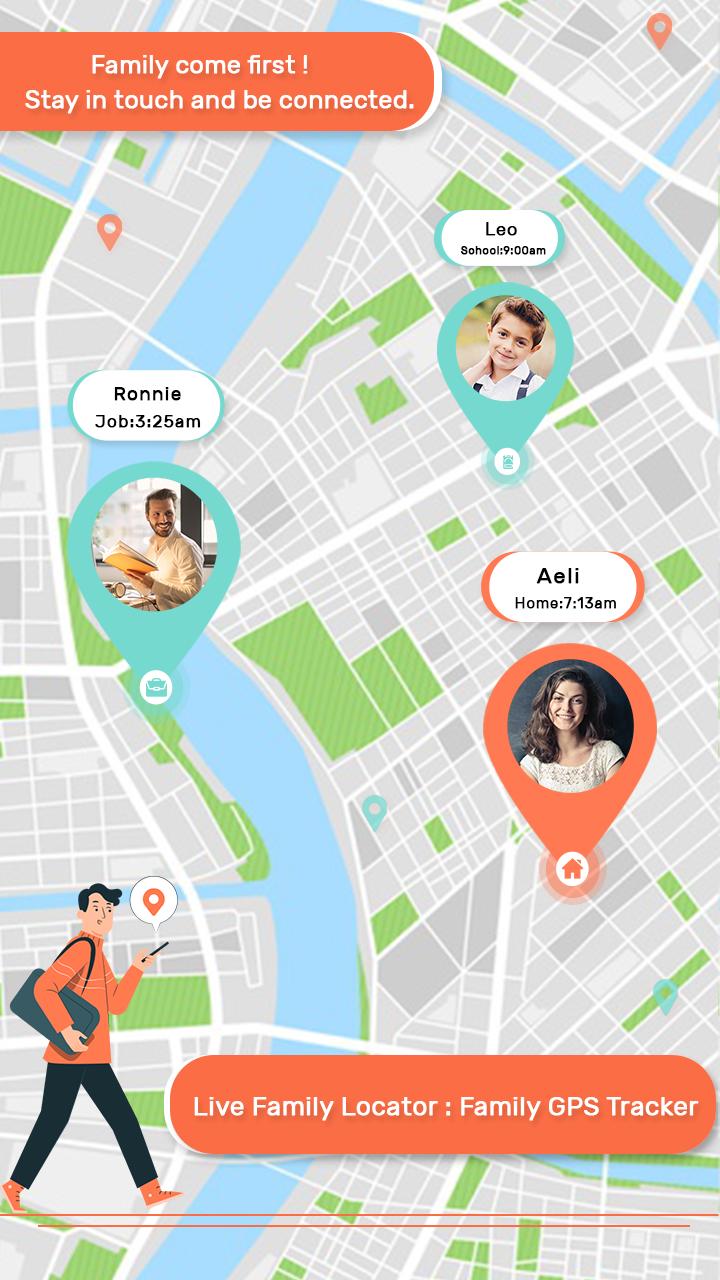
This Live Family Locator : Family GPS Tracker app helps you to stay in touch with the most valuable people in your life.
Live Family Locator : Family GPS Tracker uses your phone’s native GPS tracker to ensure family safety, even when they're far away!
Its provide information about phone status and notification using the panic / emergency button if they are in trouble.
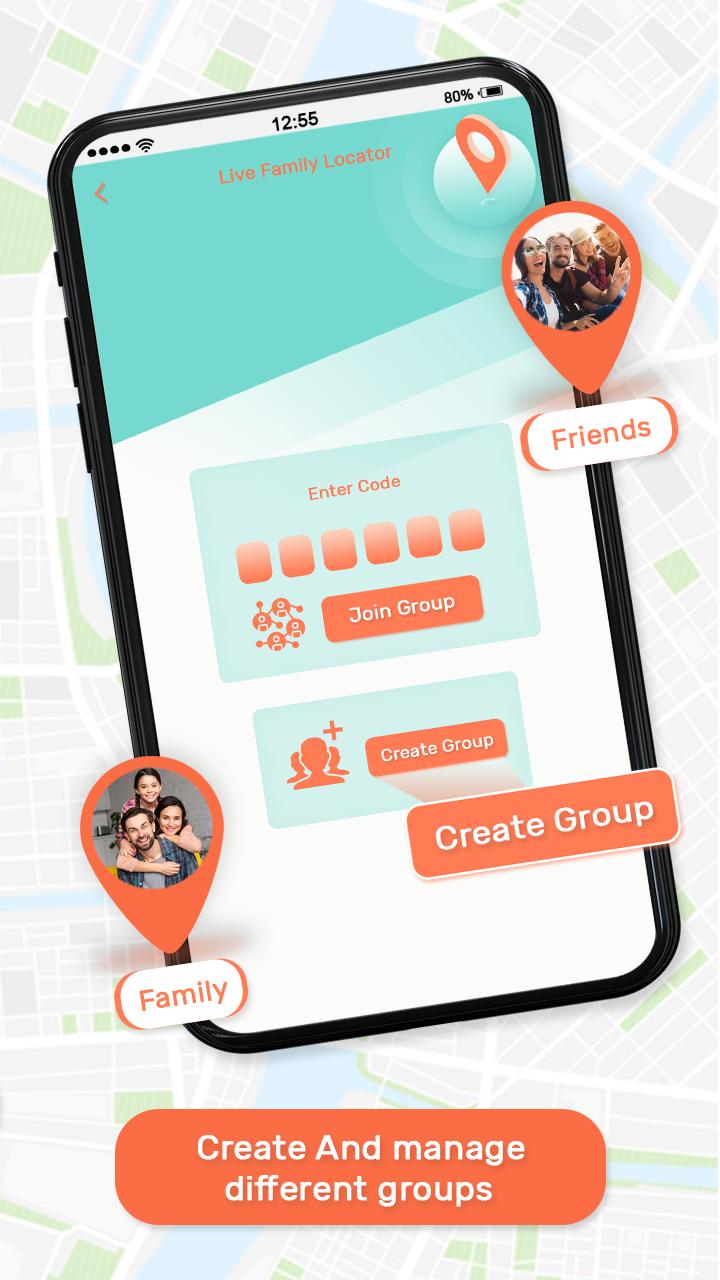
Live Family Locator : Family GPS Tracker is a very simple and easy app to use in daily life. You only want to create a group and add your family members and now you and your special family member always safely connected with you.
You not give any money for it. its free of cost.
Features:
# Real Time Location
# Easy and Simple UI to Use.
# Get full details with address
# Get details about battery percentage
# Multiple groups you can create
# No any Charges its FREE.
# Track family member individually on map.
# Share with Others on Social Media
Preview
Tags
Maps-&Information
Developer
Lbort App
Latest Version
2.0
Last Updated
2020-09-01
Category
Maps-navigation
Available on
Google Play
Show More
How to play Live Family Locator : Family G with GameLoop on PC
1. Download GameLoop from the official website, then run the exe file to install GameLoop
2. Open GameLoop and search for “Live Family Locator : Family G” , find Live Family Locator : Family G in the search results and click “Install”
3. Enjoy playing Live Family Locator : Family G on GameLoop
Minimum requirements
OS
Windows 8.1 64-bit or Windows 10 64-bit
GPU
GTX 1050
CPU
i3-8300
Memory
8GB RAM
Storage
1GB available space
Recommended requirements
OS
Windows 8.1 64-bit or Windows 10 64-bit
GPU
GTX 1050
CPU
i3-9320
Memory
16GB RAM
Storage
1GB available space