
Droniq App PC
Droniq
Download Droniq App on PC With GameLoop Emulator
Droniq App on PC
Droniq App, coming from the developer Droniq, is running on Android systerm in the past.
Now, You can play Droniq App on PC with GameLoop smoothly.
Download it in the GameLoop library or search results. No more eyeing the battery or frustrating calls at the wrong time any more.
Just enjoy Droniq App PC on the large screen for free!
Droniq App Introduction
We say thank you for your frequent use of the Droniq app!
The Droniq app was switched off on December 11, 2024 and is no longer available. Droniq Maps is now offered as a successor app. The Droniq app account is not compatible with the new app.
Find out safely and quickly where and how drone pilots are allowed to fly their drones. The drone app from DRONIQ GmbH now answers these questions. The aim of DRONIQ, a joint venture between German Air Traffic Control (DFS) and Deutsche Telekom, is the safe and fair integration of drones into the airspace.
Examining and executing missions
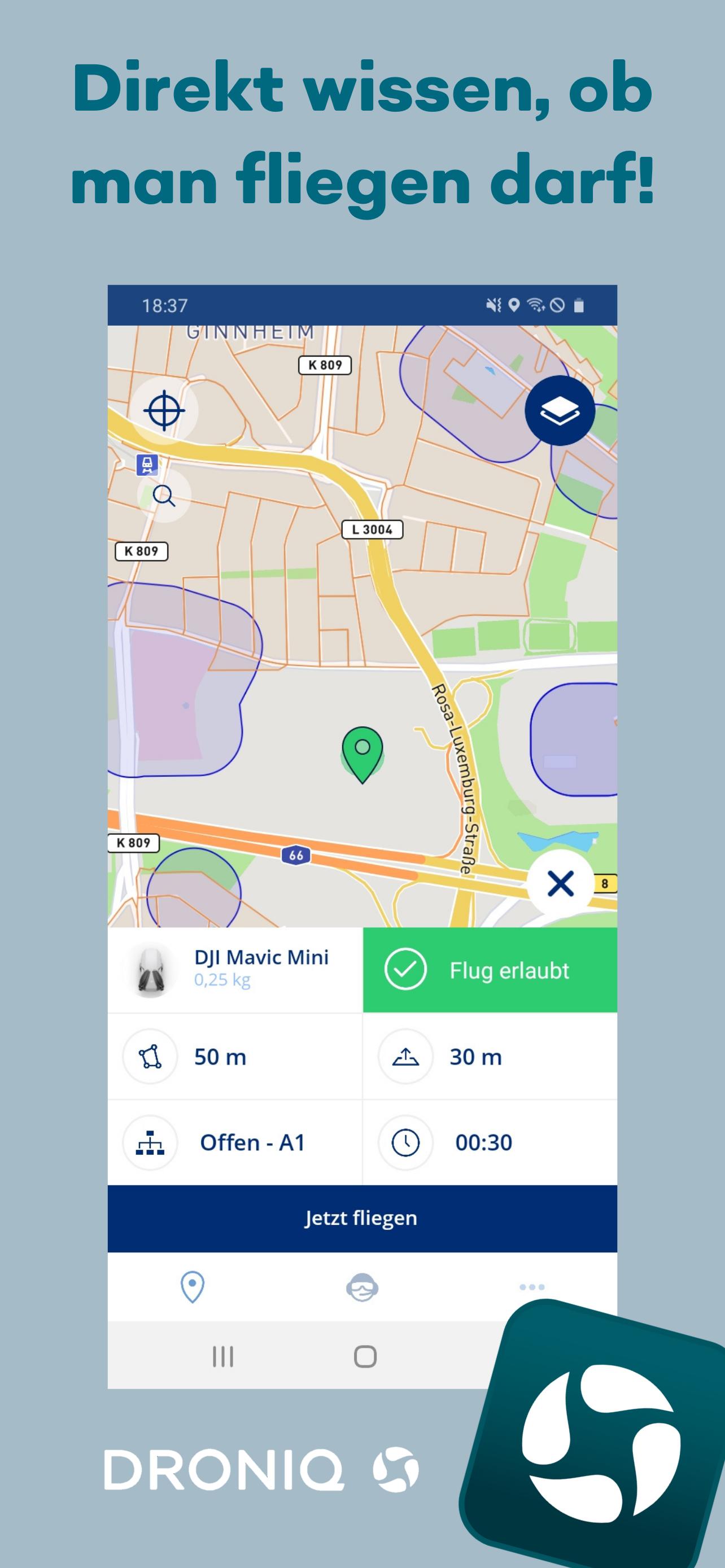
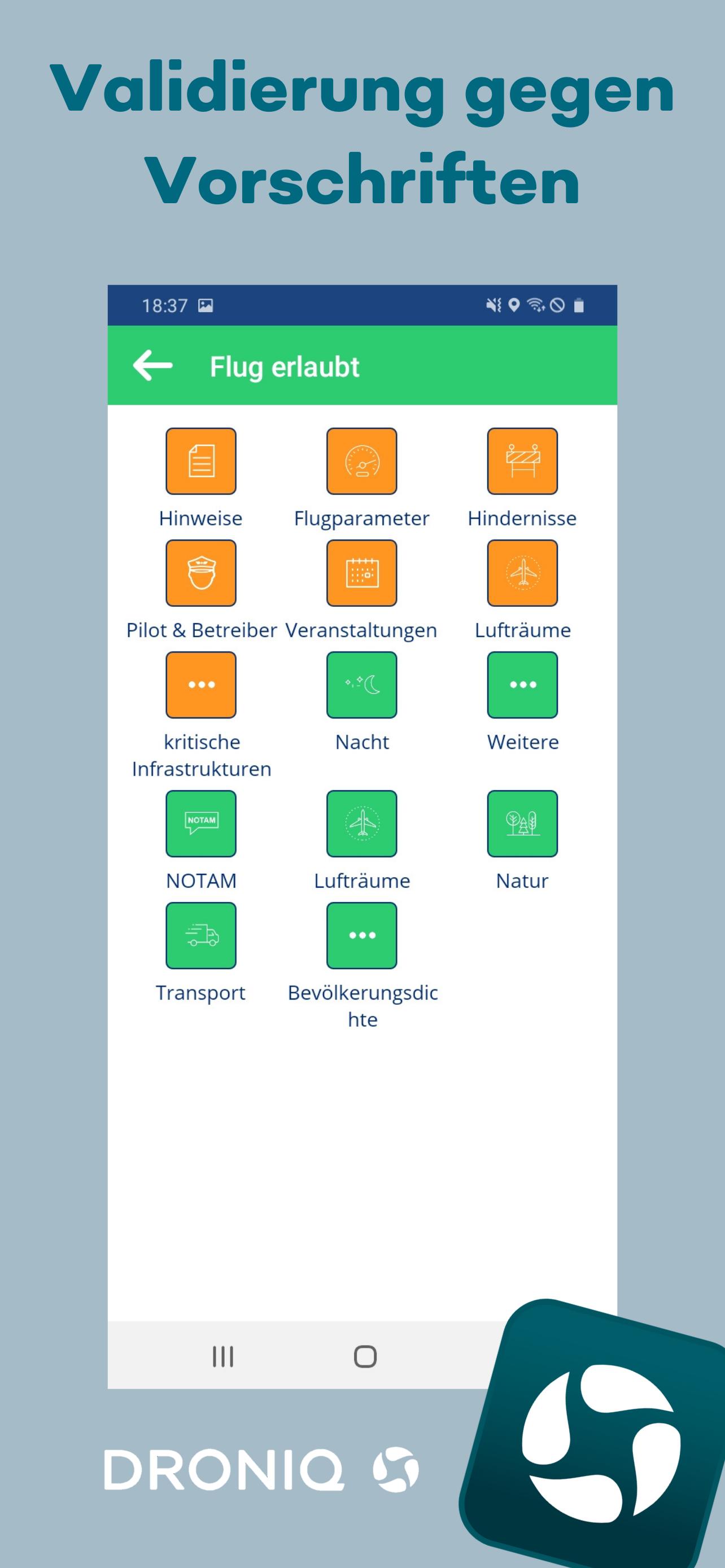
The free app is compliant with the new EU regulation and takes into account the associated regulations and requirements for drone flights. It is aimed particularly at hobby and leisure pilots and supports them throughout the entire mission planning and subsequent execution. After the pilot specifies the mission, the app checks the mission in real time against the applicable airspace regulations and restrictions. The user will be informed within a few minutes whether their planned mission is permitted. The app quickly answers the question “Where can I fly?” If the user gets a negative result, they can use the app to check in detail which specifications are not yet being met in the current mission planning and adjust them accordingly.
In addition to airspace-relevant data, interactive map material shows the typical infrastructure, such as hospitals, police stations, etc., and warns the user if the distance to them is too close. Additional map information can be shown and hidden in a user-defined manner. Flights that have already been carried out are clearly displayed in the logbook function and can be subsequently evaluated and provided with details. The user can also adjust their profile and add or edit drones.
Preview
Tags
Maps-&Information
Developer
Droniq
Latest Version
4.4.3
Last Updated
2024-12-12
Category
Maps-navigation
Available on
Google Play
Show More
How to play Droniq App with GameLoop on PC
1. Download GameLoop from the official website, then run the exe file to install GameLoop
2. Open GameLoop and search for “Droniq App” , find Droniq App in the search results and click “Install”
3. Enjoy playing Droniq App on GameLoop
Minimum requirements
OS
Windows 8.1 64-bit or Windows 10 64-bit
GPU
GTX 1050
CPU
i3-8300
Memory
8GB RAM
Storage
1GB available space
Recommended requirements
OS
Windows 8.1 64-bit or Windows 10 64-bit
GPU
GTX 1050
CPU
i3-9320
Memory
16GB RAM
Storage
1GB available space