DC Transit: WMATA Metro Times PC
Kapil Vasani
Download DC Transit: WMATA Metro Times on PC With GameLoop Emulator
DC Transit: WMATA Metro Times on PC
DC Transit: WMATA Metro Times, coming from the developer Kapil Vasani, is running on Android systerm in the past.
Now, You can play DC Transit: WMATA Metro Times on PC with GameLoop smoothly.
Download it in the GameLoop library or search results. No more eyeing the battery or frustrating calls at the wrong time any more.
Just enjoy DC Transit: WMATA Metro Times PC on the large screen for free!
DC Transit: WMATA Metro Times Introduction
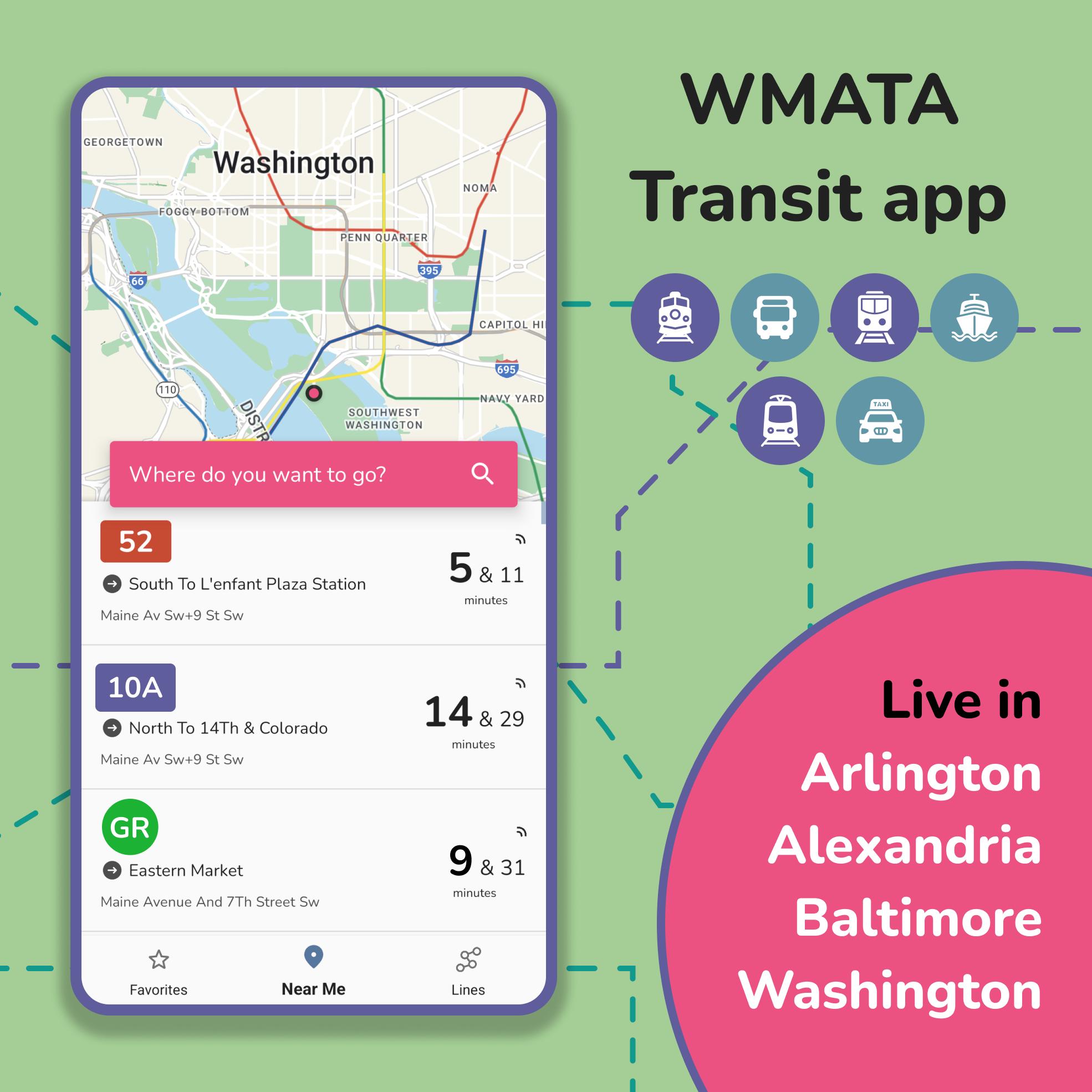
DC Transit uses the Washington Metropolitan Area Transit Authority (WMATA)'s real time data to get you DC Metro and Bus arrival times.
Features:
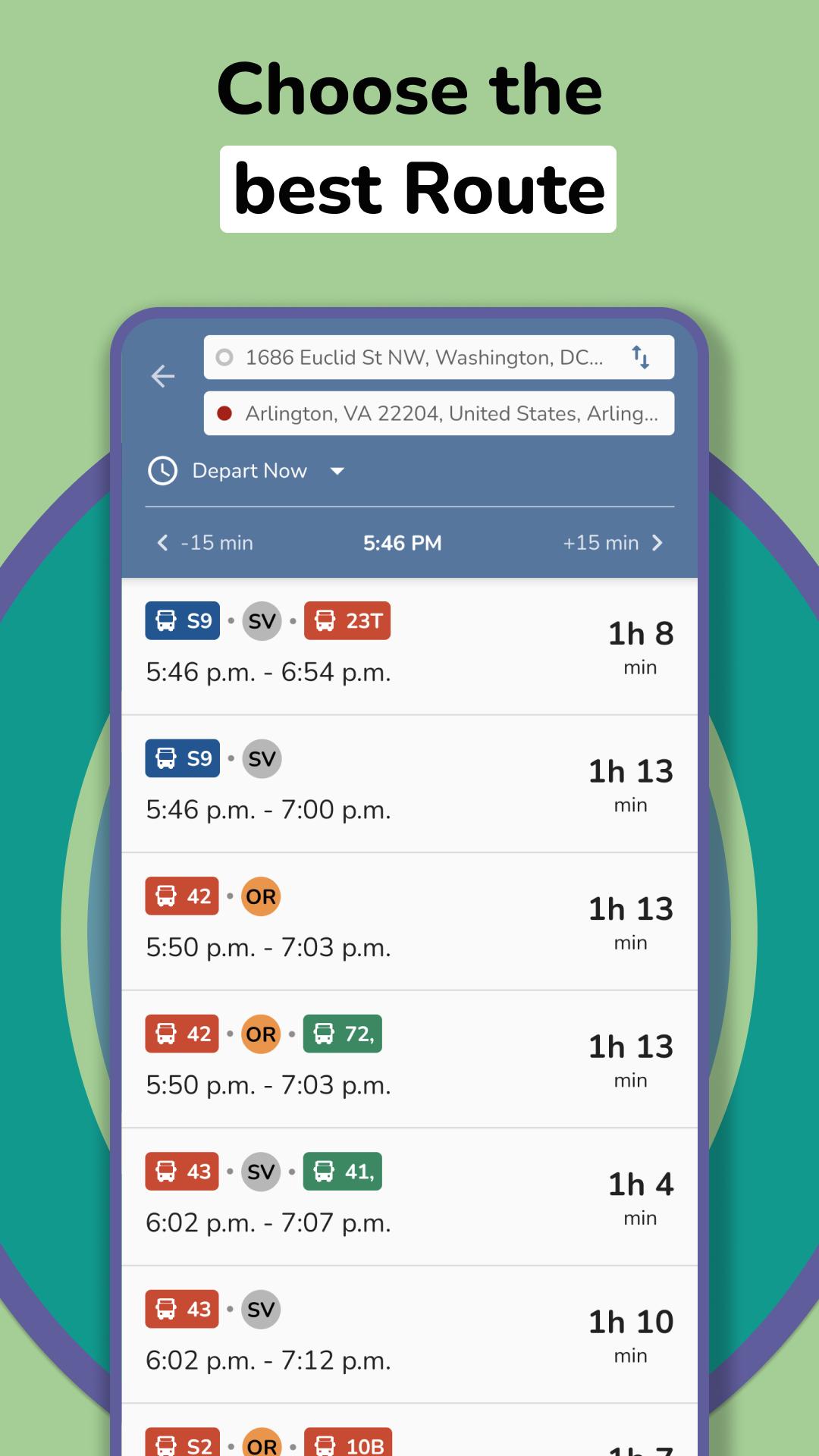
► Trip Planner available (Plan your trip around Washington DC & Baltimore. WMATA, DC Circulator, Arlington Transit (ART), DC Streetcar, PG County, Maryland Transit, Fairfax CUE and UMD Shuttle Transit supported)
► Set an alarm for your bus and get notified before departure
► Shows current weather forecast
► Find out when your next DC Metro, bus or streetcar arrives
► Real time WMATA buses and streetcars arrival times
► Get Metro Service Alerts in app
► Save frequent stops to your favorite
► Find multiple nearby stops using your location
► Find stops using routes
► Get real-time buses and streetcars locations on Map
► Stops list on map with route path
► Offline usability
► DC metro maps included to increase efficiency of your commute
► Pull To Refresh functionality
► Share buses & streetcars arrival times with your friends
► Not sure which WMATA stop your are standing at? See Street View of WMATA stop
► Full scheduled arrival times available
► Get Metro Service alerts on real-time arrival screen. No need to look for what's affecting your transit service manually
► Plan your trip ahead using Trip Planner
► You will be able to plan your trip across Washington DC Area
Supported Transit:
- WMATA (DC Metro and Bus)
- Arlington Transit (ART)
- DC Circulator and DC Streetcar
- Alexandria Transit Company (DASH)
- Fairfax Connector Shuttle Transit
- Maryland MARC
- Maryland Rail
- Maryland Metro
- Maryland Transit
- Maryland Commuter Bus
- Regional Transportation Agency of Central Maryland
- Harbor Connector
- Towson University
- Towson Loop
- Loudoun County Transit
- TransIT Services of Frederick County
Plan your trip around Washington DC using metro, bus , streetcar or train.
Trip scheduler will help you to plan your station-to-station trip, help you with transfers, and provide time, distance and fare estimates for your trip.
Keep up to date with the latest wmata news, advisories and system alerts that may impact your commute.
Note: This app is in no way affiliated or endorsed by the WMATA. App uses nextbus & gtfs data.
* Foreground location permission required for an alarm feature to work.
*includes real-time info(eg bus time & subway time in WMATA, bus tracker & metro, train tracker in Washington DC, NextBus in Washington, wmata tracker, dc metro tracker, metro bus schedule, Washington metro, art metrobus)
Preview
Tags
Maps-&Information
Developer
Kapil Vasani
Latest Version
3.6.5
Last Updated
2024-08-17
Category
Maps-navigation
Available on
Google Play
Show More
How to play DC Transit: WMATA Metro Times with GameLoop on PC
1. Download GameLoop from the official website, then run the exe file to install GameLoop
2. Open GameLoop and search for “DC Transit: WMATA Metro Times” , find DC Transit: WMATA Metro Times in the search results and click “Install”
3. Enjoy playing DC Transit: WMATA Metro Times on GameLoop
Minimum requirements
OS
Windows 8.1 64-bit or Windows 10 64-bit
GPU
GTX 1050
CPU
i3-8300
Memory
8GB RAM
Storage
1GB available space
Recommended requirements
OS
Windows 8.1 64-bit or Windows 10 64-bit
GPU
GTX 1050
CPU
i3-9320
Memory
16GB RAM
Storage
1GB available space