GPS Coordinates PC
Oneago
Download GPS Coordinates on PC With GameLoop Emulator
GPS Coordinates on PC
GPS Coordinates, coming from the developer Oneago, is running on Android systerm in the past.
Now, You can play GPS Coordinates on PC with GameLoop smoothly.
Download it in the GameLoop library or search results. No more eyeing the battery or frustrating calls at the wrong time any more.
Just enjoy GPS Coordinates PC on the large screen for free!
GPS Coordinates Introduction
If your thing is adventure and discover new places, the GPS Coordinates application is the perfect tool for you.
What the application offers:
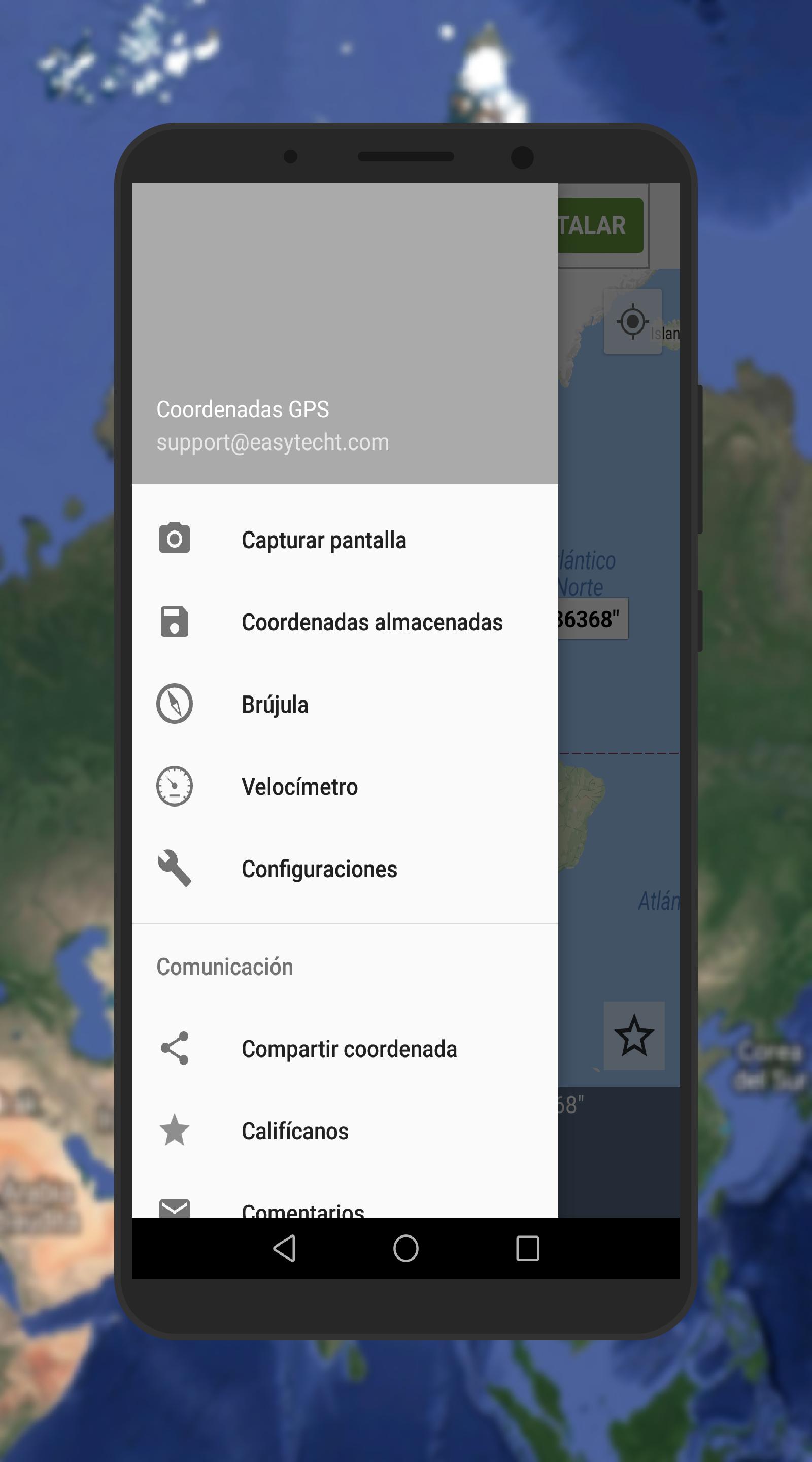
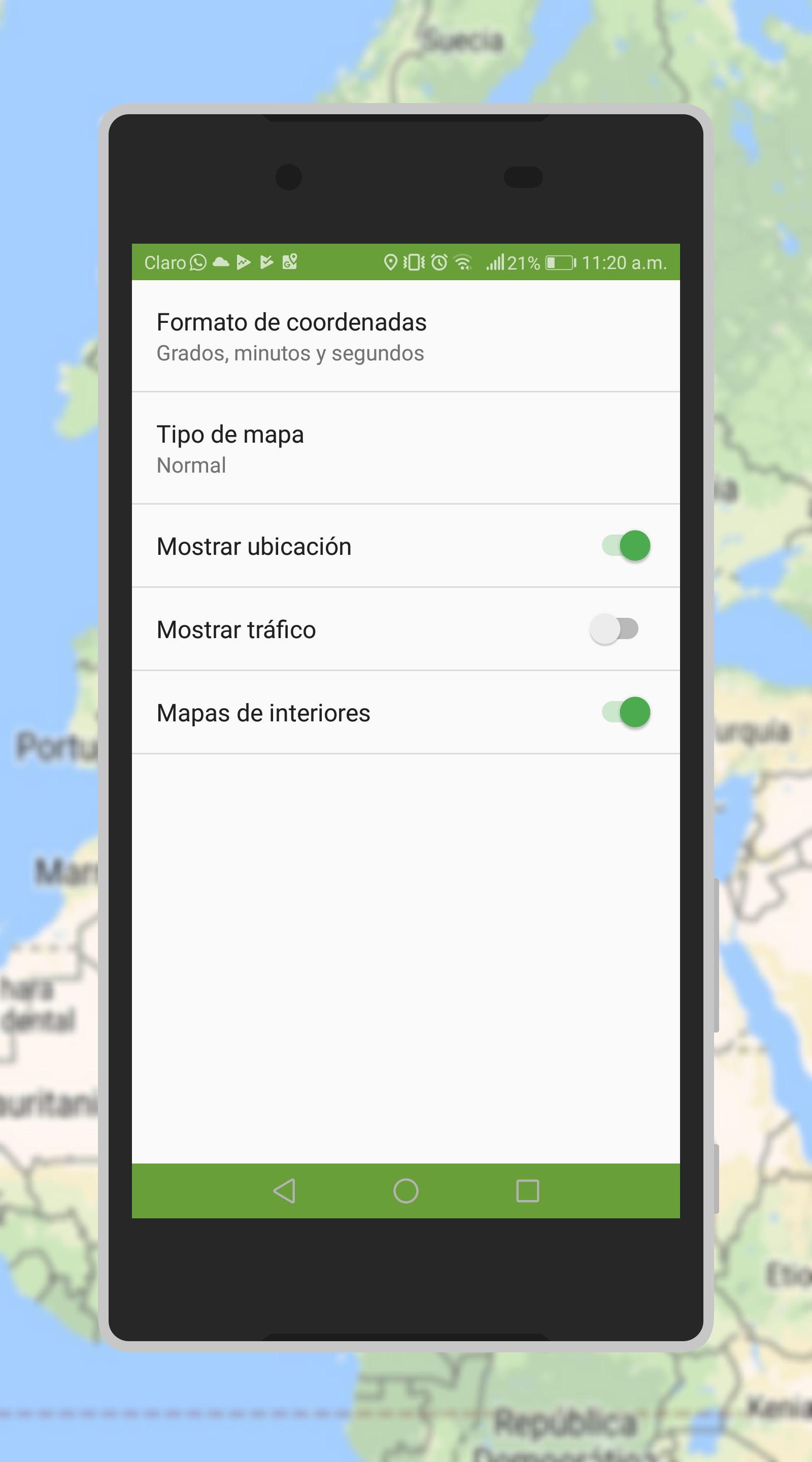
- It allows to establish the exact location by GPS location, providing the coordinates in degrees, minutes and seconds (sexagecimal units) or decimal degrees, in the same way consult the coordinates of any place in the world, that the user wishes
- It allows to choose several types of maps (4 options of personalization of visualization), which allows the user to use the view that is to his liking
- GPS coordinates, it has a compass, which can be used with or without an internet connection
- It has the option to activate the interior maps, which consists of visualizing each of the floors of airports, shopping centers, stadiums and public transport stations. (Only applies in places that are enabled)
- Allows sharing the chosen coordinate, by means of the communication APP of the user's preference.
- It has a choice of capturing screenshots, which are saved in the phone
- Save the coordinates that are chosen and then share them if desired
- Includes a speedometer
Preview
Tags
Maps-&Information
Developer
Oneago
Latest Version
4.0.4
Last Updated
2019-08-11
Category
Maps-navigation
Available on
Google Play
Show More
How to play GPS Coordinates with GameLoop on PC
1. Download GameLoop from the official website, then run the exe file to install GameLoop
2. Open GameLoop and search for “GPS Coordinates” , find GPS Coordinates in the search results and click “Install”
3. Enjoy playing GPS Coordinates on GameLoop
Minimum requirements
OS
Windows 8.1 64-bit or Windows 10 64-bit
GPU
GTX 1050
CPU
i3-8300
Memory
8GB RAM
Storage
1GB available space
Recommended requirements
OS
Windows 8.1 64-bit or Windows 10 64-bit
GPU
GTX 1050
CPU
i3-9320
Memory
16GB RAM
Storage
1GB available space