
Avenza Maps: Offline Mapping PC
Avenza Systems Inc.
Download Avenza Maps: Offline Mapping on PC With GameLoop Emulator
Avenza Maps: Offline Mapping on PC
Avenza Maps: Offline Mapping, coming from the developer Avenza Systems Inc., is running on Android systerm in the past.
Now, You can play Avenza Maps: Offline Mapping on PC with GameLoop smoothly.
Download it in the GameLoop library or search results. No more eyeing the battery or frustrating calls at the wrong time any more.
Just enjoy Avenza Maps: Offline Mapping PC on the large screen for free!
Avenza Maps: Offline Mapping Introduction
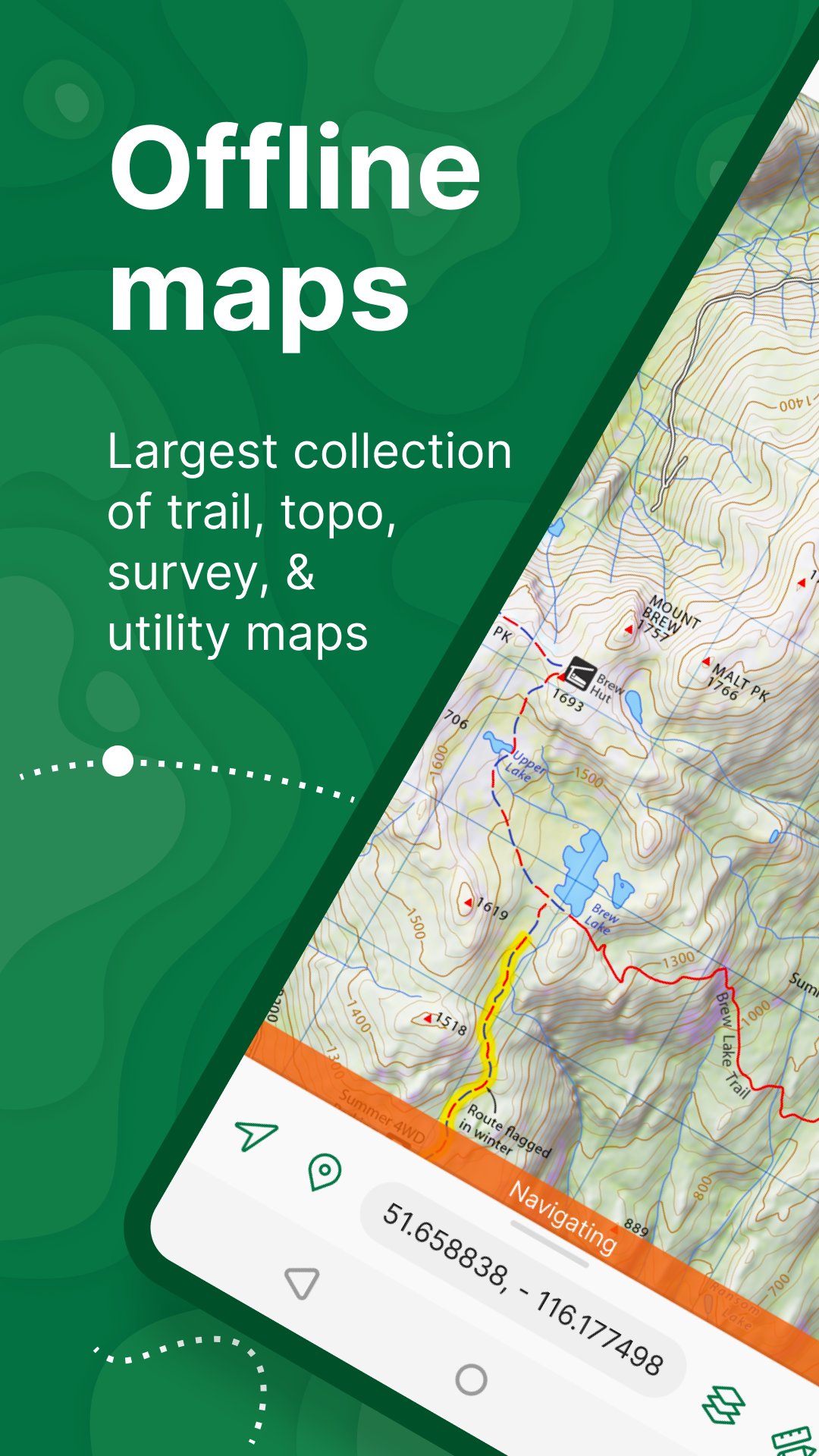
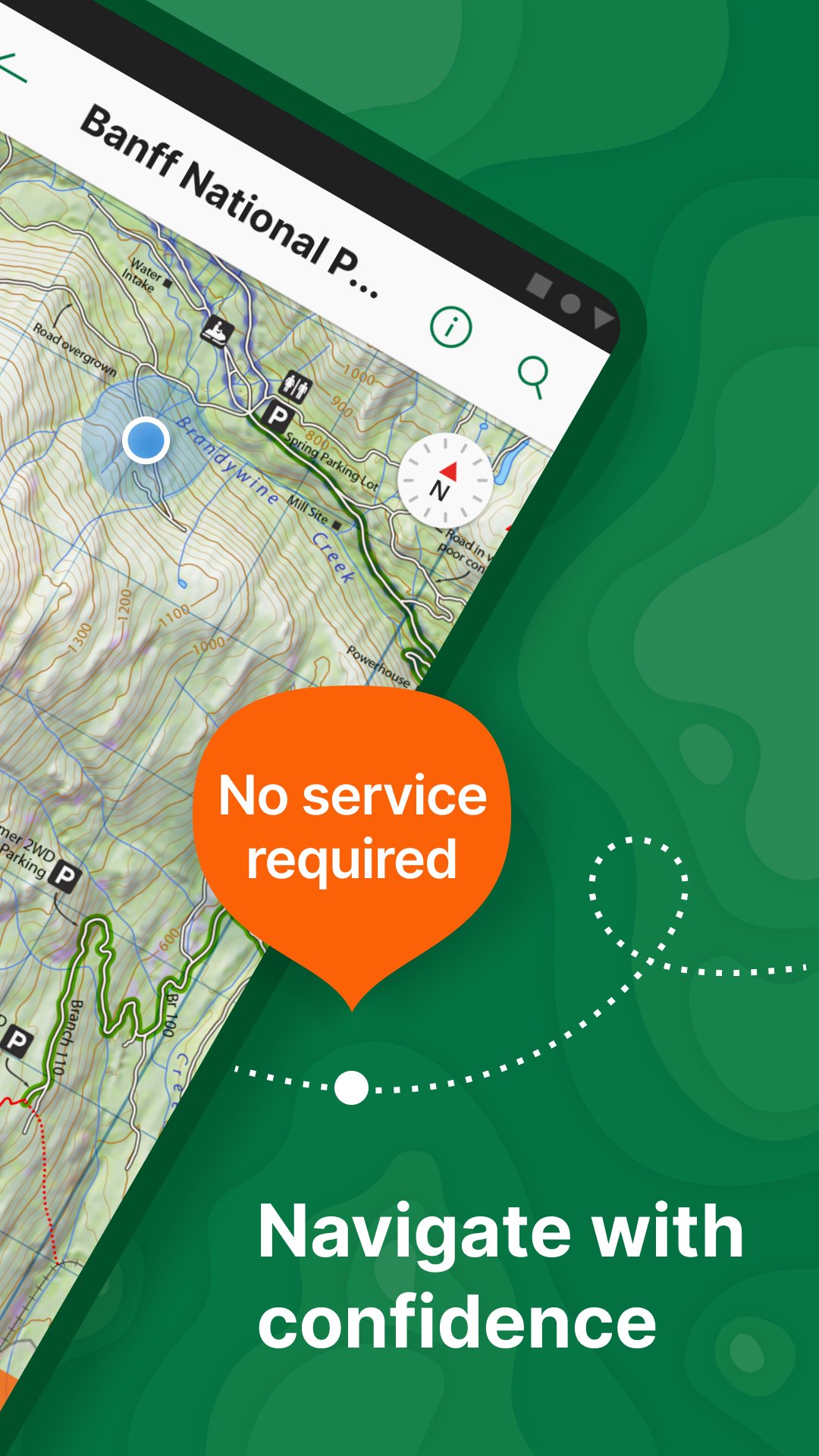
Avenza Maps is a powerful offline navigation app for professional field work. Use offline maps with GPS navigation to stay on track anywhere—no signal required, so you can navigate confidently with precise location awareness.
Discover and download topographic, land use, utility, nautical, and survey data from trusted publishers, or import your own maps. Avenza supports custom map import, letting you work with PDF maps, GeoPDF®, and GeoTIFF files for reliable navigation both on and off the grid.
Explore trusted outdoor & professional data
Avenza is widely used by professionals worldwide for surveying, land management, environmental work, GIS field operations, and more.
Navigate confidently, even offline
View your real-time GPS position without connectivity
Record GPS tracks for hiking, biking, and field activities
Navigate using compass and coordinate tools
Measure distance, area, and estimated travel time
Add placemarks, photos, and notes to any location
Identify locations precisely using what3words
Import and export KML, GPX, CSV, and other geospatial formats
Bring your own data
Already have your own content? Import custom trail, topo, or survey files and navigate them offline. Avenza is ideal for users who rely on professional data, government sources, or self-created mapping projects.
Plans for every type of user
Avenza Maps is free to use with access to free and paid downloads from the Map Store.
Avenza Maps Plus
Up to 20 custom PDF, GeoPDF®, and GeoTIFF imports
Create geofences for location alerts
Avenza Maps Pro
Advanced GPS averaging and coordinate formats
Import and export Shapefiles
Custom symbology and data management
Connect high-accuracy external GPS devices (Trimble, Bad Elf, Dual)
Unlimited geofences and global notifications
Priority technical support
Avenza Maps Pro is required for commercial, academic, government, and professional use.
Support & resources
Need help? Visit support.avenzamaps.com
LEGAL
Privacy Policy: avenzamaps.com/legal/privacy-policy.html
Terms of Use: avenzamaps.com/legal/terms.html
CONNECT WITH US
avenzamaps.com
facebook.com/avenzamaps
twitter.com/avenzamaps
instagram.com/avenzamaps
Preview
Tags
Maps-&Information
Developer
Avenza Systems Inc.
Latest Version
5.5.2
Last Updated
2026-04-20
Category
Maps-navigation
Available on
Google Play
Show More
How to play Avenza Maps: Offline Mapping with GameLoop on PC
1. Download GameLoop from the official website, then run the exe file to install GameLoop
2. Open GameLoop and search for “Avenza Maps: Offline Mapping” , find Avenza Maps: Offline Mapping in the search results and click “Install”
3. Enjoy playing Avenza Maps: Offline Mapping on GameLoop
Minimum requirements
OS
Windows 8.1 64-bit or Windows 10 64-bit
GPU
GTX 1050
CPU
i3-8300
Memory
8GB RAM
Storage
1GB available space
Recommended requirements
OS
Windows 8.1 64-bit or Windows 10 64-bit
GPU
GTX 1050
CPU
i3-9320
Memory
16GB RAM
Storage
1GB available space