
Zoltar 3D Fortune Telling PC
WebAppDev
Download Zoltar 3D Fortune Telling on PC With GameLoop Emulator
Zoltar 3D Fortune Telling on PC
Zoltar 3D Fortune Telling, coming from the developer WebAppDev, is running on Android systerm in the past.
Now, You can play Zoltar 3D Fortune Telling on PC with GameLoop smoothly.
Download it in the GameLoop library or search results. No more eyeing the battery or frustrating calls at the wrong time any more.
Just enjoy Zoltar 3D Fortune Telling PC on the large screen for free!
Zoltar 3D Fortune Telling Introduction
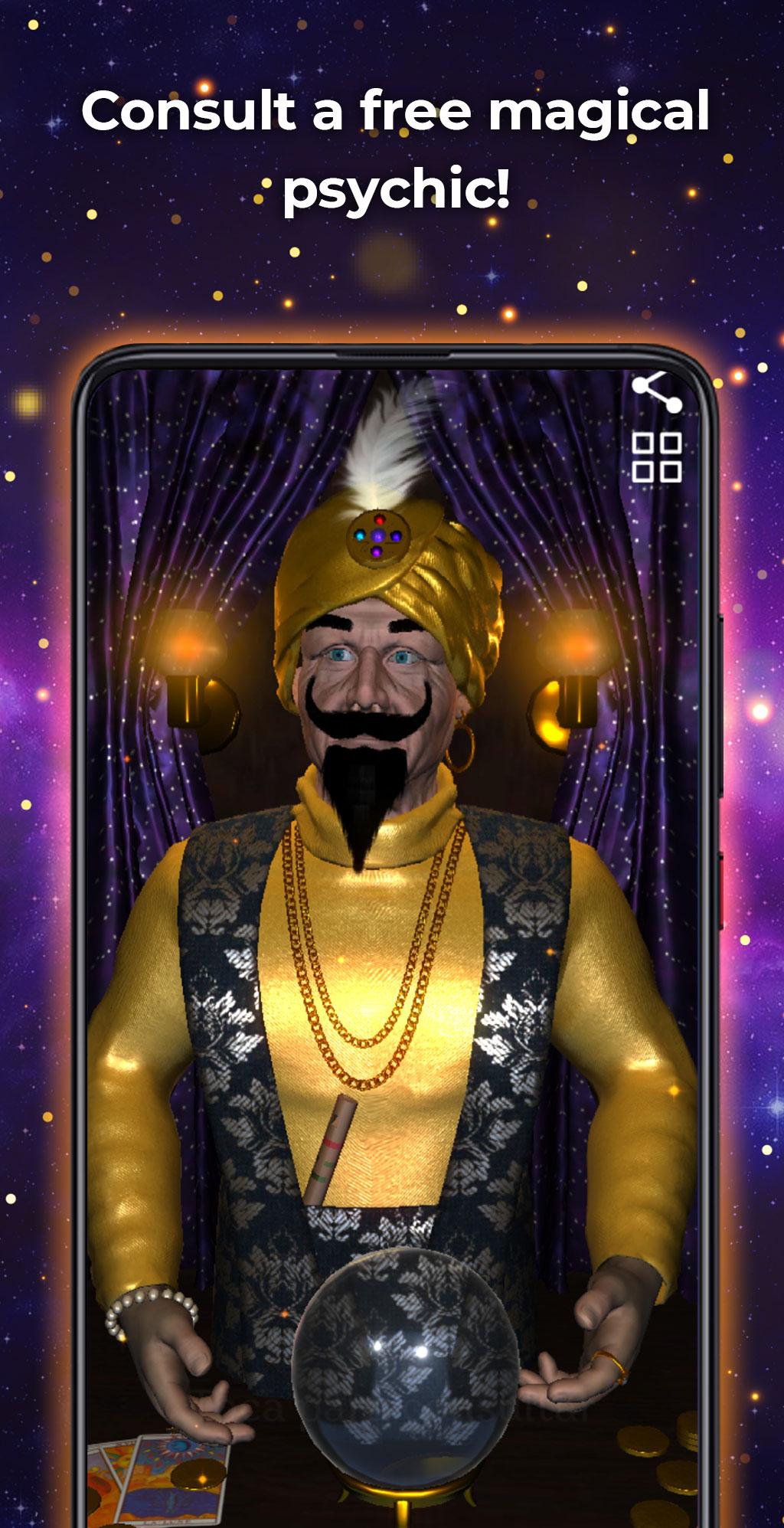
Consult the fortune teller Zoltar totally free! This psychic will answer all your questions in a very fast and unlimited way.
If you are looking for an application to predict your future or just want to have a good time, do not think twice and download the app now.
The fortune teller in 3D is inspired by Zoltar, for that reason we have created the application with the best possible graphics.
You can consult as many times as you want and you will get hundreds of different results that the magical seer has saved for you.
This magic fortune teller is able to predict the future in money, health and love in a totally real way.
How does the Zoltar fortune teller 3d work?
The Zoltar fortune teller is very easy to use and is very intuitive. In a quiet place without distractions, think about something that worries you or something you want to discover. Then, press the screen and you will see how the Zoltar wizard consults the seer ball to offer you the best result. Finally, a ticket with your prediction of the future will appear at the bottom. Are you ready to get your prediction?
Why use this gypsy fortune teller app?
- It is totally free
- No limits or restrictions
- Real 3D graphics
- Personalized results
- More than 250 results
- Discover your fortune
Preview

Tags
LifestyleInformation
Developer
WebAppDev
Latest Version
1.4
Last Updated
2025-10-08
Category
Lifestyle
Available on
Google Play
Show More
How to play Zoltar 3D Fortune Telling with GameLoop on PC
1. Download GameLoop from the official website, then run the exe file to install GameLoop
2. Open GameLoop and search for “Zoltar 3D Fortune Telling” , find Zoltar 3D Fortune Telling in the search results and click “Install”
3. Enjoy playing Zoltar 3D Fortune Telling on GameLoop
Minimum requirements
OS
Windows 8.1 64-bit or Windows 10 64-bit
GPU
GTX 1050
CPU
i3-8300
Memory
8GB RAM
Storage
1GB available space
Recommended requirements
OS
Windows 8.1 64-bit or Windows 10 64-bit
GPU
GTX 1050
CPU
i3-9320
Memory
16GB RAM
Storage
1GB available space