
Vogue PC
Condé Nast Digital
Download Vogue on PC With GameLoop Emulator
Vogue on PC
Vogue, coming from the developer Condé Nast Digital, is running on Android systerm in the past.
Now, You can play Vogue on PC with GameLoop smoothly.
Download it in the GameLoop library or search results. No more eyeing the battery or frustrating calls at the wrong time any more.
Just enjoy Vogue PC on the large screen for free!
Vogue Introduction
Everything you love about Vogue - anytime, anywhere. Get the news, shop the latest trends, and connect with fellow fashion obsessives from around the world with the Vogue app.
On the Vogue app, you can:
- Get the inside line on the top stories from Vogue editors.
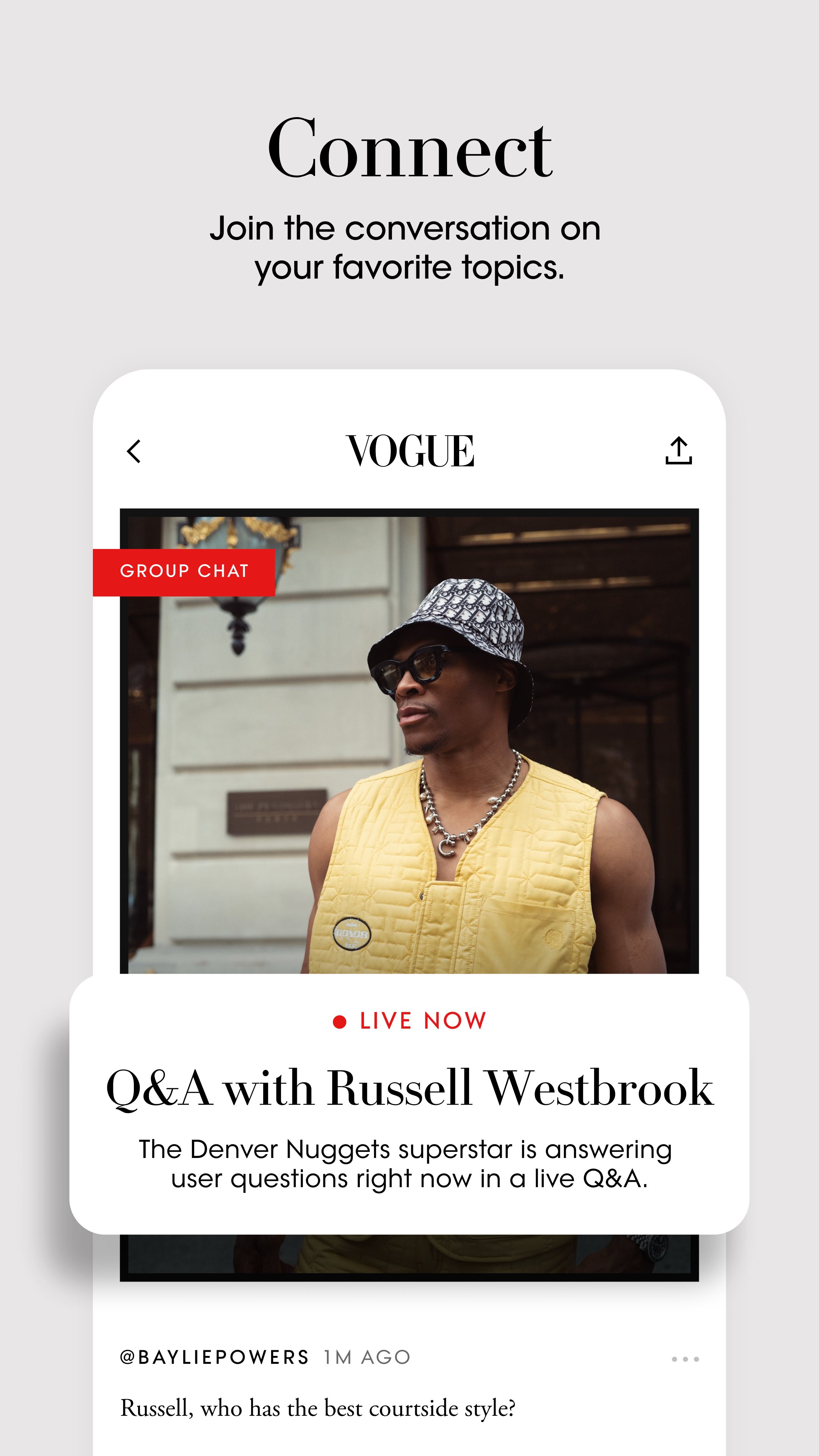
- Engage with fellow fashion enthusiasts in discussions on your favorite topics.
- Shop editor-approved buys and the latest trends all within the app.
- Test your runway IQ with our daily Runway Genius quiz.
- Discover new topics to join the conversation across the globe.
- Never miss a story by following Vogue editors and contributors and exploring their latest posts.
- Take a front row seat at every international show.
- Explore our archive of 20,000+ fashion shows by designer, season, location and type
- Browse 1 million+ runway images— dating back to 1988—with AI-powered image search.
- Vote on your favorite looks, then see how your selects stack up to the Vogue community.
- Save looks and collections to your mood boards, with advanced organizational tools.
- Get a close-up look at all the details from Dior, Chanel, Louis Vuitton, and so much more.
- Follow your favorite brands and topics so you never miss a Vogue moment.
- Share your favorite looks and collections with others via email, text, and social media.
- Browse thousands of photos capturing street style worldwide, shot by our renowned photographers.
- Read reviews from Vogue’s internationally recognized writers for our insider take.
The app is free to download. Subscribers receive unlimited digital access to Vogue Runway. Users need to be logged in and subscribed to access Vogue Runway content. All Vogue subscribers will have unlimited digital access to the app as part of their existing subscription. App subscribers have full access to the Web site. Users who have trouble accessing stories can e-mail appfeedback@vogue.com for assistance.
You can choose from two subscription options:
- Monthly subscription: $4.99. Non-refundable. Cancel anytime.
- Annual subscription: $19.99. Non-refundable. Cancel anytime.
Prices above are shown in USD and they’ll be shown in your local currency at the time of purchase.
Subscriptions may be managed by the user, and auto-renewal may be turned off by updating the user’s App Store Subscription settings after purchase. Payment will be charged to iTunes account at confirmation of purchase.
Please note: Users can cancel their subscription anytime from App Store settings.
Information about our Terms of Service & Privacy Policy can be found at:
Privacy Policy: http://www.condenast.com/privacy-policy
App User Agreement: https://www.condenast.com/app-terms-of-use
Preview

Tags
LifestyleInformation
Developer
Condé Nast Digital
Latest Version
12.75.0
Last Updated
2026-09-04
Category
Lifestyle
Available on
Google Play
Show More
How to play Vogue with GameLoop on PC
1. Download GameLoop from the official website, then run the exe file to install GameLoop
2. Open GameLoop and search for “Vogue” , find Vogue in the search results and click “Install”
3. Enjoy playing Vogue on GameLoop
Minimum requirements
OS
Windows 8.1 64-bit or Windows 10 64-bit
GPU
GTX 1050
CPU
i3-8300
Memory
8GB RAM
Storage
1GB available space
Recommended requirements
OS
Windows 8.1 64-bit or Windows 10 64-bit
GPU
GTX 1050
CPU
i3-9320
Memory
16GB RAM
Storage
1GB available space