
Usholli: Jadwal Sholat RI PC
Mr. Habibi
Download Usholli: Jadwal Sholat RI on PC With GameLoop Emulator
Usholli: Jadwal Sholat RI on PC
Usholli: Jadwal Sholat RI, coming from the developer Mr. Habibi, is running on Android systerm in the past.
Now, You can play Usholli: Jadwal Sholat RI on PC with GameLoop smoothly.
Download it in the GameLoop library or search results. No more eyeing the battery or frustrating calls at the wrong time any more.
Just enjoy Usholli: Jadwal Sholat RI PC on the large screen for free!
Usholli: Jadwal Sholat RI Introduction
Bismillahirrohmanirrohim,
Peace be upon you, peace be upon you, and blessings be upon you,
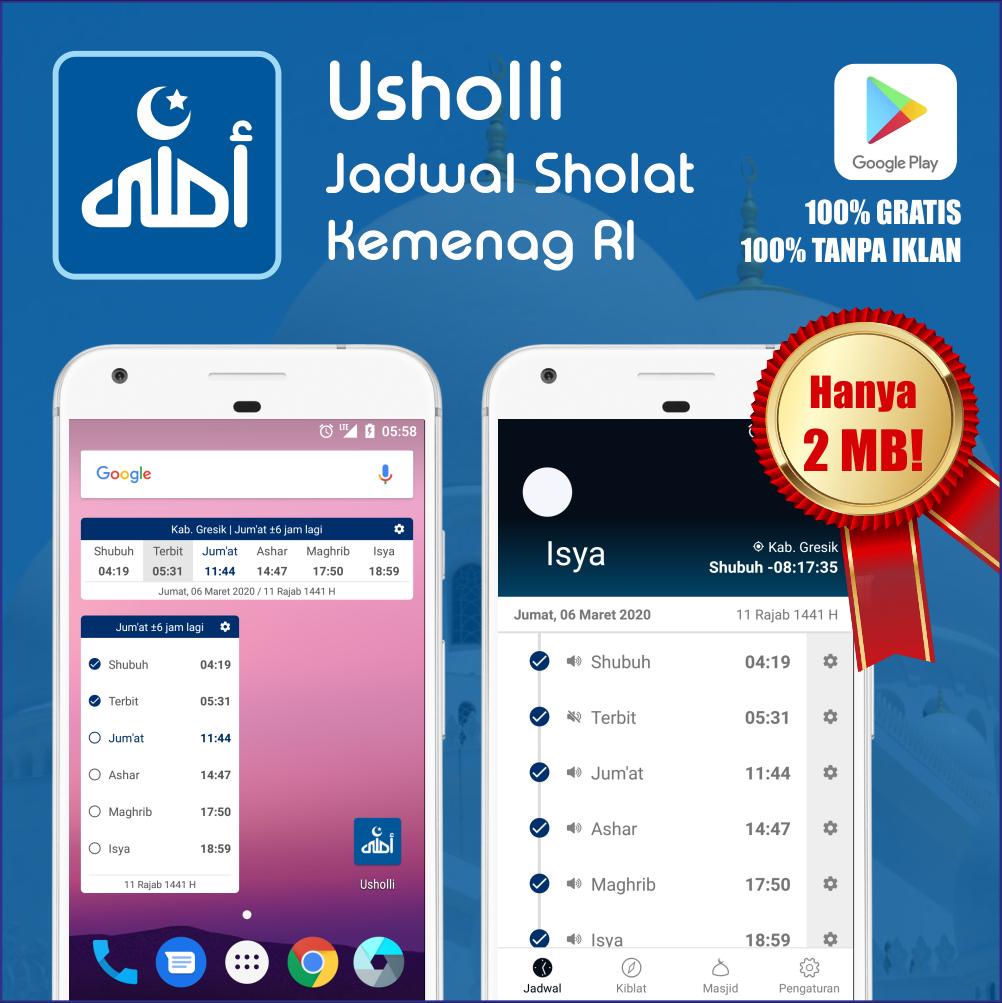
Usholli is an application that provides prayer times with accurate data specifically for Indonesia. This application is intentionally designed without annoying ads. We hope you find it useful. The complete list of Usholli features is as follows:
- Accurate prayer schedule data specifically for Indonesia
- Attractive display and themes that can be changed according to prayer times
- Schedules for Imsak, Fajr, Sunrise, Dhuha, Dhuhur, Asr, Maghrib, and Isha
- Customizable notification types for each prayer time: None, Silent, Vibrate, Default, Takbir, and Adhan
- Reminders approaching prayer times (can be set from 5 to 30 minutes for each prayer time)
- Prayer schedules covering 30+ provinces and 500+ cities throughout Indonesia
- Detects nearby cities and automatically changes prayer times
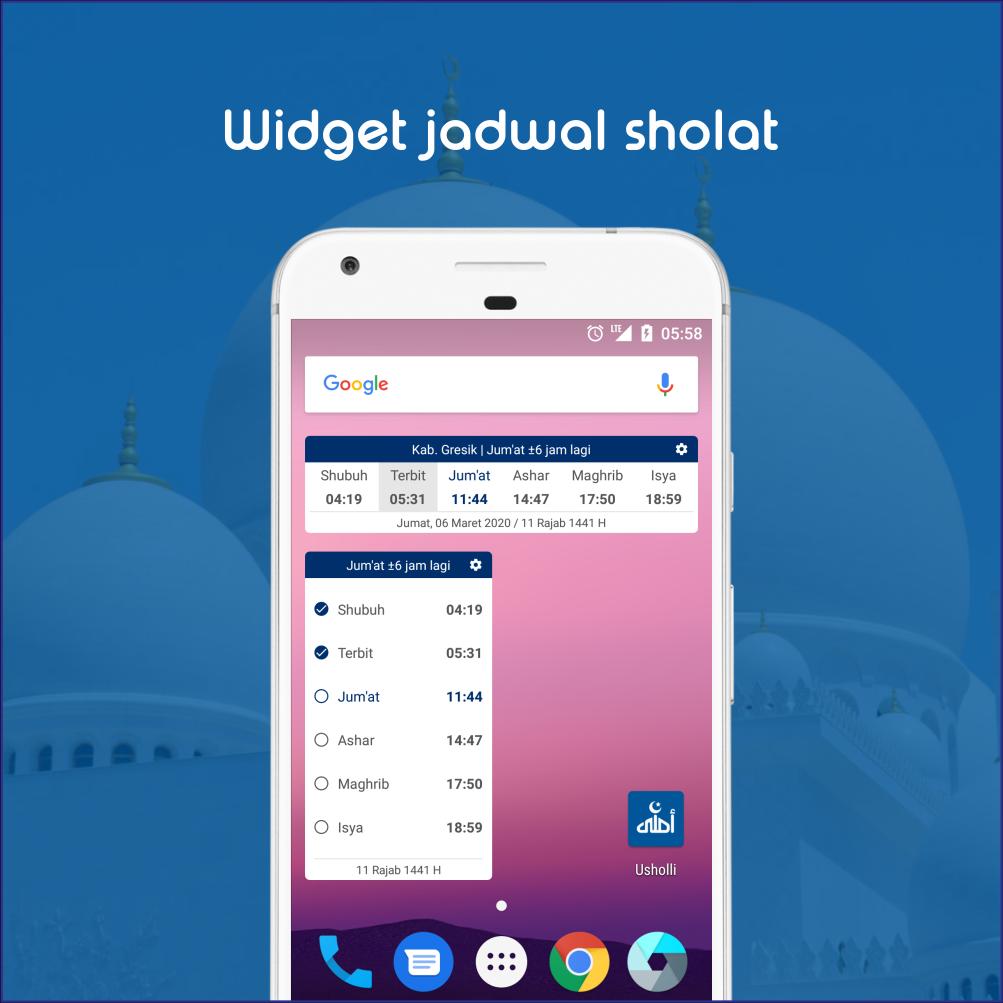
- Vertical and horizontal app widgets
- Qibla compass derived from GPS location
- Map of nearby mosques using Google Maps
- NO ADS
God willing, this app will continue to be developed with additional features.
Therefore, we ask that users support Usholli by giving it a 5-star rating so it can continue to be developed and improved. If you encounter any errors or bugs in the app or would like to provide criticism or suggestions, please contact us via email at mrhabibi.apps@gmail.com.
Thank you for using Usholli. Please share Usholli with your family, friends, and relatives throughout Indonesia so that it can bring even more benefits and, God willing, become a continuous charity for us all. Amen, O Lord of the Worlds.
Peace be upon you, peace be upon you.
By: Muhammad Rizky Habibi
Frequently Asked Questions:
Q: Why doesn't the adhan notification sound end?
A: The adhan notification sound is designed to stop automatically when the user opens the notification panel from the top status bar. This is done to make it easier for users to turn off the adhan notification when desired. The adhan sound will continue until the end if the notification panel is not opened.
Q: Notifications appear, but why are there no sounds?
A: There are several smartphone settings that can cause this. Make sure your smartphone isn't on silent (specifically, the notification volume is set to the "bell" icon on the Lollipop or higher), then make sure the "Do not disturb" feature is turned off. Also, make sure the notification type during the call to prayer isn't "Vibrate," "Silent," or "None."
Q1: Why don't notifications appear?
Q2: After restarting, notifications don't automatically appear. Why do I have to open them once to get them to work normally?
A: This could be because Usholli is blocked by your device manufacturer. To unblock it, open the settings menu and look for the AutoStart/SmartManager or similar option, and ensure Usholli is unblocked (whitelisted).
Q: Why are Usholli notifications sometimes late?
A: Each device manufacturer has its own method for managing time-based notifications, such as the Usholli app. Most manufacturers run the default Android OS, which allows Usholli notifications to appear in real time. However, some manufacturers consistently delay notifications to maintain device stability. Others only delay notifications when the battery is low to extend the device's battery life.
Q: Why does Usholli always disappear from the app history/force close when switching to another app?
A: Actually, this isn't a force close due to an error, but rather, it's intentionally removed from the app history due to a technical issue in the Usholli app that requires it. However, Usholli runs smoothly, is lightweight, and fast on almost any Android device.
Preview
Tags
LifestyleInformation
Developer
Mr. Habibi
Latest Version
2.4.5
Last Updated
2025-07-19
Category
Lifestyle
Available on
Google Play
Show More
How to play Usholli: Jadwal Sholat RI with GameLoop on PC
1. Download GameLoop from the official website, then run the exe file to install GameLoop
2. Open GameLoop and search for “Usholli: Jadwal Sholat RI” , find Usholli: Jadwal Sholat RI in the search results and click “Install”
3. Enjoy playing Usholli: Jadwal Sholat RI on GameLoop
Minimum requirements
OS
Windows 8.1 64-bit or Windows 10 64-bit
GPU
GTX 1050
CPU
i3-8300
Memory
8GB RAM
Storage
1GB available space
Recommended requirements
OS
Windows 8.1 64-bit or Windows 10 64-bit
GPU
GTX 1050
CPU
i3-9320
Memory
16GB RAM
Storage
1GB available space