
Tissot Connected PC
Tissot SA
Download Tissot Connected on PC With GameLoop Emulator
Tissot Connected on PC
Tissot Connected, coming from the developer Tissot SA, is running on Android systerm in the past.
Now, You can play Tissot Connected on PC with GameLoop smoothly.
Download it in the GameLoop library or search results. No more eyeing the battery or frustrating calls at the wrong time any more.
Just enjoy Tissot Connected PC on the large screen for free!
Tissot Connected Introduction
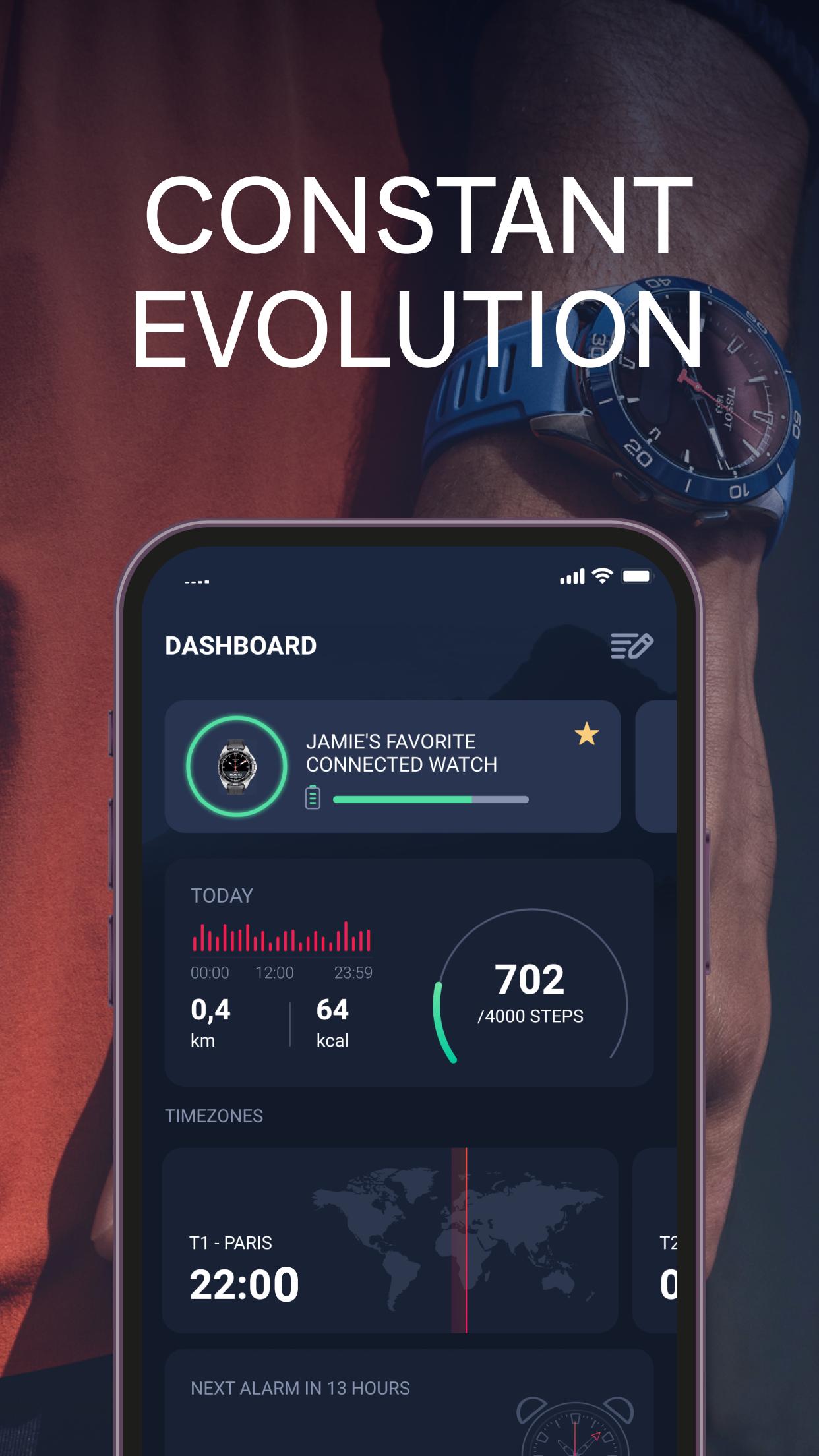
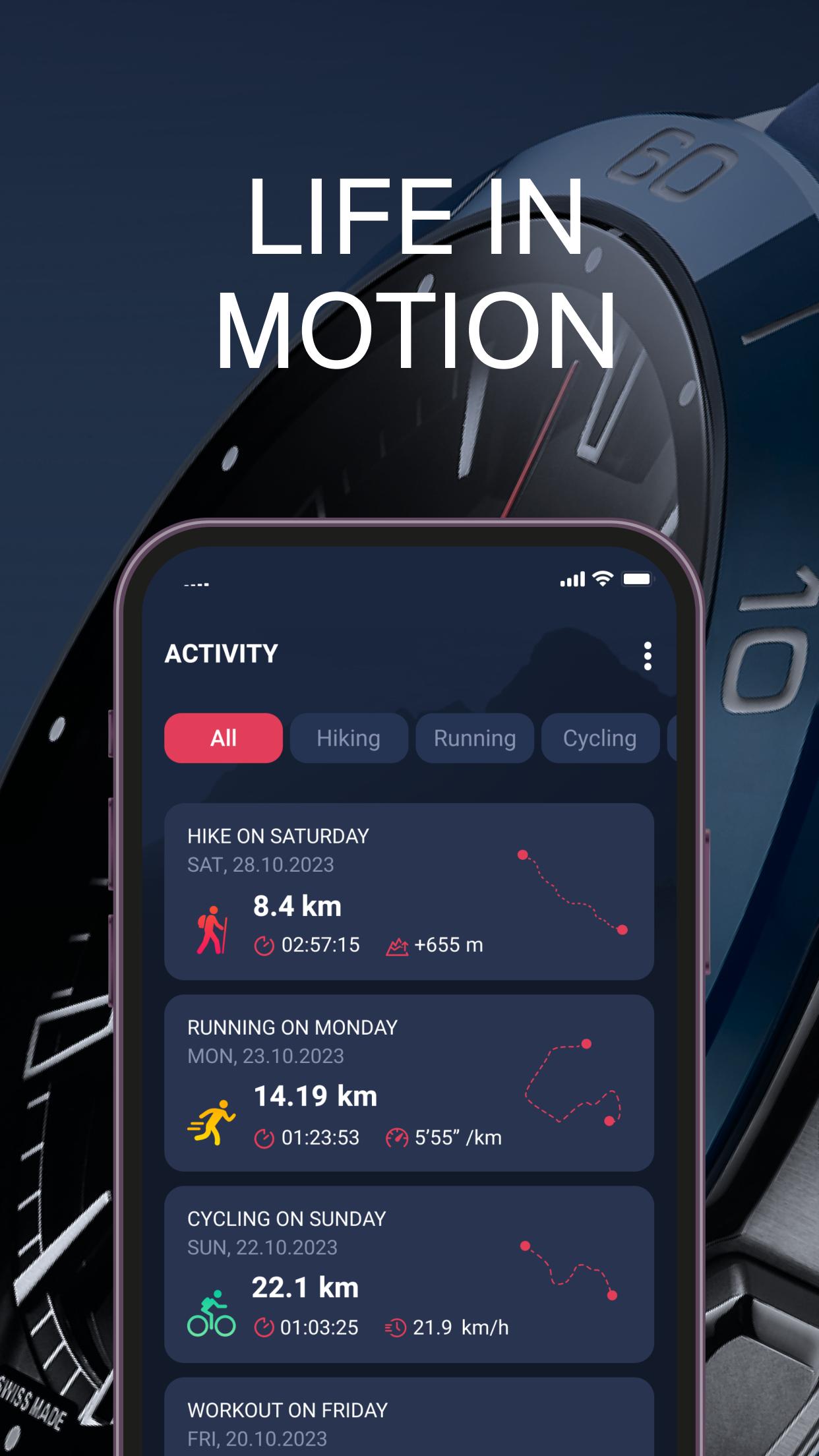
Crafted to seamlessly pair with the T-Touch Connect series, including both T-Touch Connect Sport and T-Touch Connect Solar, this app offers a comprehensive insight into your active and sporty lifestyle.
From urban athletes to outdoor enthusiasts, our app ensures each wearer gets the most out of their timepiece, maximizing its capabilities. Dive into a wide array of settings, fine-tuning them to align with your personal preferences and activities. Experience new features and expand the functionality of your watch, all through a user-friendly interface.
Compatible across major platforms, the Tissot T-Touch Connect App syncs with most Android devices. This guarantees a consistent and premium Tissot experience, regardless of your device of choice.
With a storied legacy in watchmaking since 1853, Tissot’s dedication to merging tradition with modern technology remains unwavering. The Tissot T-Touch Connect App stands as a testament to this commitment, promising not just a luxury watch experience, but an enhanced active lifestyle. Download today to redefine your Tissot journey.
Preview
Tags
LifestyleInformation
Developer
Tissot SA
Latest Version
9.1.2-solar
Last Updated
2025-10-21
Category
Lifestyle
Available on
Google Play
Show More
How to play Tissot Connected with GameLoop on PC
1. Download GameLoop from the official website, then run the exe file to install GameLoop
2. Open GameLoop and search for “Tissot Connected” , find Tissot Connected in the search results and click “Install”
3. Enjoy playing Tissot Connected on GameLoop
Minimum requirements
OS
Windows 8.1 64-bit or Windows 10 64-bit
GPU
GTX 1050
CPU
i3-8300
Memory
8GB RAM
Storage
1GB available space
Recommended requirements
OS
Windows 8.1 64-bit or Windows 10 64-bit
GPU
GTX 1050
CPU
i3-9320
Memory
16GB RAM
Storage
1GB available space