
Teros Home PC
abode Systems, Inc.
Download Teros Home on PC With GameLoop Emulator
Teros Home on PC
Teros Home, coming from the developer abode Systems, Inc., is running on Android systerm in the past.
Now, You can play Teros Home on PC with GameLoop smoothly.
Download it in the GameLoop library or search results. No more eyeing the battery or frustrating calls at the wrong time any more.
Just enjoy Teros Home PC on the large screen for free!
Teros Home Introduction
Teros Home Security
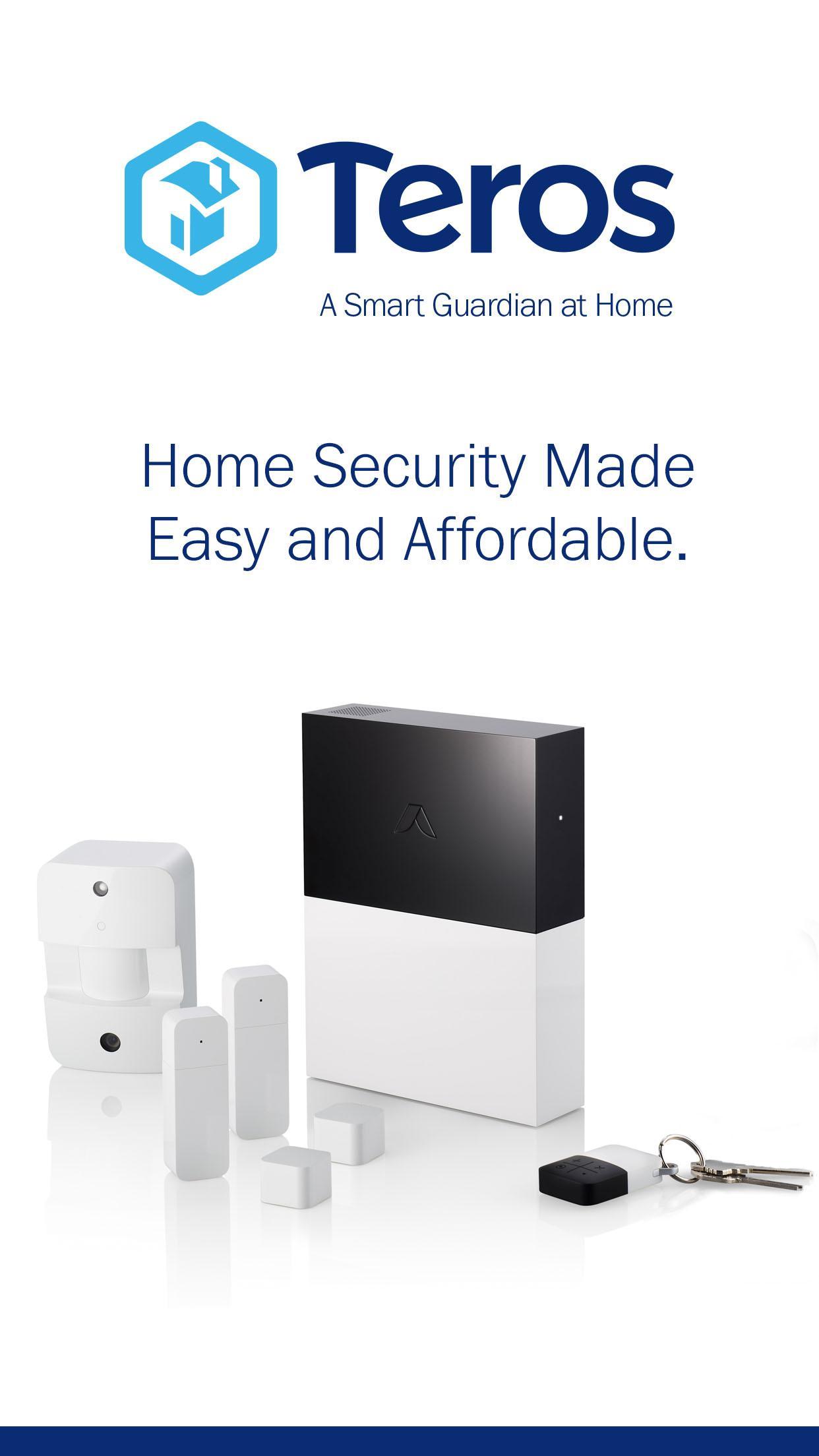
Meet Teros: an affordable, easy to use security system that protects you and your home. Experience 24/7 monitoring, live expert support, and peace of mind. Easily arm, disarm, or check what’s going on at home right from your Teros app. You can add smart home devices like Alexa or use IFTTT to make rules for your home. Customize Teros with any Zigbee or Z-wave integration free of service cost.
Your protection is ensured with:
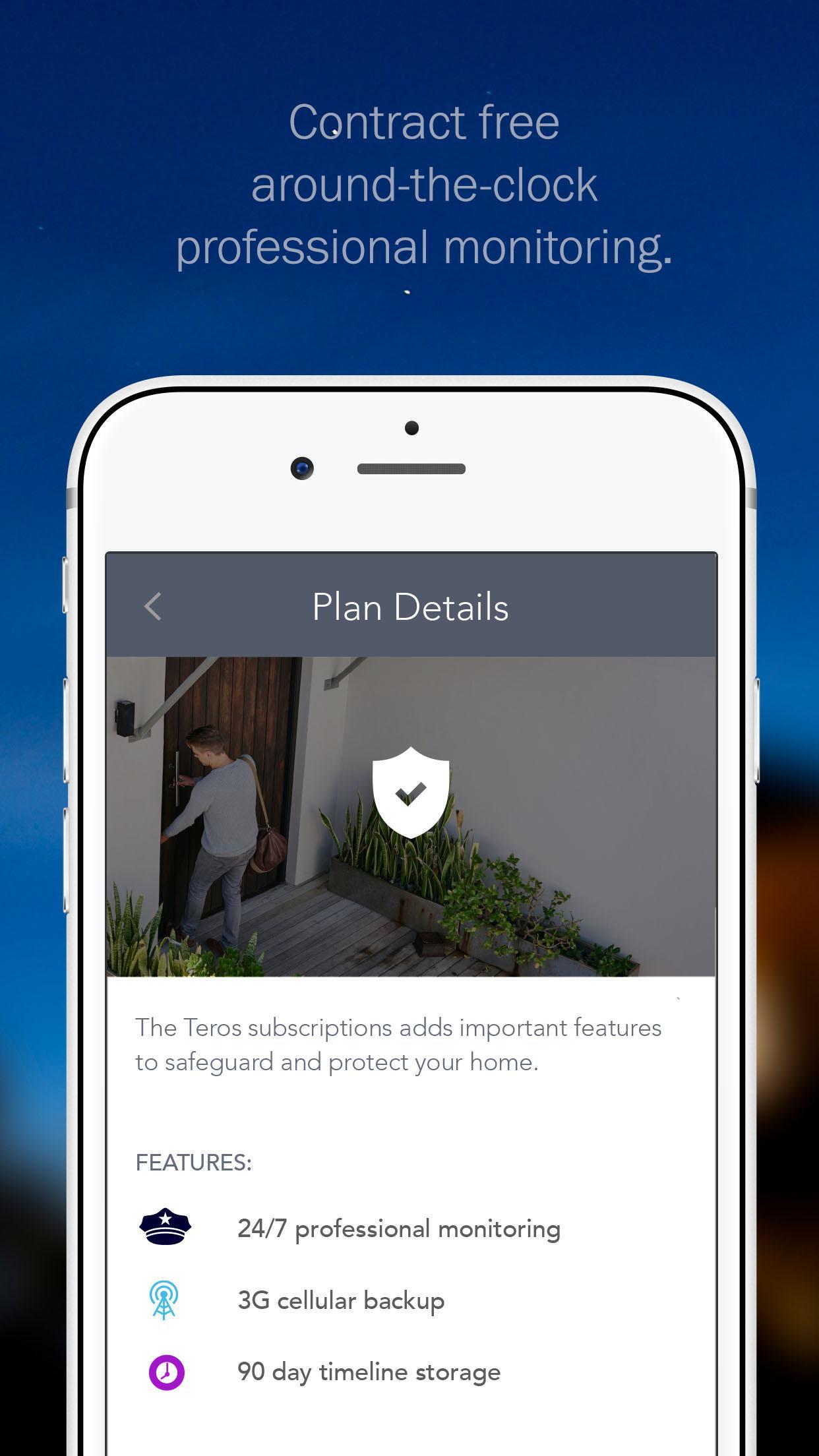
* CSAA 5 Diamond Certified central stations with around-the-clock professional home monitoring
* Automatic backup even if internet is down
* Timeline picture monitoring Instant text, call, or video notifications
You’re busy enough — install on your own time and set up in 30 minutes. Get started with Teros today. www.teroshome.com
Note: Continued use of GPS running in the background can dramatically decrease battery life.
Preview
Information
Developer
abode Systems, Inc.
Latest Version
4.0.2
Last Updated
2018-01-23
Category
Lifestyle
Available on
Google Play
Show More
How to play Teros Home with GameLoop on PC
1. Download GameLoop from the official website, then run the exe file to install GameLoop
2. Open GameLoop and search for “Teros Home” , find Teros Home in the search results and click “Install”
3. Enjoy playing Teros Home on GameLoop
Minimum requirements
OS
Windows 8.1 64-bit or Windows 10 64-bit
GPU
GTX 1050
CPU
i3-8300
Memory
8GB RAM
Storage
1GB available space
Recommended requirements
OS
Windows 8.1 64-bit or Windows 10 64-bit
GPU
GTX 1050
CPU
i3-9320
Memory
16GB RAM
Storage
1GB available space