
sow26 PC
sowup26
Download sow26 on PC With GameLoop Emulator
sow26 on PC
sow26, coming from the developer sowup26, is running on Android systerm in the past.
Now, You can play sow26 on PC with GameLoop smoothly.
Download it in the GameLoop library or search results. No more eyeing the battery or frustrating calls at the wrong time any more.
Just enjoy sow26 PC on the large screen for free!
sow26 Introduction
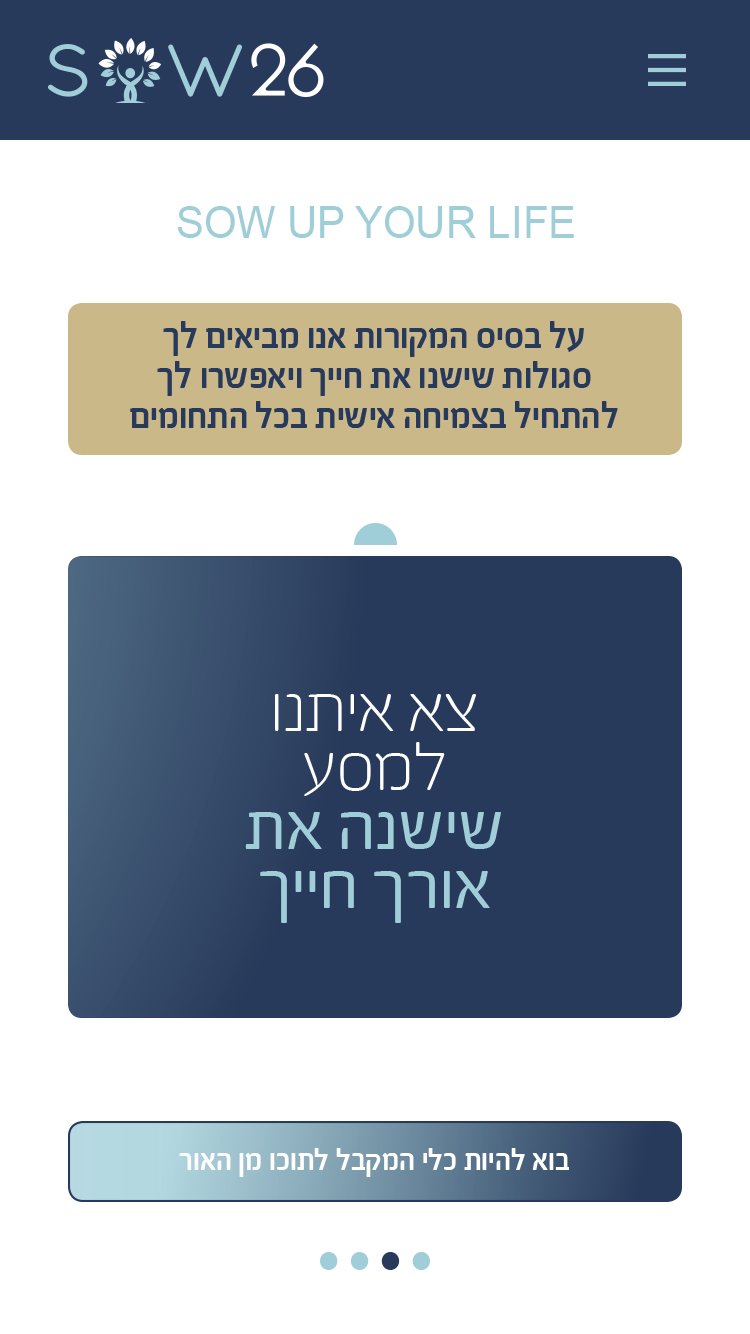
SOW 26 is an app that helps people turn their thinking and consciousness from negative to positive.
SOW 26 has developed a method by which it is possible to turn any negative reality of life, any difficulty, every frustration and every failure - into a positive, good and new reality of life in an easy and convenient way adapted to each person.
With the assistance of the method we have developed, you can treat any issue in which you experience difficulty and frustration, for example:
Social and personal relationships, studies, financial management and family relations.
In a simple, easy and personal process SOW 26 will help you to treat from any difficulty and challenges you’re experiencing, from its root. And as a result you’ll fulfil every desire and wish and then experience success and prosperity.
SOW 26 will help you uproot negative thoughts and instead sow positive and good thoughts.
Join hundreds of people who are already being helped and testify to a great change that has taken place in all areas of their life.
Choose, to succeed and advance – it's in your hands.
Start your new journey here and now.
Preview

Tags
LifestyleInformation
Developer
sowup26
Latest Version
1.0
Last Updated
2024-01-03
Category
Lifestyle
Available on
Google Play
Show More
How to play sow26 with GameLoop on PC
1. Download GameLoop from the official website, then run the exe file to install GameLoop
2. Open GameLoop and search for “sow26” , find sow26 in the search results and click “Install”
3. Enjoy playing sow26 on GameLoop
Minimum requirements
OS
Windows 8.1 64-bit or Windows 10 64-bit
GPU
GTX 1050
CPU
i3-8300
Memory
8GB RAM
Storage
1GB available space
Recommended requirements
OS
Windows 8.1 64-bit or Windows 10 64-bit
GPU
GTX 1050
CPU
i3-9320
Memory
16GB RAM
Storage
1GB available space