
SmartAlarm+ PC
Pyronix Ltd.
Download SmartAlarm+ on PC With GameLoop Emulator
SmartAlarm+ on PC
SmartAlarm+, coming from the developer Pyronix Ltd., is running on Android systerm in the past.
Now, You can play SmartAlarm+ on PC with GameLoop smoothly.
Download it in the GameLoop library or search results. No more eyeing the battery or frustrating calls at the wrong time any more.
Just enjoy SmartAlarm+ PC on the large screen for free!
SmartAlarm+ Introduction
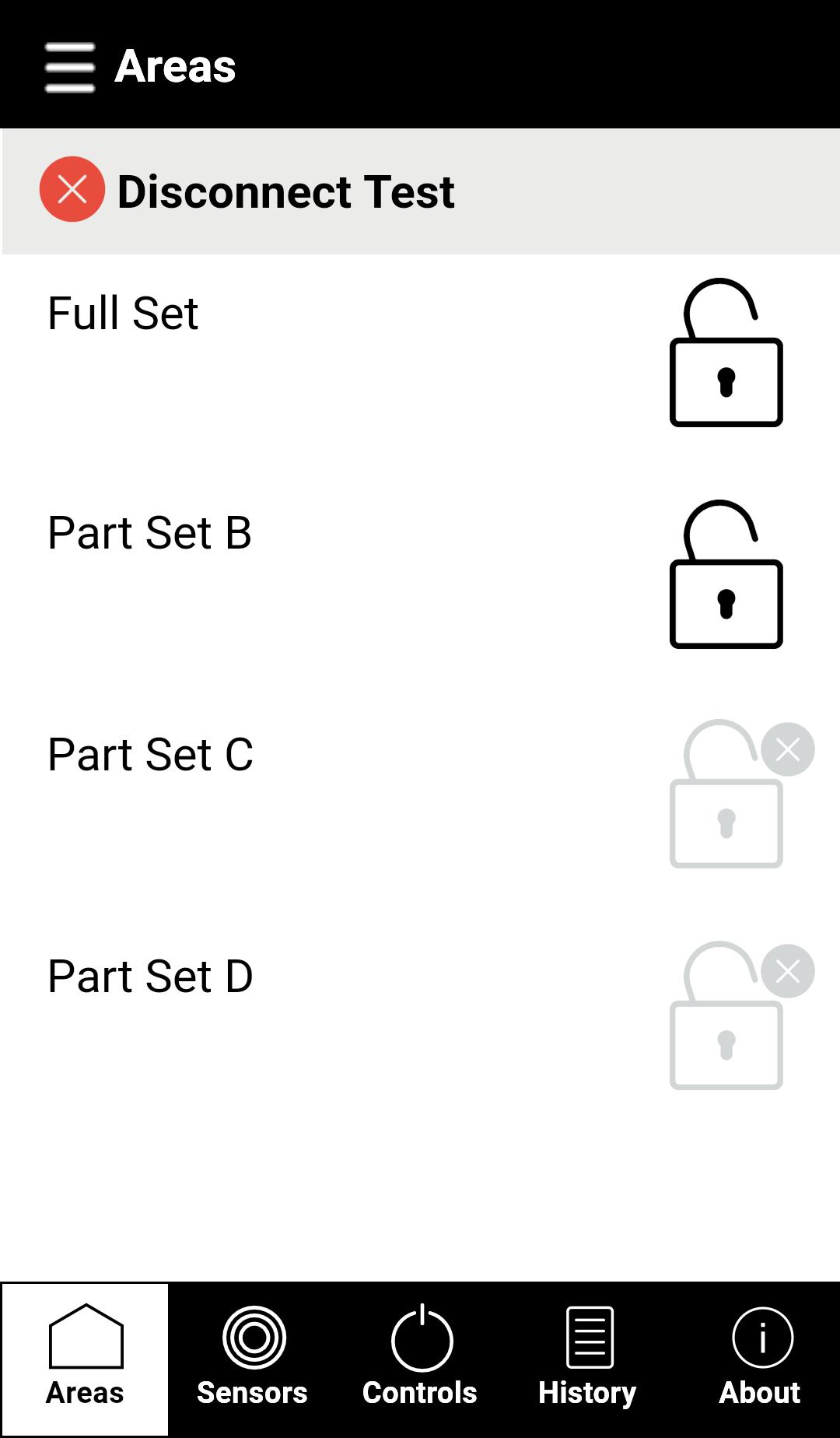
Banham's SmartAlarm+ combines the convenience of controlling your alarm from a smartphone, with the security, service and quality that our name carries.
SmartAlarm+ uses 3G, 4G or Wi-Fi communication to keep you connected in the home, office and on the go, enabling you to:
view room and device status
arm and disarm your alarm system
receive notifications
turn perimeter lighting on and off
open and close your gates or garage door
Along with our alarms, we also offer an award-winning, professional 24-hour monitoring service, keeping your property safe while you are away.
· Controlling your system requires and Banham SmartAlarm+, sold separately.
· Receiving notifications and monitoring services require a connection to our Alarm Receiving Centre. Please visit banham.co.uk/smartalarm for more details.
Preview

Tags
LifestyleInformation
Developer
Pyronix Ltd.
Latest Version
6.01.010
Last Updated
2021-06-16
Category
Lifestyle
Available on
Google Play
Show More
How to play SmartAlarm+ with GameLoop on PC
1. Download GameLoop from the official website, then run the exe file to install GameLoop
2. Open GameLoop and search for “SmartAlarm+” , find SmartAlarm+ in the search results and click “Install”
3. Enjoy playing SmartAlarm+ on GameLoop
Minimum requirements
OS
Windows 8.1 64-bit or Windows 10 64-bit
GPU
GTX 1050
CPU
i3-8300
Memory
8GB RAM
Storage
1GB available space
Recommended requirements
OS
Windows 8.1 64-bit or Windows 10 64-bit
GPU
GTX 1050
CPU
i3-9320
Memory
16GB RAM
Storage
1GB available space