
SleepCloud: Backup for Sleep PC
Urbandroid (Petr Nálevka)
Download SleepCloud: Backup for Sleep on PC With GameLoop Emulator
SleepCloud: Backup for Sleep on PC
SleepCloud: Backup for Sleep, coming from the developer Urbandroid (Petr Nálevka), is running on Android systerm in the past.
Now, You can play SleepCloud: Backup for Sleep on PC with GameLoop smoothly.
Download it in the GameLoop library or search results. No more eyeing the battery or frustrating calls at the wrong time any more.
Just enjoy SleepCloud: Backup for Sleep PC on the large screen for free!
SleepCloud: Backup for Sleep Introduction
Protect your sleep history and access your data anywhere. This official add-on for Sleep As Android bridges your sleep tracking with the cloud, ensuring your graphs and statistics are always backed up and synced.
🛡️ Flexible Backup Options
Choose the storage service that works best for you:
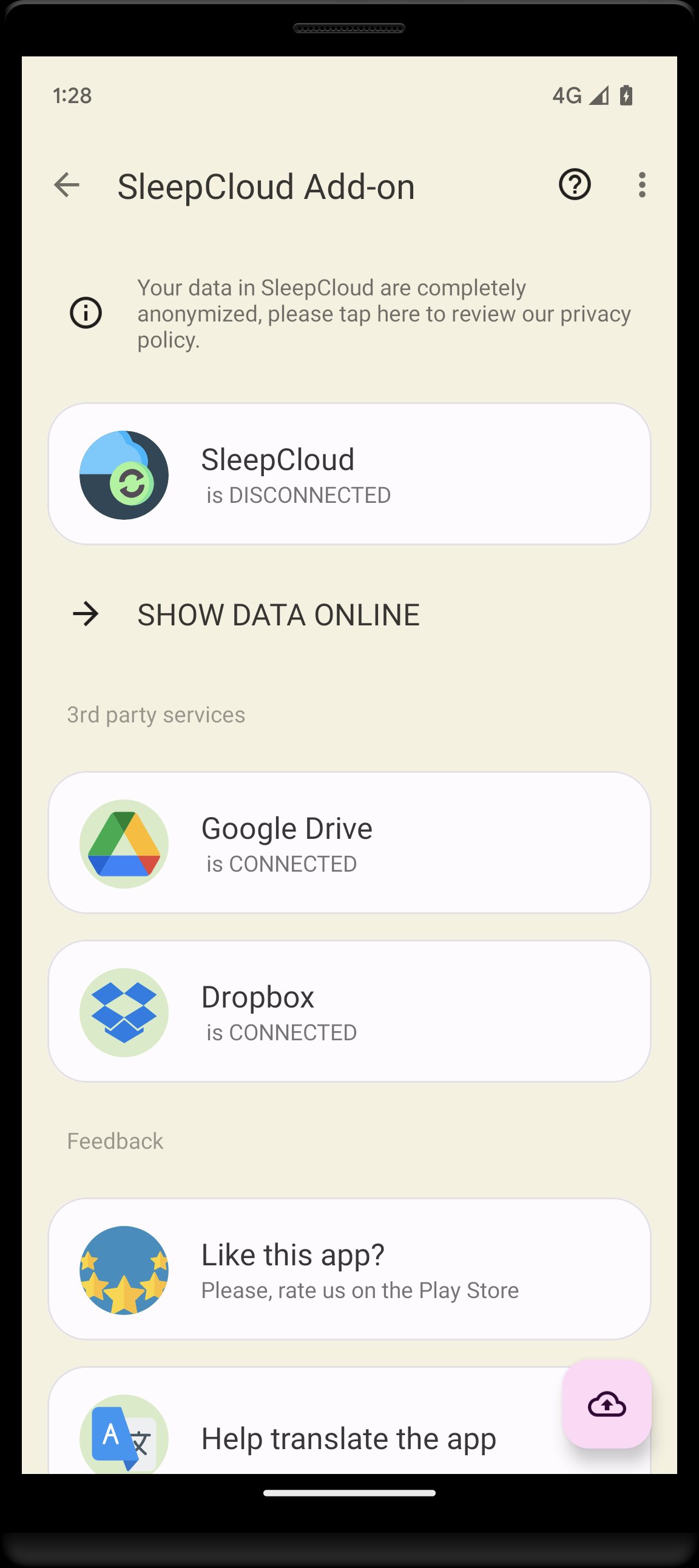
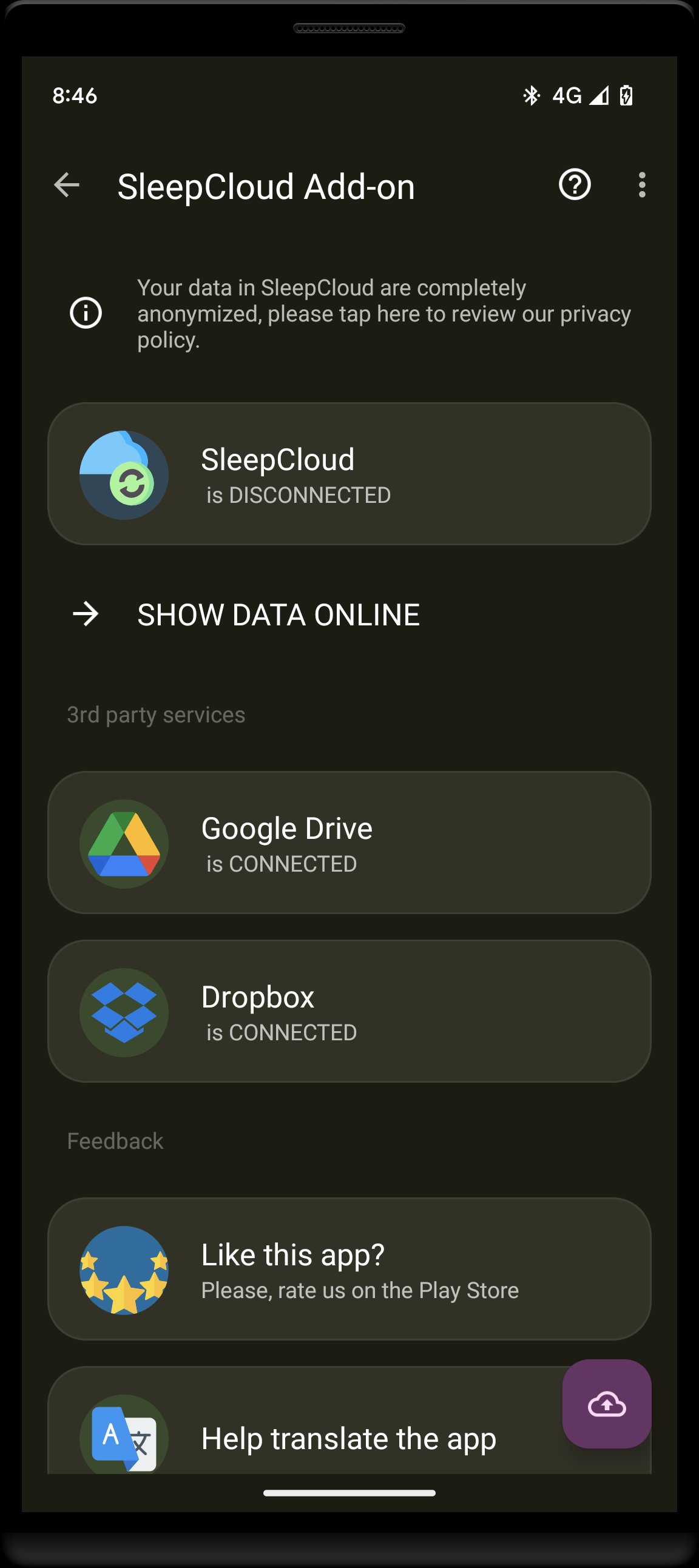
✔️ Google Drive & Dropbox: Completely FREE and unlimited synchronization for all users
✔️ SleepCloud Service: Our dedicated platform for deep sleep analysis and web viewing.
- Free Version: Automatic sync once a week.
- Full Version: Instant, automatic sync after every sleep session.
🌐 Sleep Insights on the Web
Move beyond the phone screen. Log in to your SleepCloud dashboard to view:
👉 Advanced Visualization: High-resolution graph lists, heatmaps, and long-term statistics.
👉 Global Comparisons: See how your sleep habits compare to others around the world.
👉 Share with Ease: Generate a private, read-only link to share your sleep patterns with your doctor or sleep specialist.
🔬 Contribute to Research
Connect to the SleepCloud and anonymously help us with our research projects to find out more about the mystery of sleep (https://sleep.urbandroid.org/sleepcloud-study/)
Preview
Tags
LifestyleInformation
Developer
Urbandroid (Petr Nálevka)
Latest Version
10.11
Last Updated
2026-05-27
Category
Lifestyle
Available on
Google Play
Show More
How to play SleepCloud: Backup for Sleep with GameLoop on PC
1. Download GameLoop from the official website, then run the exe file to install GameLoop
2. Open GameLoop and search for “SleepCloud: Backup for Sleep” , find SleepCloud: Backup for Sleep in the search results and click “Install”
3. Enjoy playing SleepCloud: Backup for Sleep on GameLoop
Minimum requirements
OS
Windows 8.1 64-bit or Windows 10 64-bit
GPU
GTX 1050
CPU
i3-8300
Memory
8GB RAM
Storage
1GB available space
Recommended requirements
OS
Windows 8.1 64-bit or Windows 10 64-bit
GPU
GTX 1050
CPU
i3-9320
Memory
16GB RAM
Storage
1GB available space