
SG TV Guide PC
Wee Jim
Download SG TV Guide on PC With GameLoop Emulator
SG TV Guide on PC
SG TV Guide, coming from the developer Wee Jim, is running on Android systerm in the past.
Now, You can play SG TV Guide on PC with GameLoop smoothly.
Download it in the GameLoop library or search results. No more eyeing the battery or frustrating calls at the wrong time any more.
Just enjoy SG TV Guide PC on the large screen for free!
SG TV Guide Introduction
Features
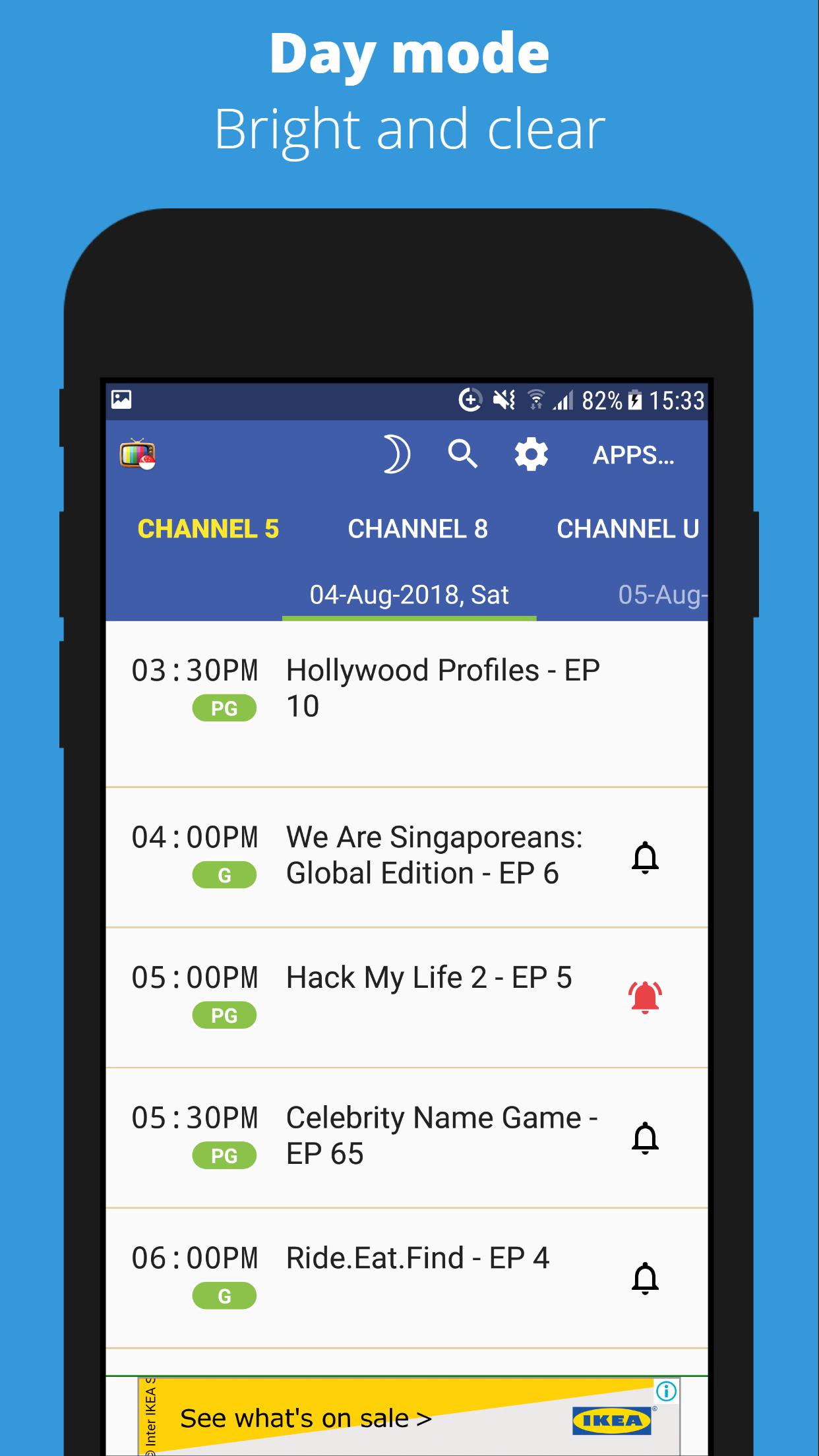
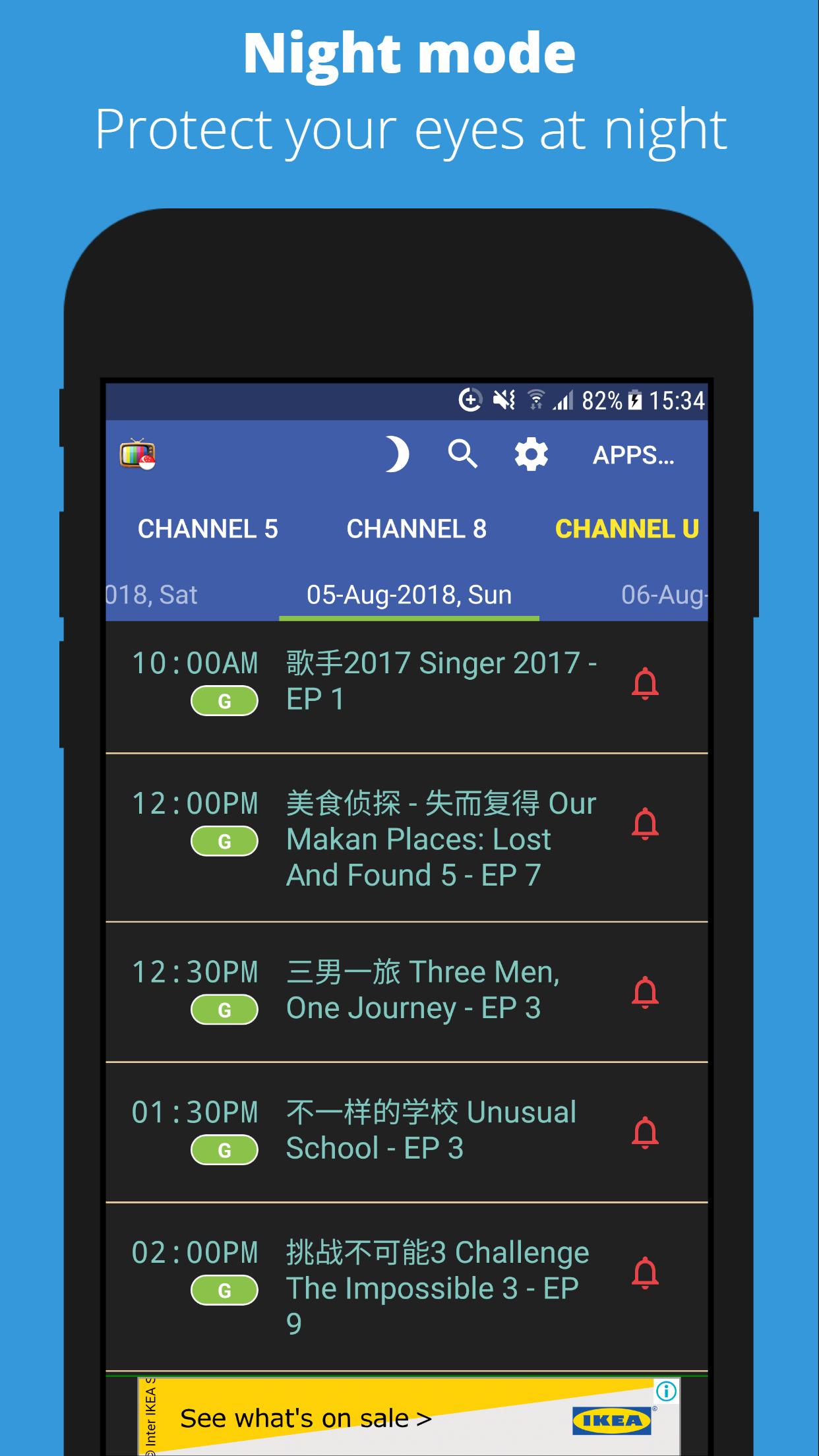
The app provides a quick way to access TV showtimes for the following channels:
• Channel 5
• Channel 8
• Okto
• Channel U
• ChannelNewsAsia
• Suria
• Vasantham
----------------------------
Short summary
This is a simple free/ads-supported app to quickly view the TV guide for the channels in Singapore by providing a mobile friendly view of the online TV listing pages.
It is designed to be very simplistic and to just do 1 thing well, so please do not expect too much from the app.
Disclaimer
The contents are retrieved from the web and I am not responsible for the update or maintenance of the content.
-------------------------------------------------------------------------------
The longer summary
I was quite surprised by not being able to find a quick way to browser the TV listings for the free to air Singapore channels, even though a perfectly working version exists on the web.
Initially, I wrote this app just for myself, but it seemed pretty nifty for checking TV listings, so here it is (released as a utility for a wider audience).
Preview
Tags
LifestyleInformation
Developer
Wee Jim
Latest Version
2.6.1
Last Updated
2024-12-14
Category
Lifestyle
Available on
Google Play
Show More
How to play SG TV Guide with GameLoop on PC
1. Download GameLoop from the official website, then run the exe file to install GameLoop
2. Open GameLoop and search for “SG TV Guide” , find SG TV Guide in the search results and click “Install”
3. Enjoy playing SG TV Guide on GameLoop
Minimum requirements
OS
Windows 8.1 64-bit or Windows 10 64-bit
GPU
GTX 1050
CPU
i3-8300
Memory
8GB RAM
Storage
1GB available space
Recommended requirements
OS
Windows 8.1 64-bit or Windows 10 64-bit
GPU
GTX 1050
CPU
i3-9320
Memory
16GB RAM
Storage
1GB available space