Qibla PC
AsaamSoft
Download Qibla on PC With GameLoop Emulator
Qibla on PC
Qibla, coming from the developer AsaamSoft, is running on Android systerm in the past.
Now, You can play Qibla on PC with GameLoop smoothly.
Download it in the GameLoop library or search results. No more eyeing the battery or frustrating calls at the wrong time any more.
Just enjoy Qibla PC on the large screen for free!
Qibla Introduction
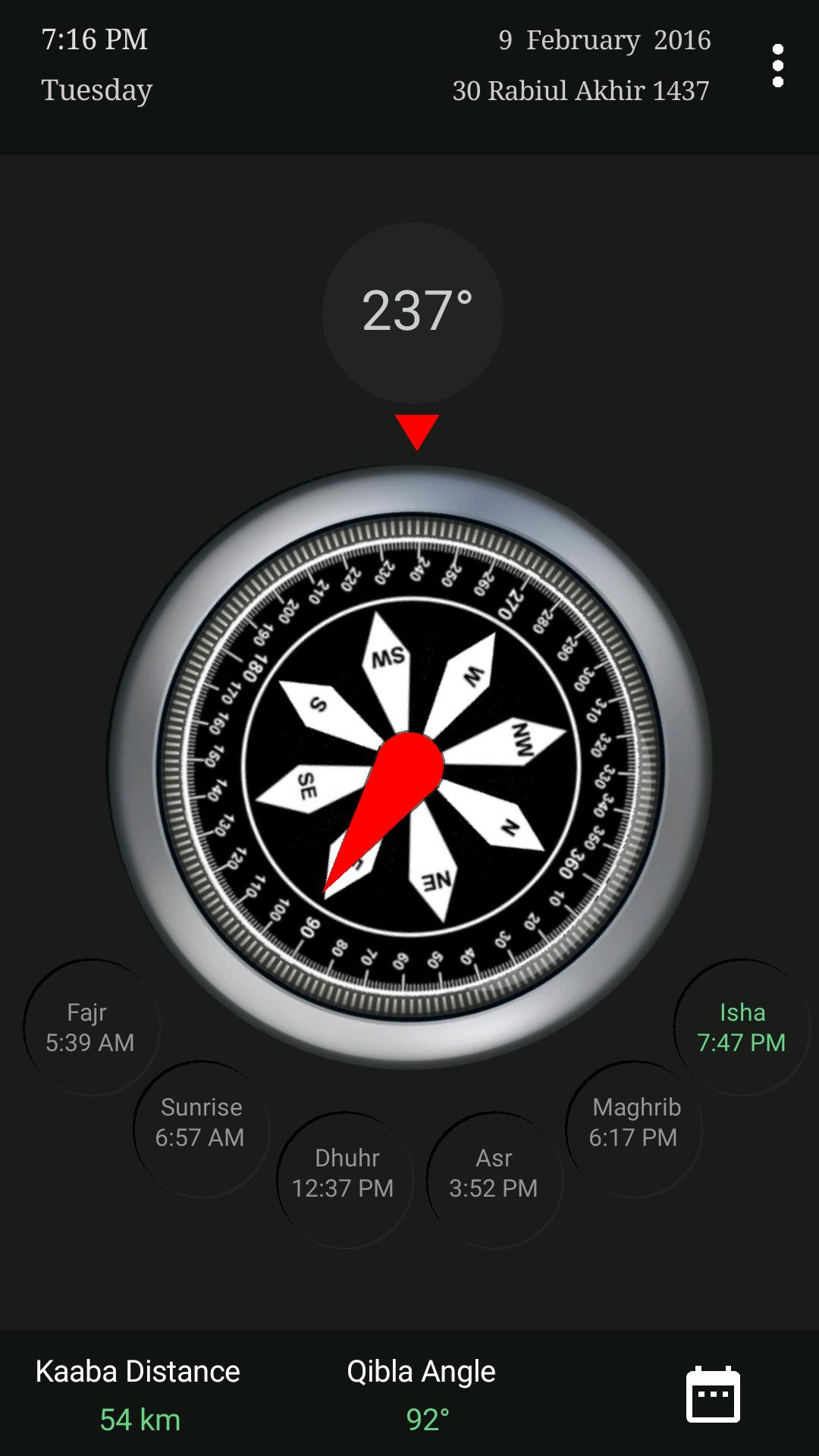
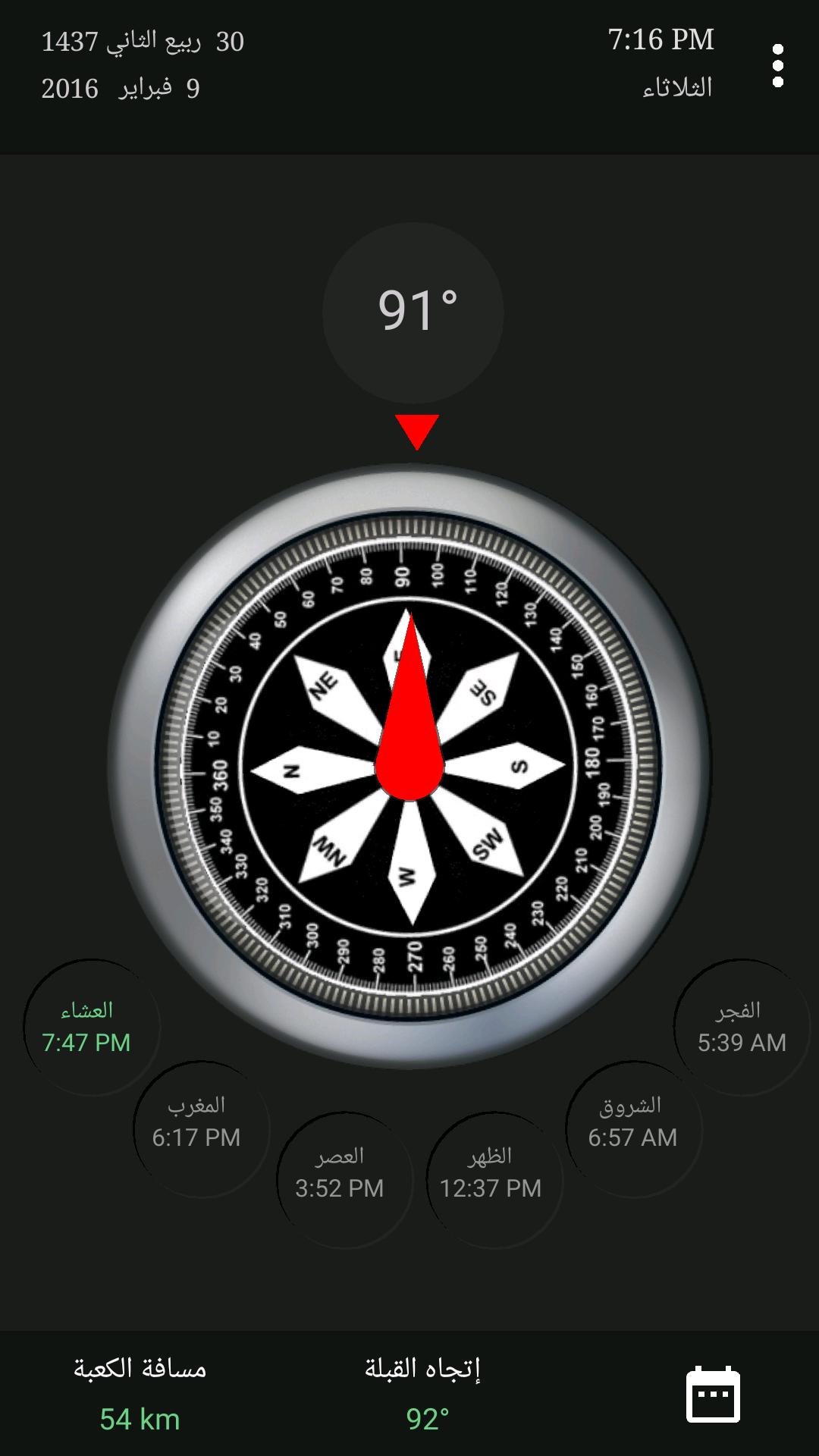
-Great app to determine the qibla and Prayer Times for the Muslim in anywhere.
-Nice graphic and no setup need, just launch it and use.
-It uses the built in compass and GPS to indicate bearing outdoor.
-It uses the built in compass and INTERNET to indicate bearing indoor.
-It views Hijrah calendar, Gregorian calendar and the remaining time for the next prayer.
-It views the Midnight and the beginning of Last Third of a Night.
-it views the beginning and the end of Duha Prayer.
-Compatible with all devices that are running 4 and up.
*Unique Feature :
This app has a unique feature you nearly won't find it in the similar apps, It tells you through a message about any magnetic fields (e.g. when putting your device near another device or computers or magnetic mobile covers) that affect the accurate reading for directions to avoid it.
NOTE:
1- Keep your device away from any metal objects or magnetic fields for accurate reading.
2- In order for the compass to work you might need to recalibrate it by moving your device in a figure 8 motion.
Preview
Tags
LifestyleInformation
Developer
AsaamSoft
Latest Version
2.3
Last Updated
2016-10-09
Category
Lifestyle
Available on
Google Play
Show More
How to play Qibla with GameLoop on PC
1. Download GameLoop from the official website, then run the exe file to install GameLoop
2. Open GameLoop and search for “Qibla” , find Qibla in the search results and click “Install”
3. Enjoy playing Qibla on GameLoop
Minimum requirements
OS
Windows 8.1 64-bit or Windows 10 64-bit
GPU
GTX 1050
CPU
i3-8300
Memory
8GB RAM
Storage
1GB available space
Recommended requirements
OS
Windows 8.1 64-bit or Windows 10 64-bit
GPU
GTX 1050
CPU
i3-9320
Memory
16GB RAM
Storage
1GB available space