
Piko PC
Domotica Labs
Download Piko on PC With GameLoop Emulator
Piko on PC
Piko, coming from the developer Domotica Labs, is running on Android systerm in the past.
Now, You can play Piko on PC with GameLoop smoothly.
Download it in the GameLoop library or search results. No more eyeing the battery or frustrating calls at the wrong time any more.
Just enjoy Piko PC on the large screen for free!
Piko Introduction
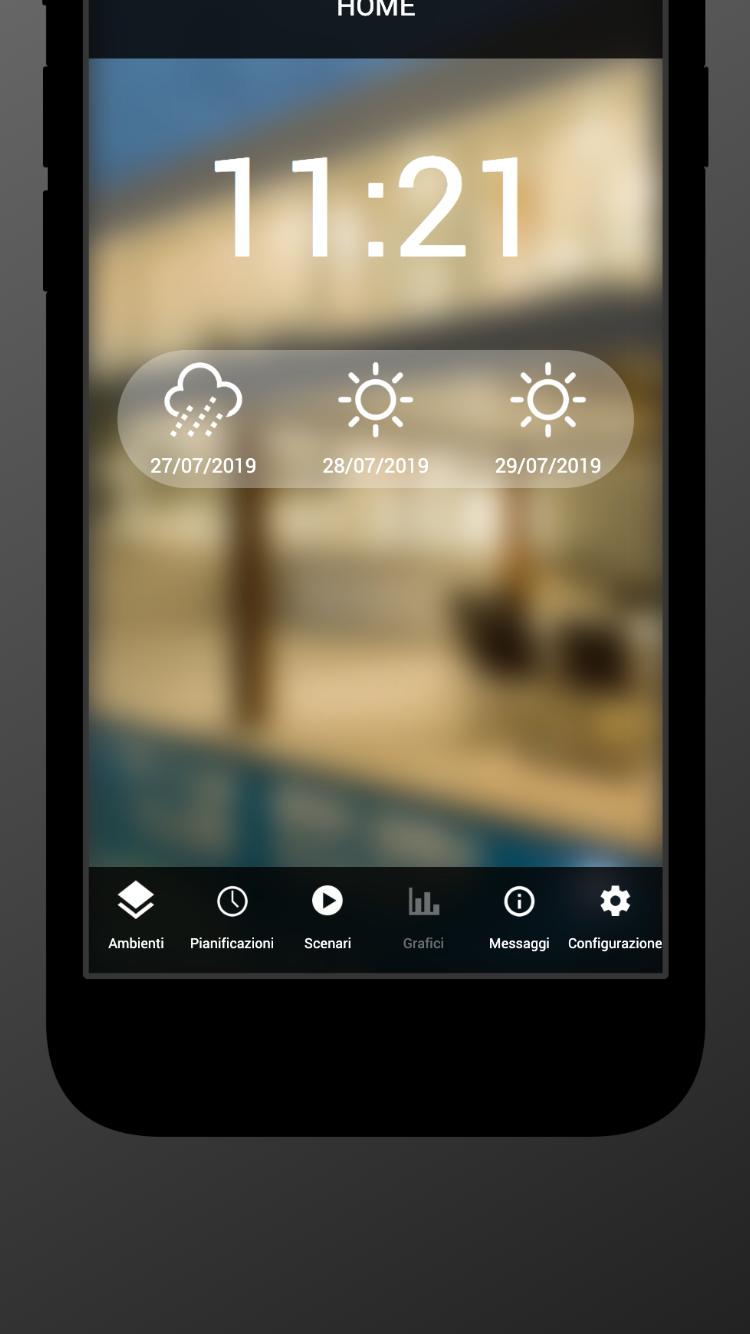
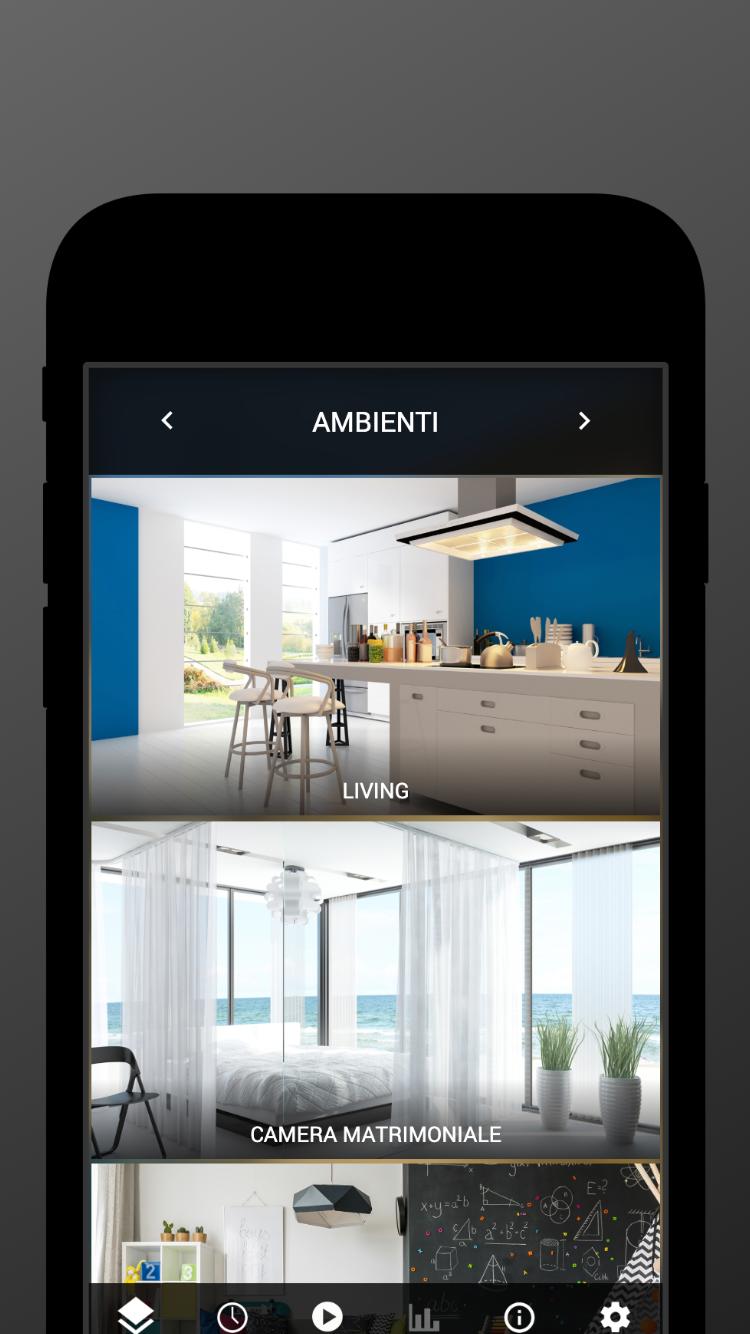
PIKO is the innovative supervision solution for the smart home or office, based on KNX or Bticino / Legrand MyHOME automation systems.
The server module must be installed and configured by a professional, in order to perfectly operate with the installed domotic devices.
Once done the configuration, you can use the PIKO app to manage your smart home / office with your smartphone or tablet, both locally (in WIFI network) or remotely. The hardware module is required in order the app to work properly.
You can control lights, shutters, climate control, security, and any other aspect of the domotic system. Any widget can be scheduled, in order to do actions automatically at specific time. Furthermore, you can add scenes to perform simultaneously commands on several devices in any situation you want – when you come back, leave, go to bed etc...
PIKO is integrated with Amazon Alexa and Google Assistant. Please refer to our website for additional information, and contact us for technical and commercial issues.
Preview
Tags
LifestyleInformation
Developer
Domotica Labs
Latest Version
1.0.53
Last Updated
2023-08-25
Category
Lifestyle
Available on
Google Play
Show More
How to play Piko with GameLoop on PC
1. Download GameLoop from the official website, then run the exe file to install GameLoop
2. Open GameLoop and search for “Piko” , find Piko in the search results and click “Install”
3. Enjoy playing Piko on GameLoop
Minimum requirements
OS
Windows 8.1 64-bit or Windows 10 64-bit
GPU
GTX 1050
CPU
i3-8300
Memory
8GB RAM
Storage
1GB available space
Recommended requirements
OS
Windows 8.1 64-bit or Windows 10 64-bit
GPU
GTX 1050
CPU
i3-9320
Memory
16GB RAM
Storage
1GB available space