
NiceWalk PC
Arline Black
Download NiceWalk on PC With GameLoop Emulator
NiceWalk on PC
NiceWalk, coming from the developer Arline Black, is running on Android systerm in the past.
Now, You can play NiceWalk on PC with GameLoop smoothly.
Download it in the GameLoop library or search results. No more eyeing the battery or frustrating calls at the wrong time any more.
Just enjoy NiceWalk PC on the large screen for free!
NiceWalk Introduction
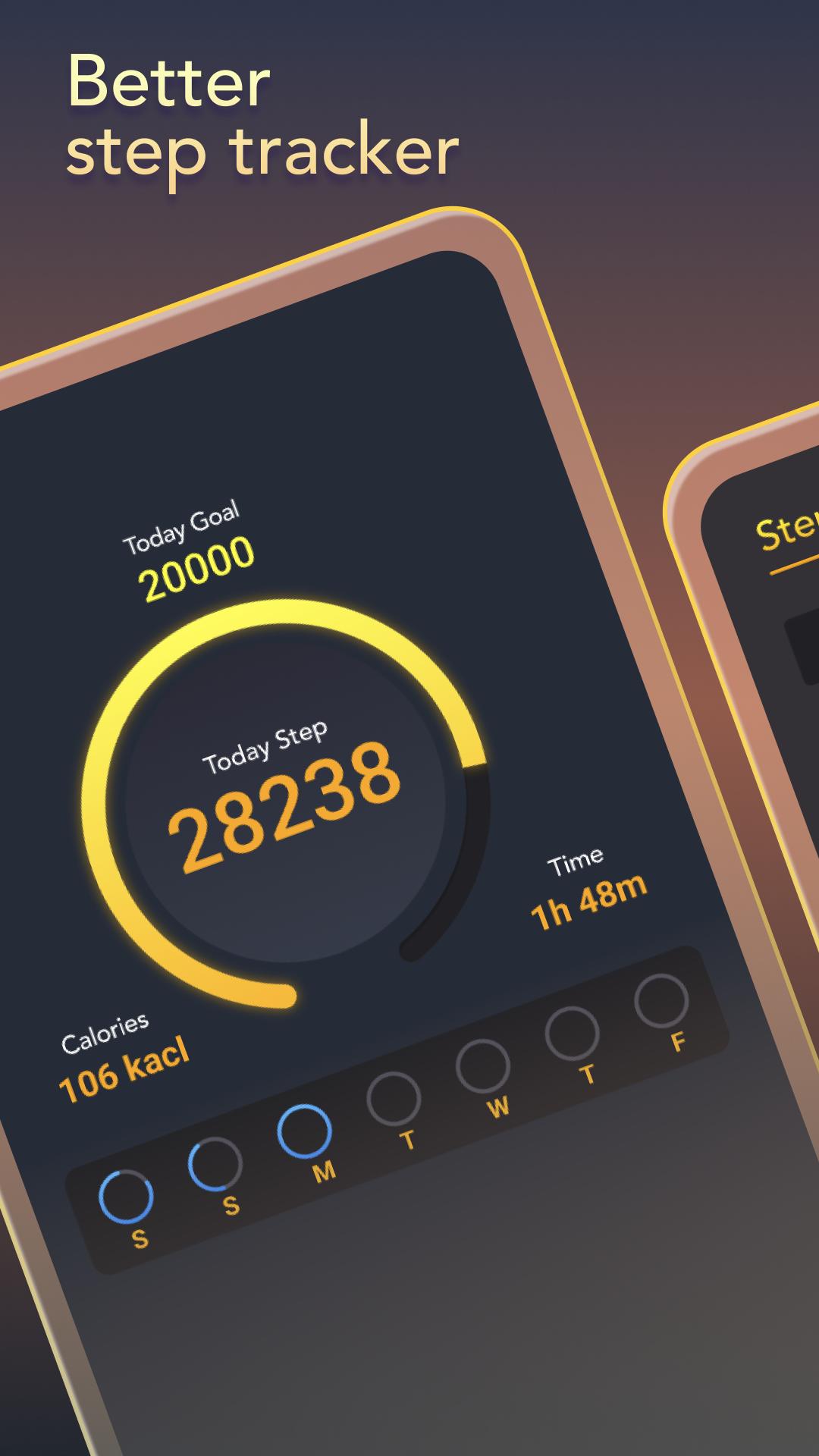
Make daily walking a habit and track your steps.put your phone in your pocket and off you go.Set goals. Count steps. Burn calories.Better fit.
WALKING APP
It auto records your steps.Our step tracker uses an advanced exercise tracker built-in,to count your steps as a distance tracker and pace
SAVE YOUR BATTERY
NiceWalk counts your daily steps with the built-in sensor, which greatly saves battery.
100% Free
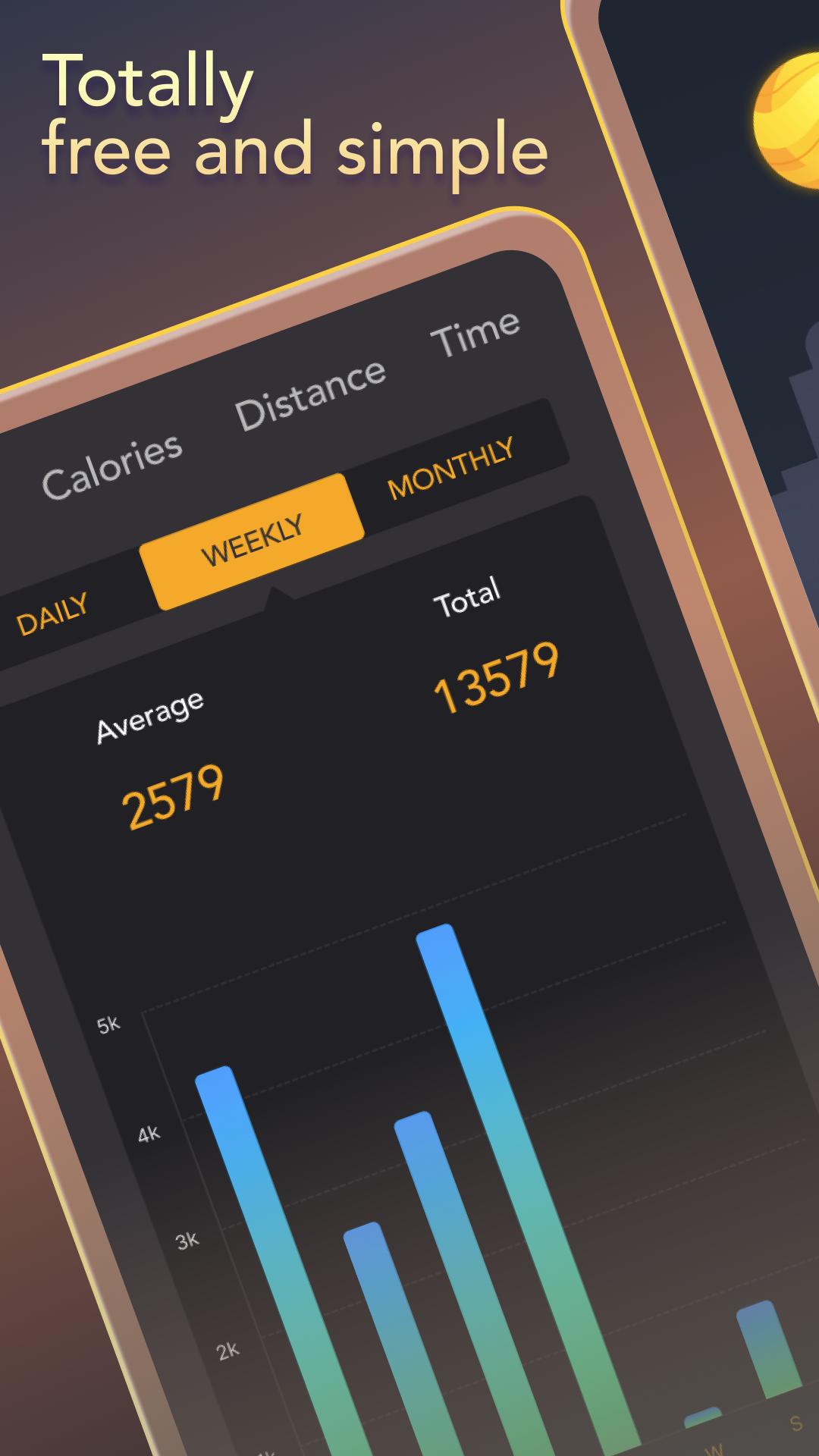
NiceWalk is 100% FREE.No locked features. No login required. You can freely use all features without login.
Preview
Tags
LifestyleInformation
Developer
Arline Black
Latest Version
1.0.7
Last Updated
2023-01-11
Category
Lifestyle
Available on
Google Play
Show More
How to play NiceWalk with GameLoop on PC
1. Download GameLoop from the official website, then run the exe file to install GameLoop
2. Open GameLoop and search for “NiceWalk” , find NiceWalk in the search results and click “Install”
3. Enjoy playing NiceWalk on GameLoop
Minimum requirements
OS
Windows 8.1 64-bit or Windows 10 64-bit
GPU
GTX 1050
CPU
i3-8300
Memory
8GB RAM
Storage
1GB available space
Recommended requirements
OS
Windows 8.1 64-bit or Windows 10 64-bit
GPU
GTX 1050
CPU
i3-9320
Memory
16GB RAM
Storage
1GB available space