neodrives smartConnect PC
Alber GmbH
Download neodrives smartConnect on PC With GameLoop Emulator
neodrives smartConnect on PC
neodrives smartConnect, coming from the developer Alber GmbH, is running on Android systerm in the past.
Now, You can play neodrives smartConnect on PC with GameLoop smoothly.
Download it in the GameLoop library or search results. No more eyeing the battery or frustrating calls at the wrong time any more.
Just enjoy neodrives smartConnect PC on the large screen for free!
neodrives smartConnect Introduction
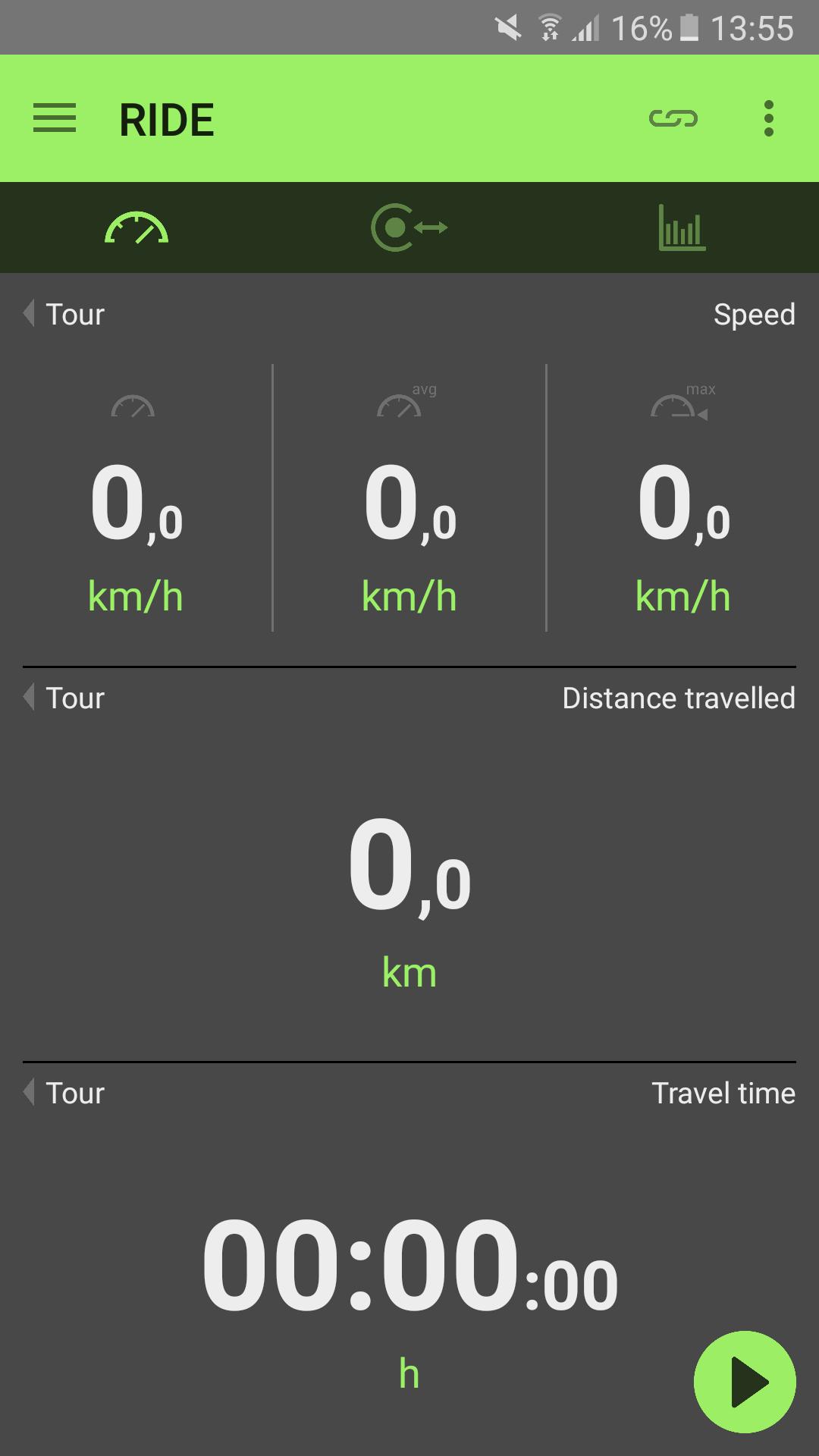
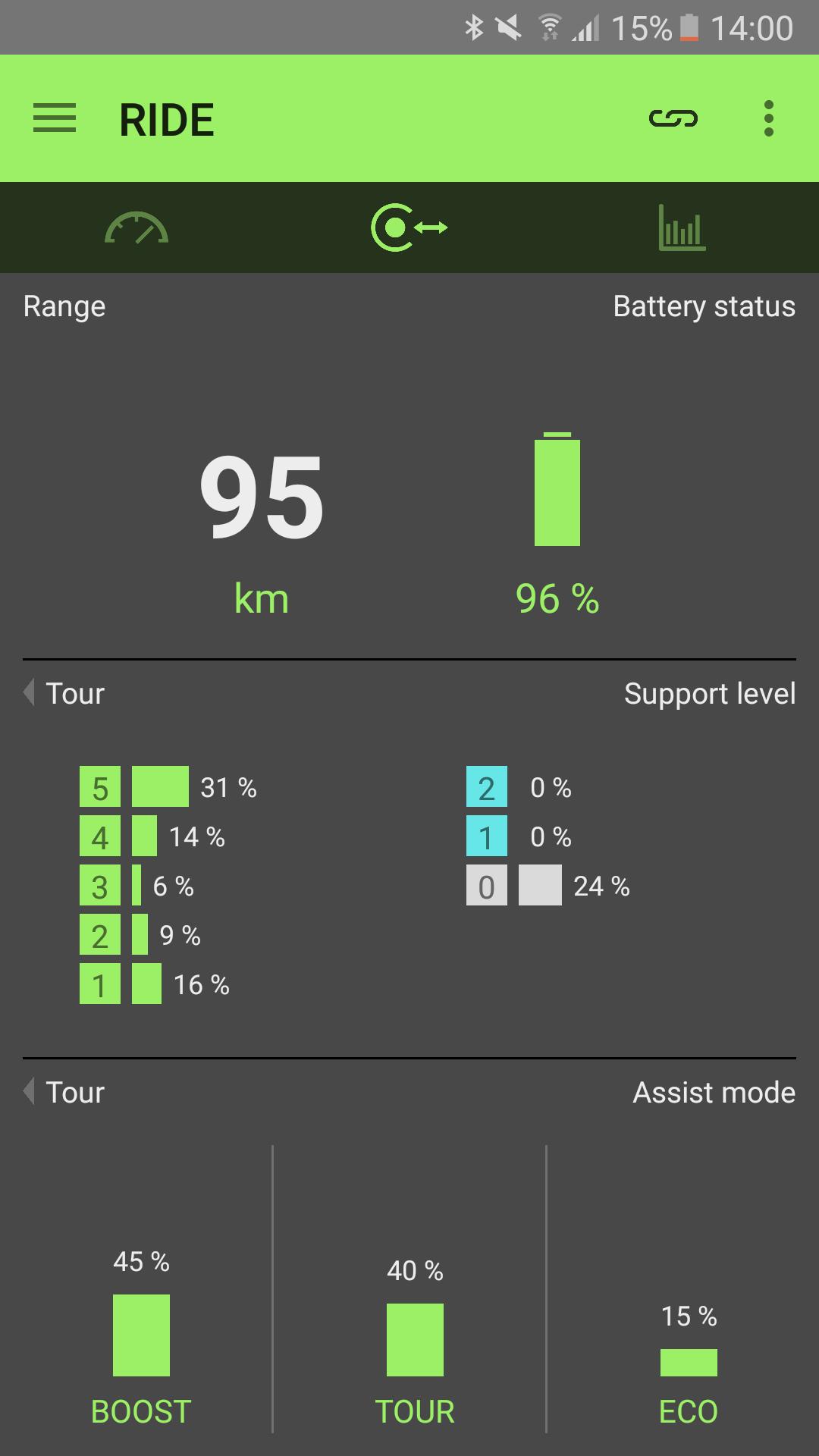
With the neodrives smartConnect app on your smartphone you obtain useful additional functions. The app serves as an information center, which is always at hand. You can record the e-bike and map data of your tour and evaluate them afterwards.
The smartphone can be safely stowed in the pocket.
Please note for Android 6 or higher: To use the app, all permissions must be accepted. You will be asked at the first app launch to confirm everything with "Allow". Subsequently the permissions in the application manager -> smart connect -> permissions can be activated.
The map can now also be displayed in the MMI. However, the neodrives app must be actively open in the foreground of the smartphone when the smartphone display will be locked.
To run the new version of the app in combination with the sMMI Connect, an update of the sMMI Connect to the latest version is required.
The app is compatible for the neodrives Z15 system (up to model year 2017) and not compatbile to the Z20 sytem (starting from model year 2018).
Preview
Tags
LifestyleInformation
Developer
Alber GmbH
Latest Version
1.5.2.3-3
Last Updated
2022-03-29
Category
Lifestyle
Available on
Google Play
Show More
How to play neodrives smartConnect with GameLoop on PC
1. Download GameLoop from the official website, then run the exe file to install GameLoop
2. Open GameLoop and search for “neodrives smartConnect” , find neodrives smartConnect in the search results and click “Install”
3. Enjoy playing neodrives smartConnect on GameLoop
Minimum requirements
OS
Windows 8.1 64-bit or Windows 10 64-bit
GPU
GTX 1050
CPU
i3-8300
Memory
8GB RAM
Storage
1GB available space
Recommended requirements
OS
Windows 8.1 64-bit or Windows 10 64-bit
GPU
GTX 1050
CPU
i3-9320
Memory
16GB RAM
Storage
1GB available space