Lickety Split -- Kids' Timer PC
Swirly Studios
Download Lickety Split -- Kids' Timer on PC With GameLoop Emulator
Lickety Split -- Kids' Timer on PC
Lickety Split -- Kids' Timer, coming from the developer Swirly Studios, is running on Android systerm in the past.
Now, You can play Lickety Split -- Kids' Timer on PC with GameLoop smoothly.
Download it in the GameLoop library or search results. No more eyeing the battery or frustrating calls at the wrong time any more.
Just enjoy Lickety Split -- Kids' Timer PC on the large screen for free!
Lickety Split -- Kids' Timer Introduction
Tired of nagging your kids to get ready? Asking them 10 times to put away their toys?
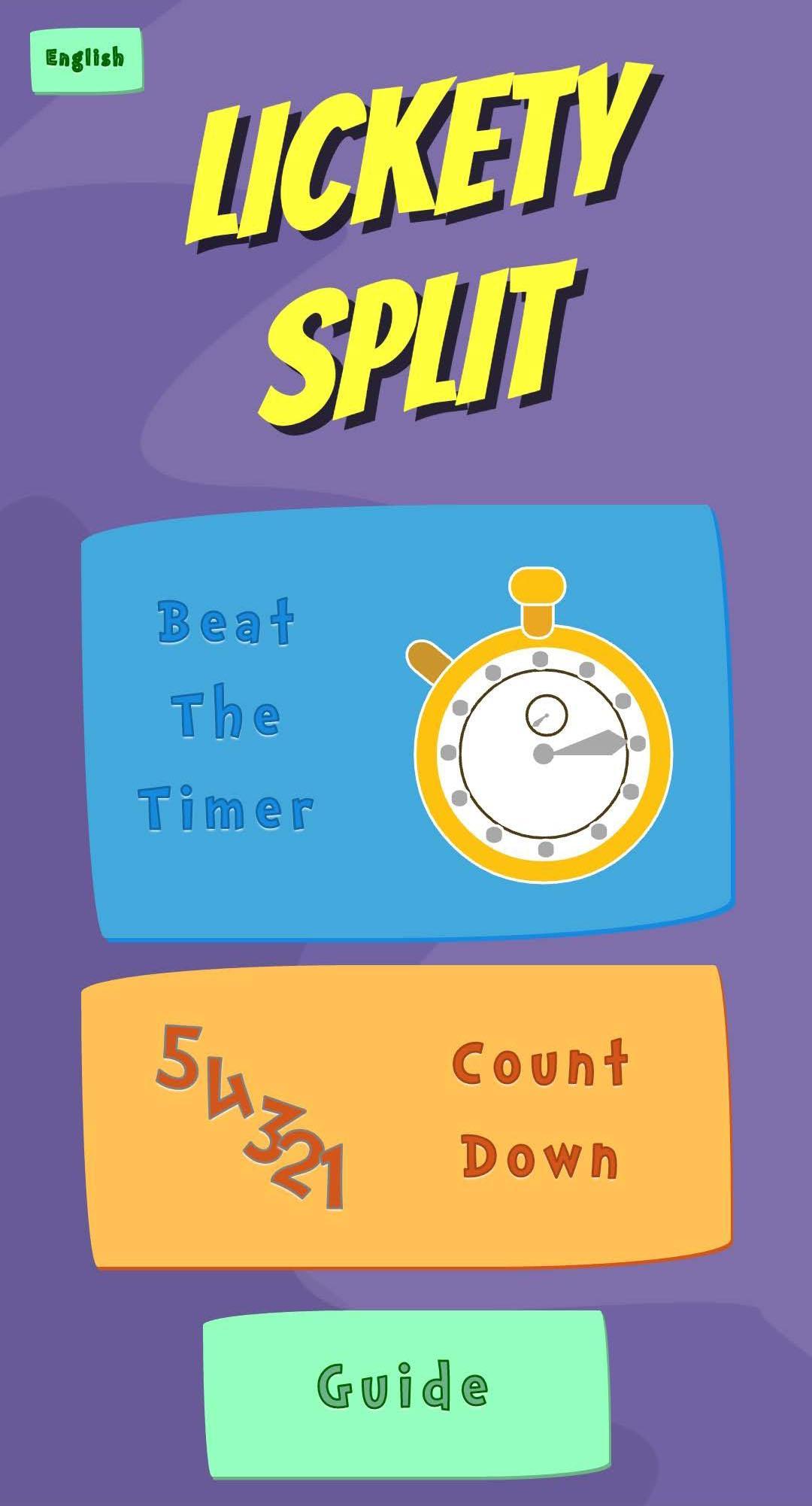
The Lickety Split Musical Timer turns daily tasks into a fun, beat-the-clock game. Accelerating classical music encourages dawdling kids to get going, while an animated hourglass counts down. The abstract concept of time becomes tangible for kids.
The timer uses encouragement and the power of music to motivate children as they move through daily transitions. So, instead of nagging, grown-ups are free to champion their kids!
Developed by parents and educational technologists. Perfect for preschoolers, early elementary schoolers, and their grown-ups.
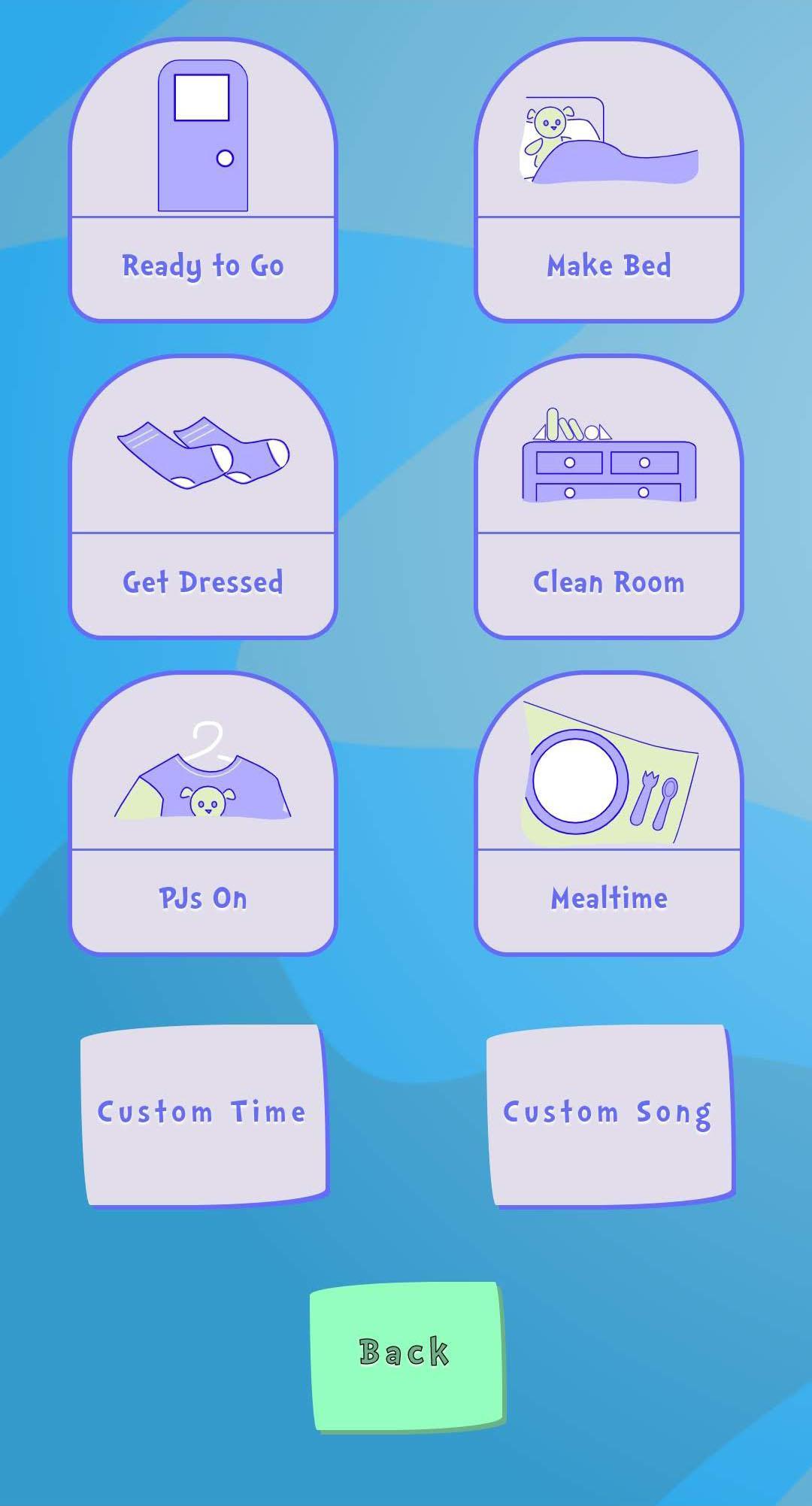
The lite version includes 4 classical music songs for common children's tasks. The full version includes 9 common tasks, as well as 4 custom time settings and the ability to use your own music.
Preview
Tags
LifestyleInformation
Developer
Swirly Studios
Latest Version
4.0.7
Last Updated
2023-08-25
Category
Lifestyle
Available on
Google Play
Show More
How to play Lickety Split -- Kids' Timer with GameLoop on PC
1. Download GameLoop from the official website, then run the exe file to install GameLoop
2. Open GameLoop and search for “Lickety Split -- Kids' Timer” , find Lickety Split -- Kids' Timer in the search results and click “Install”
3. Enjoy playing Lickety Split -- Kids' Timer on GameLoop
Minimum requirements
OS
Windows 8.1 64-bit or Windows 10 64-bit
GPU
GTX 1050
CPU
i3-8300
Memory
8GB RAM
Storage
1GB available space
Recommended requirements
OS
Windows 8.1 64-bit or Windows 10 64-bit
GPU
GTX 1050
CPU
i3-9320
Memory
16GB RAM
Storage
1GB available space