LEDVANCE SMART+ Bluetooth PC
LEDVANCE GmbH
Download LEDVANCE SMART+ Bluetooth on PC With GameLoop Emulator
LEDVANCE SMART+ Bluetooth on PC
LEDVANCE SMART+ Bluetooth, coming from the developer LEDVANCE GmbH, is running on Android systerm in the past.
Now, You can play LEDVANCE SMART+ Bluetooth on PC with GameLoop smoothly.
Download it in the GameLoop library or search results. No more eyeing the battery or frustrating calls at the wrong time any more.
Just enjoy LEDVANCE SMART+ Bluetooth PC on the large screen for free!
LEDVANCE SMART+ Bluetooth Introduction
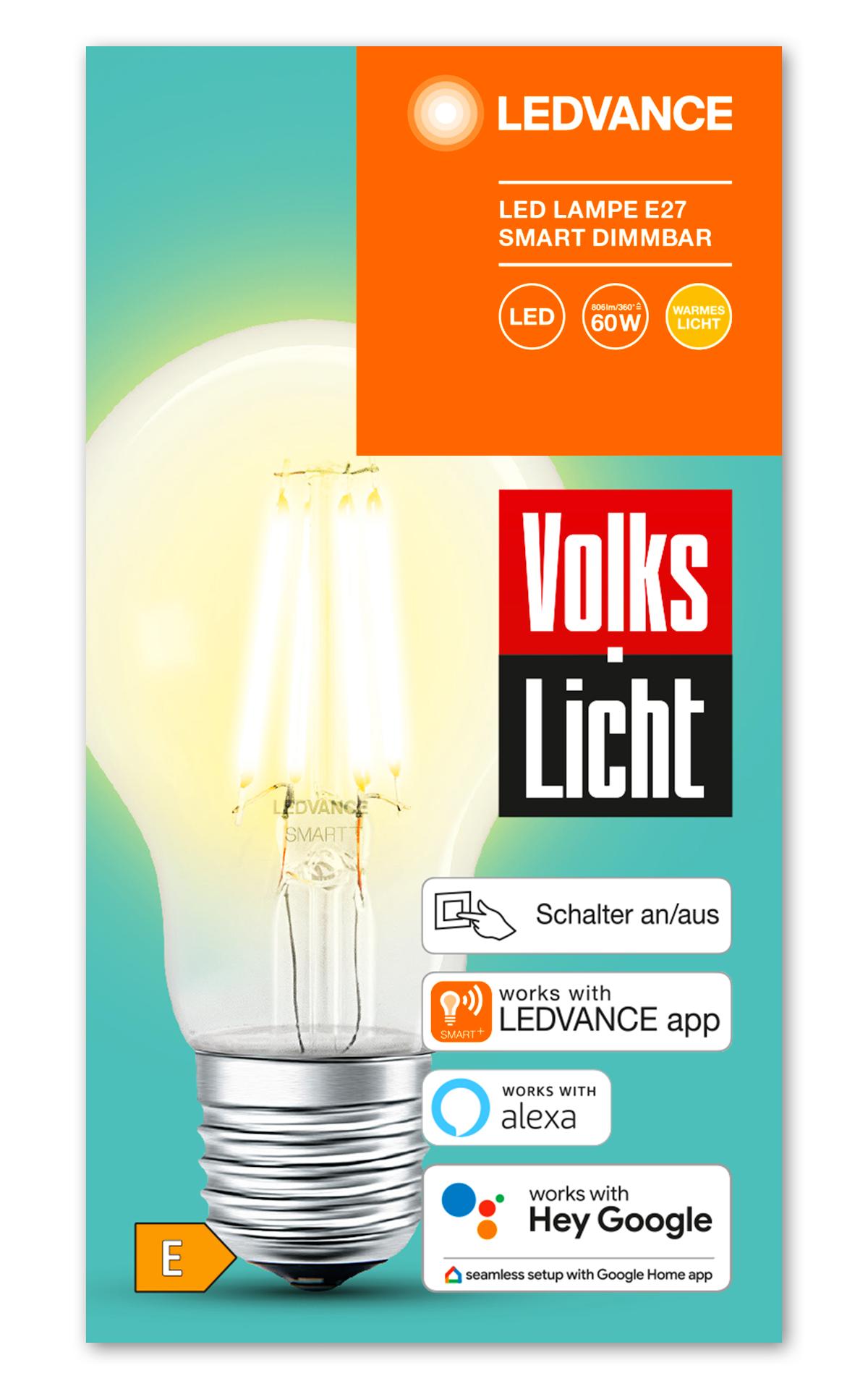
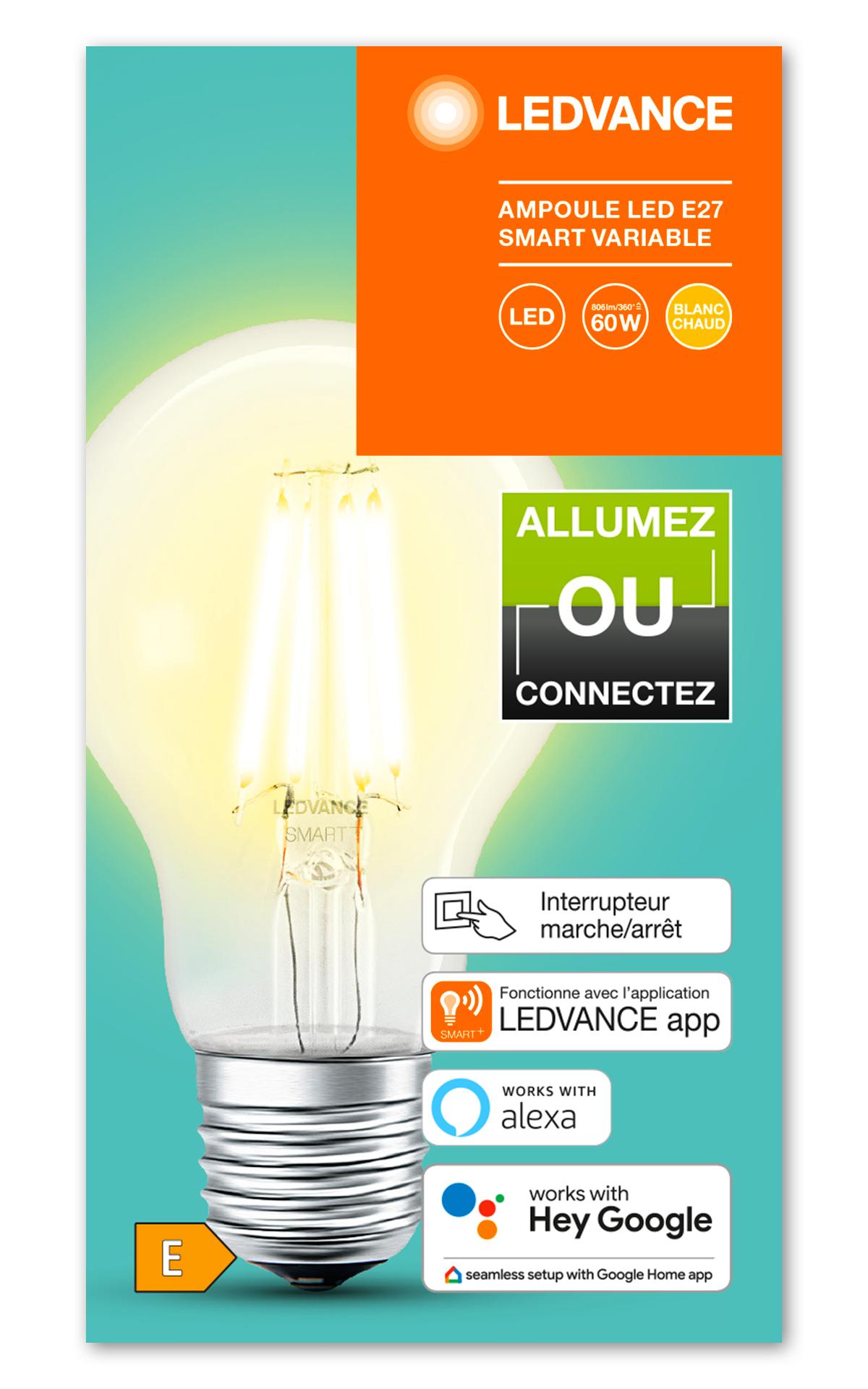
With the LEDVANCE SMART+ Bluetooth app, you decide how you want to use all products in our SMART+ Bluetooth family (OSRAM or LEDVANCE branded). Enable our products to control them with Google Home app or Amazon Alexa app. For both options the respective smart speaker is required. You can also use them with Apple Home app and Siri. Furthermore, you can control our SMART+ Bluetooth products with our app, which includes popular features such as turning lights on and off, grouping lights, adjusting the brightness level, changing colors with Full Color products and multi-user access.
Please note that the LEDVANCE SMART+ Bluetooth app does not work with the OSRAM or LEDVANCE SMART+ Zigbee products or brand new LEDVANCE SMART+ WiFi products. The Bluetooth Solar products are not compatible with this app. Please use the Ledvance Smart+ app for these products.
In order to control our SMART+ products with the LEDVANCE SMART+ Bluetooth app, you don’t need a separate gateway. The LEDVANCE SMART+ Bluetooth app eliminates the complicated setup problem and provides easy solution. To control you do not even need a WiFi router.
With our SMART+ Bluetooth products, you will also benefit from the new Bluetooth mesh technology. If you have multiple SMART+ Bluetooth mesh devices, you can control the lights in another room, on the next floor, or even outside your home thanks to the ability of mesh devices to relay commands and information between each other. With Bluetooth mesh devices, you can also take advantage of increased reliability and scalability with a limited delay in response when controlling individual lights or groups of lights together.
Moreover, if you prefer to use our SMART+ Bluetooth products with Google Home, you can simply enable them by the app. Afterwards the products can be easily connected to a Google Home or Nest device. This enables all great features of the Google Home system like app, voice control and routines.
In addition, you can choose to control our SMART+ Bluetooth products with Apple HomeKit. Follow the steps in the app and connect our products to the Home app. Accordingly our products can be controlled remote by phone or by voice commands with Siri.
And finally, if you prefer to control your SMART+ Bluetooth product with Amazon Alexa, enable your device in the app and pair it directly with your Amazon Echo speaker. Only ask Alexa to “Discover my devices” and you will have the unlimited experience of Amazon Alexa system with our products. Anytime a change of the SMART+ Bluetooth products to another smart home system is possible in the app.
Preview
Tags
LifestyleInformation
Developer
LEDVANCE GmbH
Latest Version
2.1.10
Last Updated
2021-12-02
Category
Lifestyle
Available on
Google Play
Show More
How to play LEDVANCE SMART+ Bluetooth with GameLoop on PC
1. Download GameLoop from the official website, then run the exe file to install GameLoop
2. Open GameLoop and search for “LEDVANCE SMART+ Bluetooth” , find LEDVANCE SMART+ Bluetooth in the search results and click “Install”
3. Enjoy playing LEDVANCE SMART+ Bluetooth on GameLoop
Minimum requirements
OS
Windows 8.1 64-bit or Windows 10 64-bit
GPU
GTX 1050
CPU
i3-8300
Memory
8GB RAM
Storage
1GB available space
Recommended requirements
OS
Windows 8.1 64-bit or Windows 10 64-bit
GPU
GTX 1050
CPU
i3-9320
Memory
16GB RAM
Storage
1GB available space