
How to Do Contortion PC
WhiteStore
Download How to Do Contortion on PC With GameLoop Emulator
How to Do Contortion on PC
How to Do Contortion, coming from the developer WhiteStore, is running on Android systerm in the past.
Now, You can play How to Do Contortion on PC with GameLoop smoothly.
Download it in the GameLoop library or search results. No more eyeing the battery or frustrating calls at the wrong time any more.
Just enjoy How to Do Contortion PC on the large screen for free!
How to Do Contortion Introduction
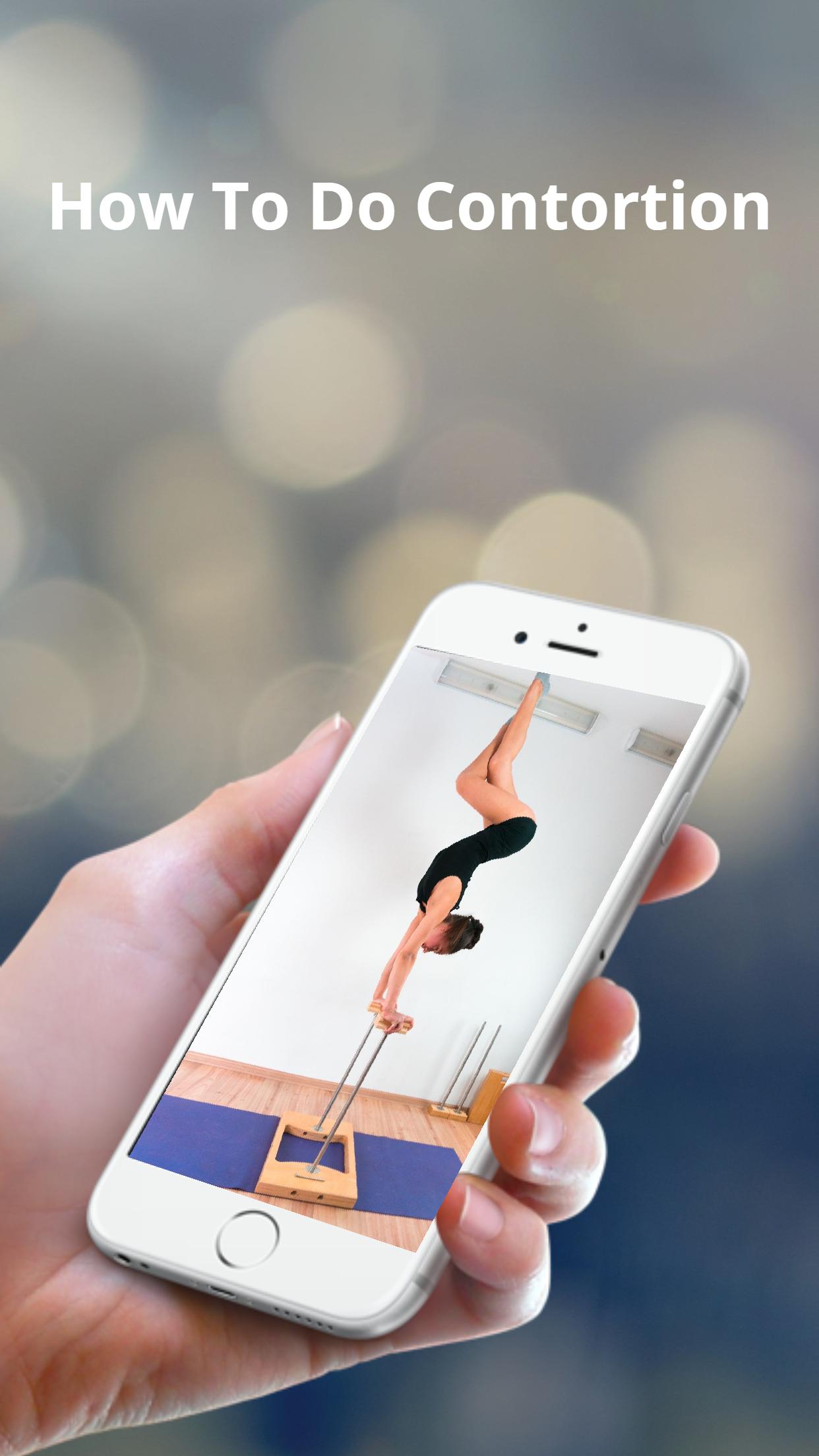
Learn how to do a contortion handstand by following these five simple steps! This is an advanced tutorial so only attempt if you can do the required skills.
Contortionists are skilled at stretching their bodies into different shapes, with good balance skill. Mostly due to spinal flexibility and strength. You may think you need to be born flexible or double-jointed to become a contortionist, but in fact, with enough practice and stretching, you can learn basic contortion movements.[1] Always warm up your muscles before trying contortion stretching and exercises on your own, as you do not want to pull a muscle or injure yourself. Seeking professional guidance from a contortionist teacher or coach can also help you to become more flexible and go deeper into contortionist movements.
Contortion is performance art, that showcases the performer’s extreme flexibility. This can be combined with acrobatics, lyra and or hand balancing. Soffi Dossi does a stunning lyra and contortion routine.
Preview

Tags
LifestyleInformation
Developer
WhiteStore
Latest Version
1.0.4
Last Updated
2021-09-18
Category
Lifestyle
Available on
Google Play
Show More
How to play How to Do Contortion with GameLoop on PC
1. Download GameLoop from the official website, then run the exe file to install GameLoop
2. Open GameLoop and search for “How to Do Contortion” , find How to Do Contortion in the search results and click “Install”
3. Enjoy playing How to Do Contortion on GameLoop
Minimum requirements
OS
Windows 8.1 64-bit or Windows 10 64-bit
GPU
GTX 1050
CPU
i3-8300
Memory
8GB RAM
Storage
1GB available space
Recommended requirements
OS
Windows 8.1 64-bit or Windows 10 64-bit
GPU
GTX 1050
CPU
i3-9320
Memory
16GB RAM
Storage
1GB available space