High FPS Camera test app PC
Timo Rantalainen
Download High FPS Camera test app on PC With GameLoop Emulator
High FPS Camera test app on PC
High FPS Camera test app, coming from the developer Timo Rantalainen, is running on Android systerm in the past.
Now, You can play High FPS Camera test app on PC with GameLoop smoothly.
Download it in the GameLoop library or search results. No more eyeing the battery or frustrating calls at the wrong time any more.
Just enjoy High FPS Camera test app PC on the large screen for free!
High FPS Camera test app Introduction
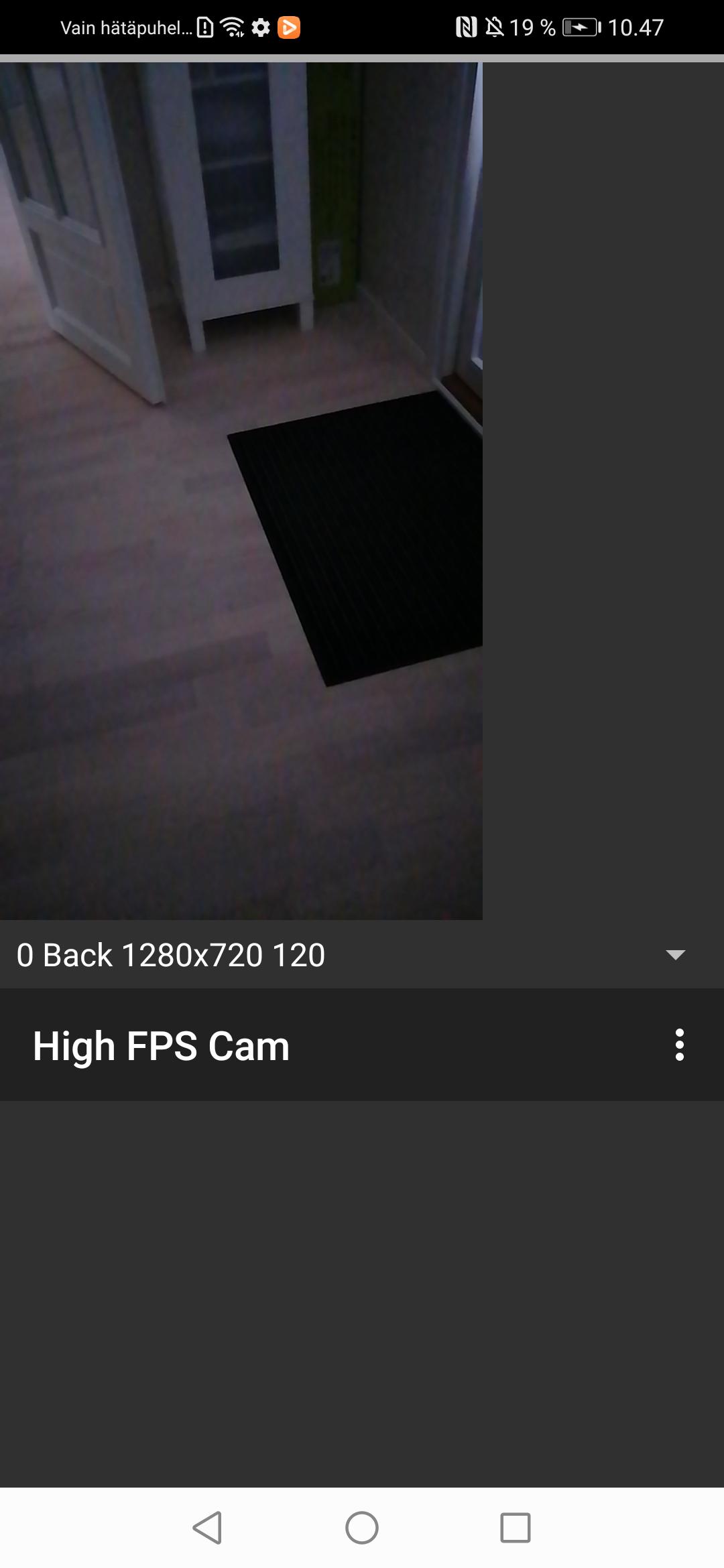
App for testing whether your phone support recording high frame rate video using the camera2 package from the Android SDK. If the app works, you will be able to record video only high frame rate (>= 120 frames per second) video only (i.e., no audio) recordings on your smartphone camera.
Note that the app is experimental and requires restarting after granting permissions for camera and writing onto the device storage or media access in newer Android versions. I was unable to figure out the various alternative app life cycles and you may need to completely close the app e.g., by accessing the Android view where you can scroll through the recent apps and flicking this app off the screen.
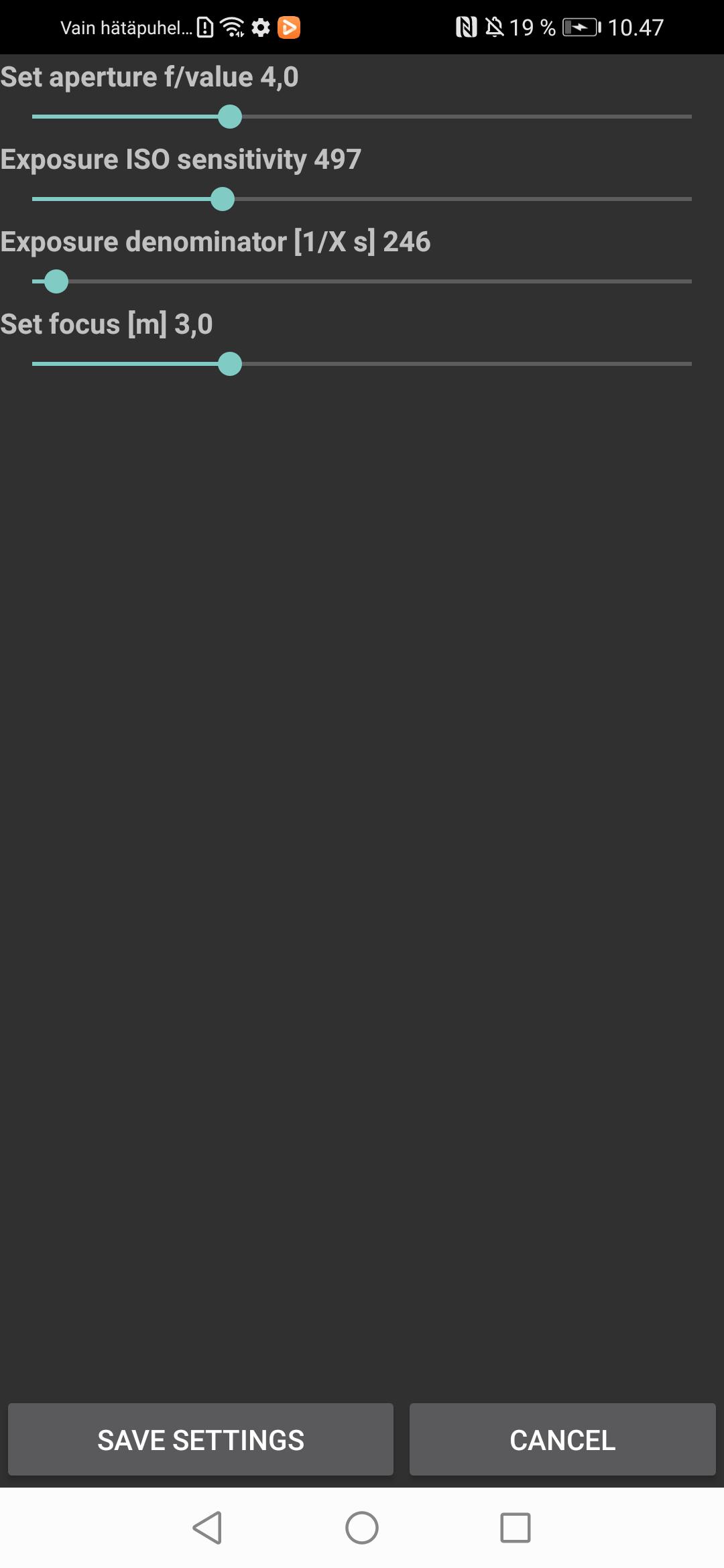
You will need to set focus, aperture, light sensitivity, and exposure time manually through the settings to suit the present conditions. Automated focus and exposure slow down the capture frame rate and, hence, I went for manual settings. The video recordings will be stored in the Movies folder.
Preview
Tags
LifestyleInformation
Developer
Timo Rantalainen
Latest Version
1.0.0
Last Updated
2023-07-22
Category
Lifestyle
Available on
Google Play
Show More
How to play High FPS Camera test app with GameLoop on PC
1. Download GameLoop from the official website, then run the exe file to install GameLoop
2. Open GameLoop and search for “High FPS Camera test app” , find High FPS Camera test app in the search results and click “Install”
3. Enjoy playing High FPS Camera test app on GameLoop
Minimum requirements
OS
Windows 8.1 64-bit or Windows 10 64-bit
GPU
GTX 1050
CPU
i3-8300
Memory
8GB RAM
Storage
1GB available space
Recommended requirements
OS
Windows 8.1 64-bit or Windows 10 64-bit
GPU
GTX 1050
CPU
i3-9320
Memory
16GB RAM
Storage
1GB available space