
Glitter Diary for Girls PC
Thalia Premium Photo Montage
Download Glitter Diary for Girls on PC With GameLoop Emulator
Glitter Diary for Girls on PC
Glitter Diary for Girls, coming from the developer Thalia Premium Photo Montage, is running on Android systerm in the past.
Now, You can play Glitter Diary for Girls on PC with GameLoop smoothly.
Download it in the GameLoop library or search results. No more eyeing the battery or frustrating calls at the wrong time any more.
Just enjoy Glitter Diary for Girls PC on the large screen for free!
Glitter Diary for Girls Introduction
Lots of stuff is going on in your life? Don’t have time to note it down in your cute journal notebook? Why don't you make it easier and write your own diary entry in our new app - Glitter Diary for Girls! This fantastic glitter notepad for girls can give you notes with photo attachment, decorate them with emoji and adorable glitter backgrounds! Choose the font, paper, set a reminder and easily keep track of things. You can backup and restore the entries and set a pattern, safe or password lock to make sure that no one can read your feelings journal. Download Glitter Diary for Girls and start writing your life story in a cool journal app with reminders!
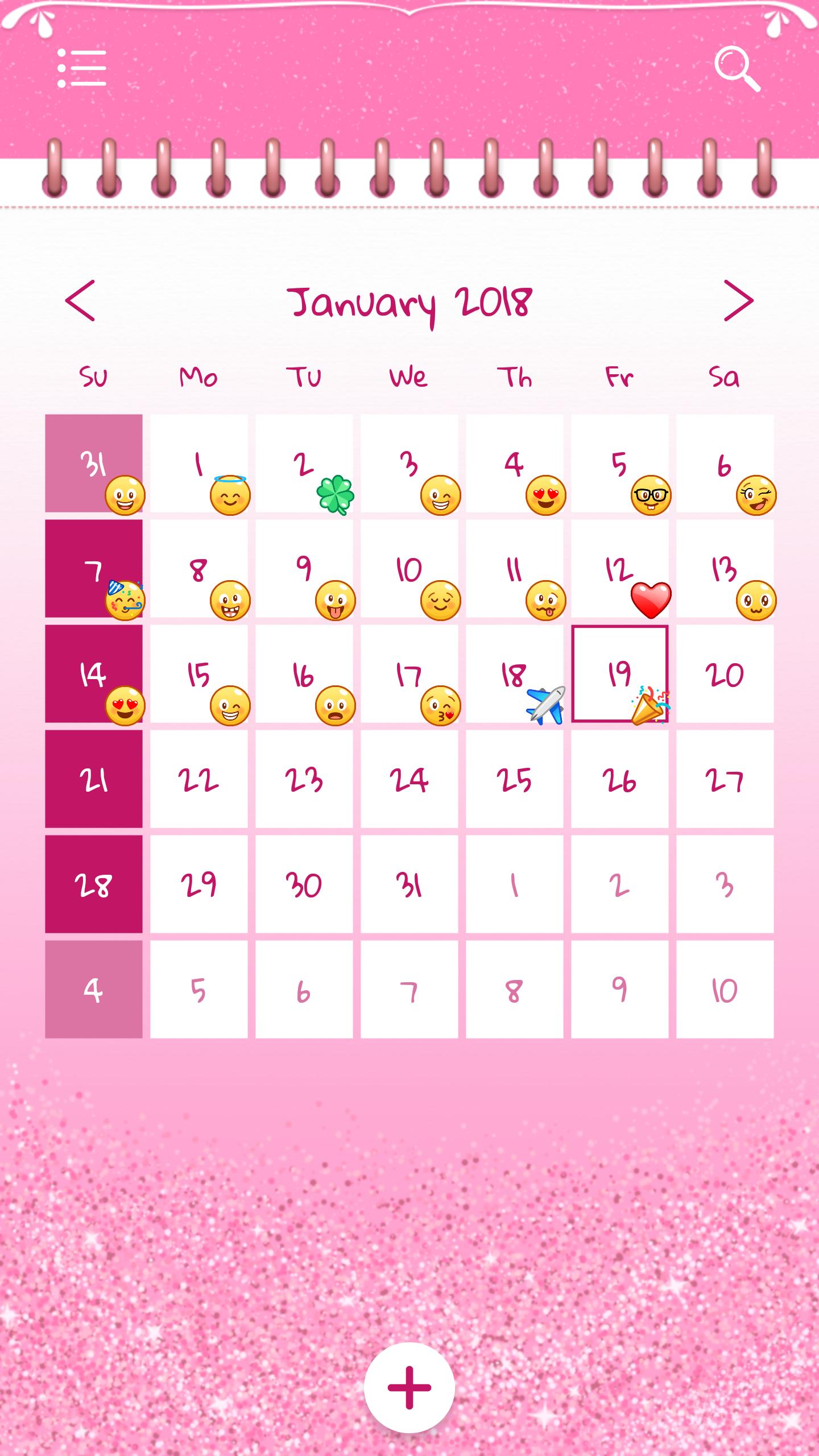
💖✨ Have a beautiful glitter calendar to write notes!
💖✨ Make unlimited entries in your new mood journal app!
💖✨ Easily create, modify or delete entries!
💖✨ Add photos or a mood emoji to each entry!
💖✨ Record audio and add it to your entry!
💖✨ Choose a language: English, German, Spanish, French, Hindi, Japanese, Portuguese, Russian, Serbian, Turkish, Italian and Korean!
💖✨ Search entries by date or keyword from the title or the text!
💖✨ Edit your old entries!
💖✨ Set a daily, weekly or monthly reminder to write!
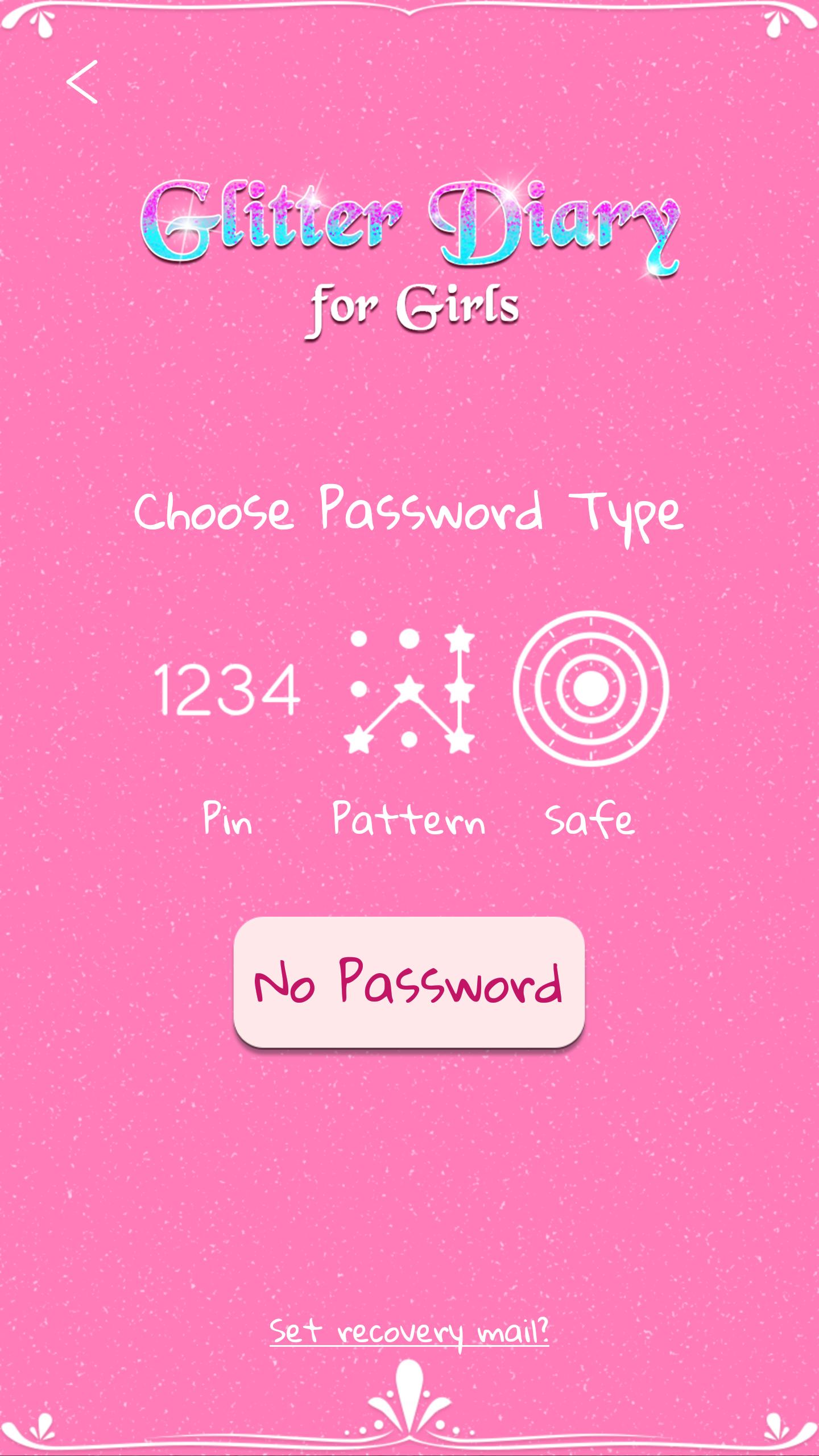
💖✨ Set a pin, pattern or lock and keep your secrets safe!
💖✨ Add a recovery mail in case you forget password for your daily diary mood tracker!
💖✨ Choose a theme color, font, paper style, first day of the week (Sunday/Monday)!
💖✨ Reset, backup and restore your data!
💖✨ This app is integrated with Google Drive™, so that you can save notes to your account!
All your feelings should be noted right away in our best app for making notes! Don't leave out a single detail, not now when you have a “private notepad with password”. Write down your thoughts easily using Glitter Diary for Girls. Get one of the cutest phone personalization apps and start writing the true story of your life on a glitter paper included in one of the cutest “secret diaries for girls with lock”!
When you download Glitter Diary for Girls you’ll start using one of the coolest diaries that have passwords! The options are numerous – tell your love story day after day, jot down notes, or make a friendship secret diary that you can put pictures in and decorate it with a sparkling background. Don’t worry about security because it is the safest “diary with pictures and lock”! Personalize your phone with this private notes app and write down your dreams! The cutest personal notebook app is in front of you so use this memo book to write notes and secrets.
If you are looking for “cute diaries with locks” you can finally stop searching. Start exploring this beautiful personal diary for girls write all your secrets in it! Interesting and cute apps for your phone are something everyone needs so prepare to be amazed by this free app for writing notes! Download “Glitter Diary for Girls” to discover the world of diaries with passwords!
*Google Drive is a trademark of Google Inc. Use of this trademark is subject to Google Permissions.
Preview
Tags
LifestyleInformation
Developer
Thalia Premium Photo Montage
Latest Version
1.2.10
Last Updated
2022-05-27
Category
Lifestyle
Available on
Google Play
Show More
How to play Glitter Diary for Girls with GameLoop on PC
1. Download GameLoop from the official website, then run the exe file to install GameLoop
2. Open GameLoop and search for “Glitter Diary for Girls” , find Glitter Diary for Girls in the search results and click “Install”
3. Enjoy playing Glitter Diary for Girls on GameLoop
Minimum requirements
OS
Windows 8.1 64-bit or Windows 10 64-bit
GPU
GTX 1050
CPU
i3-8300
Memory
8GB RAM
Storage
1GB available space
Recommended requirements
OS
Windows 8.1 64-bit or Windows 10 64-bit
GPU
GTX 1050
CPU
i3-9320
Memory
16GB RAM
Storage
1GB available space